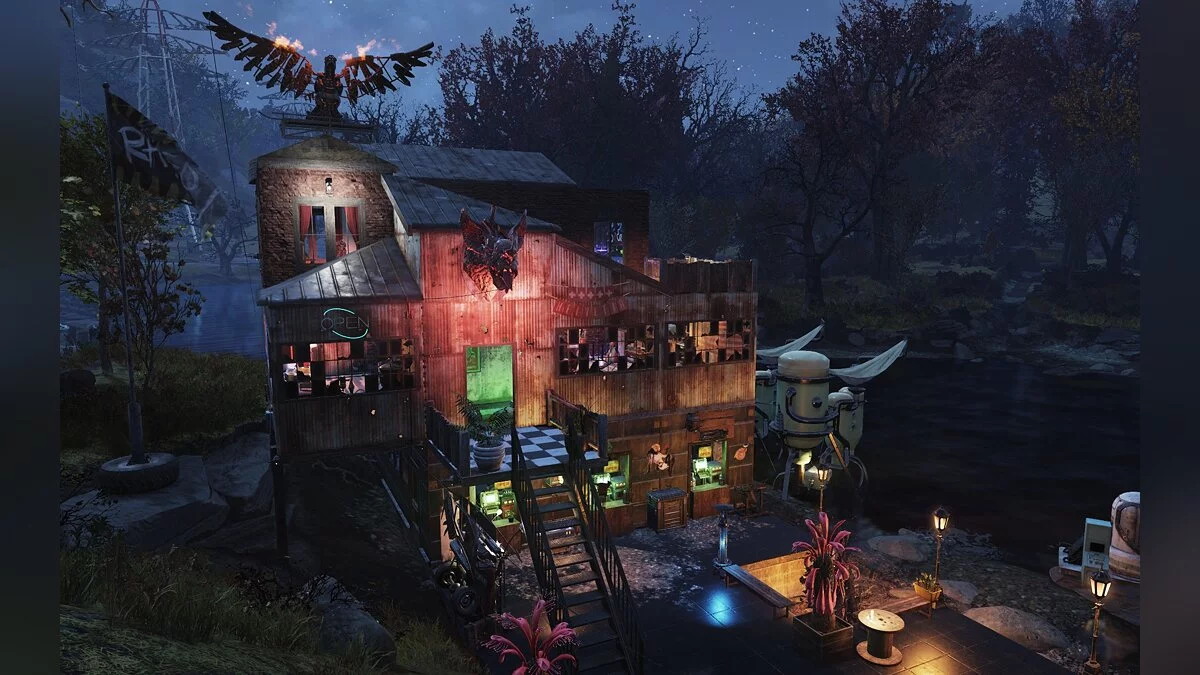
A new game in the Fallout universe is a prequel to all parts of the series without exception. The events begin with Vault 76, the first among those built. It is... Read more
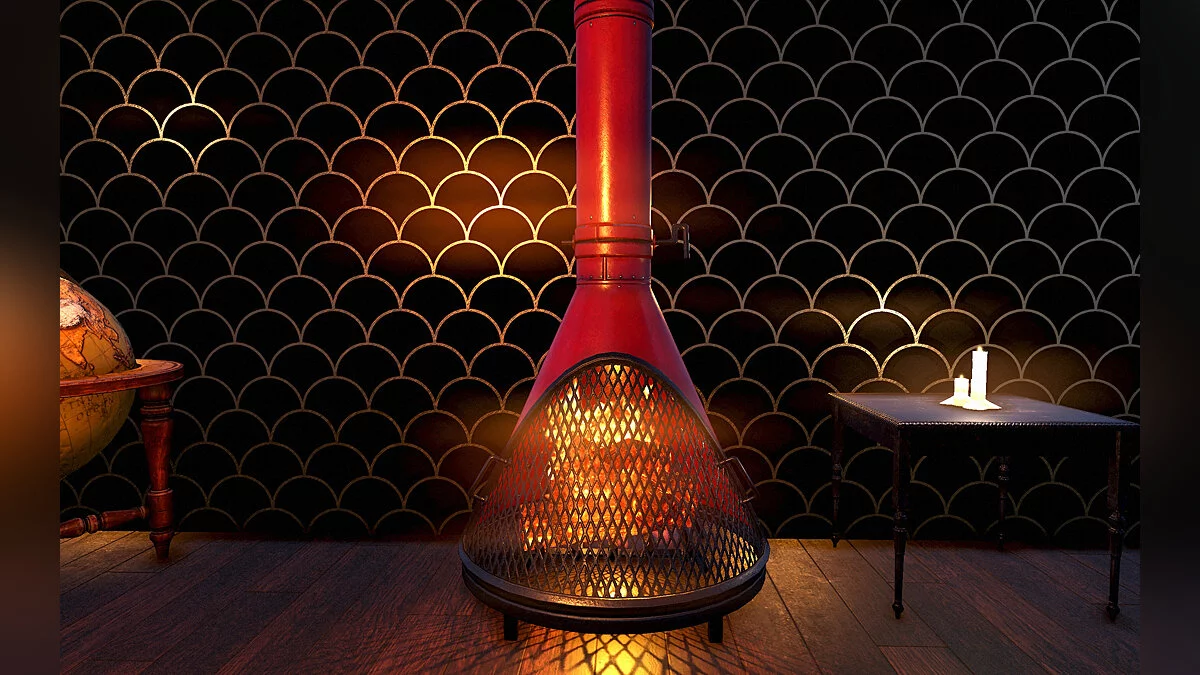
Pristine Modern Fireplace


-
www.nexusmods.comDownload
A pristine modern fireplace with an undamaged front grille. Available in three colors: red, black, and gray.
Installation
1. Choose the most suitable color scheme and download the corresponding archive.
2. Extract the ModernFireplace.ba2 file into the Fallout76 folder.
3. Add the following line to the [Archive] section of your Fallout76Custom.ini:
sResourceArchive2List = ModernFireplace.ba2
If you already have a line that starts with "sResourceArchive2List" in your Fallout76Custom.ini, simply add " ModernFireplace.ba2" (without quotes).
Note: only you will see this retexture in your game.
Clean Undamaged Modern Fireplace.
Современный чистый камин с неповрежденной передней решеткой. В комплекте идут три цвета: красный, черный и серый.
Установка
1. Выберите наиболее подходящую цветовую схему и загрузите соответствующий архив.
2. Извлеките файл ModernFireplace.ba2 в папку Fallout76.
3. Добавьте следующую строку в раздел [Archive] вашего Fallout76Custom.ini:
sResourceArchive2List = ModernFireplace.ba2
Если у вас уже есть строка, которая начинается с «sResourceArchive2List» в файле Fallout76Custom.ini, просто добавьте « ModernFireplace.ba2» (без кавычек).
Примечание: только вы увидите этот ретекстур в своей игре.
Useful links: