

Far Cry 5 is a continuation of the series of first-person adventure shooters. Welcome to the state of Montana — for the first time in the series, the... Read more
Realistic Graphics
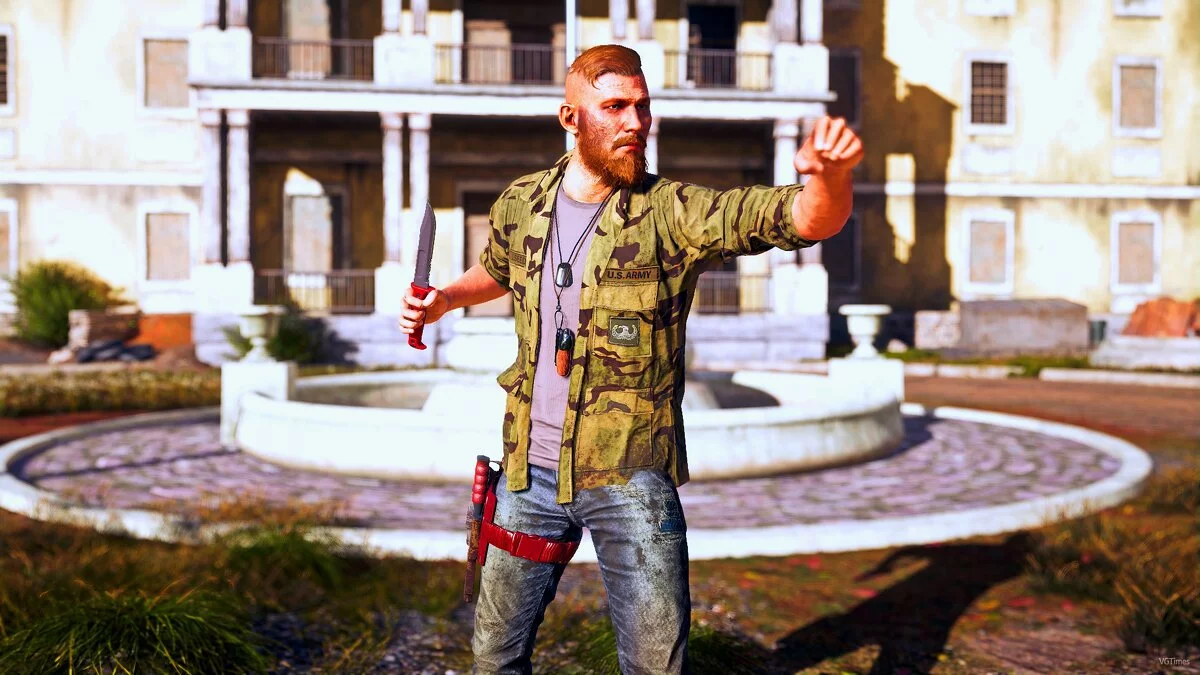
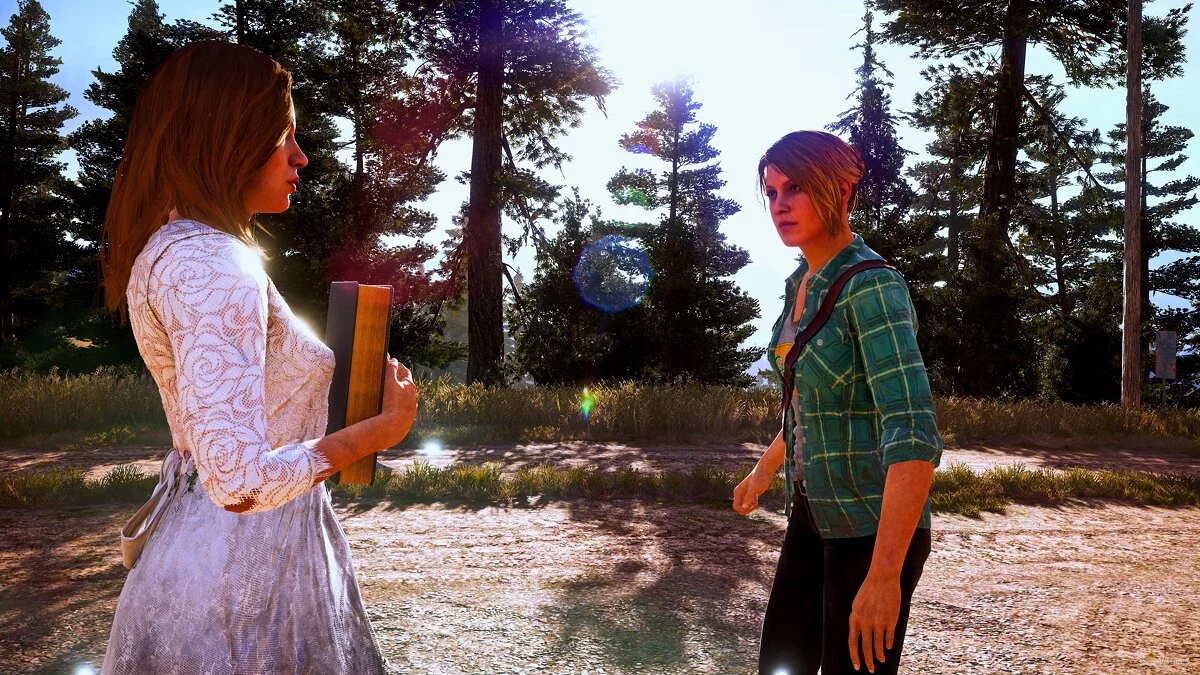


-
1584742132_true_montana_graphics_66_1_0_1584686910.rarDownload (4.32 kB)
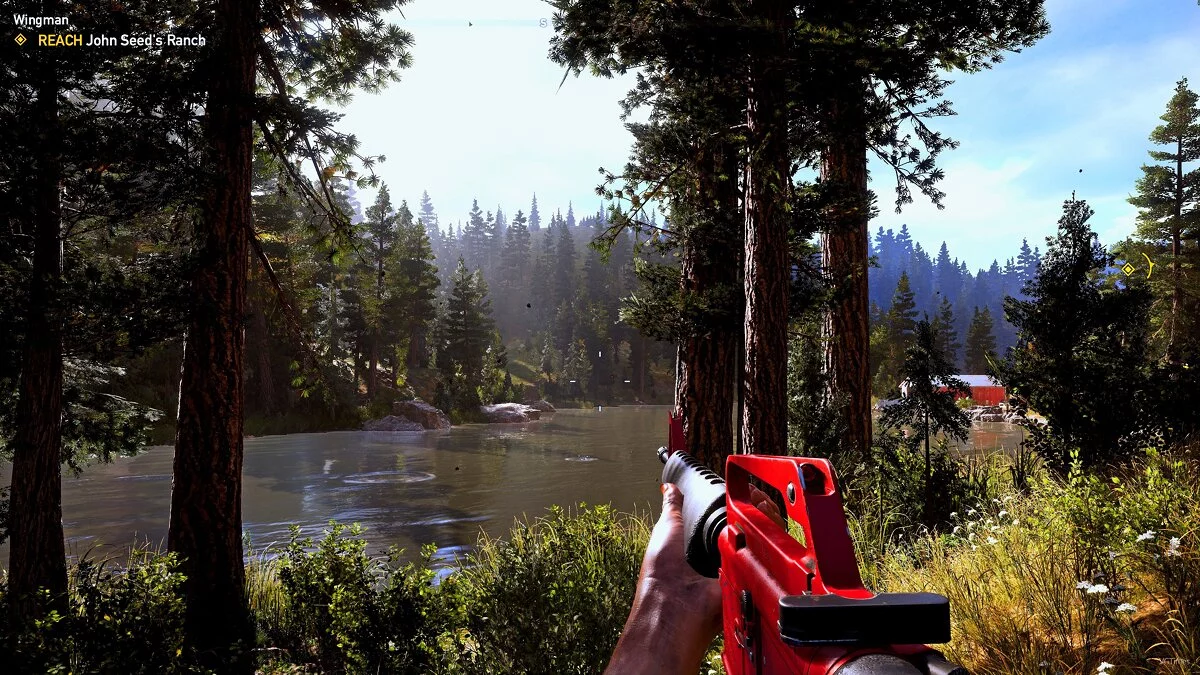
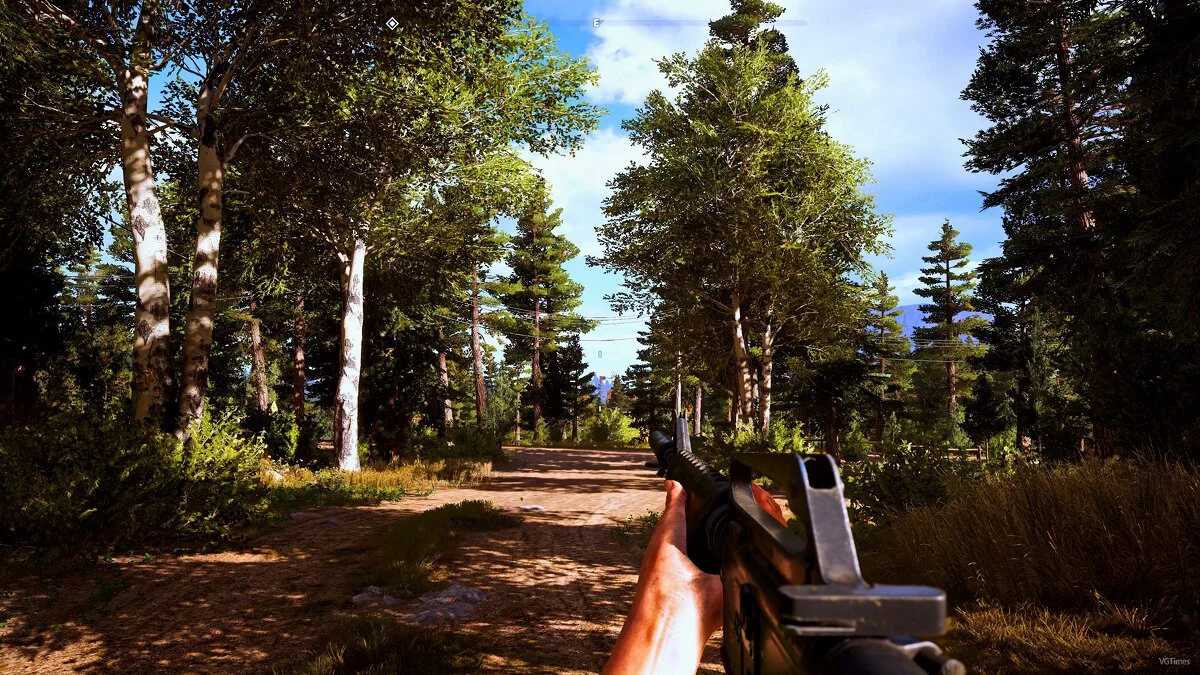
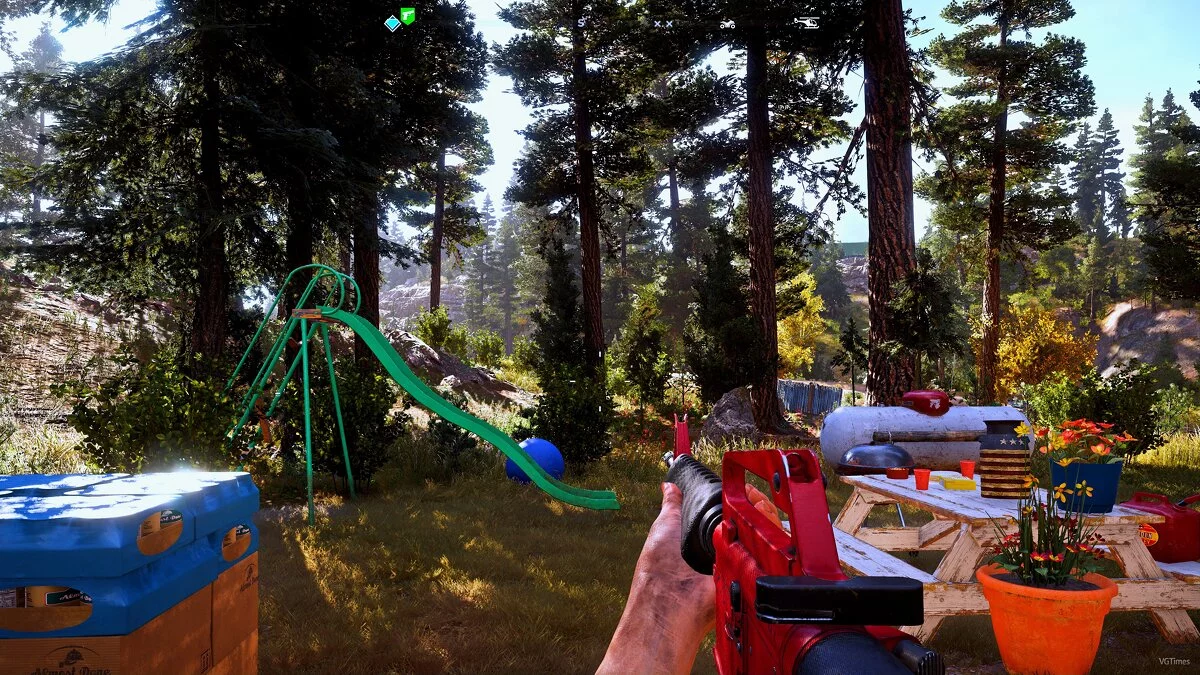
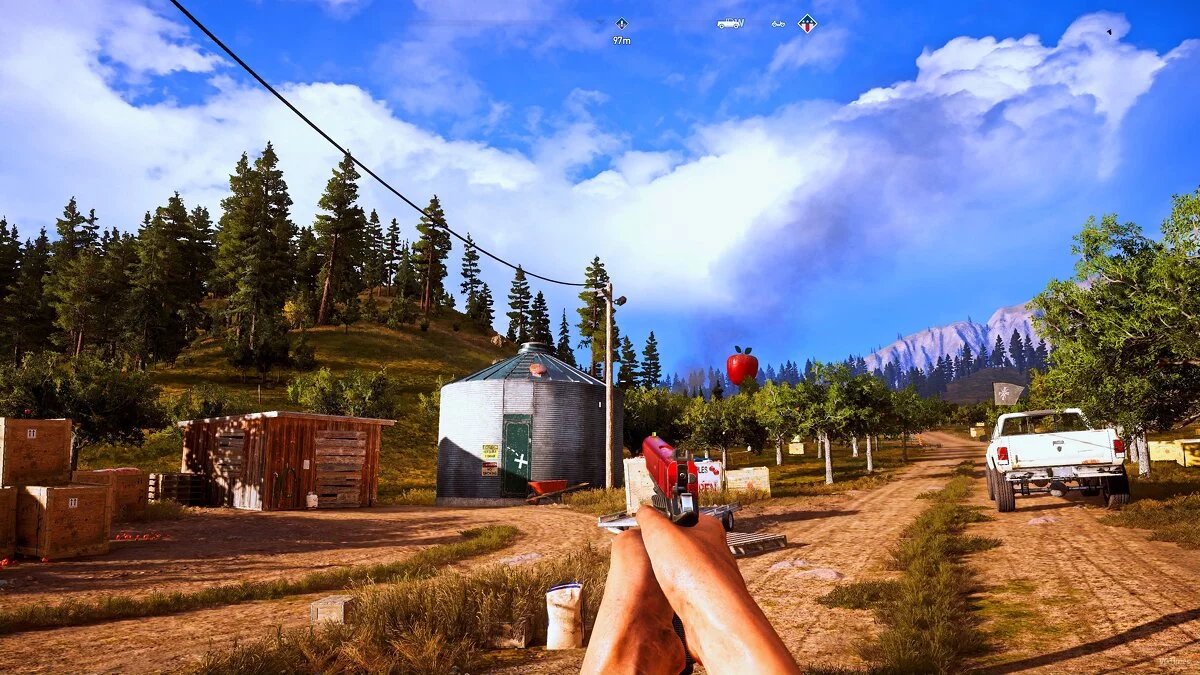
A graphical modification for Far Cry 5 changes the graphics to make them more realistic, according to the author. The preset adjustments alter the display of certain colors and the standard brightness setting, resulting in a more contrasting and "vivid" appearance.
Requirements:
Reshade
Installation:
Move the file "TrueGraphics.ini" to the "bin" folder located in the game directory
Launch Reshade and select your game
Click DX11 and download the necessary shaders
Enter the game and press the "Home" key, in the upper right corner click “+” and select TrueGraphics.
Графическая модификация для Far Cry 5 изменяет графику, делая её более реалистичной, по мнению автора. Пересет насвтроек меняет отображения некоторых цветов и стандартную настройку яркости, благодаря чему игра стала выглядеть боле контрастнее и "сочнее".
Требования:
Reshade
Установка:
Переместите файл "TrueGraphics.ini" в папку "bin", которая находится в каталоге игры
Запустите Reshade и выберете вашу игру
Нажмите DX11 и скачайте необходимые шейдеры
Зайдите в игру и нажмите клавишу "Home", в правом верхнем углу нажмите «+» и выберите TrueGraphics.
Useful links:

![Far Cry 5 — Save File [Uplay License]](https://files.vgtimes.com/download/posts/2021-09/thumbs/1632557455_1632557348_784.webp)
![Far Cry 5 — Trainer (+8) [1.011]](https://files.vgtimes.com/download/posts/2019-03/thumbs/1551621794_bpf2sjwvvnc-fow_vhnvka.webp)
![Far Cry 5 — SaveGame (After the Prologue) [1.0.11]](https://files.vgtimes.com/download/posts/2019-06/thumbs/1560707034_1560706961_382.webp)
![Far Cry 5 — Trainer (+17) [1.16]](https://files.vgtimes.com/download/posts/2023-05/thumbs/trejjner-17-1-16_1685539521_66286.webp)

![Far Cry 5 — Trainer (+17) [1.02] [LinGon]](https://files.vgtimes.com/download/posts/2018-04/thumbs/1522901206_jpg.webp)
![Far Cry 5 — SaveGame (Game completed at 99% - 100%, without DLC) [CODEX]](https://files.vgtimes.com/download/posts/2019-01/thumbs/1546539567_1546539425_548.webp)