
Final Fantasy VII Remake is a rerelease of the 1997 Japanese role-playing game Final Fantasy VII . Fans of this cult JRPG and newcomers unfamiliar with the series... Read more
Enhanced Color Correction
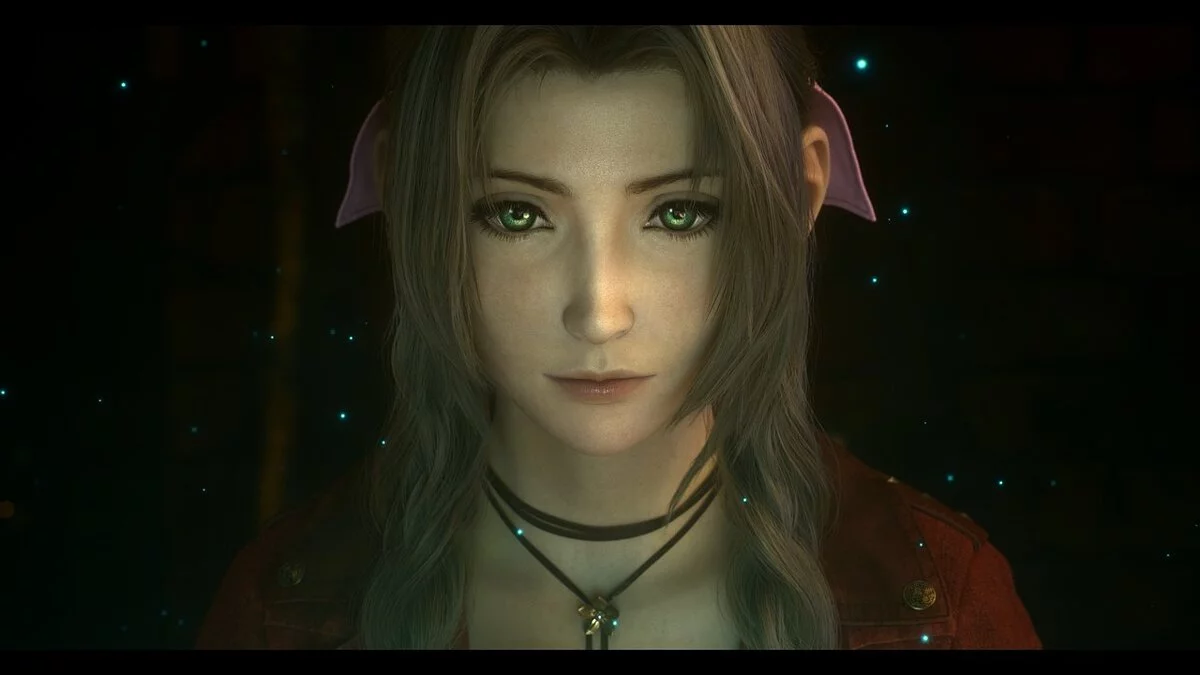
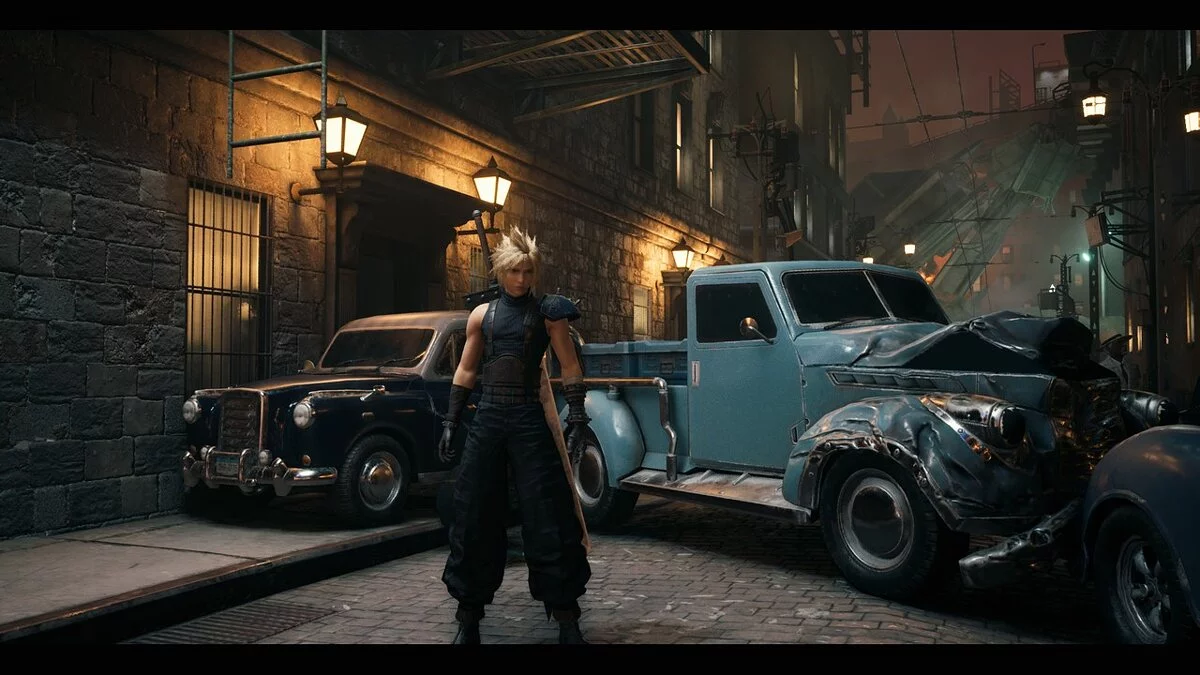
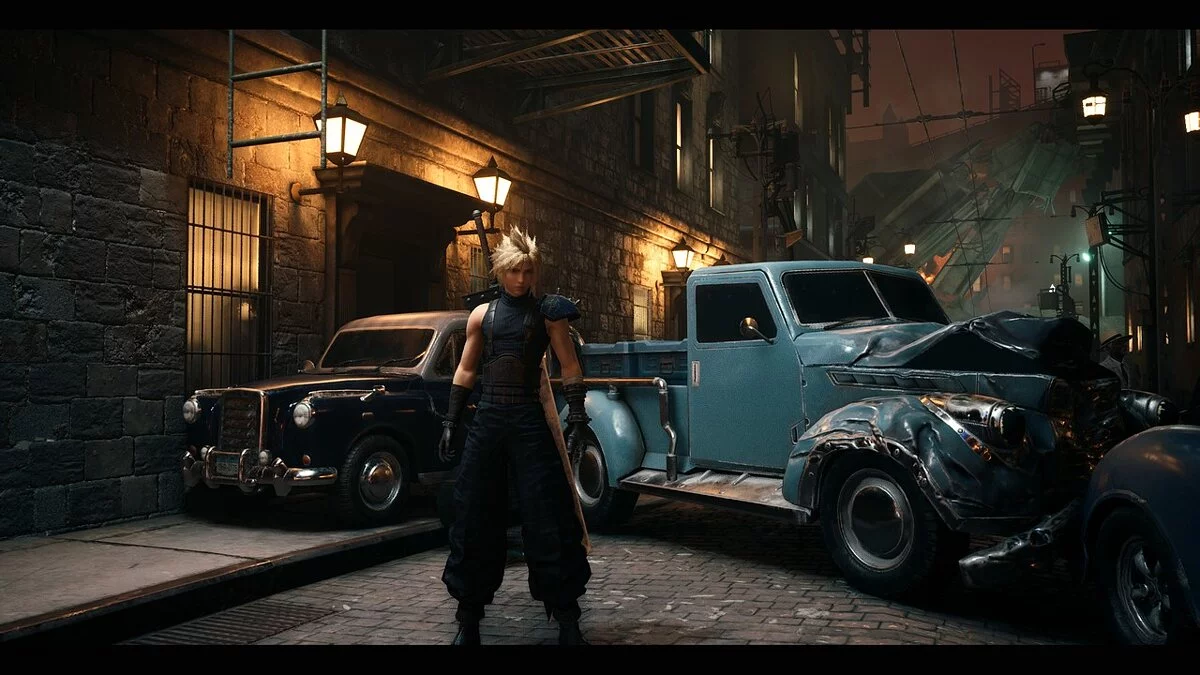

-
www.nexusmods.comDownload
Lifestream Reshade.
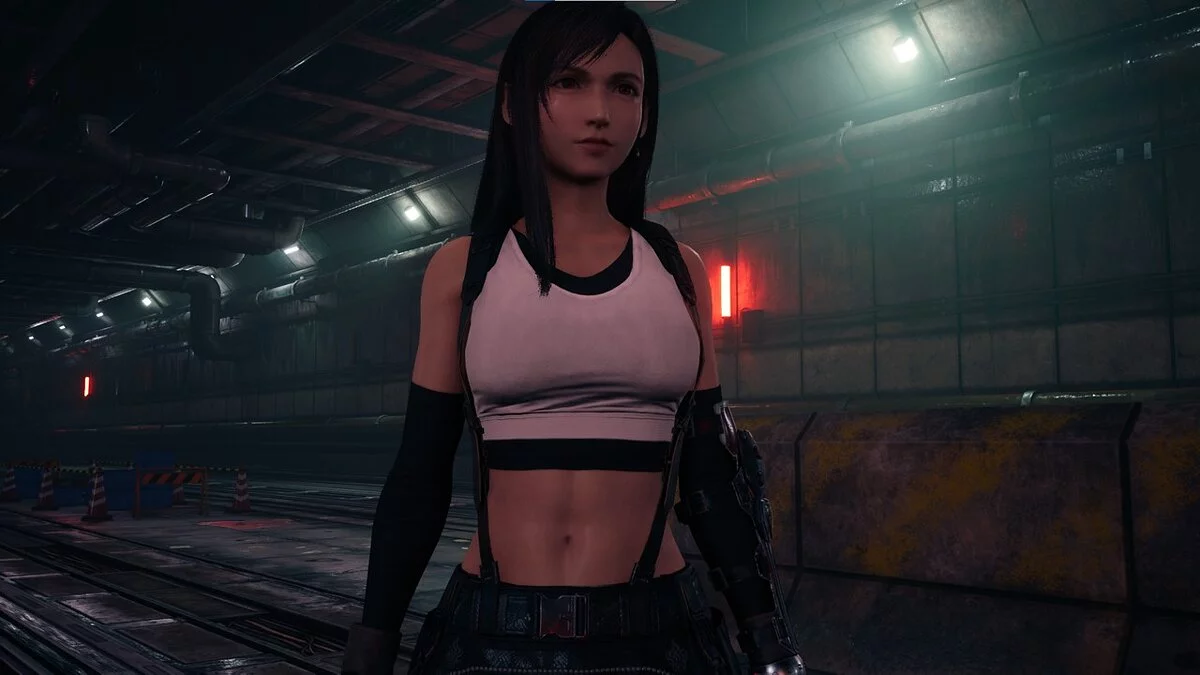
This is a Reshade preset for improved color correction and enhancement of the game's original appearance. Do not expect performance drops when using it; otherwise, losses will be minimal, depending on your PC's specifications. Reshade resources used: AmbientLight, Border, Curves, HDR, LumaSharpen, Tonemap, and Vibrance.
REQUIREMENTS:
1. ONLY for NVIDIA users: if you are using an HDMI connection, it is VERY IMPORTANT to set the full dynamic range in the graphics card control panel. For AMD users: open the AMD control panel, go to the "Games" tab > "Games" > "Global Graphics" > "Display" > "Pixel Format" and set the value: Standard PC in pixel format 4:4:4 RGB (Full RGB).
Lifestream Reshade.
Это предустановка Reshade для лучшей цветокоррекции и улучшения оригинального внешнего вида игры. Не стоит ожидать падения производительности при его использовании, иначе потери будут минимальными, в зависимости от характеристик вашего ПК. Используемые ресурсы Reshade: AmbientLight, Border, Curves, HDR, LumaSharpen, Tonemap и Vibrance.
ТРЕБОВАНИЯ:
1. ТОЛЬКО для пользователей NVIDIA: если вы используете соединение HDMI, ОЧЕНЬ ВАЖНО установить полный динамический диапазон на панели управления видеокартой. Для пользователей AMD: откройте панель управления AMD, перейдите на вкладку «Игры»> «Игры»> «Глобальная графика»> «Дисплей»> «Формат пикселей» и установите значение: Стандарт ПК в формате пикселей 4: 4: 4 RGB (Full RGB).
Useful links:
![Final Fantasy VII Remake — Trainer (+24) from 06.18.2022 [WeMod]](https://files.vgtimes.com/download/posts/2022-06/thumbs/1655539289_2022-06-18_105954.webp)
![Final Fantasy VII Remake — Trainer (+24) [1.0]](https://files.vgtimes.com/download/posts/2021-12/thumbs/1640506269_4i2i8j8xpswypd-no-0gww.webp)
![Final Fantasy VII Remake — Trainer (+21) [1.01]](https://files.vgtimes.com/download/posts/2022-06/thumbs/1656229931_xsze6hsfce7rxri-vimurq.webp)

![Final Fantasy VII Remake — Trainer (+21) [1.01 Fixed]](https://files.vgtimes.com/download/posts/2022-06/thumbs/1656404383_xsze6hsfce7rxri-vimurq.webp)
![Final Fantasy VII Remake — Trainer (+20) from 12.17.2021 [WeMod]](https://files.vgtimes.com/download/posts/2021-12/thumbs/1639822048_2021-12-18_130609.webp)
![Final Fantasy VII Remake — Cheat Engine Table [UPD: 22.12.2021]](https://files.vgtimes.com/download/posts/2021-12/thumbs/1640246937_ff7-1621347940538_large.webp)