
Final Fantasy VII Remake is a rerelease of the 1997 Japanese role-playing game Final Fantasy VII . Fans of this cult JRPG and newcomers unfamiliar with the series... Read more
Ultima Reshade
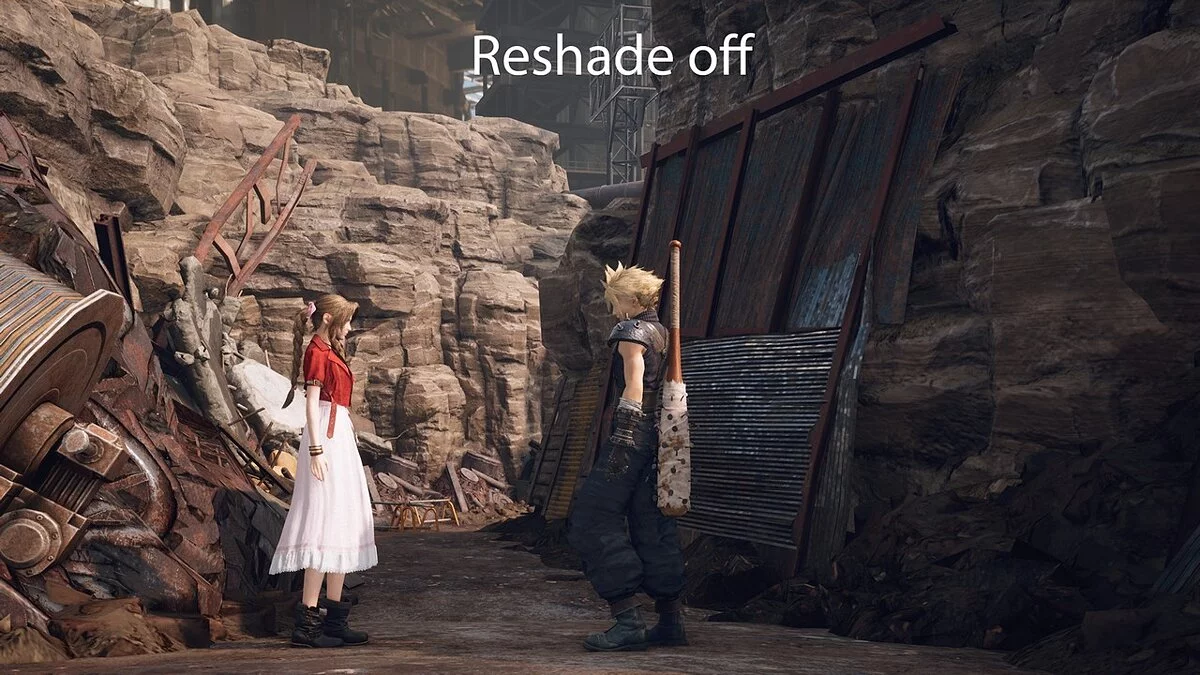
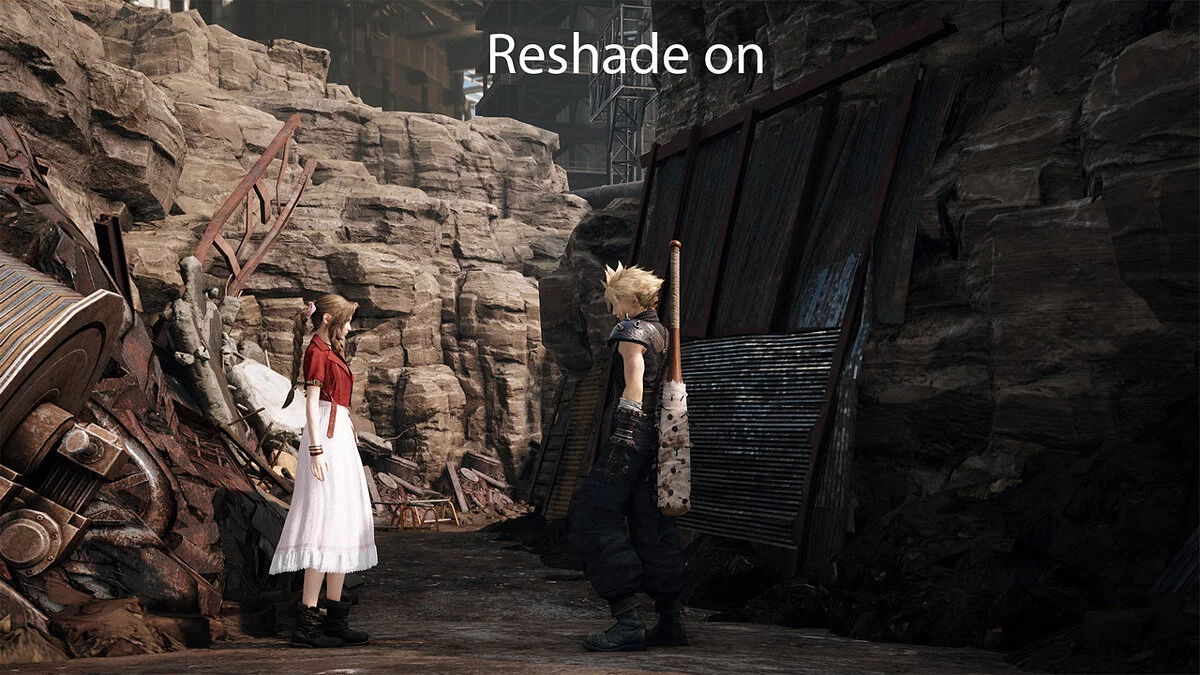
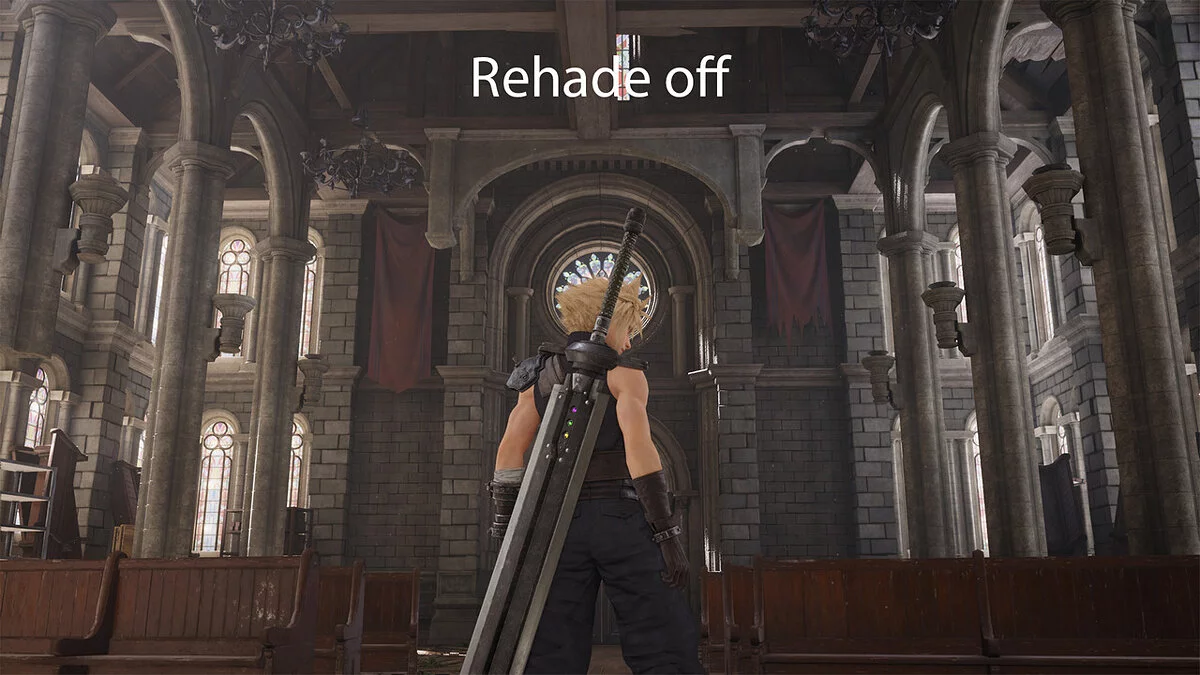
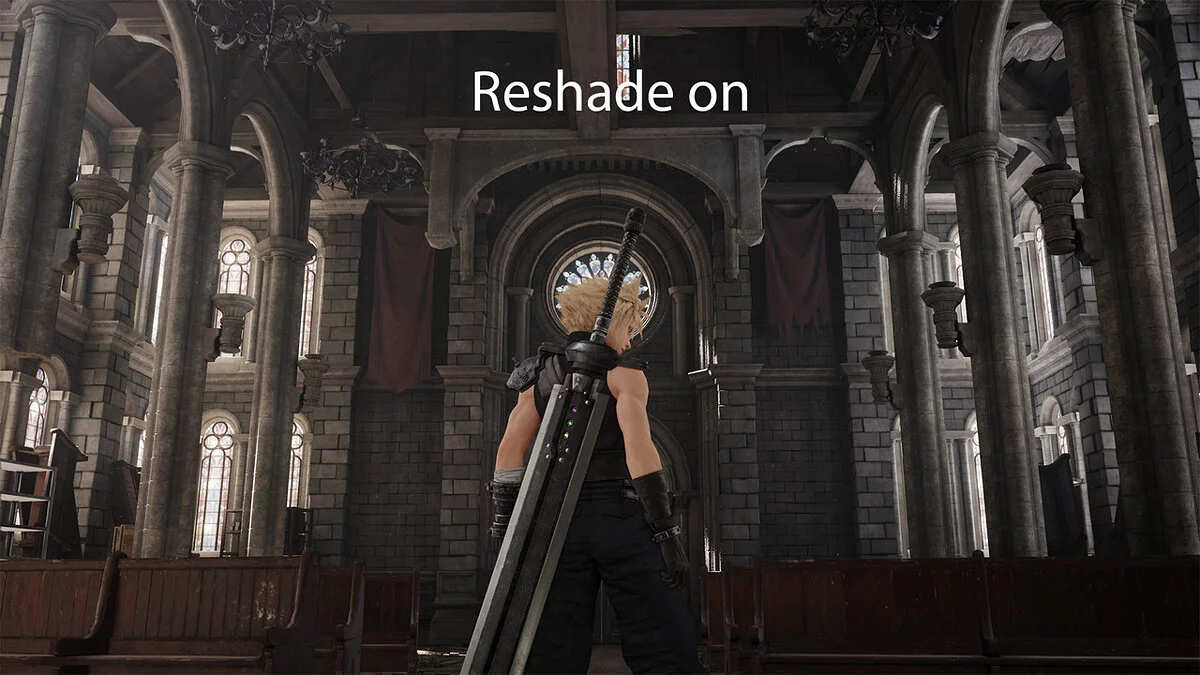

-
www.nexusmods.comDownload
Ultima Reshade.
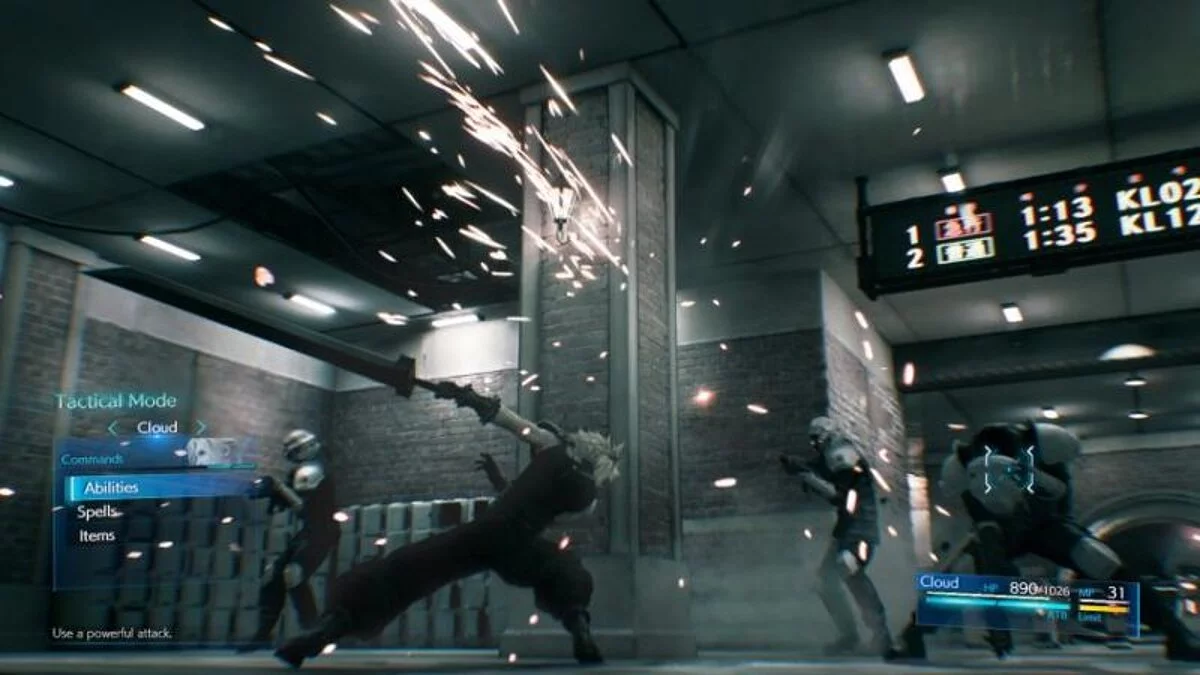
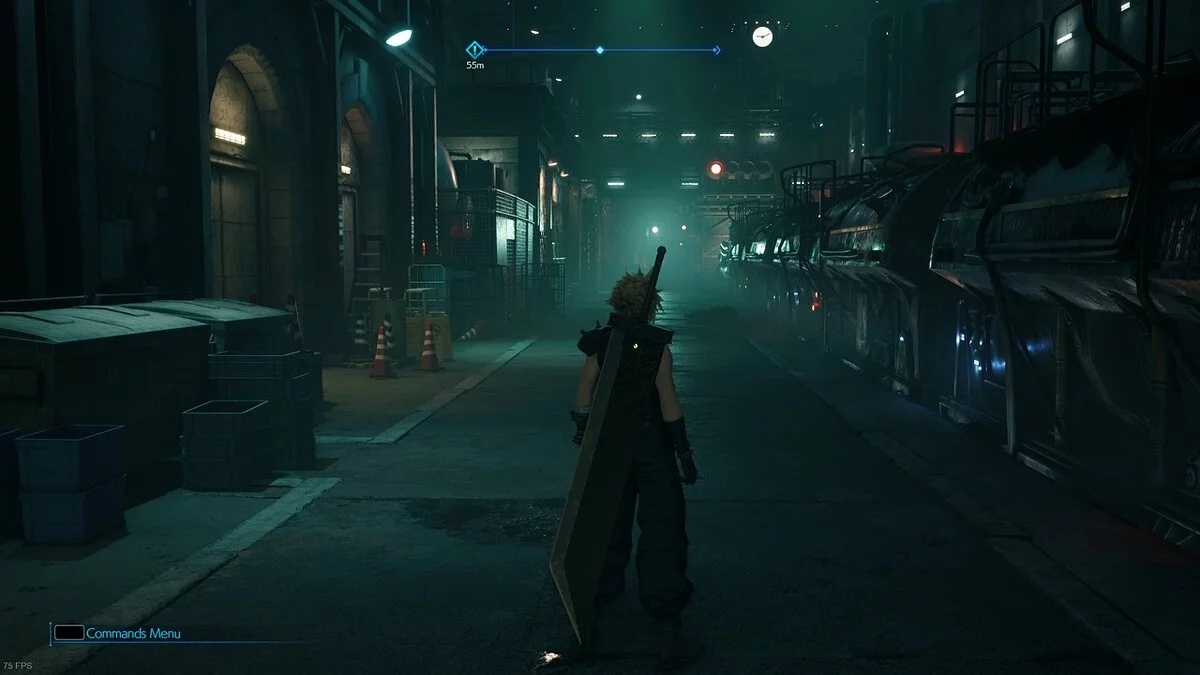
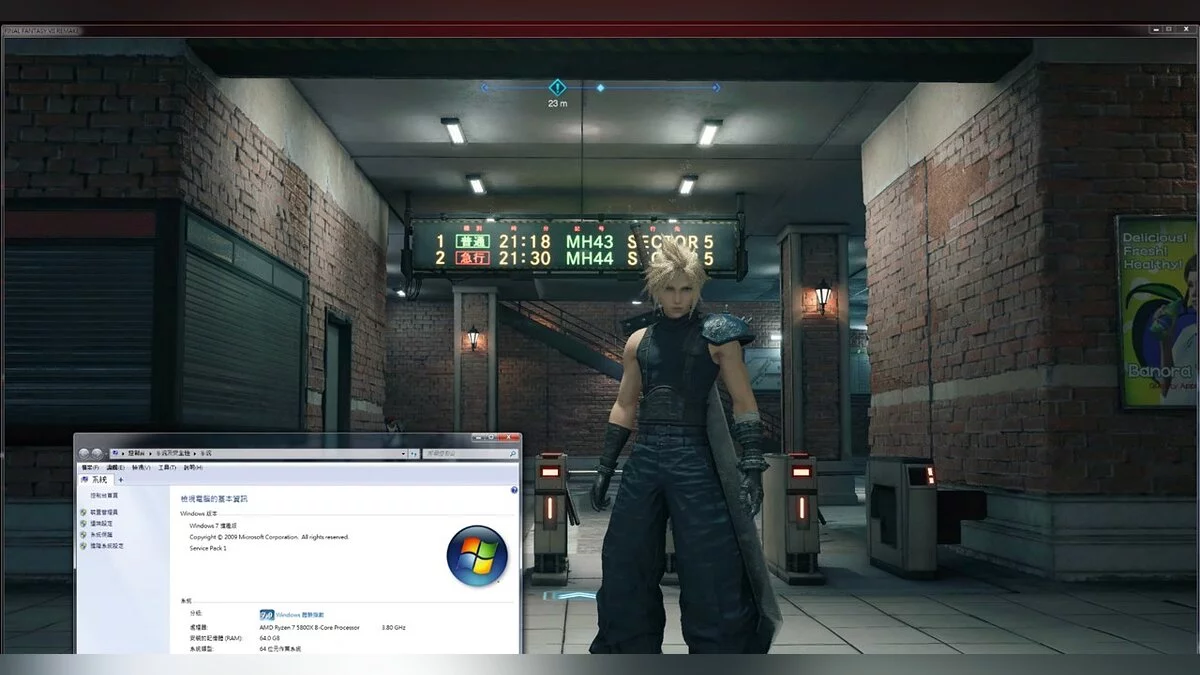
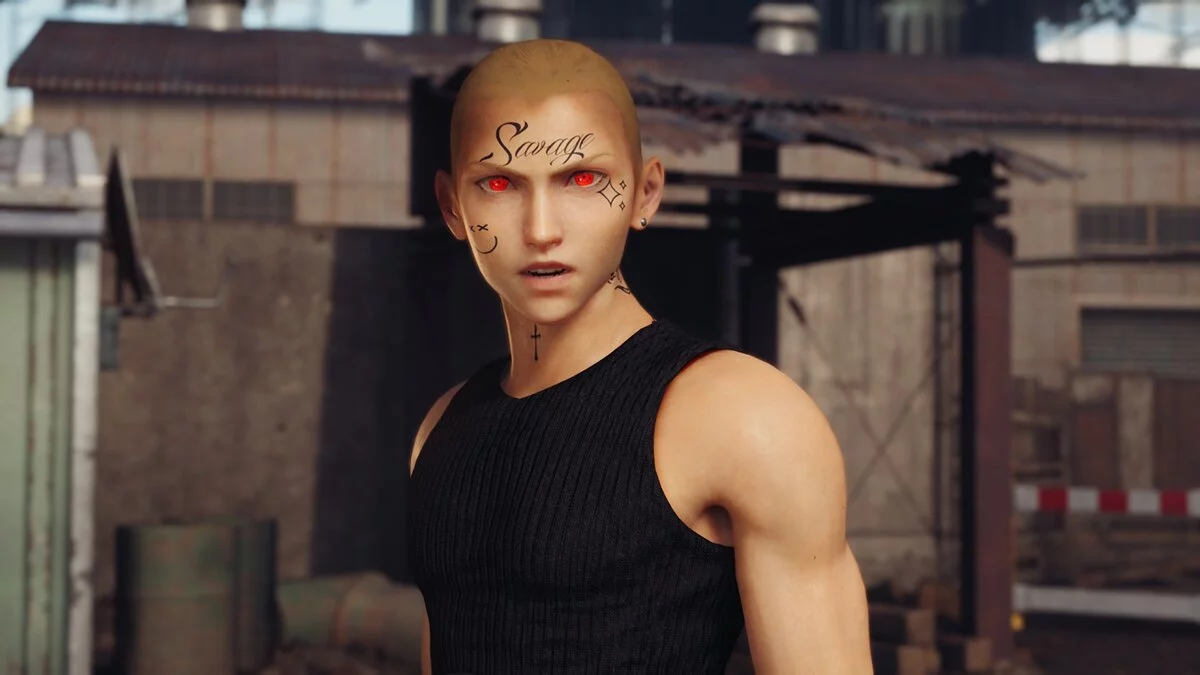
A fake HDR reshade with color correction and various other enhancements. This reshade significantly improves the visual quality of the game, giving it an HDR look through various settings such as color correction and contrast adjustment.
Installation Guide:
Step 1: Download reshade from reshade.me and follow the installer instructions.
(The game exe file is located in the folder /Final fantasy vii remake intergrade/end/binaries/win64).
Step 2: Install all additional shaders when prompted to choose options.
Step 2: After installing reshade, place my preset file in the same folder as the game exe.
Step 3: If my preset does not load, click 'Finish' in the game, then click 'Skip Tutorial' and select UltimaReshade from the dropdown menu.
Ultima Reshade.
Поддельный HDR решейд с цветокоррекцией и различными другими улучшениями. Решейд, который значительно повышает визуальное качество игры, придает HDR вид с помощью различных настроек, таких как коррекция цвета и настройка контрастности.
Руководство по установке:
Шаг 1: Загрузите reshade с сайта reshade.me и следуйте инструкциям установщика.
(Файл игры exe находится в папке /Final fantasy vii remake intergrade/end/binaries/win64).
Шаг 2: Установите все дополнительные шейдеры, когда он спросит, какие варианты выбрать.
Шаг 2: После установки reshade поместите мой файл пресетов в ту же папку, что и игра exe.
Шаг 3: Если мой пресет не загружается, нажмите «Завершить» в игре, затем нажмите «Пропустить обучение» и в раскрывающемся меню выберите UltimaReshade.
Useful links:
![Final Fantasy VII Remake — Trainer (+24) [1.0]](https://files.vgtimes.com/download/posts/2021-12/thumbs/1640506269_4i2i8j8xpswypd-no-0gww.webp)