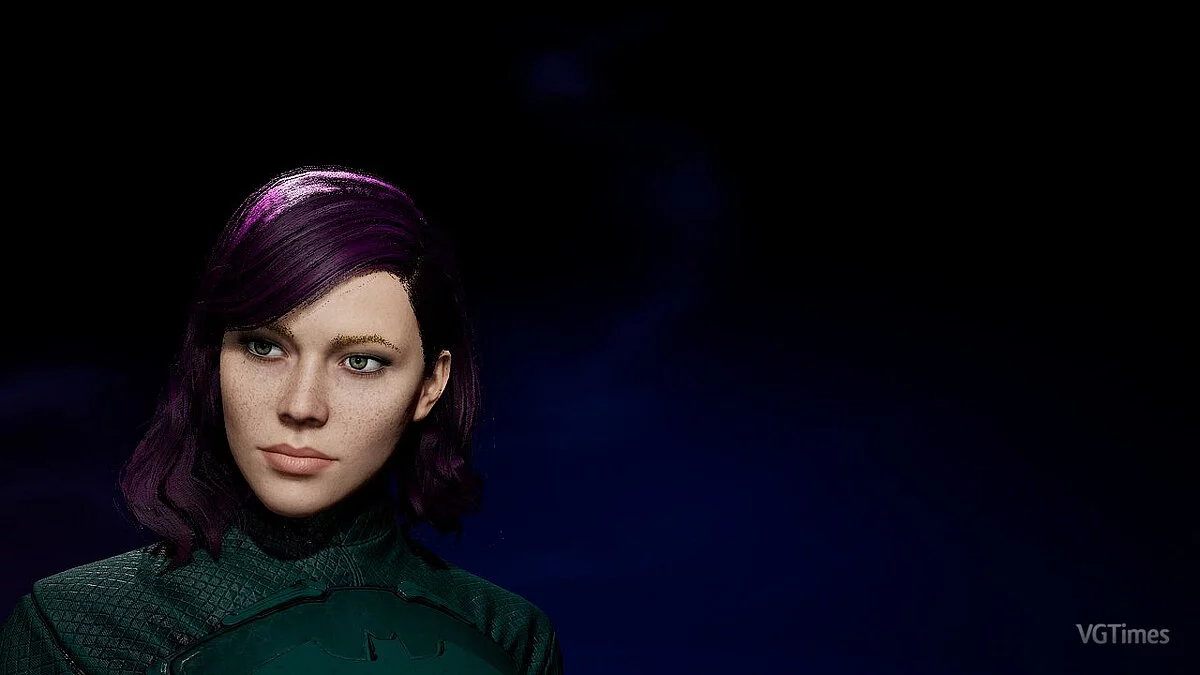
Gotham Knights is a cooperative online action game with role-playing game elements and a third-person view in a comic book setting. A large open world awaits you... Read more
Dark Reshade
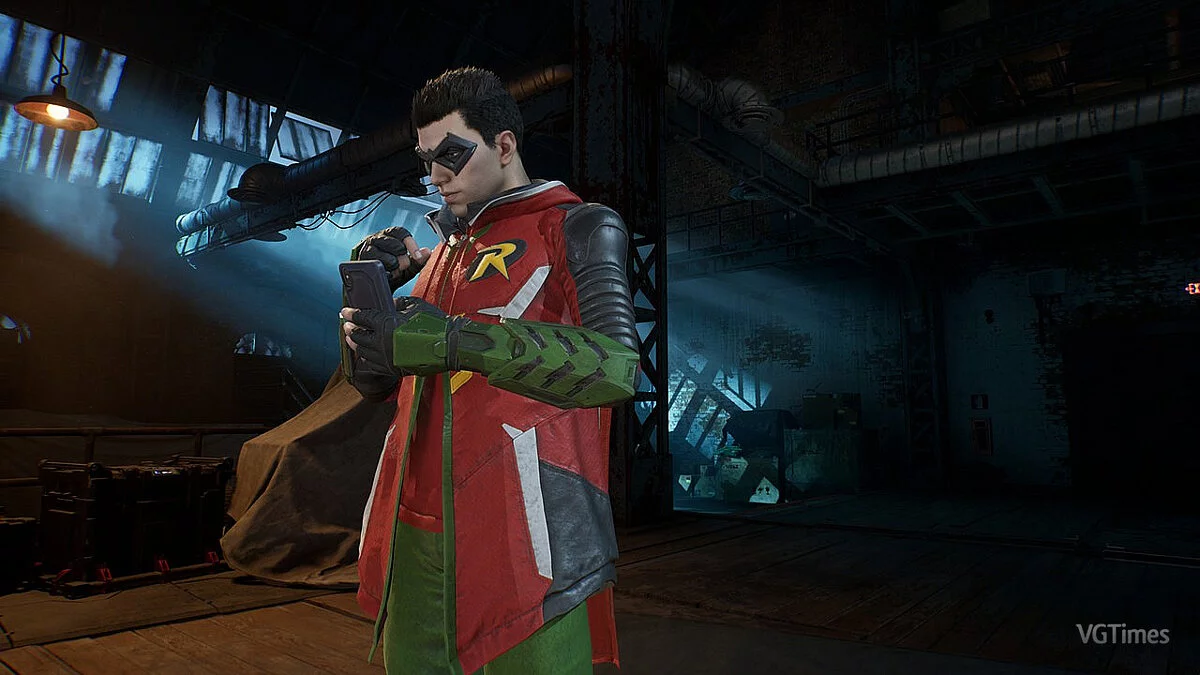
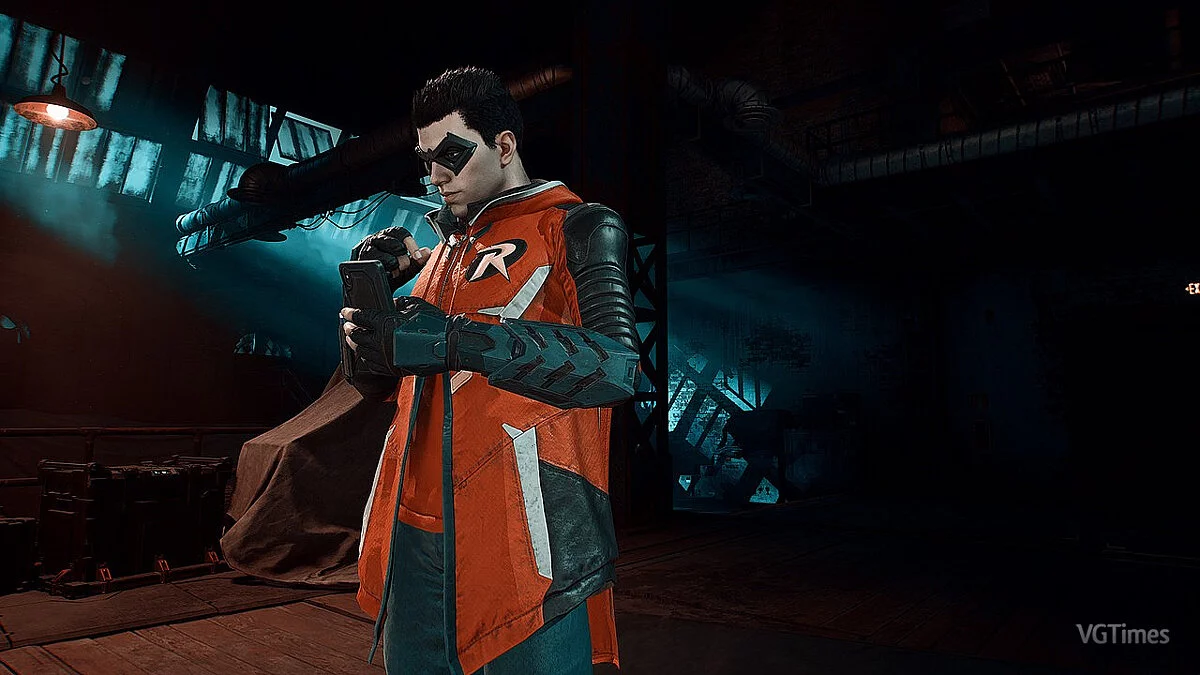
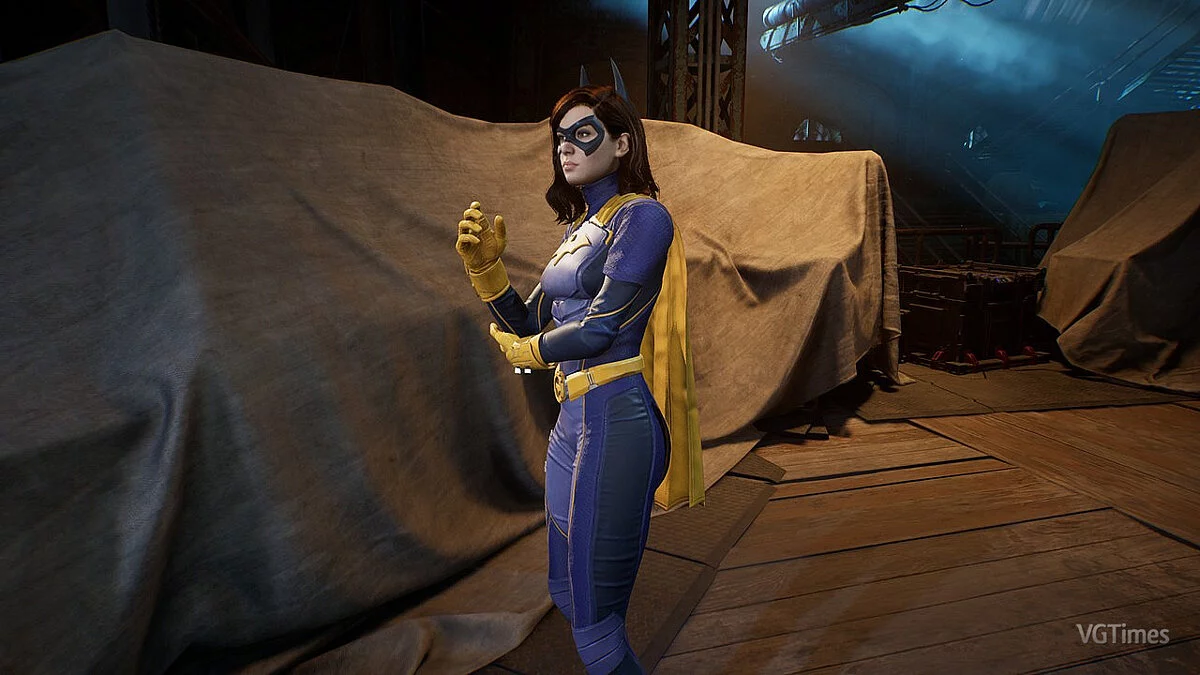
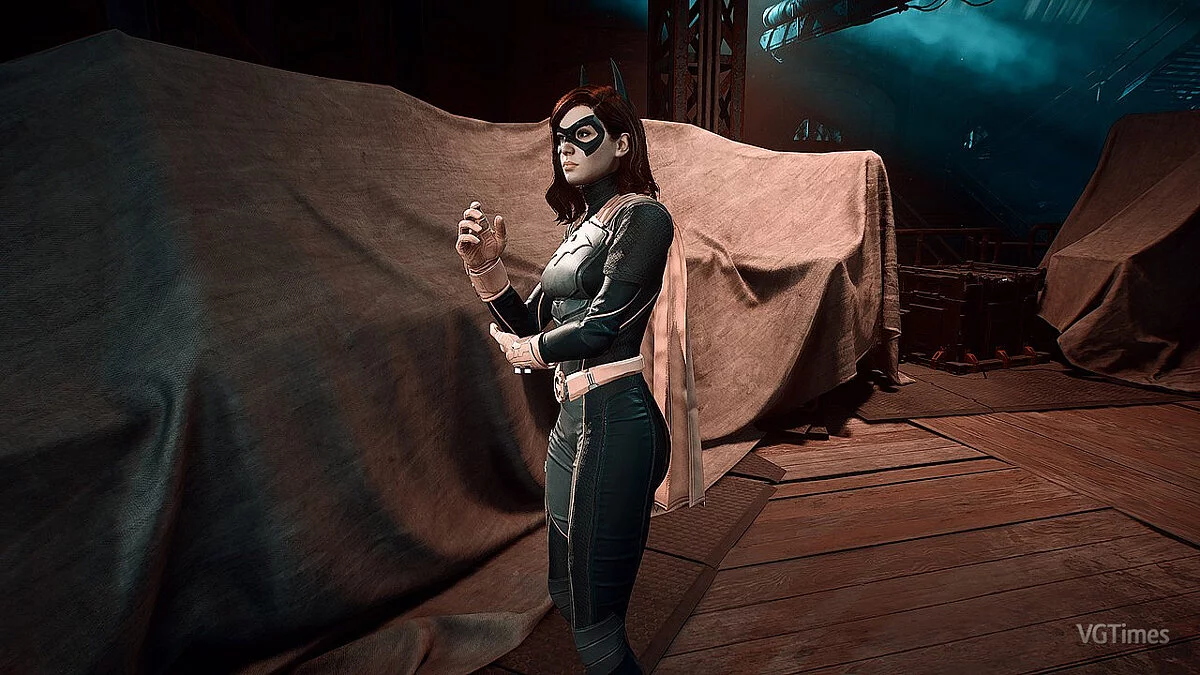

-
www.nexusmods.comDownload
Nemesis Dark V2 Reshade.
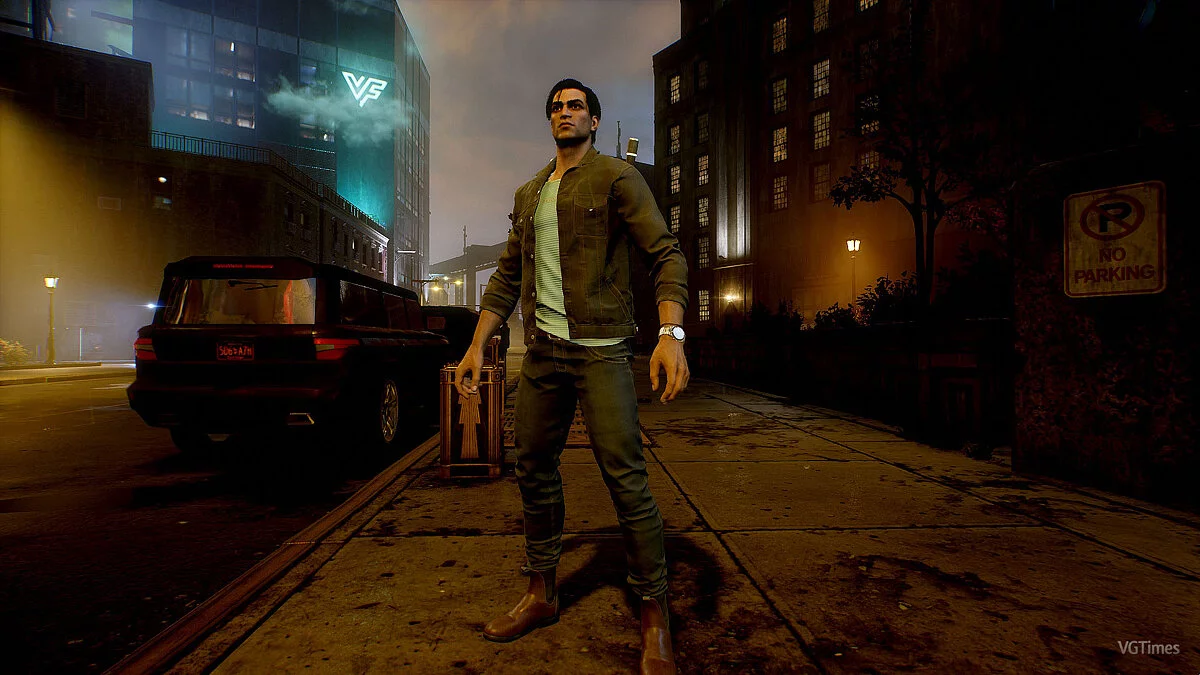
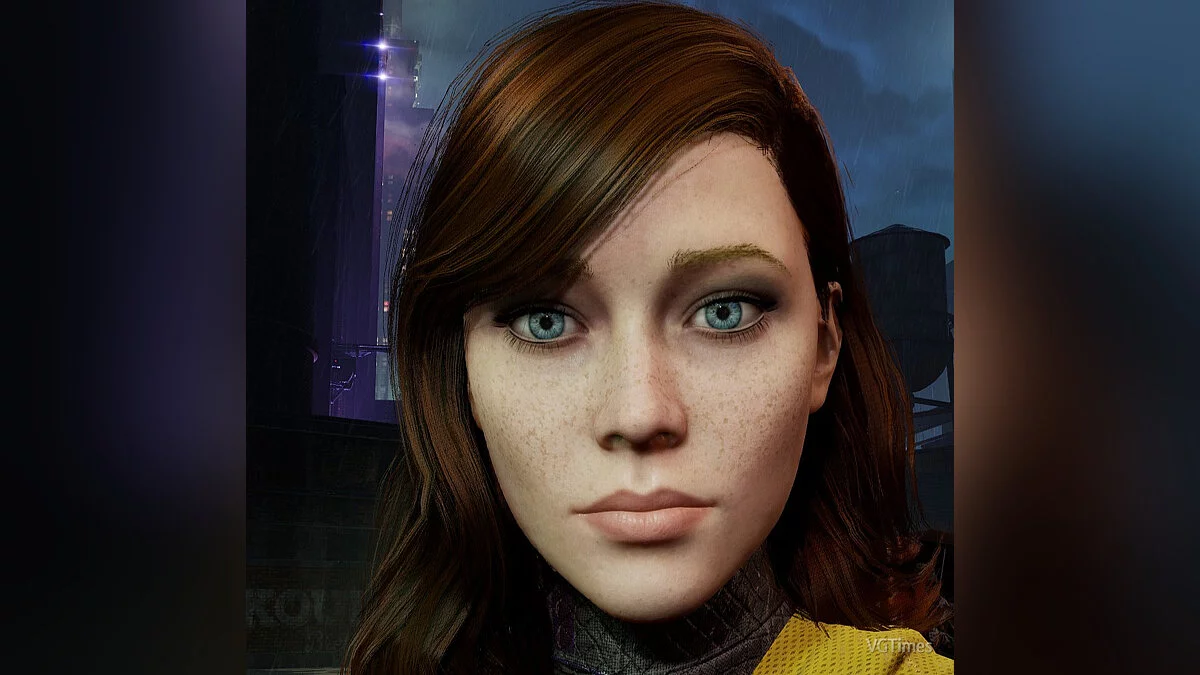
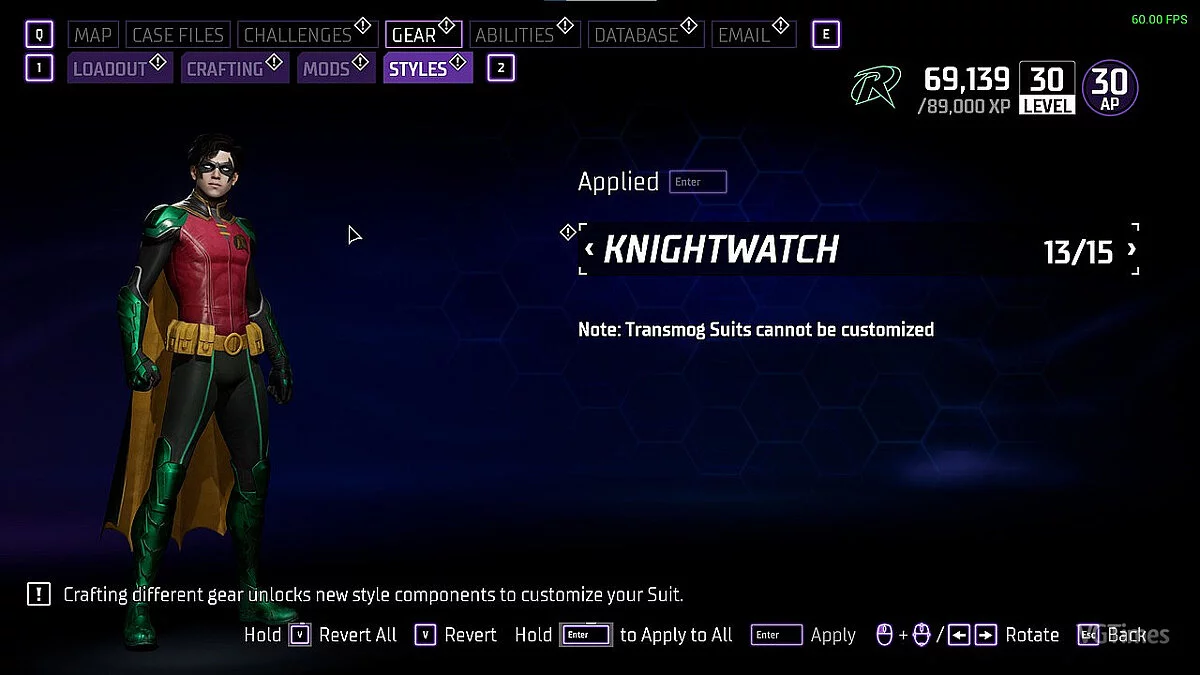
Sharper, darker, more reminiscent of Batman Arkham Knight with deeper shades and muted colors.
Installation:
1 Install ReShade 5.4.2 in the game folder and select GothamKnights.exe
2 Check all shaders when prompted during installation
3 Extract Nemesis Dark.ini from the archive and place it in the game folder
4 After launching the game, press Home to open the Reshade interface, skip the tutorial, and select Nemesis Preset.ini from the dropdown menu at the top of the window.

Nemesis Dark V2 Reshade.
Резче, темнее, больше похоже на Batman Arkham Knight с более темными оттенками и приглушенными цветами.
Установка:
1 Установите ReShade 5.4.2 в папку с игрой и выберите GothamKnights.exe
2 Проверьте все шейдеры при появлении запроса во время установки
3 Извлеките Nemesis Dark.ini из архива и поместите в папку с игрой
4 После запуска игры нажмите Home, чтобы открыть графический интерфейс Reshade, пропустите руководство и выберите Nemesis Preset.ini в раскрывающемся меню в верхней части окна.
Useful links:
![Gotham Knights — Cheat Engine Table [UPD: 27.10.2022 #2]](https://files.vgtimes.com/download/posts/2022-10/thumbs/1666945013_gk.webp)
![Gotham Knights — Trainer (+6) from 21.10.2022 [WeMod]](https://files.vgtimes.com/download/posts/2022-10/thumbs/1666428520_2022-10-22_114731.webp)
![Gotham Knights — Trainer (+15) from 10.25.2022 [WeMod]](https://files.vgtimes.com/download/posts/2022-10/thumbs/1666774297_2022-10-26_115039.webp)