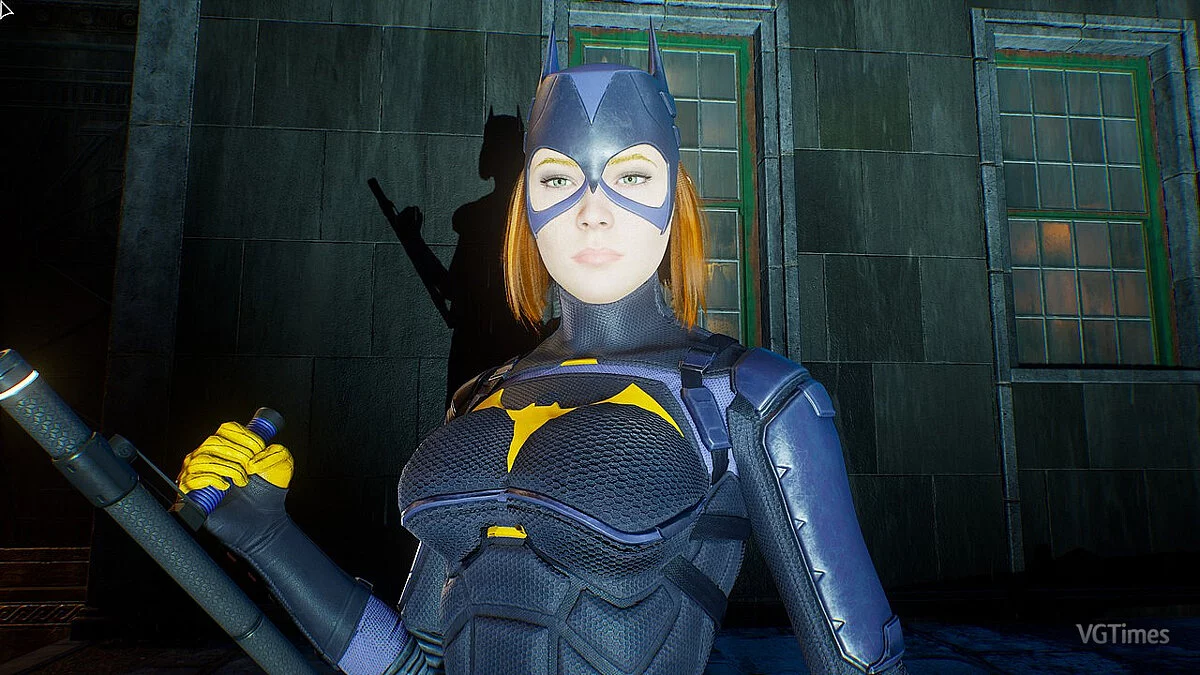
Gotham Knights is a cooperative online action game with role-playing game elements and a third-person view in a comic book setting. A large open world awaits you... Read more
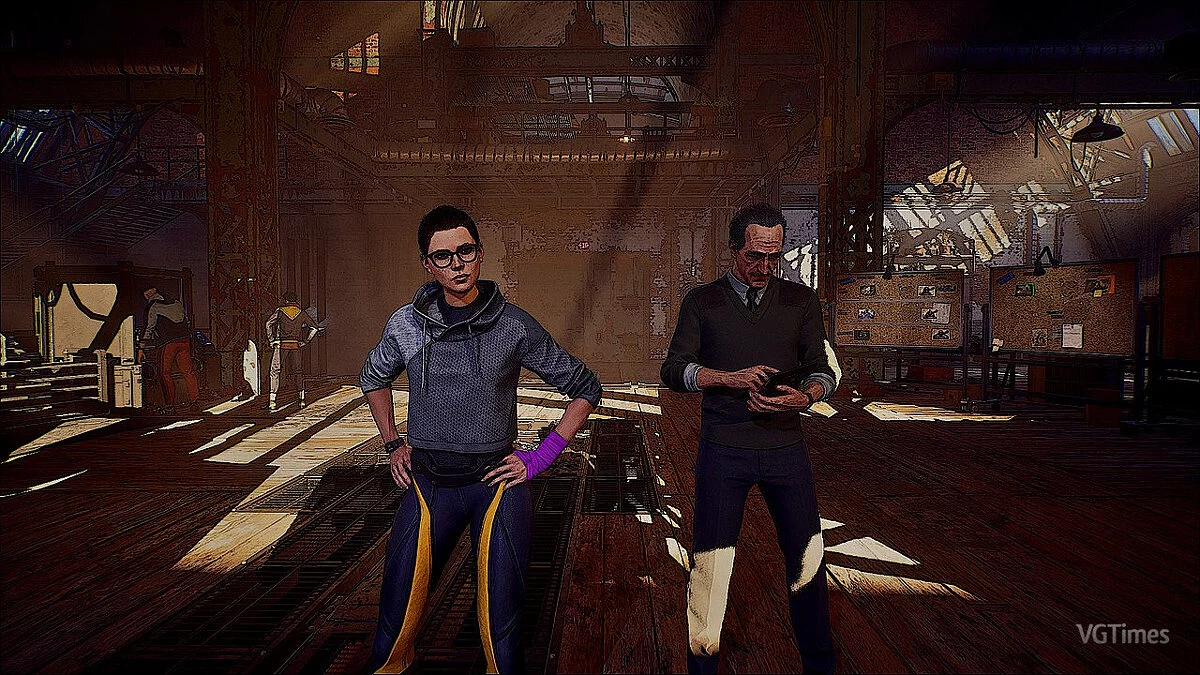
Comic Book Graphics


-
www.nexusmods.comDownload
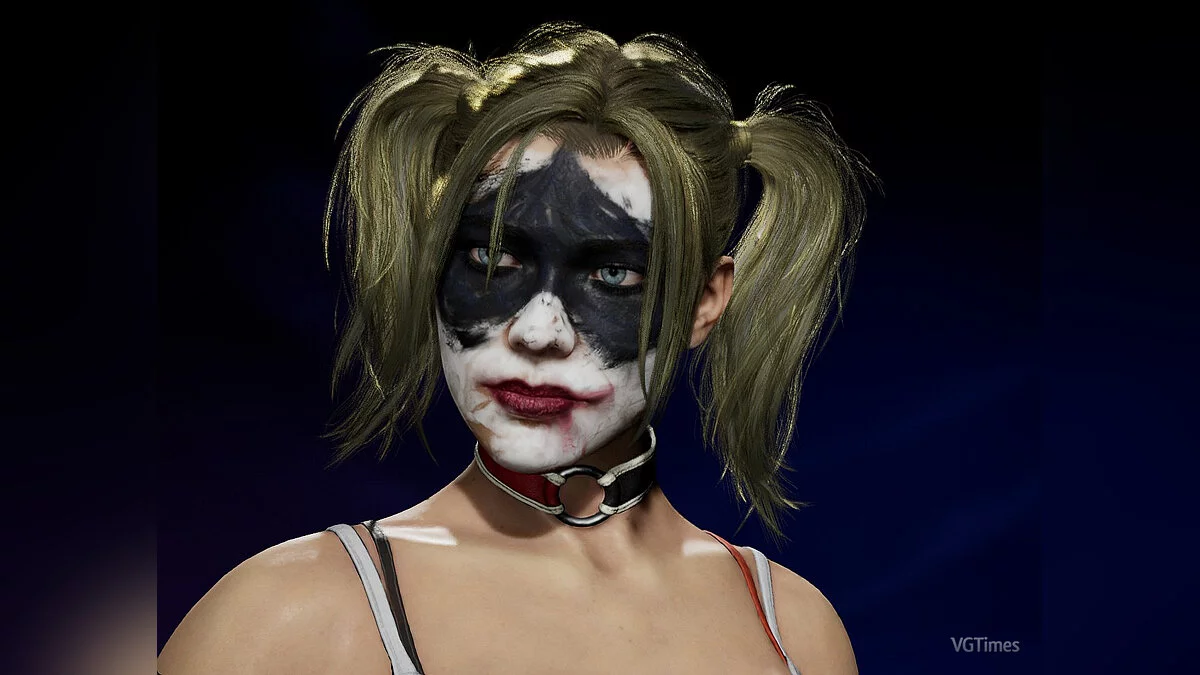
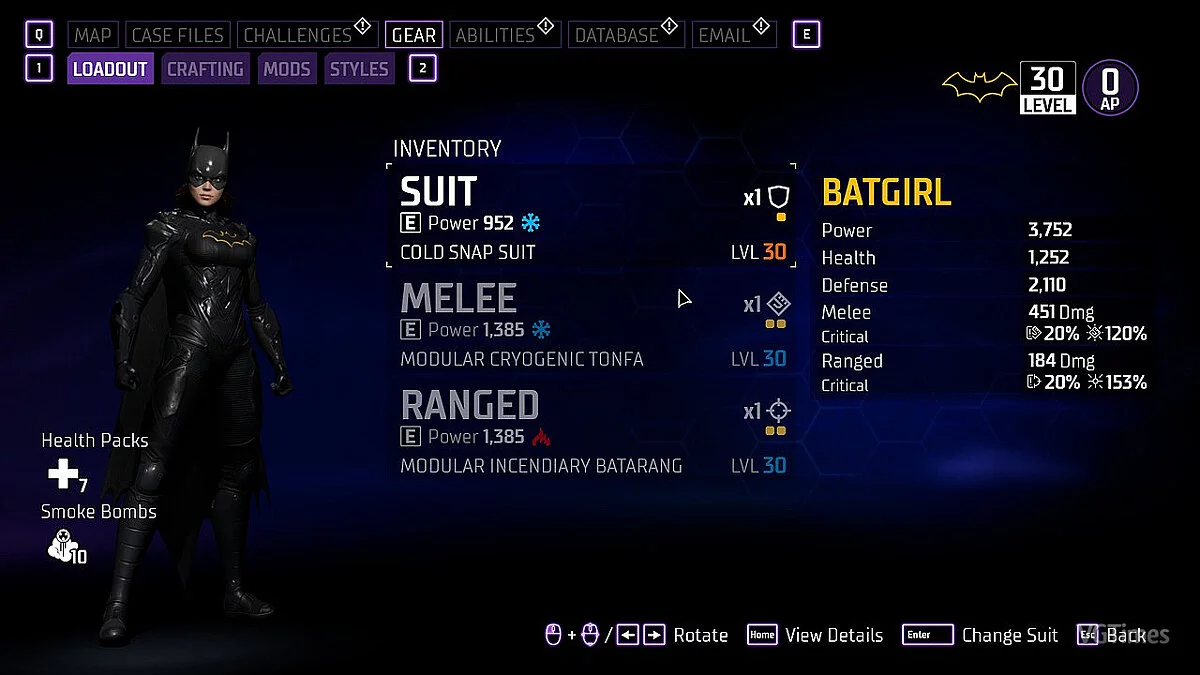
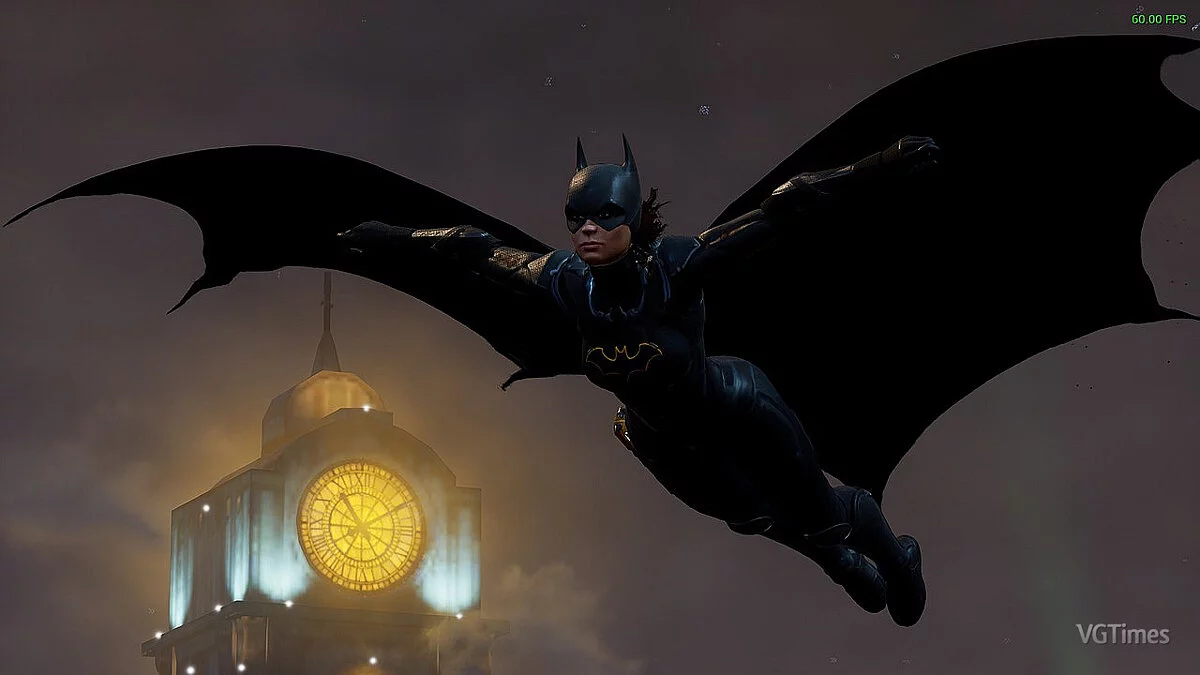
The ComicBookHeroes ReShade preset will make the game resemble a comic book, but not too much.
Installation instructions:
1 Download ReShade from the ReShade website
https://reshade.me/ (do not use the version with add-on support) 2 Download the ComicBookHeroes preset from the files tab on this page.
3 Open the folder with the installed Gotham Knights game (right-click the game in Steam and select 'Manage' > 'Browse local files'), navigate to the Mercury/Binaries/Win64 folders, you should see the executable file GothamKnights-Win64-Shipping.exe.
4 Extract the .ini file from ComicBookHeroes into this folder with the GothamKnights-Win64-Shipping.exe file
5 Run the ReShade Setup, find GothamKnights-Win64-Shipping.exe and select it, click 'Next'.
6 Choose DirectX 10/11/12 if it is not already selected, click 'Next'.
7 Select the ini preset extracted from ComicBookHeroes, click 'Next'.
8 All necessary effects should be selected automatically, click 'Next' and 'Finish.'
ComicBookHeroes ReShade Preset.
Предустановка сделает игру более похожей на комикс, но не слишком.
Инструкция по установке:
1 Загрузите решейд с сайта решейда https://reshade.me/ (не используйте версию с поддержкой дополнений)
2 Загрузите пресет ComicBookHeroes на вкладке файлов с этой страницы.
3 Откройте папку с установленной игрой Gotham Knights (щелкните правой кнопкой мыши игру в Steam и выберите «Управление» > «Обзор локальных файлов»), перейдите в папки Mercury/Binaries/Win64, вы должны увидеть исполняемый файл игры GothamKnights-Win64-Shipping.exe.
4 Извлеките файл .ini из ComicBookHeroes в эту папку с файлом GothamKnights-Win64-Shipping.exe
5 Запустите Reshade Setup, найдите GothamKnights-Win64-Shipping.exe и выберите его, нажмите «Далее» .
6 Выберите DirectX 10/11/12 , если он еще не выбран, нажмите «Далее» .
7 Выберите пресет ini, извлеченный из ComicBookHeroes, нажмите «Далее».
8 Все необходимые эффекты должны быть выбраны автоматически, нажмите «Далее» и «Готово».
Useful links:
![Gotham Knights — Trainer (+15) from 10.27.2022 [WeMod]](https://files.vgtimes.com/download/posts/2022-10/thumbs/1666860268_2022-10-27_114305.webp)
![Gotham Knights — Trainer (+8) [1.0]](https://files.vgtimes.com/download/posts/2022-10/thumbs/1666694087_2022-10-25_133350.webp)
![Gotham Knights — Cheat Engine Table [UPD: 27.10.2022 #2]](https://files.vgtimes.com/download/posts/2022-10/thumbs/1666945013_gk.webp)
![Gotham Knights — Trainer (+15) from 22.10.2022 [WeMod]](https://files.vgtimes.com/download/posts/2022-10/thumbs/1666518853_2022-10-23_125224.webp)