
The Kingdom of Myrtana is engulfed in a terrible war. Hordes of orcs have invaded human lands, and the king needs a large amount of magical ore, from which he can... Read more
Cooperative Mode

-
gothiccoop.comDownload
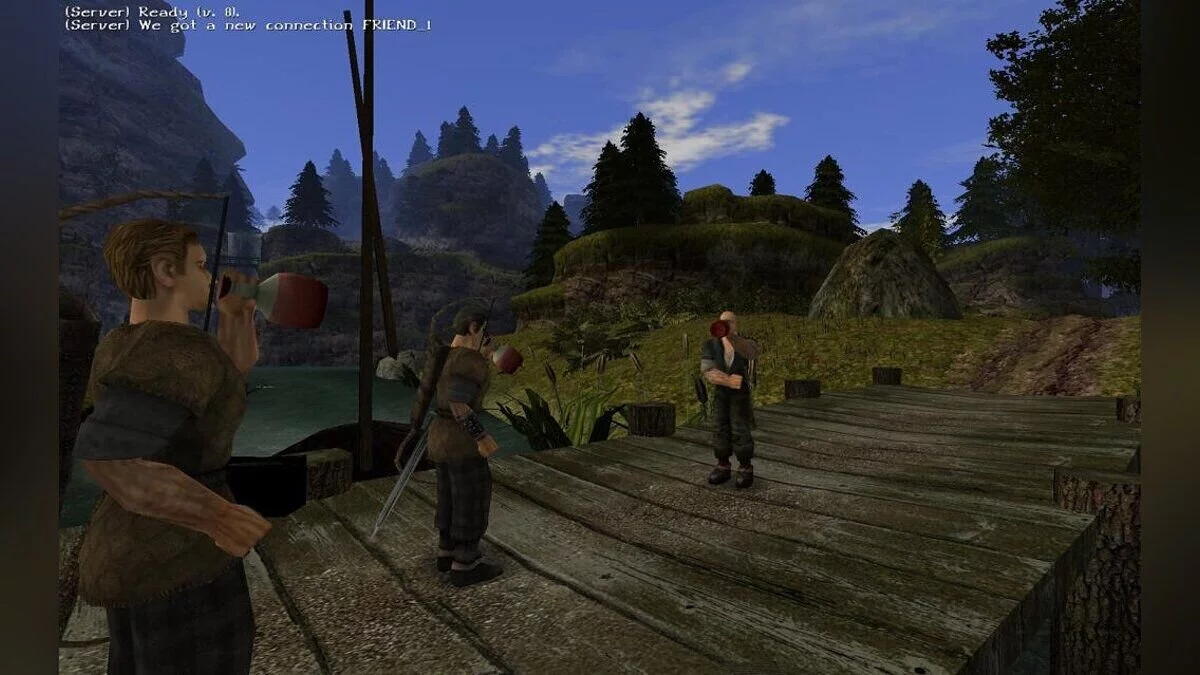
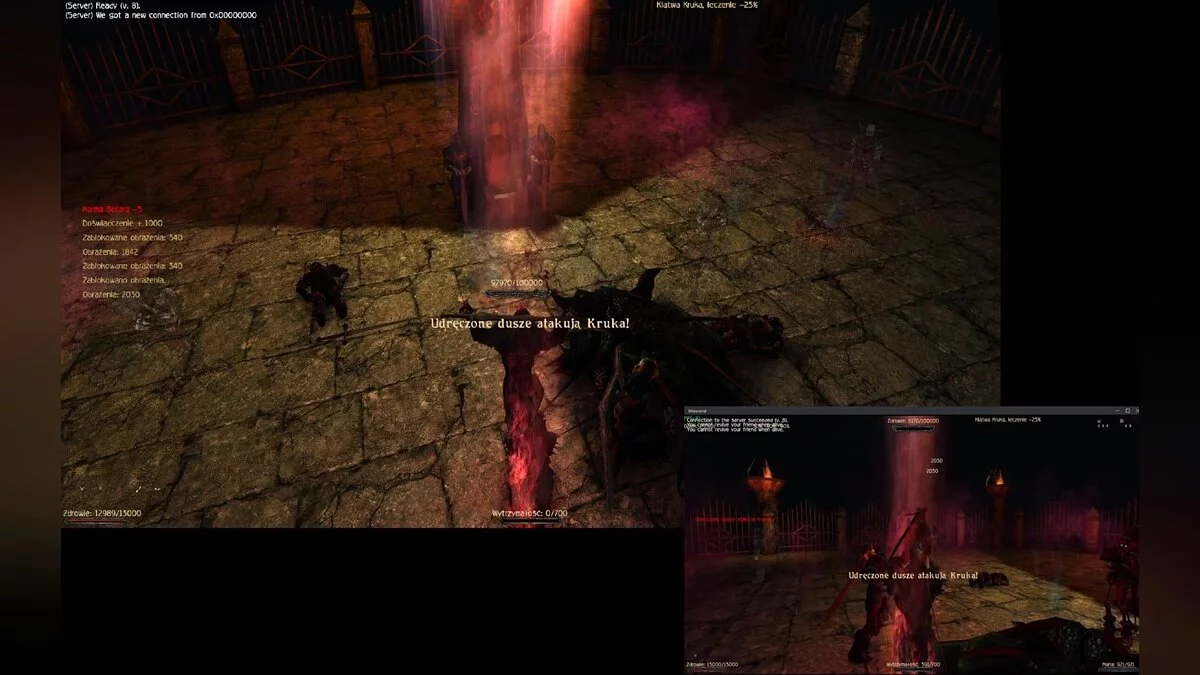
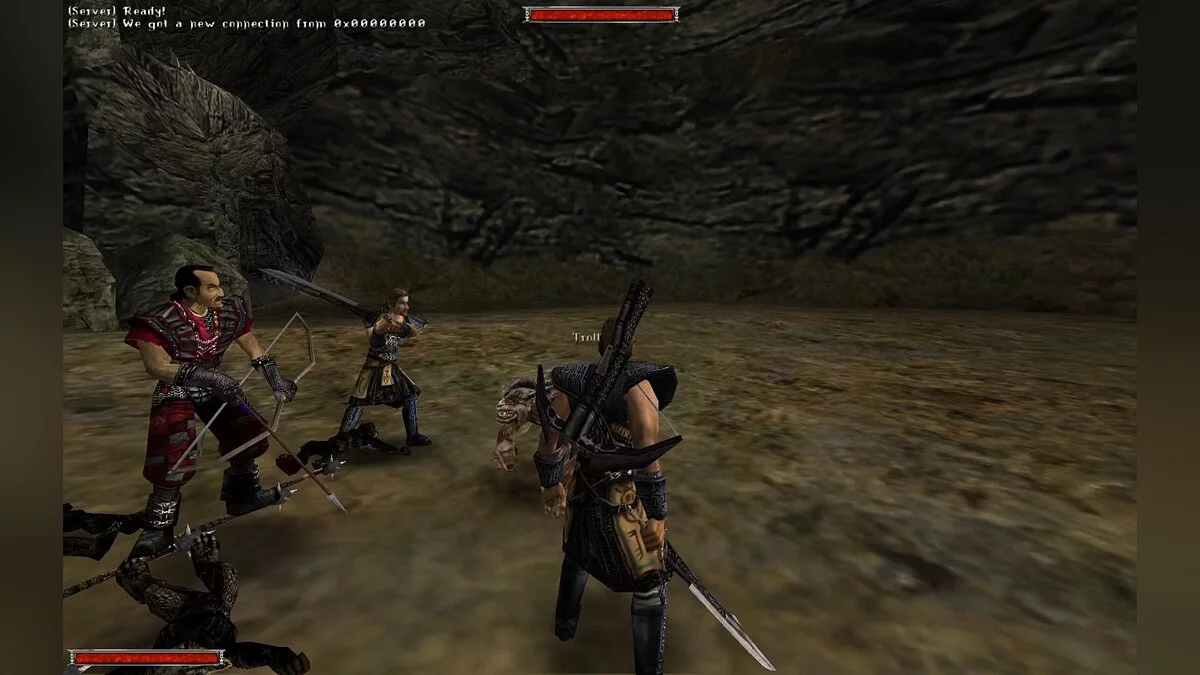
A modification that allows you to play the iconic role-playing game in cooperative mode. This is a universal mod that works on the original Gothic and Gothic 2, allowing you to play the game in co-op mode with other players online. The cooperative function is implemented through direct user connections. One player acts as the host and creates a server that other players can join via IP address. All players must have exactly the same version of both the game and the modification.
Hotkeys:
- F1 — start the game server (press only HOST);
- F2 — join the server on the client (repeated pressing switches to single-player mode);
- F3 — revive cooperative player's characters;
- F4 — revive a player when they are dead;
- P — toggle the logger on or off;
- O — debug information (useless for players, press again to hide).
Settings in the file GothicCoopConfig.json
- nickname: your in-game nickname;
- friendInstanceId: for New balance should be PC_HeroMul;
- server: server IP;
- portSocket: port (any number from 15000-50000).
How to launch:
- choose the version of the mod and game;
- extract the archive to the main game directory;
- ensure a proper connection with your friend(s), remember that most people do not have a public IP address. You may need software like Hamachi or Radmin VPN. However, if you have a public IP address and your router supports UPnP, you can play directly without any additional software;
- edit the configuration file named GothicCoopConfig.json;
- after setting these parameters, launch the game, skip the initial dialogue with Diego or Xardas, and save the game. On the host computer, press F1, and a message "Server ready!" will appear. On another computer, press F2 and after a while you will be connected to your friend.
Модификация, которая позволяет пройти культовую ролевую игру в кооперативном режиме. Это универсальный мод, который работает на оригинальной Gothic и Gothic 2, позволяя пройти игру в совместном режиме с другими игроками по сети. Кооперативная функция релизована через прямое подключение пользователей друг к другу. Один из игроков выступает в качестве хоста и создает сервер, к которому могут присоединяться другие игроки через IP-адрес. У всех игроков должна быть абсолютно одинаковая версия как игры, так и модификации.
Горячие клавиши:
- F1 — запустить игровой сервер (нажимать только HOST);
- F2 — зайти на сервер на клиенте (повторное нажатие переключает в режим одиночной игры);
- F3 — возродить персонажей кооперативного игрока;
- F4 — оживить игрока, когда он мертв;
- P — отключить или включить логгер;
- O — отладочная информация (бесполезна для игроков, нажмите еще раз, чтобы скрыть).
Настройки в файле GothicCoopConfig.json
- nickname: ваш никнейм в игре;
- friendInstanceId: для Нового баланс должно стоять PC_HeroMul;
- server: IP сервера;
- portSocket: порт (любое число от 15000-50000).
Как запустить:
- выберите версию мода и игры;
- распакуйте архив в основной каталог игры;
- обеспечьте правильное соединение с вашим другом (друзьями), помните, что у большинства людей нет общедоступного IP-адреса. Вам может понадобиться такая программа, как Hamachi или Radmin VPN. Однако, если у вас есть общедоступный IP-адрес и ваш маршрутизатор поддерживает UPnP, вы сможете играть напрямую без какого-либо дополнительного программного обеспечения;
- отредактируйте файл конфигурации под названием GothicCoopConfig.json;
- после установки этих параметров запустите игру, пропустите начальный диалог с Диего или Ксардасом и сохраните игру. На хост-компьютере нажмите F1, и появится сообщение «Сервер готов!». На другом компьютере нажмите F2 и через некоторое время вы будете подключены к вашему другу.
Useful links:
![Gothic — SaveGame (Chest with All Items) [1.03-2016.12.0.0]](https://files.vgtimes.com/download/posts/2017-05/thumbs/1495470443_1495470365_504.webp)
![Gothic — SaveGame (Chest with All Items) [1.3.0]](https://files.vgtimes.com/download/posts/2017-09/thumbs/1506432144_1506432109_501.webp)
![Gothic — SaveGame (Chest with All Items) [1.1.2]](https://files.vgtimes.com/download/posts/2017-09/thumbs/1505053301_1505053248_424.webp)

![Gothic — SaveGame (Chest with All Items) [1.1-0005]](https://files.vgtimes.com/download/posts/2017-05/thumbs/1495470368_1495470339_804.webp)
![Gothic — SaveGame (Chest with all items) [1.4]](https://files.vgtimes.com/download/posts/2017-05/thumbs/1495470444_1495470392_11.webp)
![Gothic — SaveGame (Chest with All Items) [1.1e]](https://files.vgtimes.com/download/posts/2017-10/thumbs/1507815579_1507815544_131.webp)