
Kingdom Come: Deliverance is a medieval role-playing action game set in a fully open world from a first-person perspective. You will take on the role of a... Read more
BRB Reshade
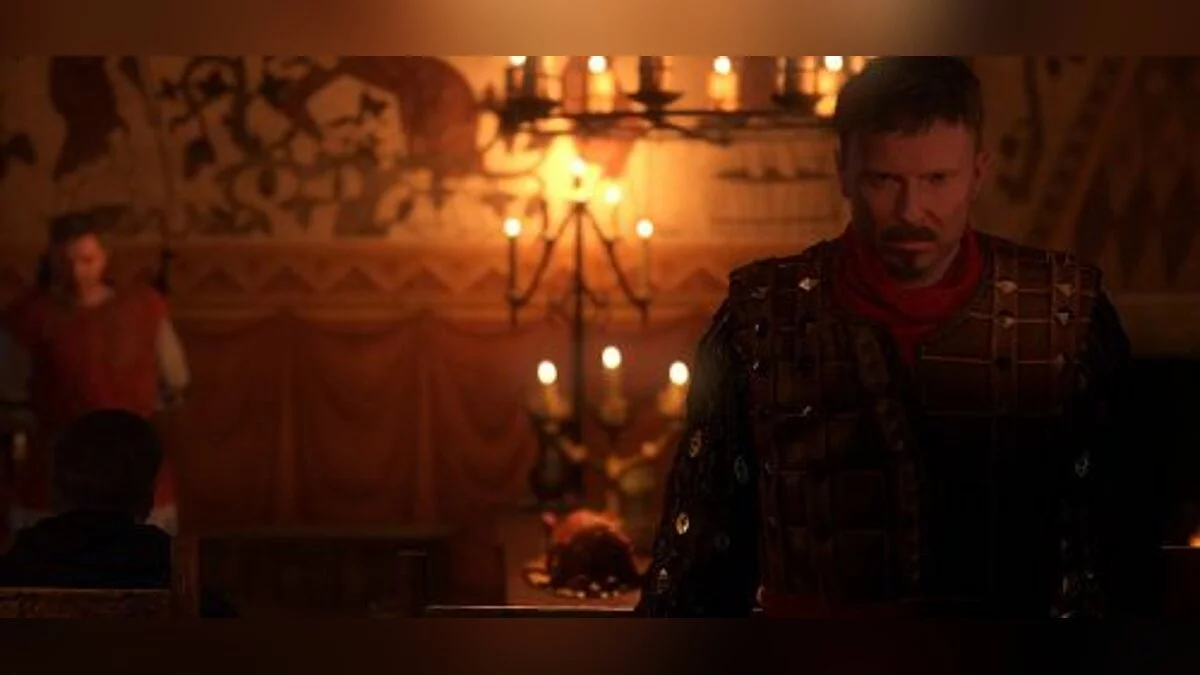

-
1518614070_brb-reshade-0.zipDownload (553 байт)
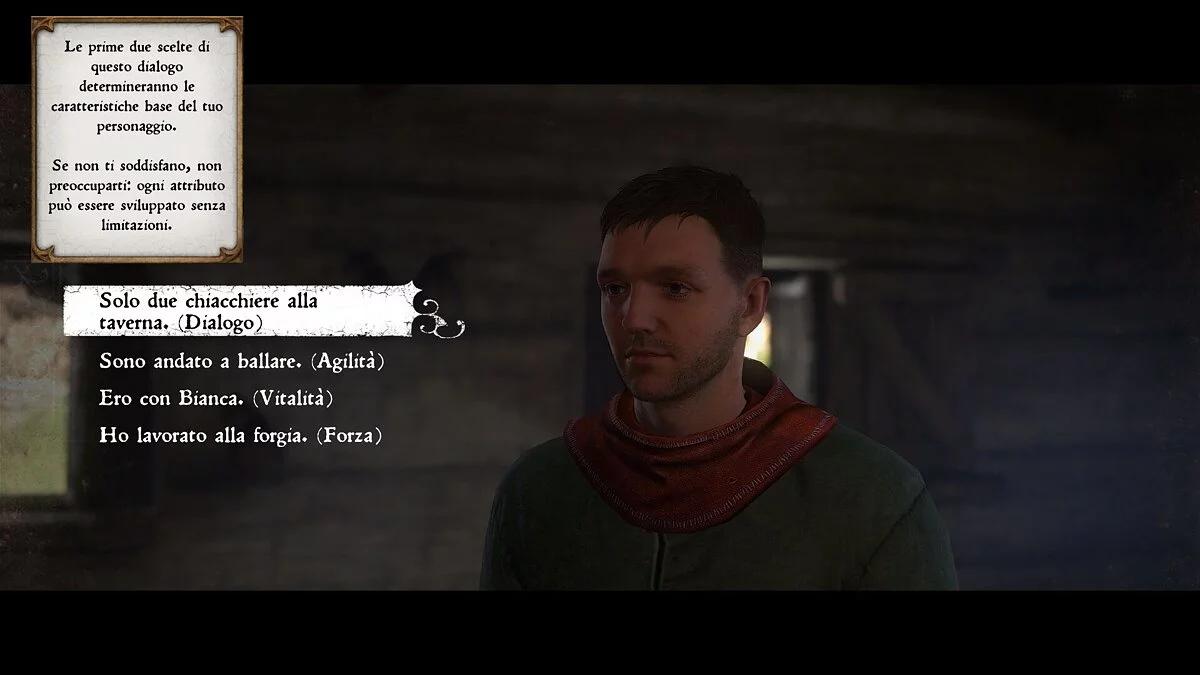
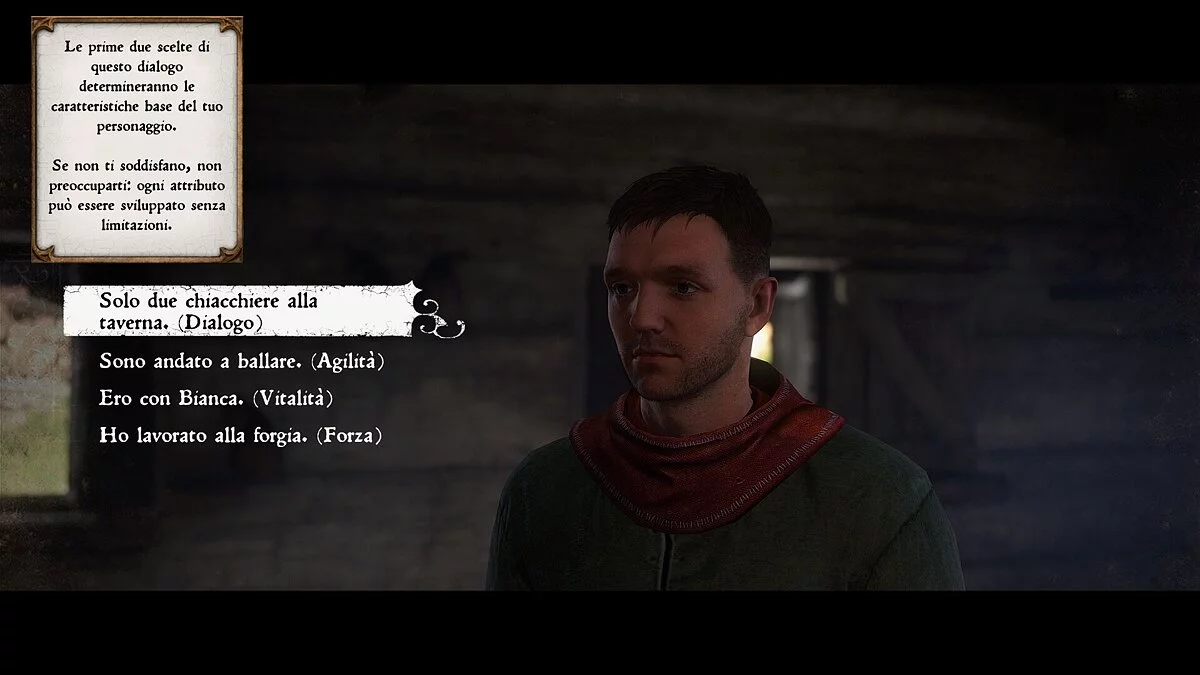
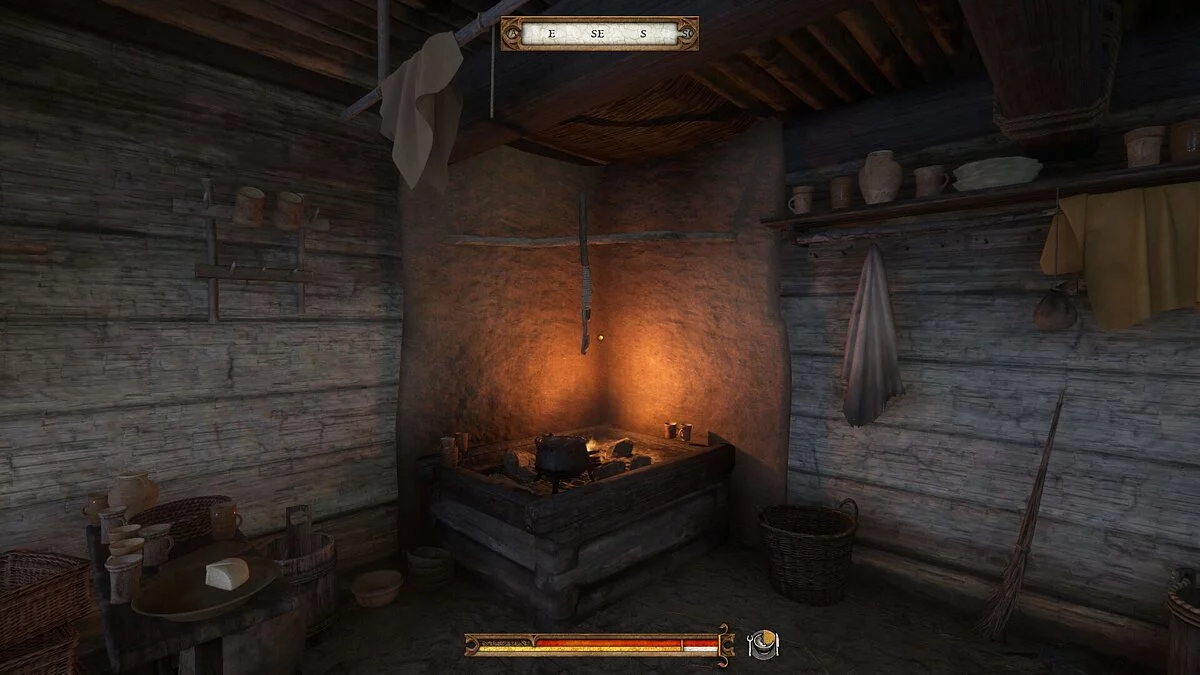
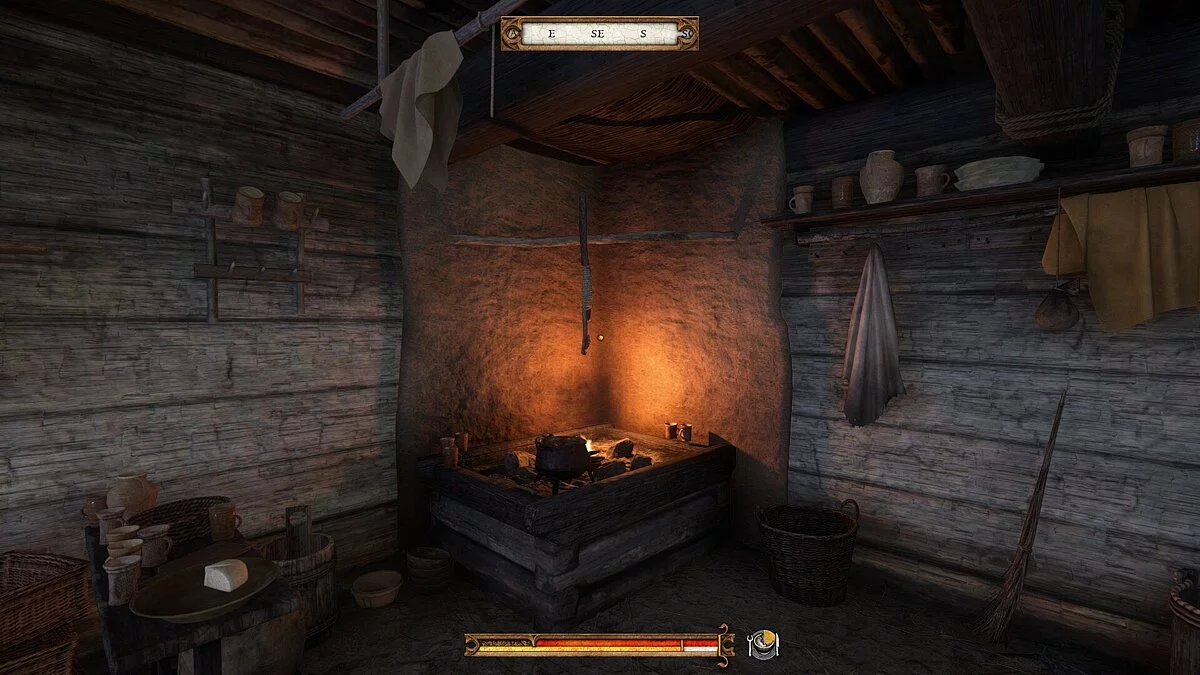
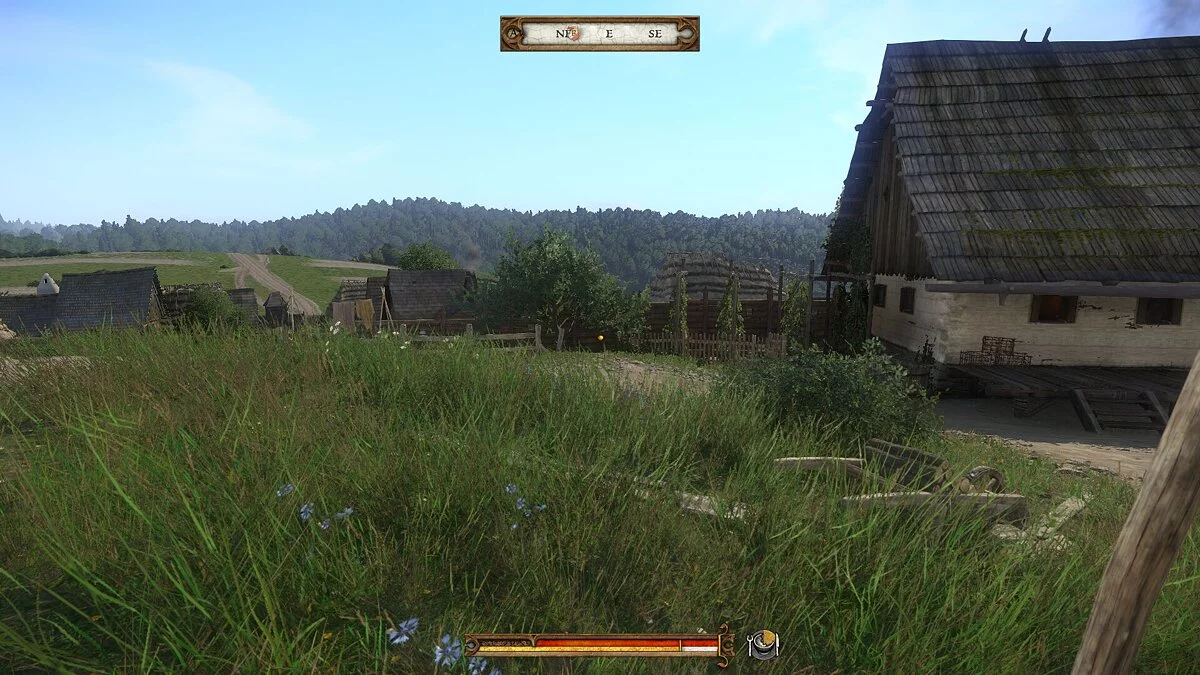
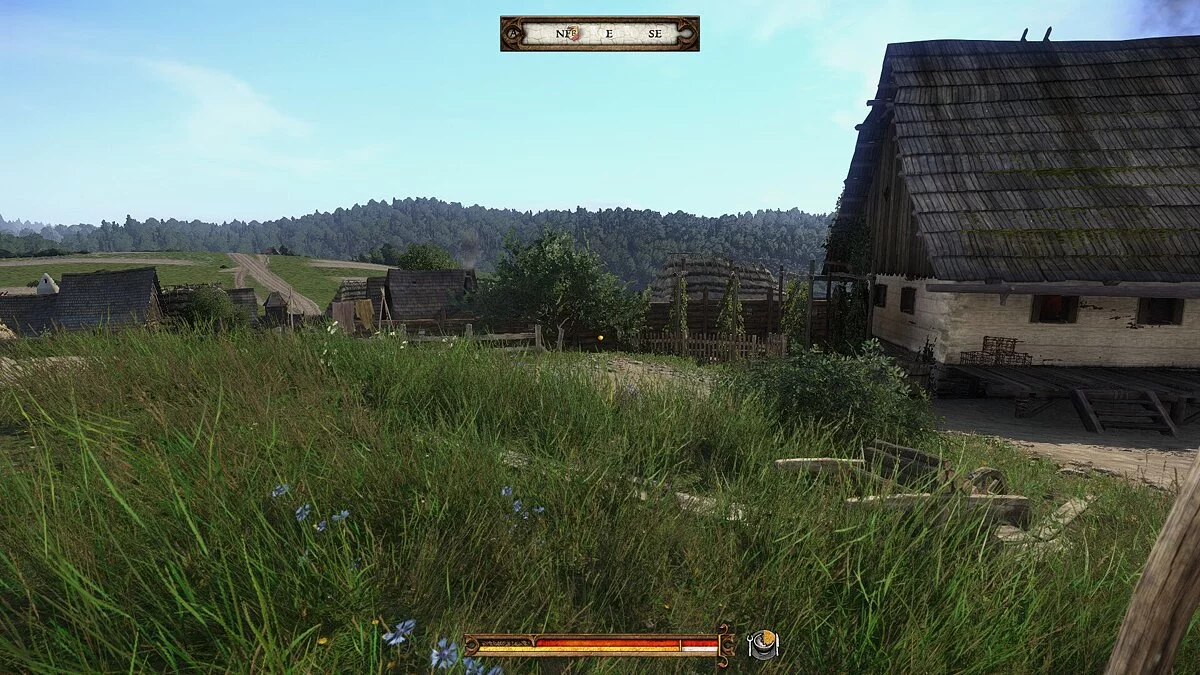
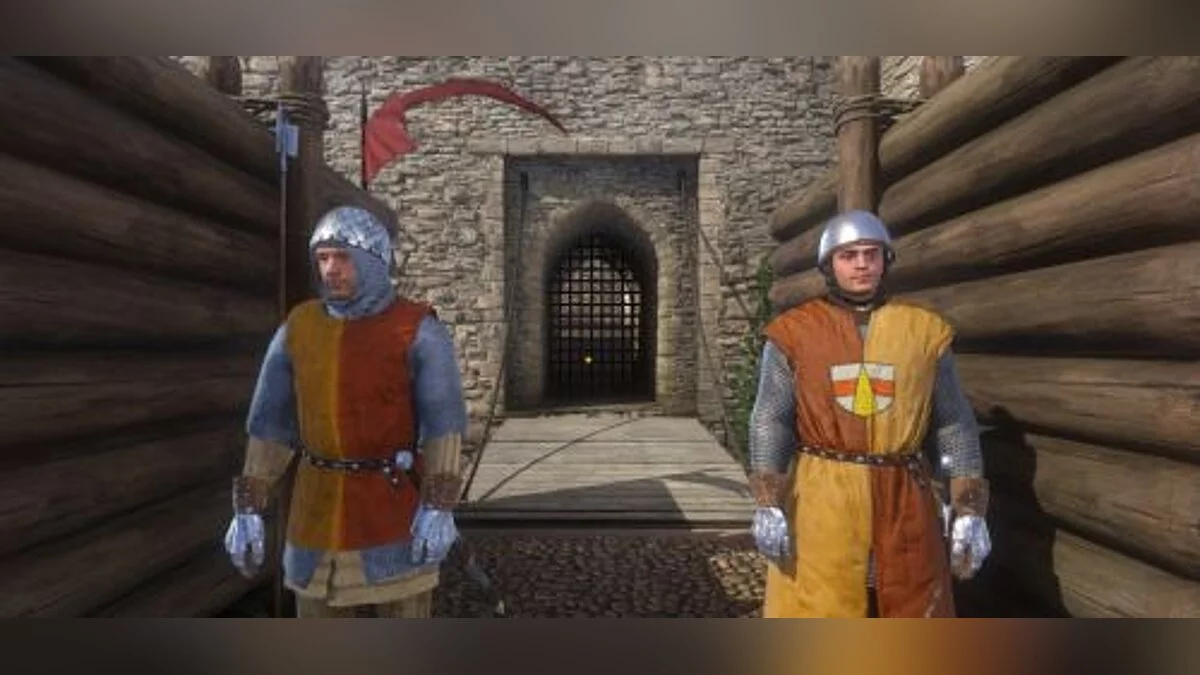
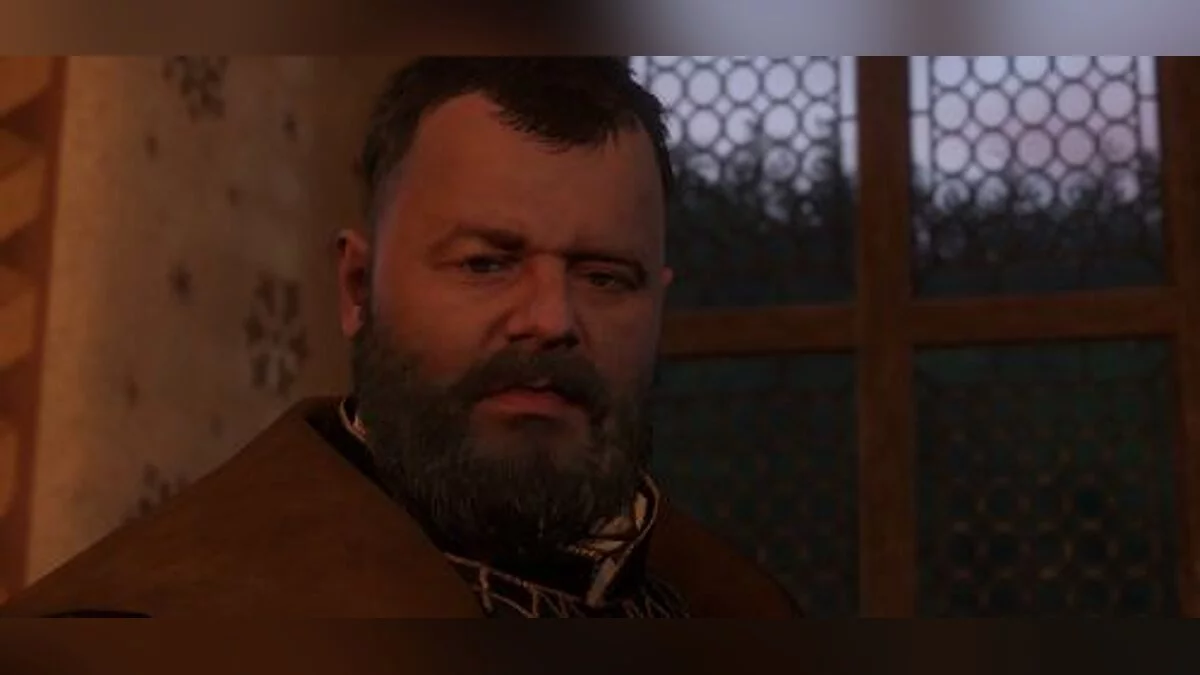
A simple improvement to the game's color palette, making your first victories more enjoyable than in the original version. Reshade 3.1.1 (https://reshade.me/) is also required for installation.
Installation:
1. After downloading Reshade 3.1.1, click "Select game" and navigate to the Kingdom Come DeliveranceBinWin64 folder, then select KingdomCome.exe.
2. Now click Direct3D 10+. Click "Yes" in the message window that appears. Once the download is complete, make sure only the following effects are selected in the window: Colourfulness.fx, Clarity.fx, Levels.fx, LumaSharpen.fx, Sepia .fx, Technicolor.fx;
3. Manually download and move the BrB.ini file (the one you downloaded earlier from VGTimes) to the Kingdom Come DeliveranceBinWin64 folder;
4. Launch Kingdom Come: Deliverance. ReShade will load automatically. Then press Shift + F2 to open the ReShade menu and go to the "Home" tab. In the first drop-down list, select the BrB.ini file you downloaded earlier. ReShade will reload with the effects enabled.
Простое улучшение цветовой гаммы игры, чтобы сделать ваши первые победы более приятными, чем в оригинальной версии. Для установки дополнительно требуется Reshade 3.1.1 (https://reshade.me/).
Установка:
1. После загрузки Reshade 3.1.1, нажмите "Выбрать игру" и перейдите в папку Kingdom Come DeliveranceBinWin64, а затем выберите KingdomCome.exe.
2. Теперь нажмите Direct3D 10+. В появившемся окне сообщения нажмите "Да". После завершения загрузки в появившемся окне убедитесь, что выбраны только следующие эффекты: Colourfulness.fx, Clarity.fx, Levels.fx, LumaSharpen.fx, Sepia .fx, Technicolor.fx;
3. Вручную загрузите и переместите файл BrB.ini (тот, что скачали раннее на VGTimes) в папку Kingdom Come DeliveranceBinWin64;
4. Запустите Kingdome Come: Deliverance, ReShade автоматически загрузится на экран. После этого нажмите Shift + F2, чтобы войти в меню ReShade, и перейдите на вкладку "Главная". В первом раскрывающемся списке выберите BrB.ini, который вы загрузили ранее. Reshade теперь снова загрузится с включенными эффектами.
Useful links:
![Kingdom Come: Deliverance — Trainer (+12) from 01/28/2020 [WeMod]](https://files.vgtimes.com/download/posts/2020-01/thumbs/1580217851_2020-01-28_162141.webp)

![Kingdom Come: Deliverance — Trainer (+18) [1.2.2] [FutureX]](https://files.vgtimes.com/download/posts/2018-02/thumbs/1519074113_jpg.webp)
![Kingdom Come: Deliverance — Trainer (+12) [1.2] [FLiNG]](https://files.vgtimes.com/download/posts/2018-02/thumbs/1518623628_png.webp)
![Kingdom Come: Deliverance — Trainer (+3) [8.1] [MrAntiFun]](https://files.vgtimes.com/download/posts/2018-02/thumbs/1518511493_jpg.webp)