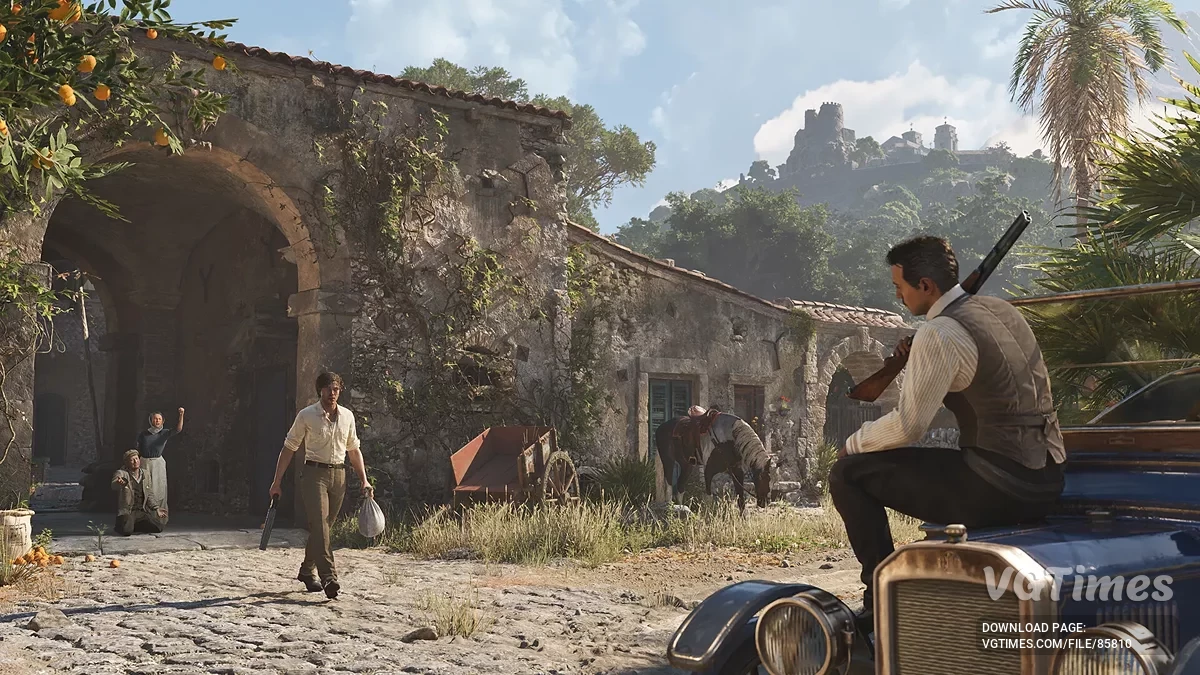
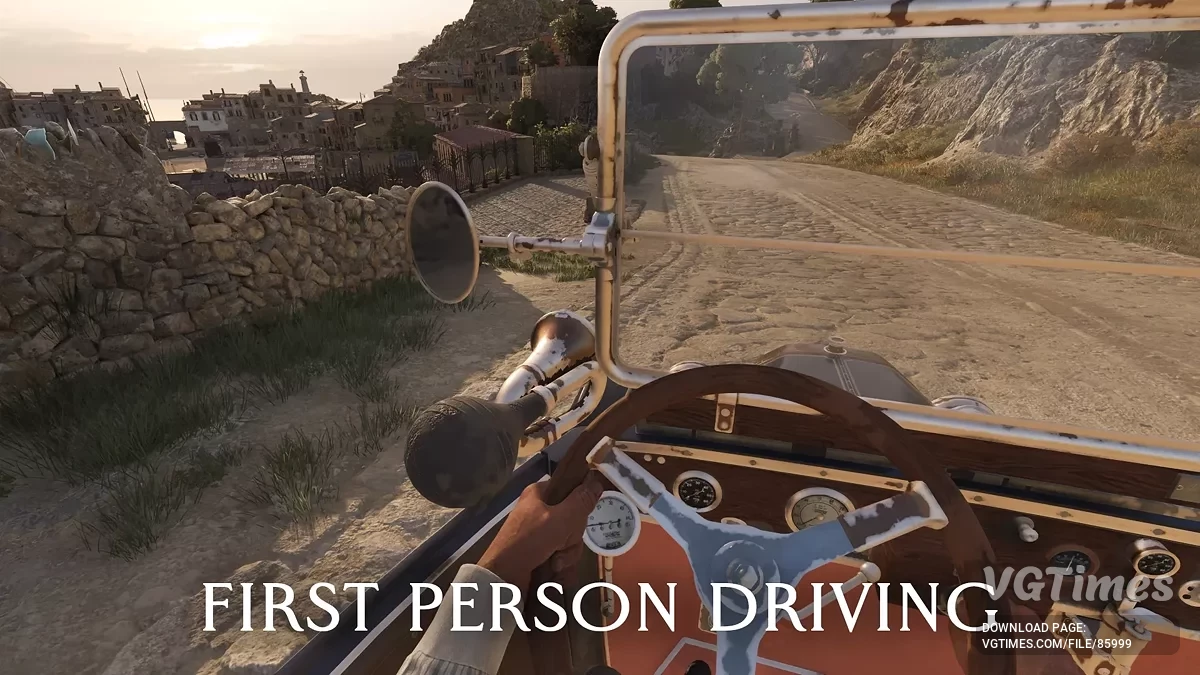
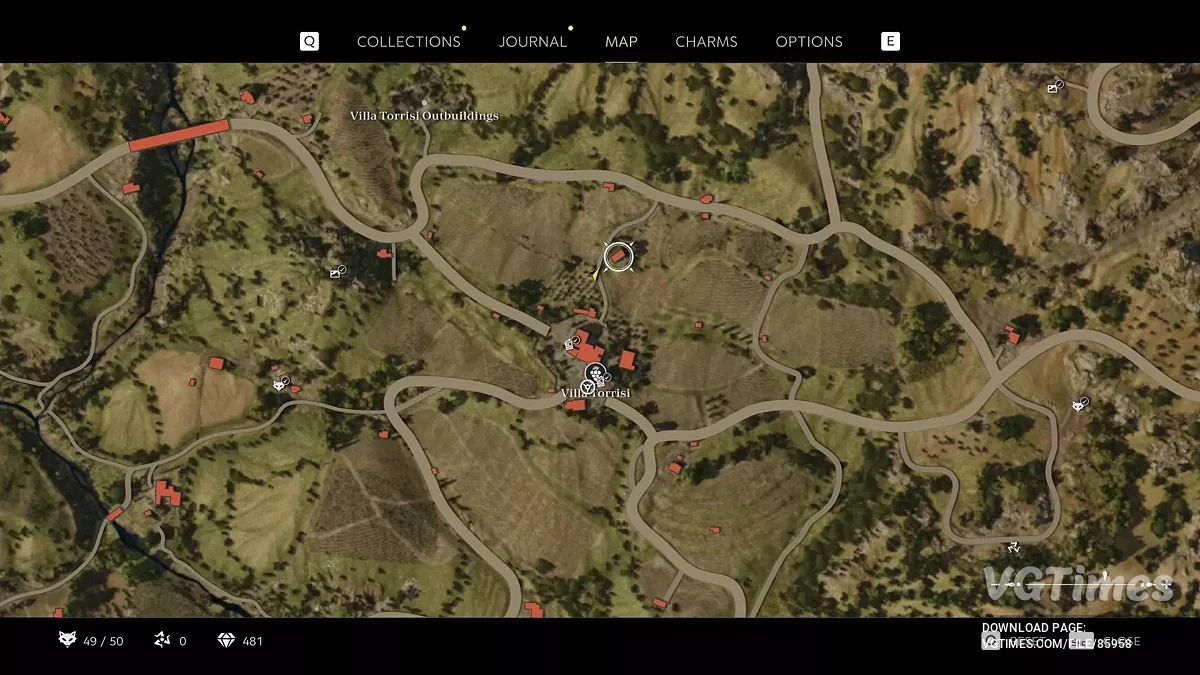
The game is set in the violent underworld of Sicily in the 1900s. Enzo Favara tries to prove his worth to the Cosa Nostra in a time when the stiletto... Read more
Players:
Steam:
Metacritic:
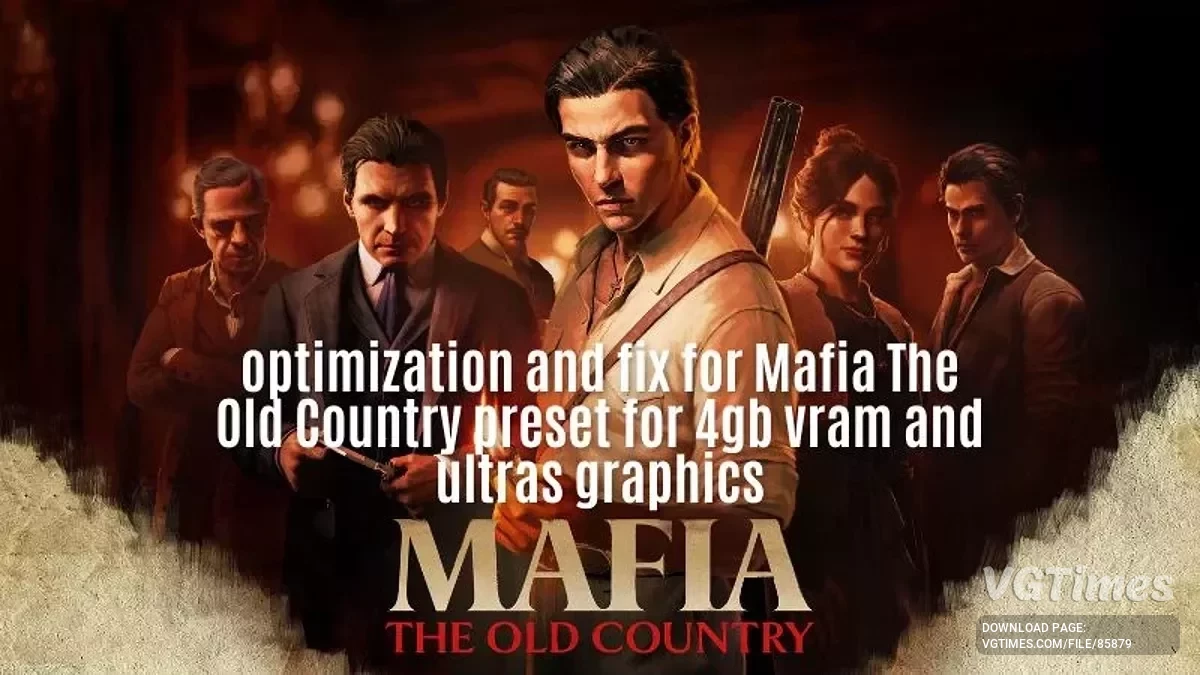
Optimization and fix
Author:
Velasquez
Uploaded by:

Size:
381 байт
Date:
August 10, 2025, 04:34 AM
Downloads:
920
-
Download (381 байт)August 10, 2025, 04:34 AMБалансoptimizacija-i-fiksy_1754789688_828935.rar
-
Download (381 байт)August 10, 2025, 04:34 AMКачествоoptimizacija-i-fiksy_1754789688_988894.rar
-
Download (394 байт)August 10, 2025, 04:34 AMУльтра качествоoptimizacija-i-fiksy_1754789688_44982.rar
-
Download (388 байт)August 10, 2025, 04:34 AMУльтра производительностьoptimizacija-i-fiksy_1754789688_491166.rar
-
Download (399 байт)August 10, 2025, 04:34 AM4 GB видеоoptimizacija-i-fiksy_1754789688_856584.rar
This mod changes the internal graphics settings of the game by applying an optimized preset. It works by replacing the game’s original configuration file with one adjusted for performance, quality, or balance — depending on the version you choose.
Locating the configuration file
For Steam users, the game’s configuration file can be found at: C:\Users\YOUR_USERNAME\\AppData\Local\MafiaTheOldCountry\Saved\Config\Windows.
Presets
- Ultra Performance — maximum FPS;
- Balanced — stable FPS with good visuals;
- Quality — high quality without losing playability;
- Ultra Quality — everything maxed out;
- 4 GB — for graphics cards with low memory.
How to launch:
- Extract the downloaded zip archive;
- Open the txt file from the extracted folder using Notepad or any text editor;
- Locate the game’s configuration file (GameUserSettings.ini) in the folder from step 1;
- Open this file with Notepad;
- Delete all of its contents;
- Paste the text you copied from the downloaded preset;
- Save the file.
Important recommendations
- Before applying the mod, configure your game as usual (resolution, upscaling, frame generation, V-Sync, etc.);
- Avoid changing graphics settings through the in-game menu after installing the preset, as this may overwrite the file;
- To remove the mod, simply delete the GameUserSettings.ini file — the game will automatically generate a new one with default settings.
Useful links: