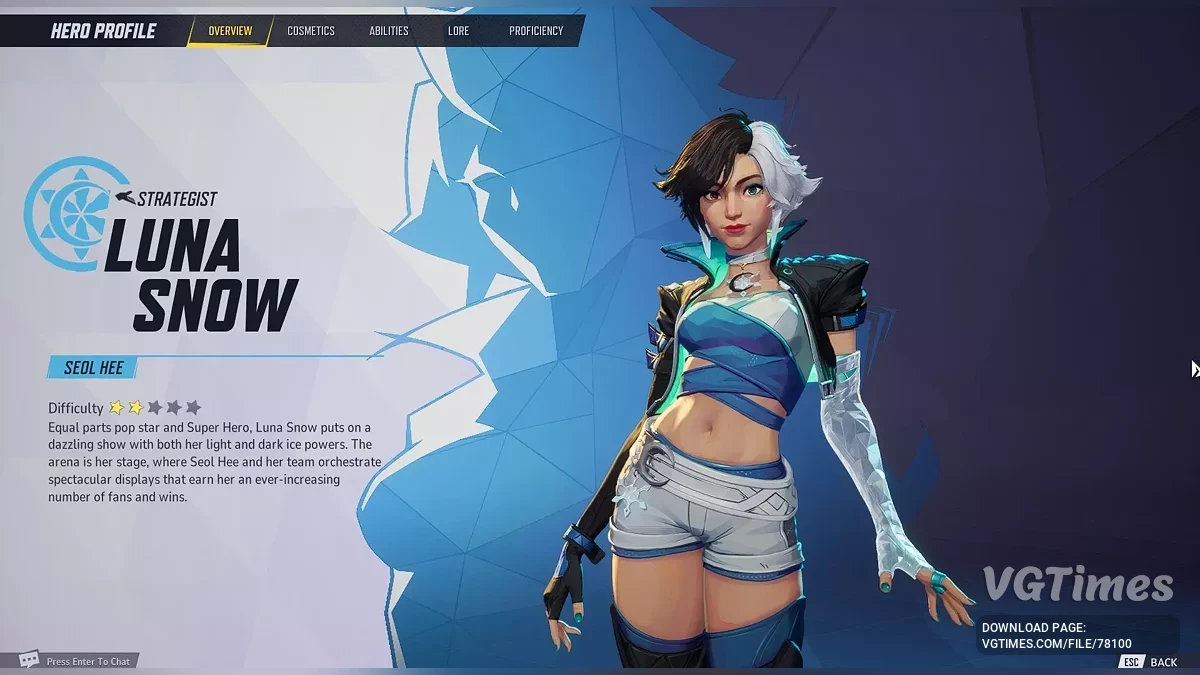
A free team-based PvP shooter featuring Marvel comics characters. Fantastic Four supervillain Doctor Doom has teamed up with his successor from 2099... Read more
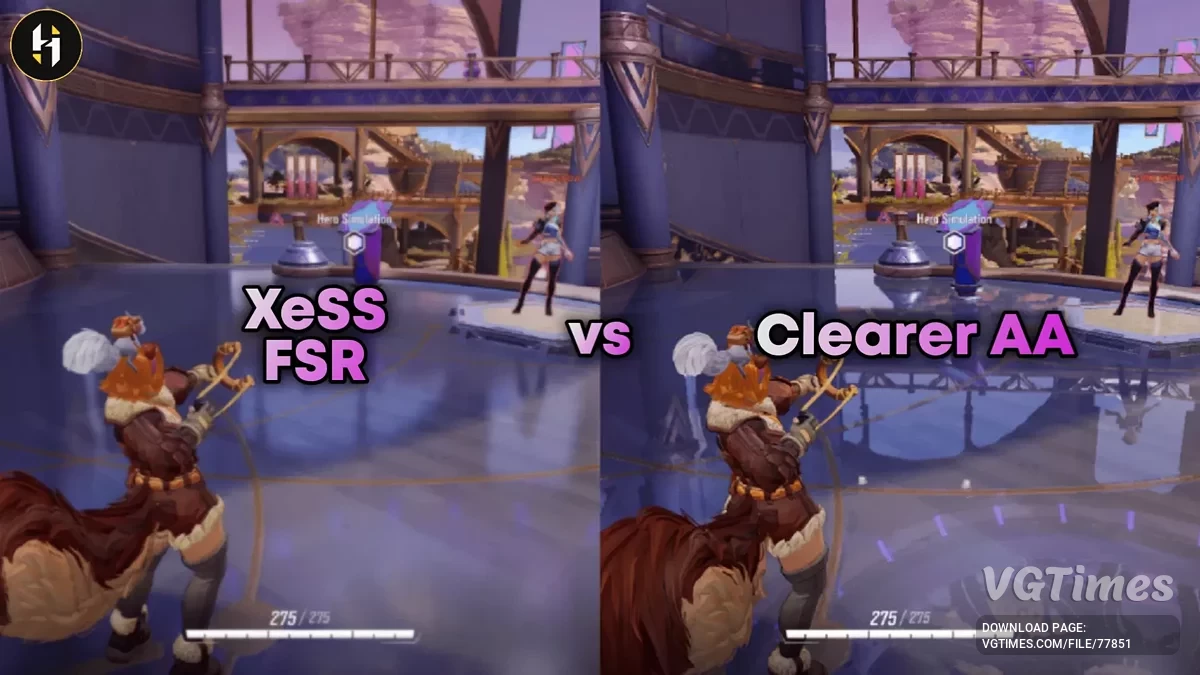
Enhanced Anti-Aliasing

-
Download (9.62 kB)December 10, 2024, 12:21 PMbolee-chetkoe-sglazhivanie_1733822518_161412.zip
Improves the quality of each type of anti-aliasing in the game to reduce ghosting, motion blur, and artifacts.
Changing the graphics settings in the game may reset the mod's settings (not confirmed). A simple restart of the game will restore the mod.
Location of ini files:
- localappdata/Marvel/Saved/Config/Windows;
- /home/deck/.local/share/Steam/steamapps/compatdata/1623730/pfx/drive_c/users/steamuser/AppData/Local/Marvel\Saved\Config\Windows.
Location of the game directory:
- C:\Program Files (x86)\Steam\steamapps\common\MarvelRivals.
How to launch:
- Start the game and select TAAU as the anti-aliasing method, ensure the resolution is set to 100%. Then close the game;
- Download the mod and unpack it, then select the desired preset;
- Place the file(s) from the mod into the folder where the game's ini files are located, and overwrite if prompted;
- Launch the game.
Улучшает качество каждого типа сглаживания в игре, чтобы уменьшить количество призраков, смазывания при движении и артефактов.
Изменение графических настроек в игре может сбросить сделанные модом настройки (не подтверждено). Простой перезапуск игры восстановит мод.
Расположение ini-файлов:
- localappdata/Marvel/Saved/Config/Windows;
- /home/deck/.local/share/Steam/steamapps/compatdata/1623730/pfx/drive_c/users/steamuser/AppData/Local/Marvel\Saved\Config\Windows.
Расположение игровой директории:
- C:\Program Files (x86)\Steam\steamapps\common\MarvelRivals.
Как запустить:
- Запустить игру и выбрать TAAU в качестве сглаживания, убедиться, что разрешение установлено на 100%. Затем закрыть игру;
- Скачать мод и распаковать его, затем выбрать нужный пресет;
- Поместить файл(ы) из мода в папку, где находятся ini-файлы игры, и перезаписать, если будет предложено;
- Запустить игру.
Useful links: