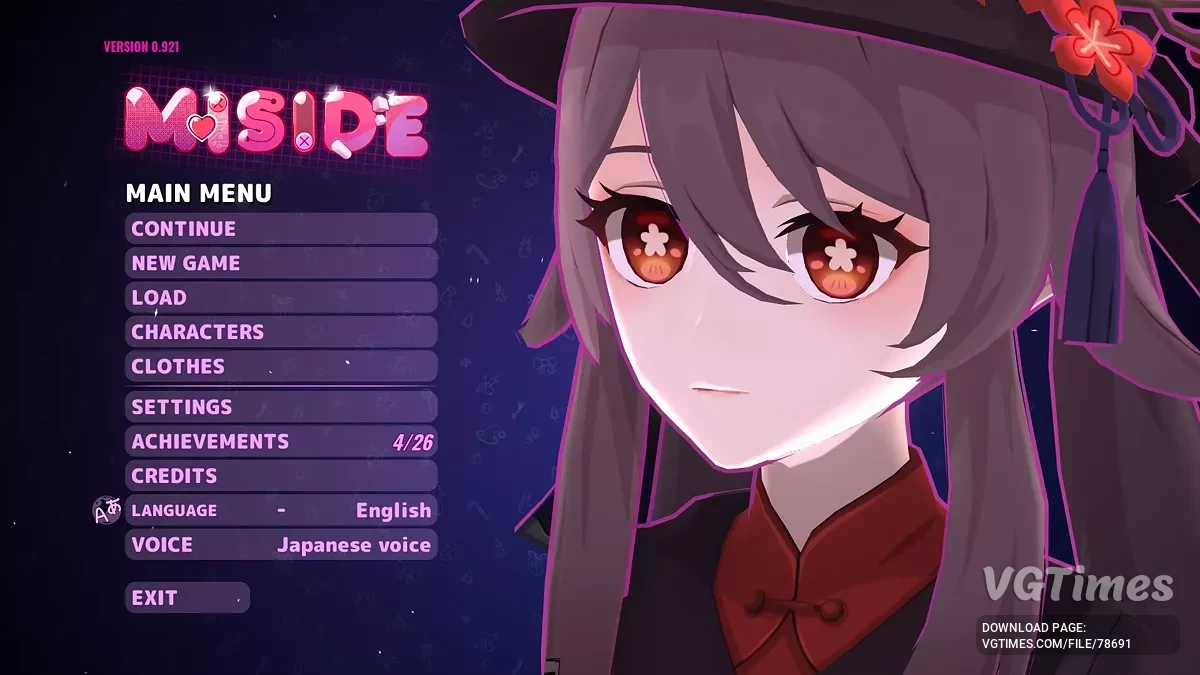
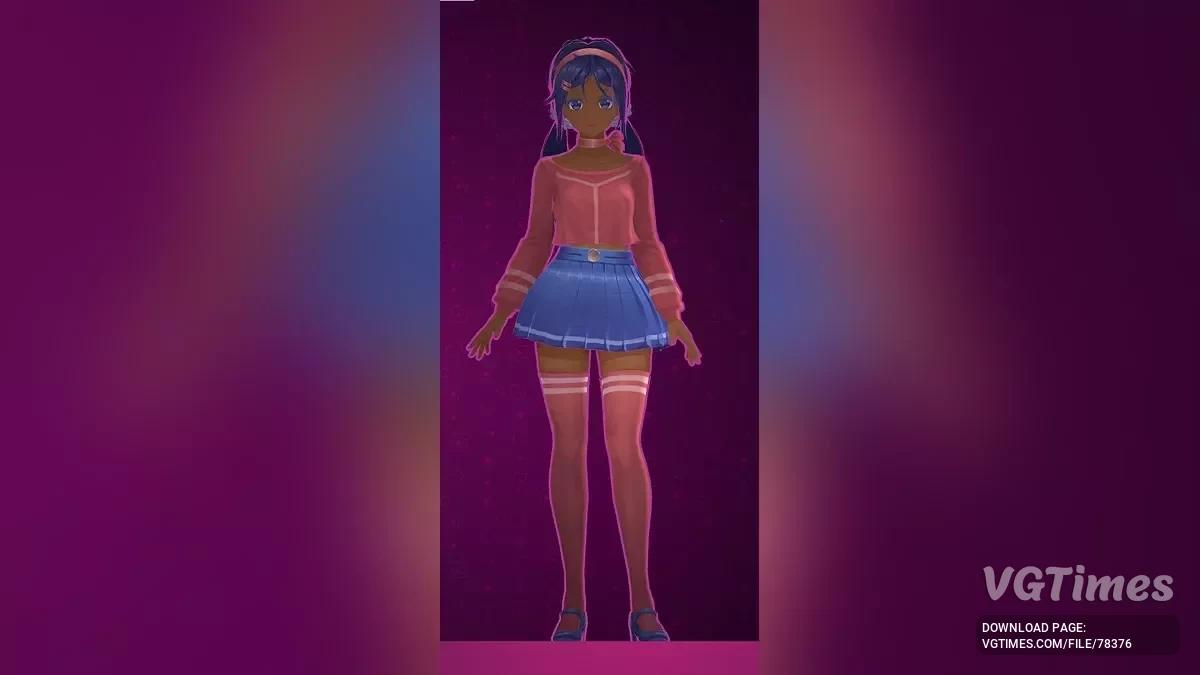
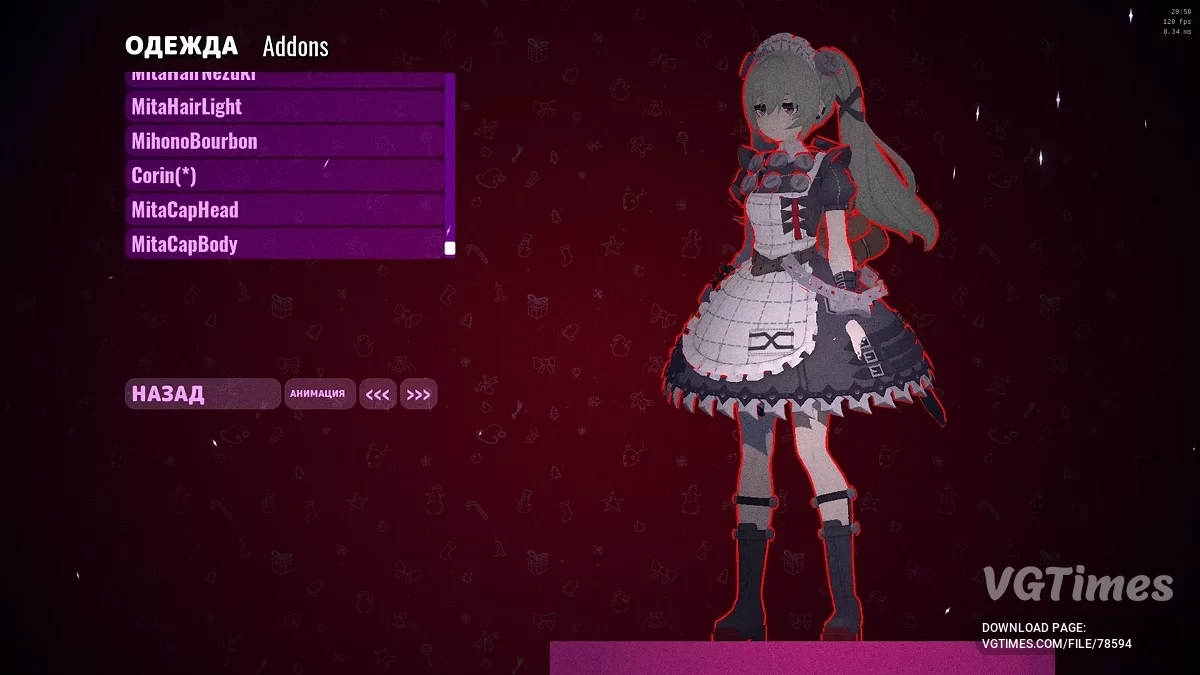
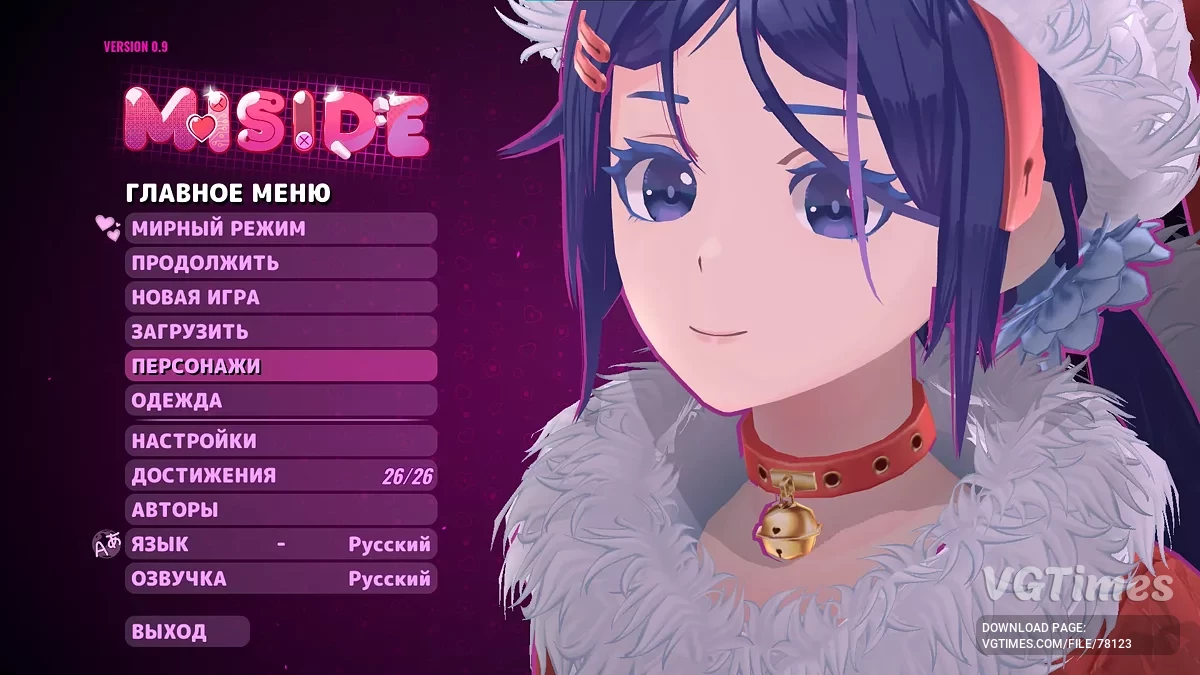
A hybrid of horror and dating simulator, MiSide offers a kaleidoscope of multi-genre mini-games — from classic puzzles to shooter elements, along with a variety of... Read more

Developer Tools (Dev Tools)


-
Download (15.84 MB)December 30, 2024, 01:04 PMinstrumenty-razrabotchika-dev-tools_1735553091_221661.zip
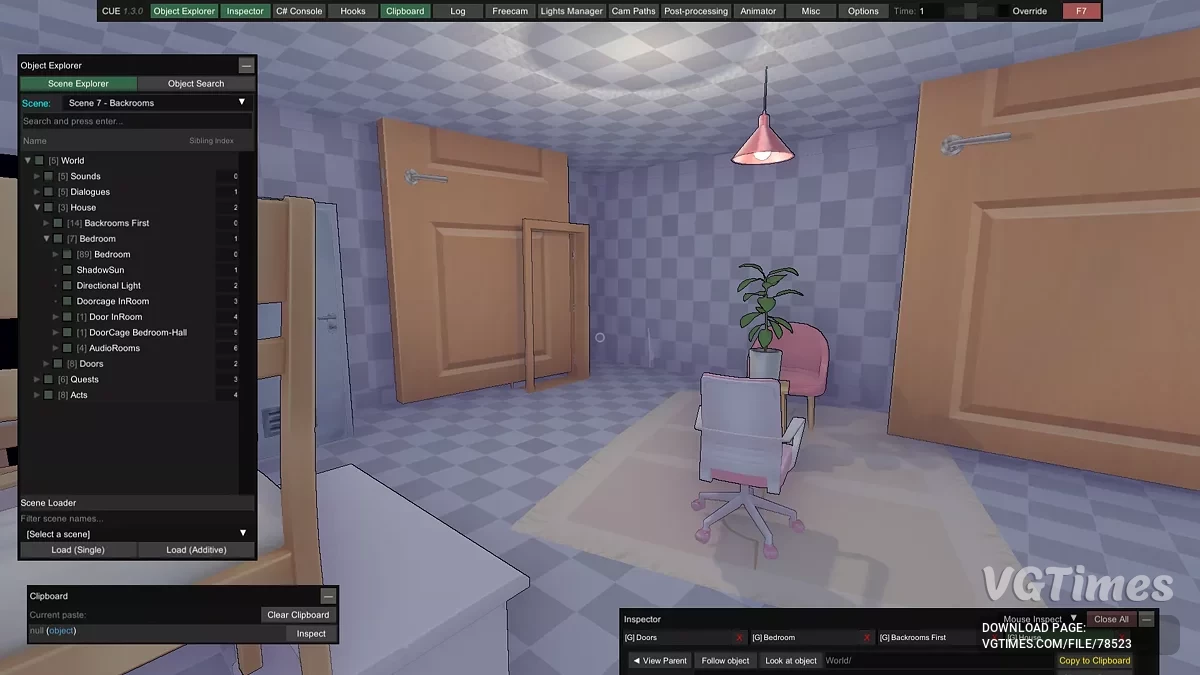
This is an alternative version of the console with enhanced capabilities. It will be an excellent choice for those who want to make changes to the game: adjusting the characteristics of its elements, hiding objects, loading new scenes, overcoming problematic areas, or simply taking screenshots. For this purpose, the application includes a "Free Camera Flight" feature, which partially replicates the capabilities of the Unity editor.
Installation:
- Download and install BepInExPack.
- Extract the contents of this mod to the path %Game%\BepInEx\plugins.
- In the game, press F7 (if you have third-party overlays, you can reassign the activation key in BepInEx\config).
Это альтернативный вариант консоли, обладающий расширенными возможностями. Он станет отличным выбором для тех, кто хочет вносить изменения в игру: настраивать характеристики её элементов, скрывать объекты, загружать новые сцены, преодолевать проблемные участки или просто делать скриншоты. Для этого в приложении предусмотрена функция «Свободный Полет Камеры», которая частично повторяет возможности редактора Unity.
Установка:
- Скачать и установить BepInExPack.
- Распаковать содержимое этого мода по пути %Game%\BepInEx\plugins.
- В игре нажать F7 (если у вас есть сторонние оверлеи, можно переназначить клавишу активации по пути BepInEx\config).
Useful links:
![MiSide — WiSide - MultiSplit [v1.0.0]](https://files.vgtimes.com/download/posts/2026-07/thumbs/wiside-multisplit-v1-0-0_1783770392_166578.webp)
![MiSide — Cheat Engine Table [UPD: 01.06.2025]](https://files.vgtimes.com/download/posts/2025-01/thumbs/tablica-dlja-cheat-engine-upd-06-01-2025_1736248078_990784.webp)