A hybrid of horror and dating simulator, MiSide offers a kaleidoscope of multi-genre mini-games — from classic puzzles to shooter elements, along with a variety of... Read more

Fluttershy












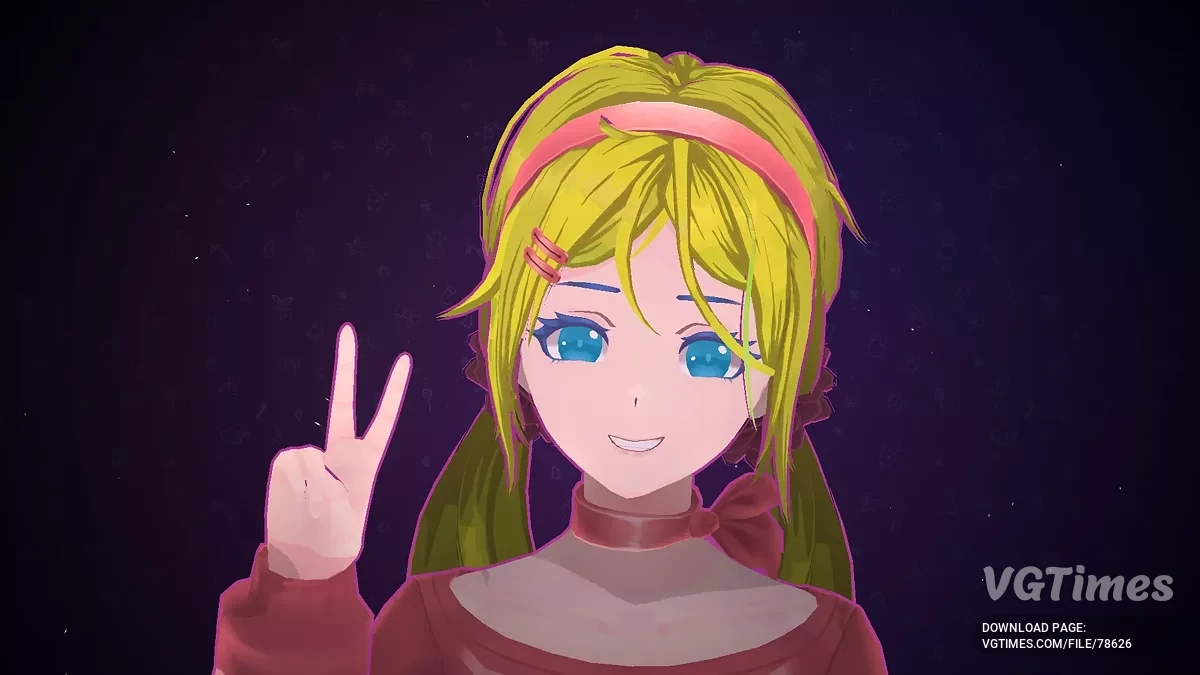
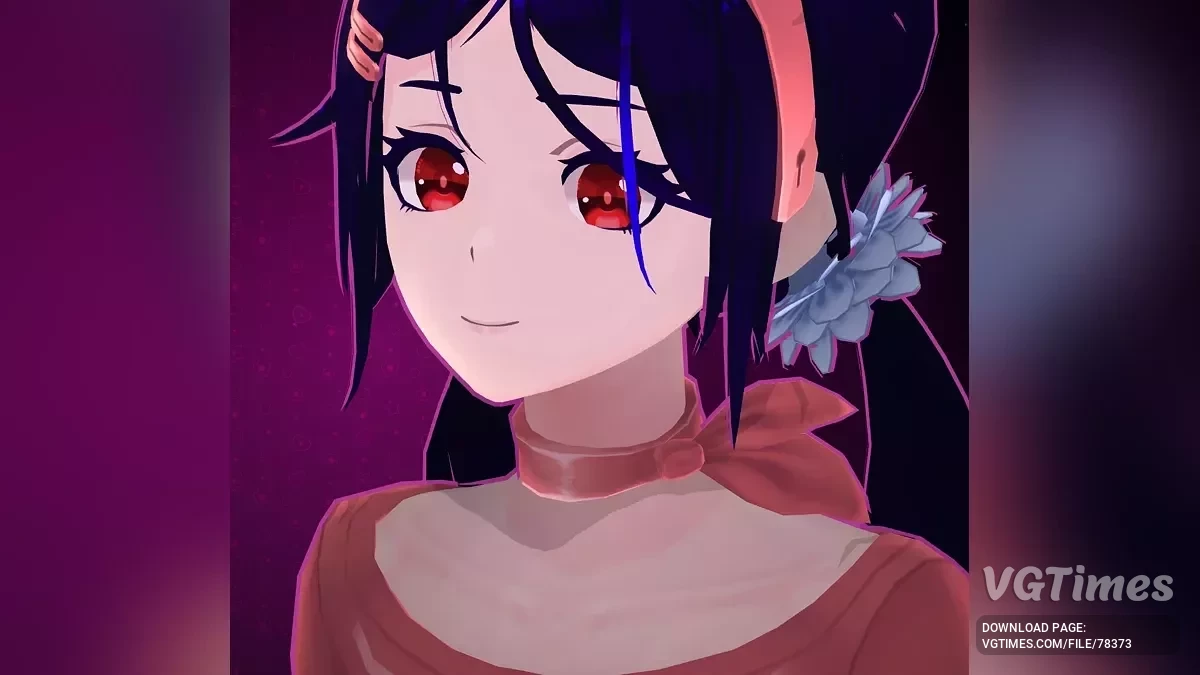
Adding the skin of Mita "Fluttershy — My Little Pony Equestria Girls".
Installation:
- Download the archive and unpack the file into the directory "MiSide\Data\Custom".
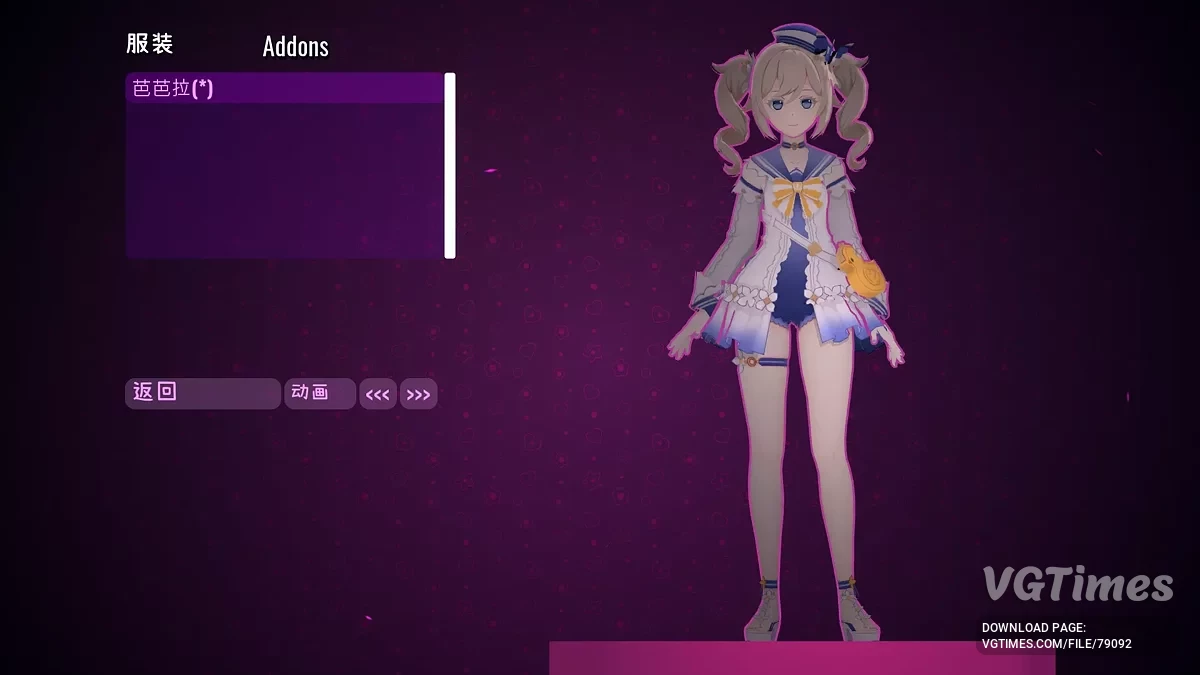
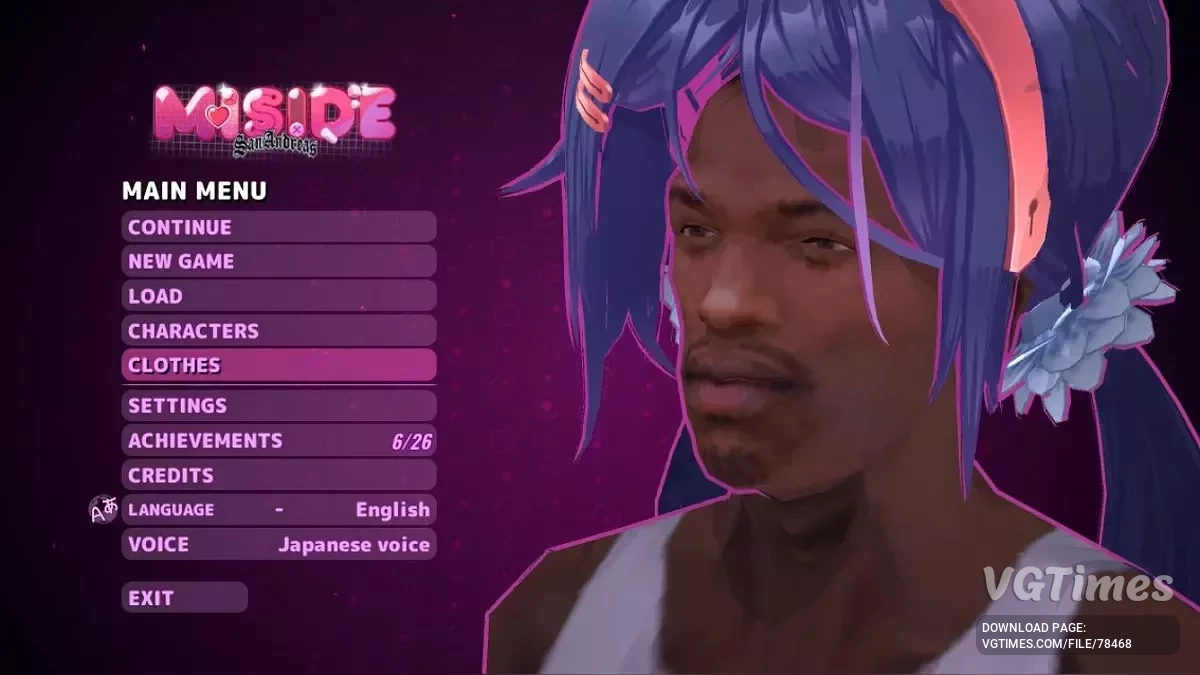
- In the game, press the "Clothing" button, select and use it.
- If desired, go to the subdirectory "MiSide\Data\Custom\Fluttershy\ver", copy the desired alternative version of the file into the directory "MiSide\Data\Custom\Fluttershy" and rename it, replacing the default files.
The archive contains 6 versions of the file Body.png (Bikini, panties, various shorts, NSFW) and 6 versions of the file Cloth.png (Green or pink skirts, pink or green stockings with various patterns, gloves).
Due to skin color changes, the Cap and other Mitas may not look perfect (transition neck-head), you can use the original Body.png.
Добавляем скин Миты "Fluttershy — My Little Pony Equestria Girls".
Установка:
- Скачайте архив и распакуйте файл в каталог "MiSide\Data\Custom".
- В игре нажимаем кнопку "Одежда", выбираем и пользуемся.
- При желании заходим в подкаталог "MiSide\Data\Custom\Fluttershy\ver", копируем желаемую альтернативную версию файла в каталог "MiSide\Data\Custom\Fluttershy" и переименовываем, заменяя файлы по умолчанию.
Архив содержит 6 версий файла Body.png (Бикини, трусики, разные шортики, NSFW) и 6 версий файла Cloth.png (Зелёная или розовая юбки, розовые или зелёные чулки с разными узорами, перчатки).
Из за изменения цвета кожи, Кепочка и другие Миты могут выглядеть не идеально (переход шея-голова), можете воспользоваться оригинальным Body.png.
Useful links: