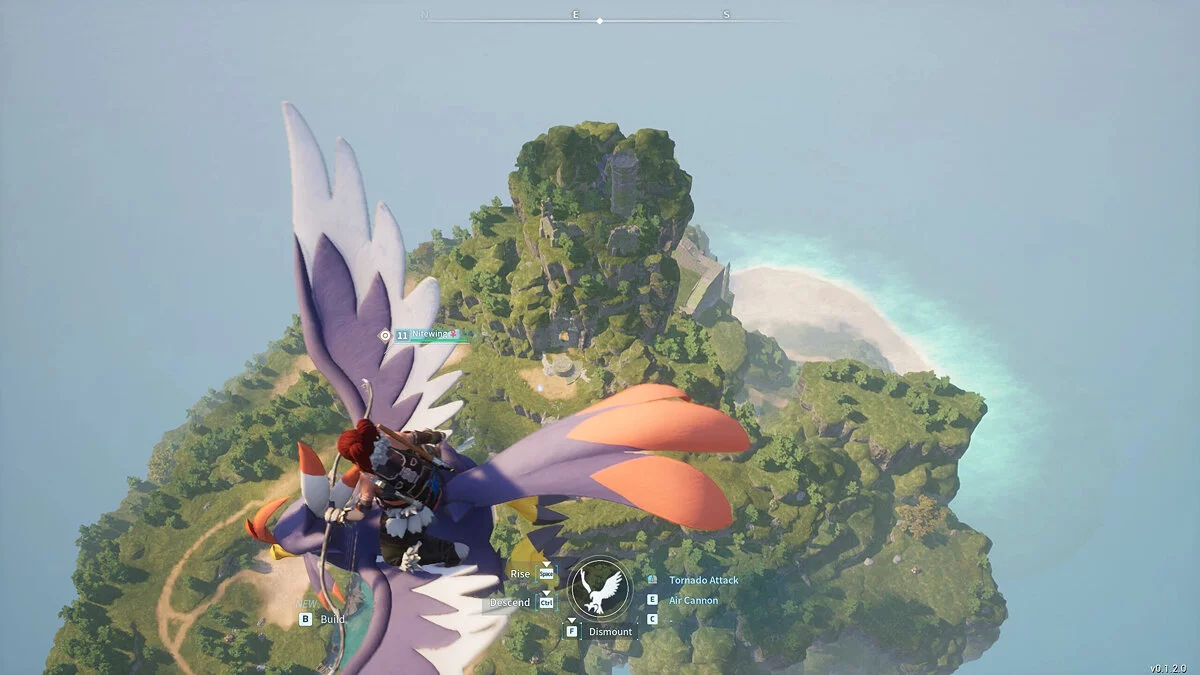
An arcade action-survival game from a third-person perspective in a vast open world with the key mechanic of taming unusual creatures called Pal. They resemble... Read more
VGTimes:
Players:
Steam:
Metacritic:

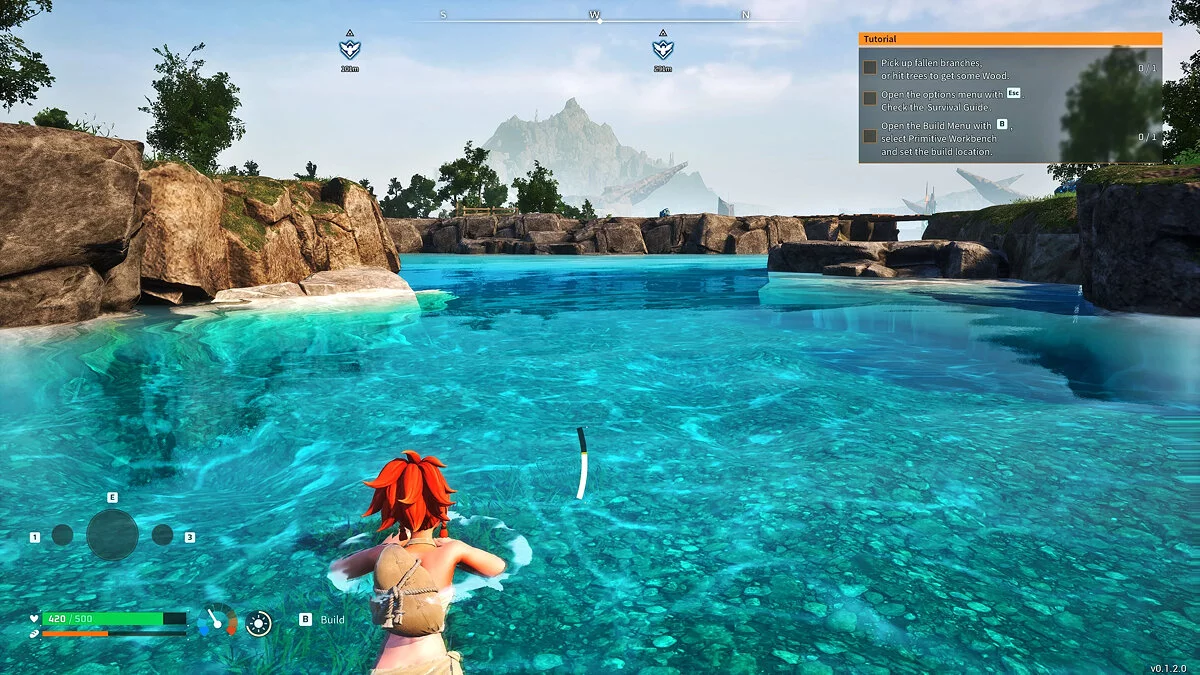
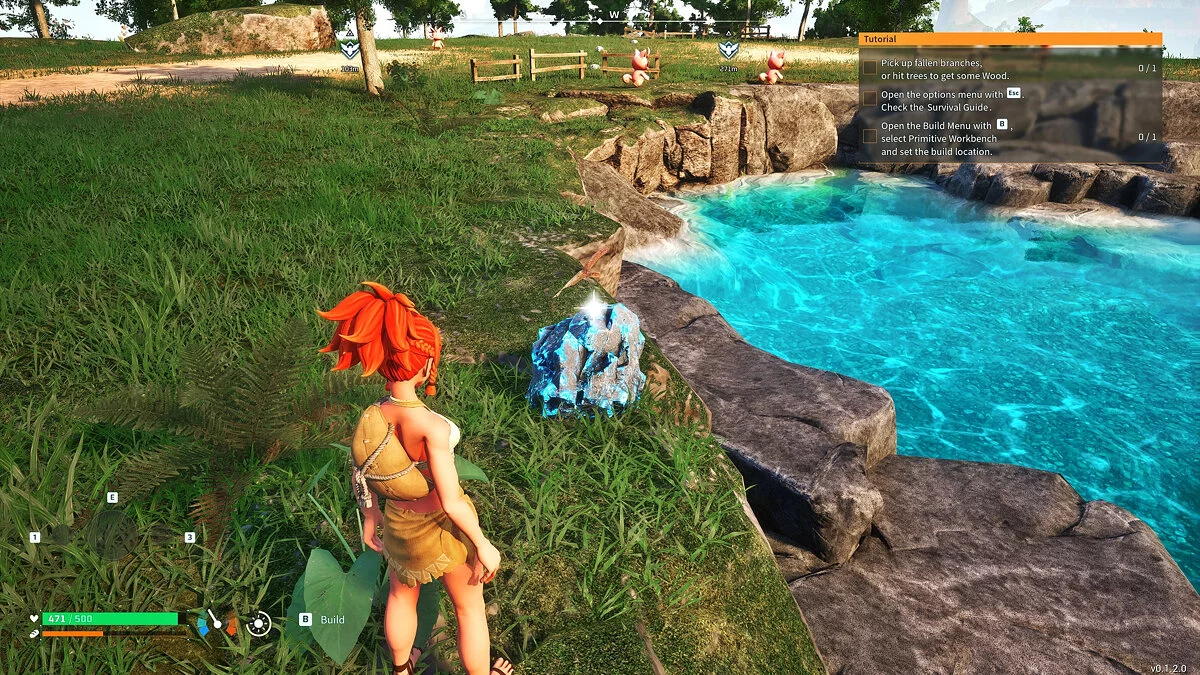
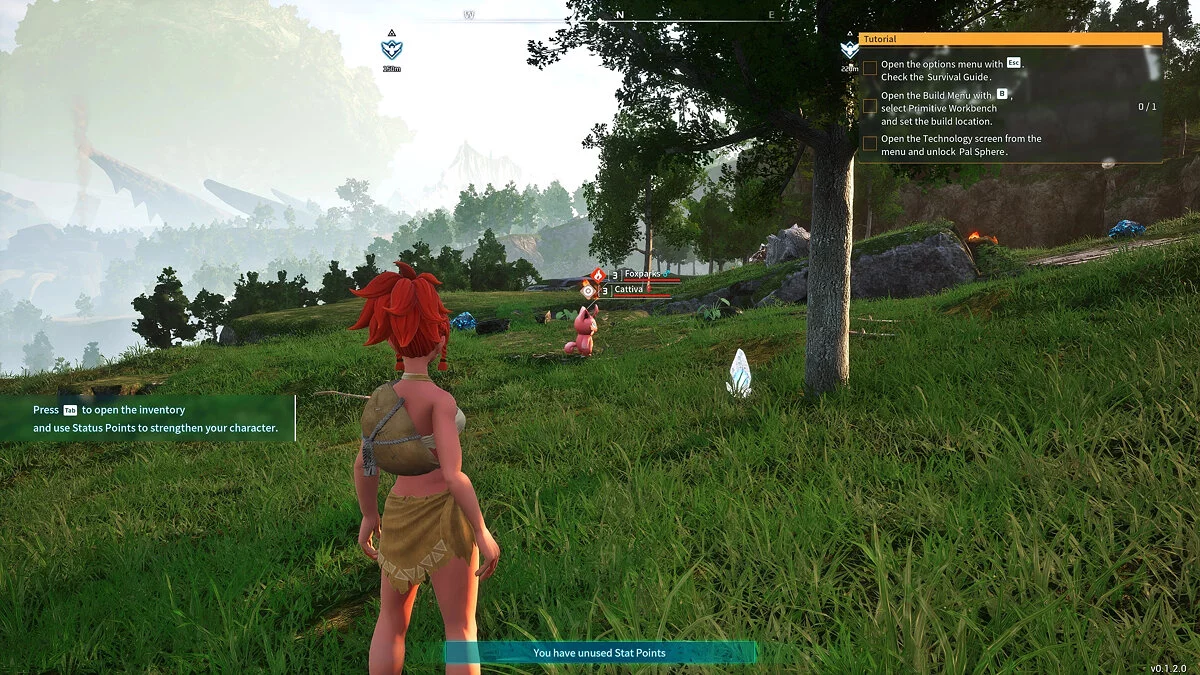
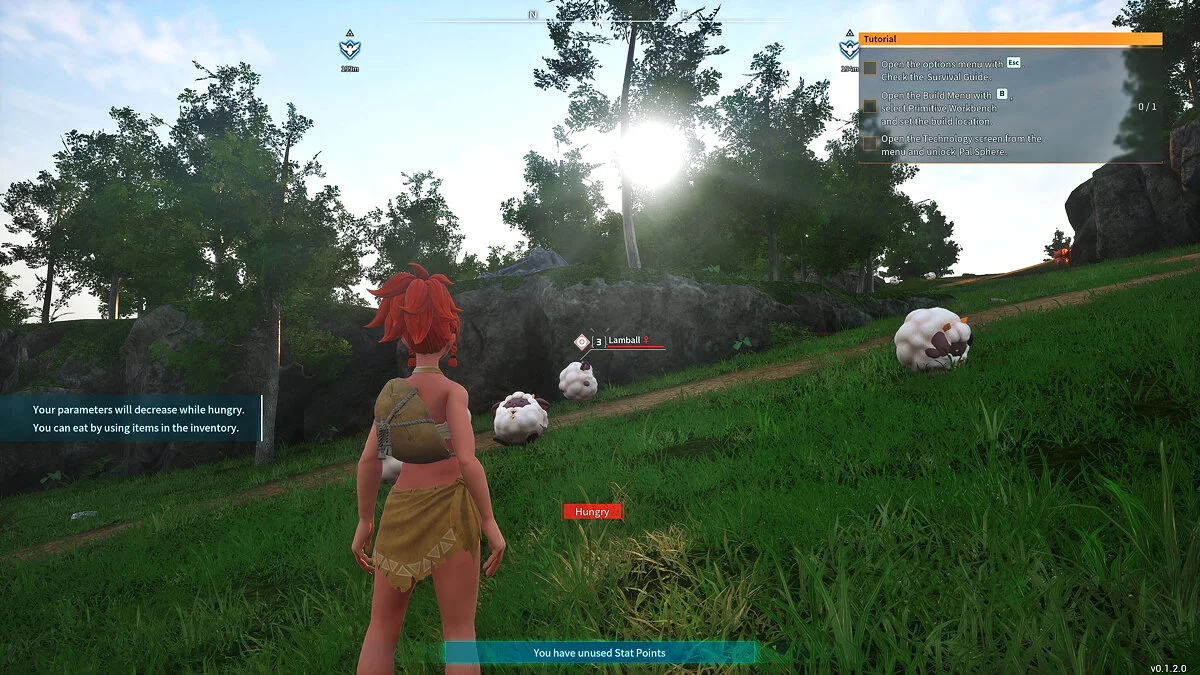
Enhanced Graphics (ReShade)



Author:
Giorma
Uploaded by:

Size:
1013 байт
Date:
January 23, 2024, 10:06 PM
Downloads:
610
-
Download (1013 байт)January 23, 2024, 10:06 PMuluchshennaja-grafika-reshejjd_1706036775_111060.rar
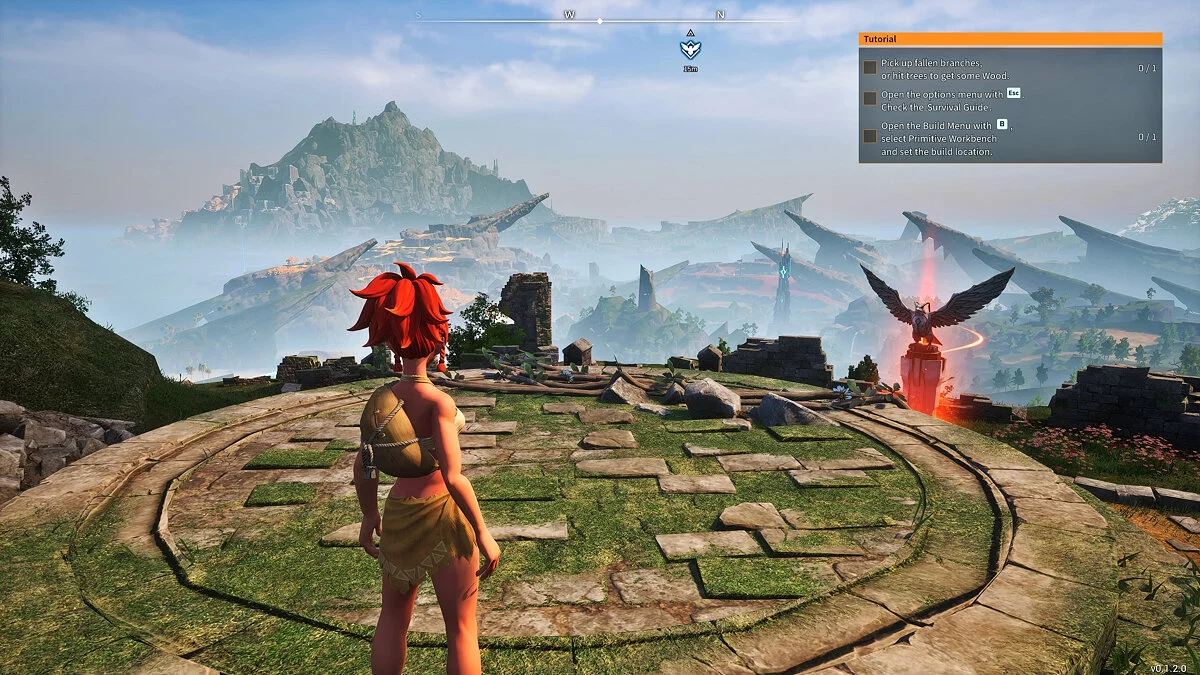
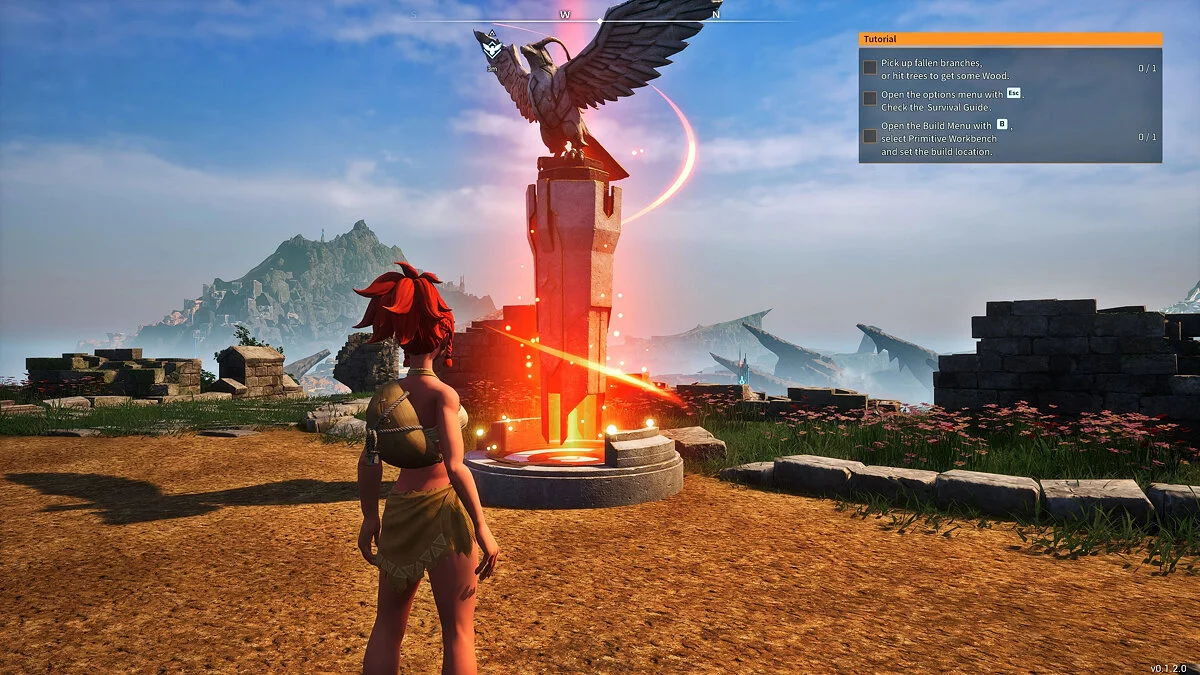
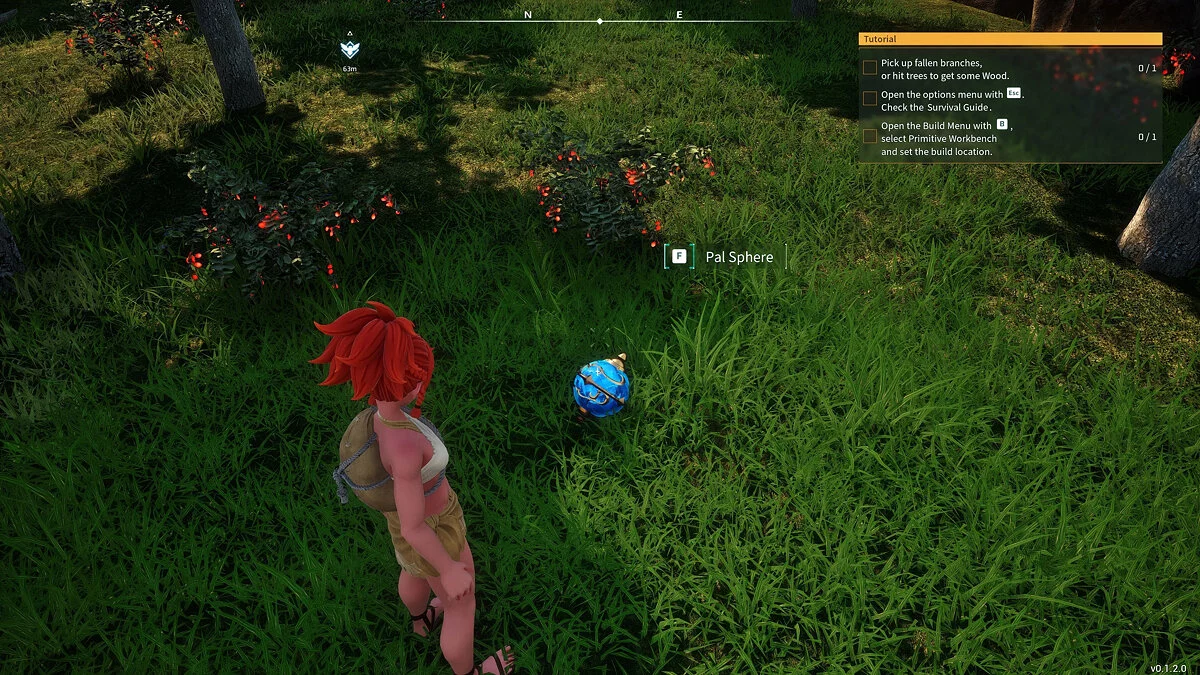
Author's ReShade improving graphics.
How to run:
- Download ReShade.
- Download the archive with the modification and extract it to the folder Palworld/Pal/Binaries/Win64.
- Run Reshade_Setup.exe from the ReShade directory. Select Palworld, then your DirectX, and then specify the file Reshade.ini from the mod. Complete the installation.
- Launch the game.
- Press Shift + F2 or Home to open the settings. Select Giorma's ReShade.
The file name and description have been translated Show original
(RU)Show translation
(EN)
Улучшенная графика (решейд)
Авторский решейд улучшающий графику.
Как запустить:
- Скачать ReShade.
- Скачать архив с модификацией и распаковать его в папку Palworld/Pal/Binaries/Win64.
- Запустить Reshade_Setup.exe из каталога ReShade. Выбрать Palworld, затем ваш DirectX, после чего указать файл Reshade.ini из мода. Завершить установку.
- Запустить игру.
- Нажать Shift + F2 или Home, чтобы открыть настройки. Выбрать Giorma's ReShade.
Useful links:
![Palworld — Cheat Engine Table [UPD: 22.01.2024]](https://files.vgtimes.com/download/posts/2024-01/thumbs/tablica-dlja-cheat-engine-upd-22-01-2024_1705919433_626187.webp)
![Palworld — Cheat Engine Table [UPD: 22.01.2024]](https://files.vgtimes.com/download/posts/2024-01/thumbs/tablica-dlja-cheat-engine-upd-22-01-2024_1705919294_288278.webp)

![Palworld — Cheat Engine Table [UPD: 21.01.2024 Fixed]](https://files.vgtimes.com/download/posts/2024-01/thumbs/tablica-dlja-cheat-engine-upd-21-01_1705825417_445177.webp)
![Palworld — Cheat Engine Table [UPD: 01/20/2024]](https://files.vgtimes.com/download/posts/2024-01/thumbs/tablica-dlja-cheat-engine-upd-20-01-2024_1705824402_838842.webp)