![Palworld — Cheat Engine Table [0.3.4.56710] / Tables / Cheats](https://files.vgtimes.com/si/gameprev_66096_768_1787657859.webp "Palworld — Cheat Engine Table [0.3.4.56710] / Tables / Cheats")
An arcade action-survival game from a third-person perspective in a vast open world with the key mechanic of taming unusual creatures called Pal. They resemble... Read more
VGTimes:
Players:
Steam:
Metacritic:

Cheat Engine Table [0.3.4.56710]
![Palworld — Cheat Engine Table [0.3.4.56710]](https://files.vgtimes.com/download/posts/2024-07/thumbs/tablica-dlja-cheat-engine-0-3-4-56710_1722418021_601748.webp)
Author:
ColonelRVH
Uploaded by:

Size:
7.94 kB
Date:
July 31, 2024, 12:27 PM
Downloads:
22
-
Download (7.94 kB)July 31, 2024, 12:27 PMtablica-dlja-cheat-engine-0-3-4-56710_1722418021_121481.rar
Functions and Commands:
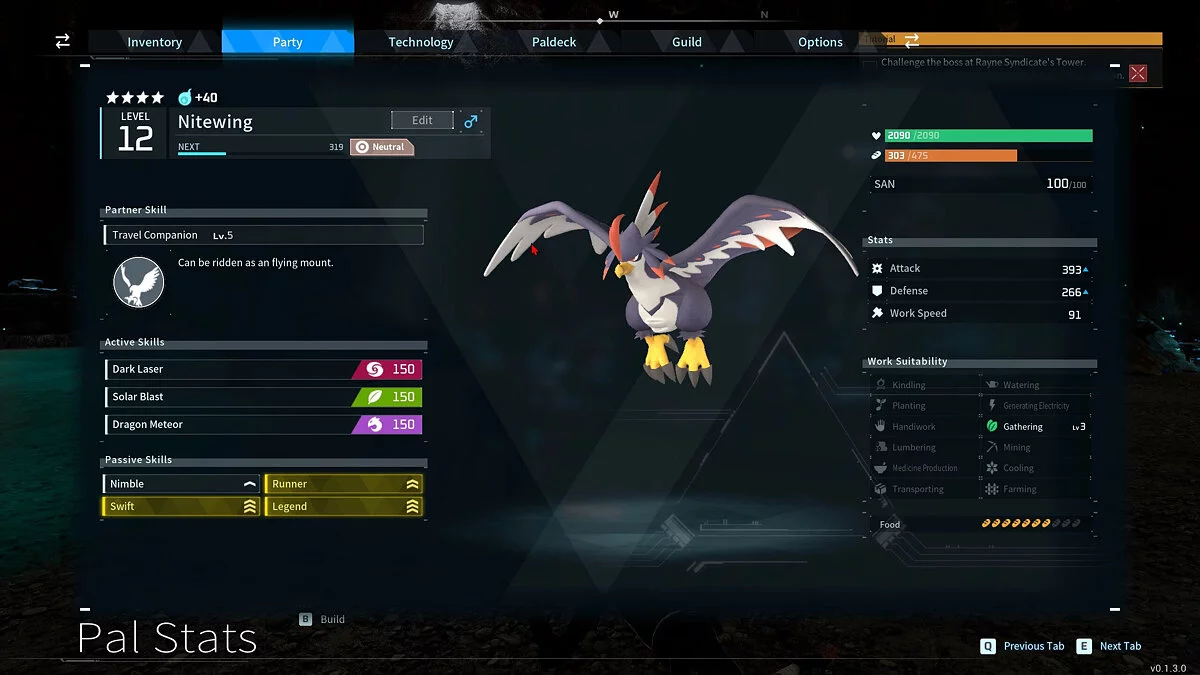
- Unlimited Stat Point [Update: Open Inventory] — infinite stat points;
- Multiply Jump Height — jump height multiplier;
- Get Technology Data [Update: Open Technology Tab] — edit technology points;
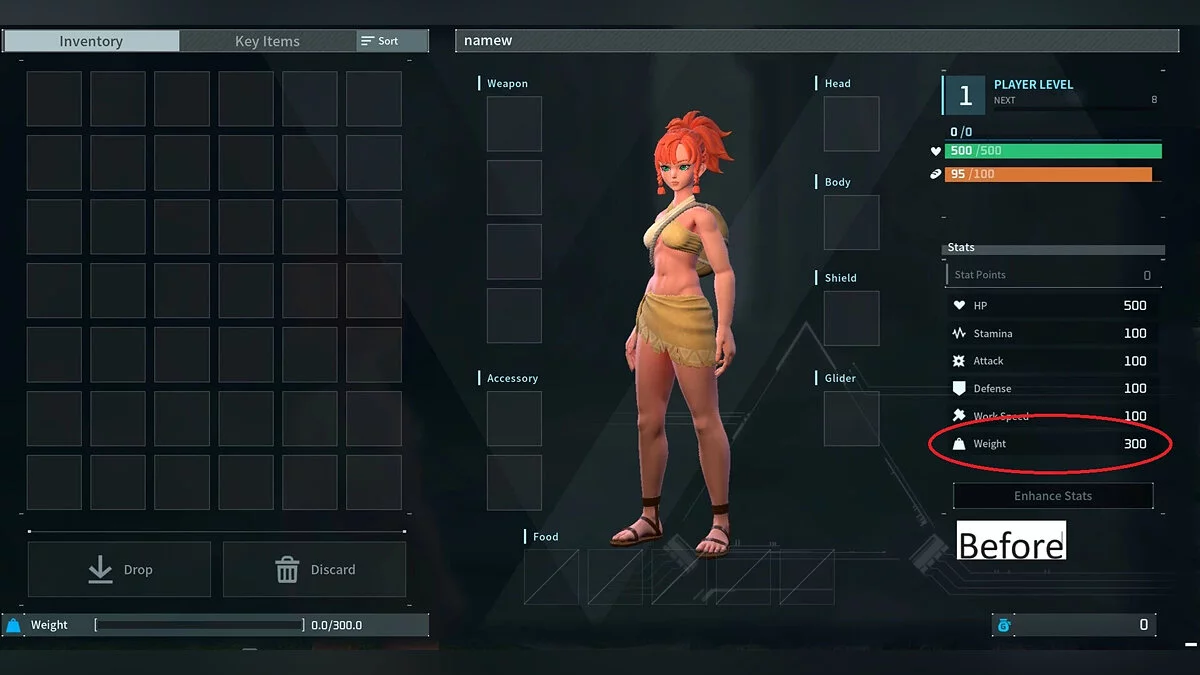
- 0 Weight [Update: Change Weight] — zero weight;
- Multiply Exp Gain — experience multiplier;
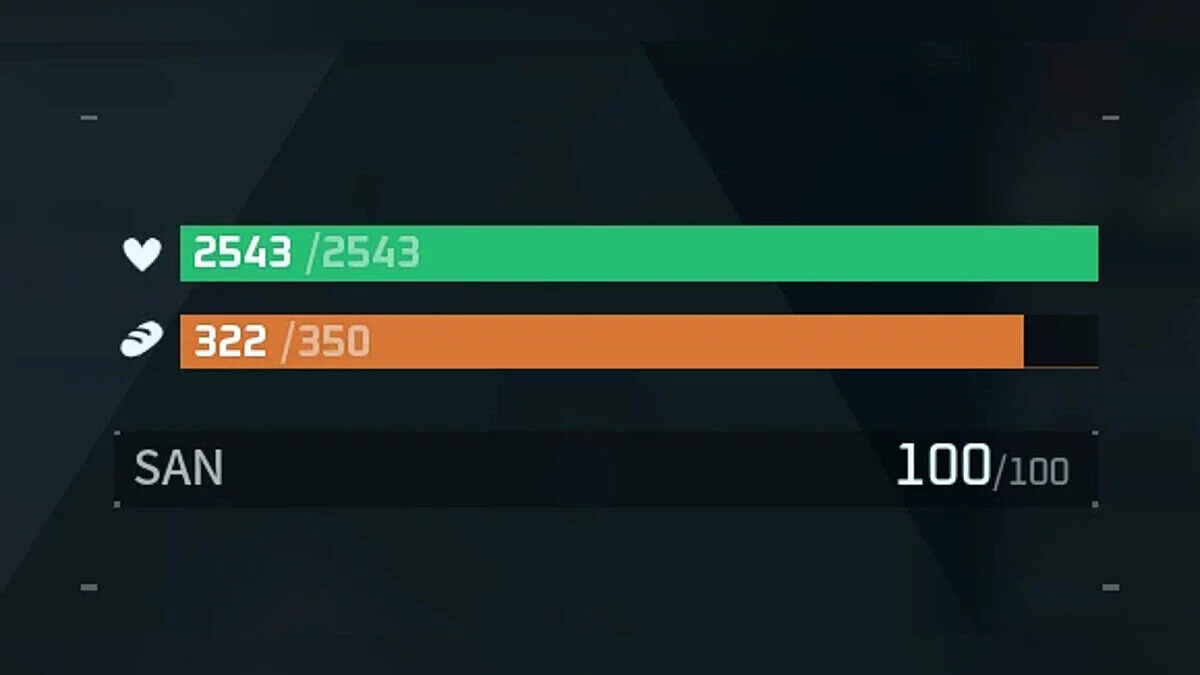
- Unlimited HP — infinite health;
- Unlimited Hunger — no hunger;
- Unlimited SP — infinite skill points;
- Item Never Decrease On Use — infinite items;
- Instant Build — fast building;
- Force Pause (Toggle: Pause Break) — pause.
- Speedhack (Ctrl+/Ctrl-) - speed hack;
How to run:
- Open “Cheat Engine”;
- Click “Load” and select the table;
- Click “Select a process to open” and choose the desired process;
- Select the desired option and check the box.
The file name and description have been translated Show original
(RU)Show translation
(EN)
Таблица для Cheat Engine [0.3.4.56710]
Функции и команды:
- Unlimited Stat Point [Update: Open Inventory] — бесконечное очки статистики;
- Multiply Jump Height — множитель высоты прыжка;
- Get Technology Data [Update : Open Technology Tab] — редактировать очки технологий;
- 0 Weight [Update: Change Weight] — нулевой вес;
- Multiply Exp Gain — множитель опыта;
- Unlimited HP — бесконечное здоровье;
- Unlimited Hunger — нет голода;
- Unlimited SP — бесконечные очки навыков;
- Item Never Decrease On Use — бесконечные предметы;
- Instant Build — быстрое строительство;
- Force Pause (Toggle: Pause Break) — пауза.
- Speedhack (Ctrl+/Ctrl-) - спидхак;
Как запустить:
- Открыть «Cheat Engine»;
- Нажать «Load» и выбрать таблицу;
- Нажать «Select a process to open» и выбрать нужный процесс;
- Выбрать нужную опцию, поставить крестик.
Related files:
Useful links:

![Palworld — Cheat Engine Table [UPD: 01/20/2024]](https://files.vgtimes.com/download/posts/2024-01/thumbs/tablica-dlja-cheat-engine-upd-20-01-2024_1705824402_838842.webp)
![Palworld — Trainer (+42) [EA: 01.22.2024]](https://files.vgtimes.com/download/posts/2024-01/thumbs/trejjner-42-ea-22-01-2024_1705998456_688071.webp)
![Palworld — Console Activation [UPD: 22.01.2024]](https://files.vgtimes.com/download/posts/2024-01/thumbs/aktivacija-konsoli-upd-22-01-2024_1705998863_99695.webp)