An arcade action-survival game from a third-person perspective in a vast open world with the key mechanic of taming unusual creatures called Pal... Read more
VGTimes:
Players:
Steam:
Metacritic:

Ultra Graphics


Author:
Fr4nsson
Uploaded by:

Size:
9.86 kB
Date:
July 11, 2026, 05:08 PM
Downloads:
15
-
Download (9.86 kB)July 11, 2026, 05:08 PMultra-graphics-ultra-grafika_1783778885_108849.zip
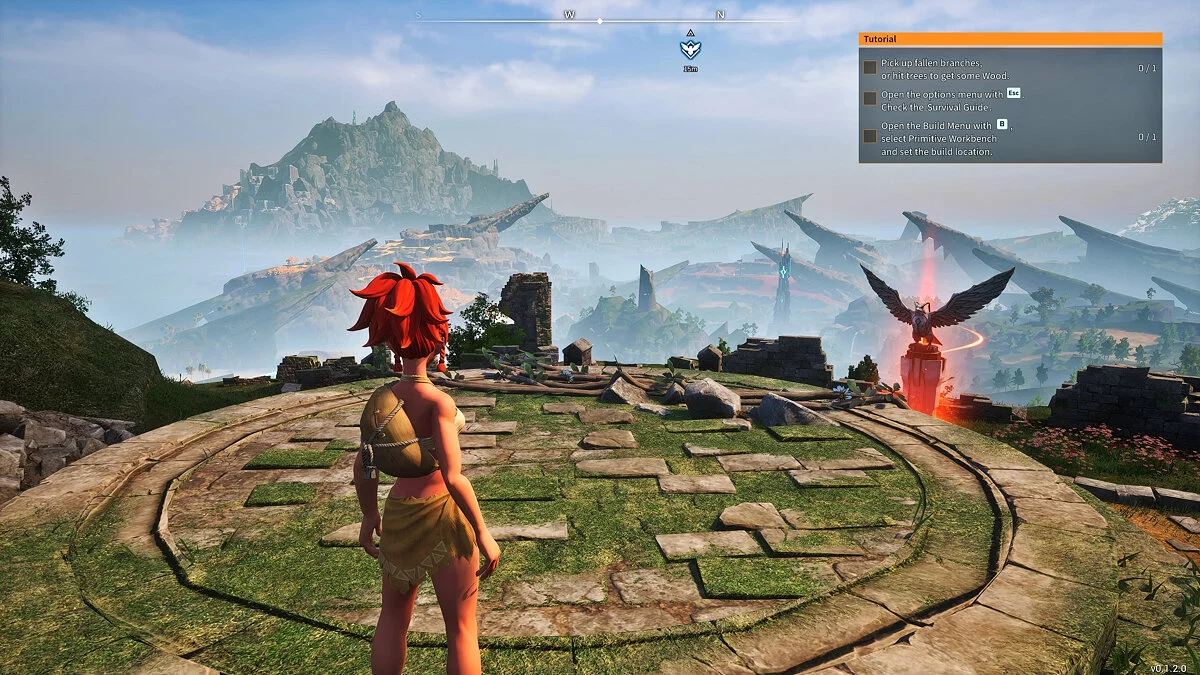
A comprehensive graphical overhaul that combines Unreal Engine configuration overrides with a dedicated UE4SS Lua script to enhance selected in-game light sources. Sunlight, handheld torches, wall lamps, and surrounding ambient elements produce stronger indirect illumination, improved shadowing, and noticeably deeper lighting grids.
Core Visual Features & Engine Changes:
- Lumen Global Illumination: Integrates advanced Unreal Engine Ray-Traced Lumen mechanics for true-to-life bounce lighting.
- Dynamic Source Shadows: Activates dynamic casting shadows for active environmental light sources (Work-in-Progress asset mapping).
- Expanded Shadow Limits: Increases the operational Distance-Field shadow scaling range tenfold—from a vanilla 25,000 to 250,000 units.
- Smoother LOD Transitions: Doubles the default World Partition streaming range from 25,600 to 51,200 units to significantly eliminate aggressive asset pop-in.
- Extended View Distance: Significantly expands overall environment rendering ranges (most noticeably observed on dense foliage and grass layouts).
Prerequisites:
- Active functioning installation of the UE4SS modding framework.
Installation instructions:
- Deploy UE4SS First: Download and initialize the core UE4SS package files for Palworld. Launch the game application at least once prior to mod setup to ensure the injector hooks correctly.
- Extract Mod Assets: Extract the downloaded modification archive data directly into your root game installation folder.
- Correct structural file path reference: ...\Palworld\Pal\Binaries\Win64\ue4ss\Mods\UltraGraphics\Scripts\main.lua
- Launch the game application.
Related files:
Useful links:
![Palworld — Cheat Engine Table [UPD: 22.01.2024]](https://files.vgtimes.com/download/posts/2024-01/thumbs/tablica-dlja-cheat-engine-upd-22-01-2024_1705919294_288278.webp)
![Palworld — Cheat Engine Table [UPD: 22.01.2024]](https://files.vgtimes.com/download/posts/2024-01/thumbs/tablica-dlja-cheat-engine-upd-22-01-2024_1705919433_626187.webp)
![Palworld — Cheat Engine Table [UPD: 26.01.2024]](https://files.vgtimes.com/download/posts/2024-01/thumbs/tablica-dlja-cheat-engine-upd-26-01-2024_1706345020_352100.webp)

![Palworld — Trainer (+42) [EA: 01.22.2024]](https://files.vgtimes.com/download/posts/2024-01/thumbs/trejjner-42-ea-22-01-2024_1705998456_688071.webp)