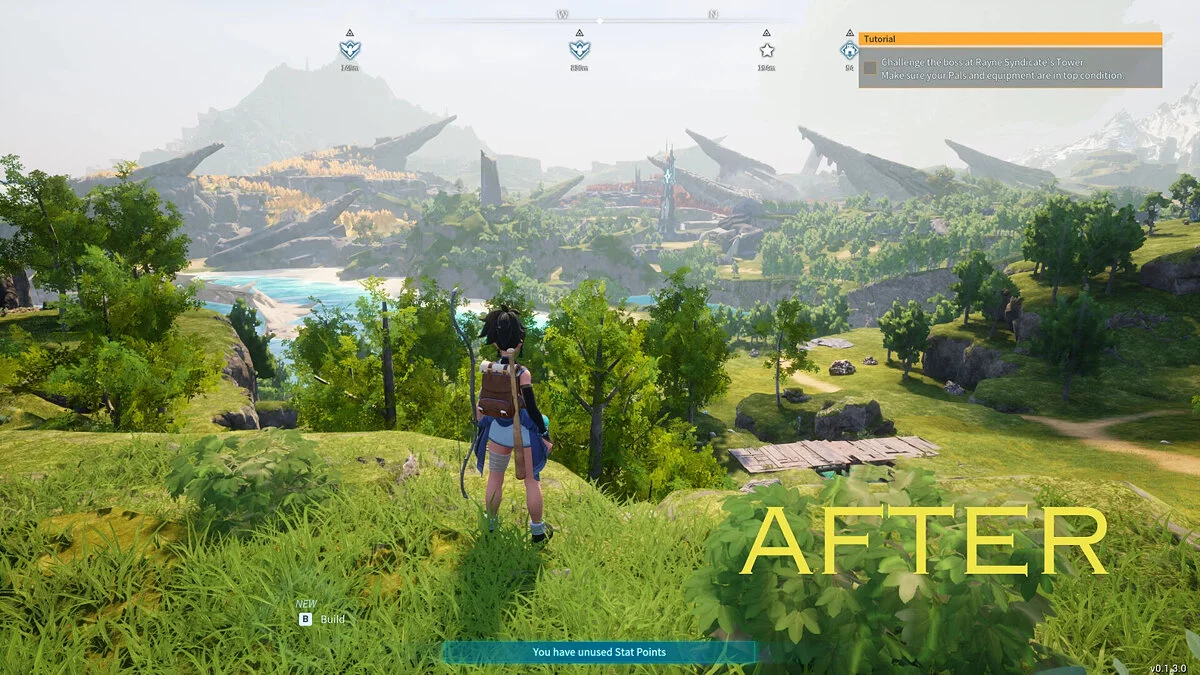
An arcade action-survival game from a third-person perspective in a vast open world with the key mechanic of taming unusual creatures called Pal. They resemble... Read more

Pal Info Simple HUD


-
Download (29.57 kB)July 11, 2026, 05:12 PMpal-info-simple-hud-informacionnyjj-hud_1783779159_987132.rar
A comprehensive, performance-focused client-side UI modification that displays an informative diagnostic overlay above any Pal or human NPC currently targeted by the player's crosshair. The script extracts active data table records and draws a customized HUD vector without overriding core stats, network sync data, or local save structures.
Core Features & Radar Properties:
- Dynamic Targeting Execution: The information panel initializes instantly upon successful crosshair collision and clears itself from the view screen once aiming ceases.
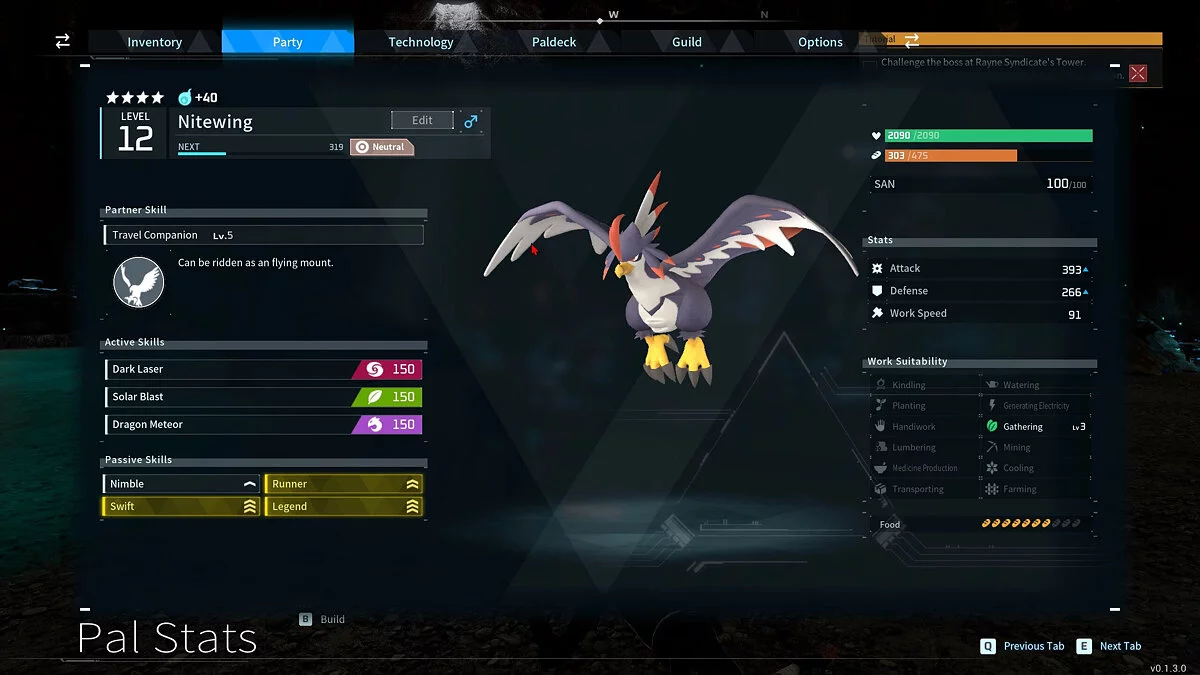
- Baseline Attributes: Tracks localized target names, character levels, genders, elemental classes, and real-time HP limits via an outlined high-visibility status bar.
- Individual Values (IVs): Discovers hidden gene ratings (scaled 0 to 100) next to core parameters. Quality tiers use distinct UI coloring: Green indicates a high genetic build, Yellow implies average stat allocation, and Red highlights low efficiency.
- Combat & Labor Metrics: Lists direct Attack scaling, Defense values, base Work Speed, and operational Work Suitability level icons.
- Skill Arrays: Maps currently equipped Active Skills (including element tags and raw power indices) paired with labeled Passive Traits sorted via status markers: + Positive, — Negative, ~ Mixed, = Neutral, and ? Unknown.
- Drop Predictor: Scans and caches up to six potential drop items in a dual-column layout, displaying item names, minimum/maximum drop quantity spans, and exact drop probability percentages.
In-Game Configuration Menu & Controls:
Toggle the integrated layout customizer dashboard open or closed by pressing the F6 hotkey. This utility alters panel offsets, UI scaling vectors, background coloration parameters, and alpha opacity channels.
- F1 — Select previous menu configuration row.
- F2 — Select next menu configuration row.
- F3 — Decrease highlighted parameter value.
- F4 — Increase highlighted parameter value.
- F5 — Reset the single selected property row to default.
- F7 — Complete structural reset of all menu settings.
- F6 — Close the settings interface (adjustments apply instantly and auto-save).
Technical Notices:
- Adaptive Update Performance: To keep background frametimes low, target validation loops drop to a minimal processing rate when idle. Consequently, the information card can take up to two seconds to render after the crosshair locks onto an asset. This delay is an intentional optimization feature.
- DekModConfigMenu Support: Full optional operational integration with DekModConfigMenu (DekMCM) is supported out of the box, auto-syncing both configuration modules seamlessly.
- Multiplayer Architecture: This framework functions strictly as a Client-side asset. Do not deploy this modification onto dedicated server hardware. It has zero effect on synchronized server rulesets and operates independently on individual game instances.
Prerequisites:
- Active functioning installation of the UE4SS modding framework for Palworld.
Installation instructions:
- Download and extract the modification archive package.
- Move the extracted folder named PalInfoCustomHUD directly into your internal mod loading directory path:
...\Palworld\Pal\Binaries\Win64\ue4ss\Mods\ - Navigate up one level to the ue4ss root folder and open the mods.txt configuration file using a standard text editor.
- Append the following script initialization string on a fresh line:
PalInfoCustomHUD : 1 - File Structure Validation: The final asset layout tree must read exactly as follows: under ue4ss\Mods\PalInfoCustomHUD\, you must see a scripts folder containing main.lua, alongside the primary configuration script PalInfoCustomHUD.userconfig.lua.
- Launch the game application.
Related files:
Useful links:

![Palworld — Cheat Engine Table [UPD: 01/20/2024]](https://files.vgtimes.com/download/posts/2024-01/thumbs/tablica-dlja-cheat-engine-upd-20-01-2024_1705824402_838842.webp)
![Palworld — Cheat Engine Table [UPD: 26.01.2024]](https://files.vgtimes.com/download/posts/2024-01/thumbs/tablica-dlja-cheat-engine-upd-26-01-2024_1706345020_352100.webp)