Risen is an atmospheric action role-playing game with a third-person view in a fantasy setting from the creators of the Gothic series. In the game you have to... Read more
ReShade Preset - Vibrance

-
1663097914_vibrnce.zipDownload (10.25 kB)
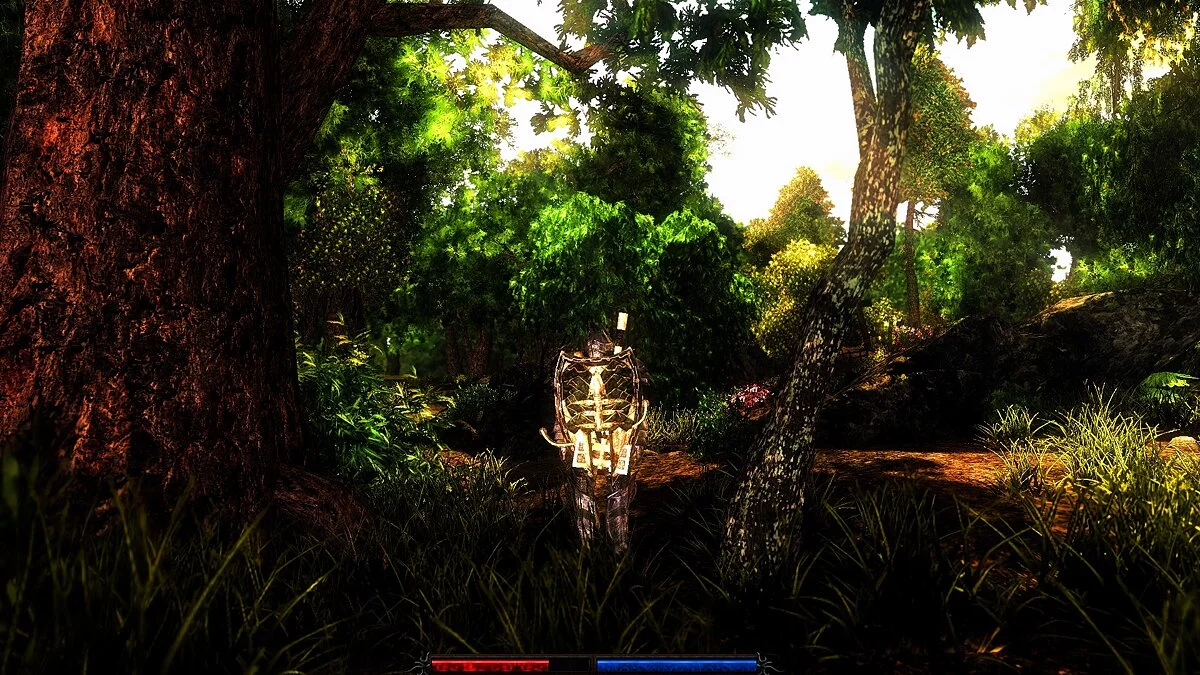
ReShade preset for Risen
To run ReShade with this preset:
- Download the preset and place it in the game directory, in the 'bin' folder where the executable file is located.
- Download the latest version of ReShade
- Run the installer and select the Risen executable file.
- Check all boxes and install
- To enable the preset, you can
- select it in the configuration menu after installing ReShade
- specify it in the ReShade.ini configuration file by entering '.Vibrance.ini' in 'PresetPath'
- enable it in-game by opening the ReShade menu using the 'Home' key
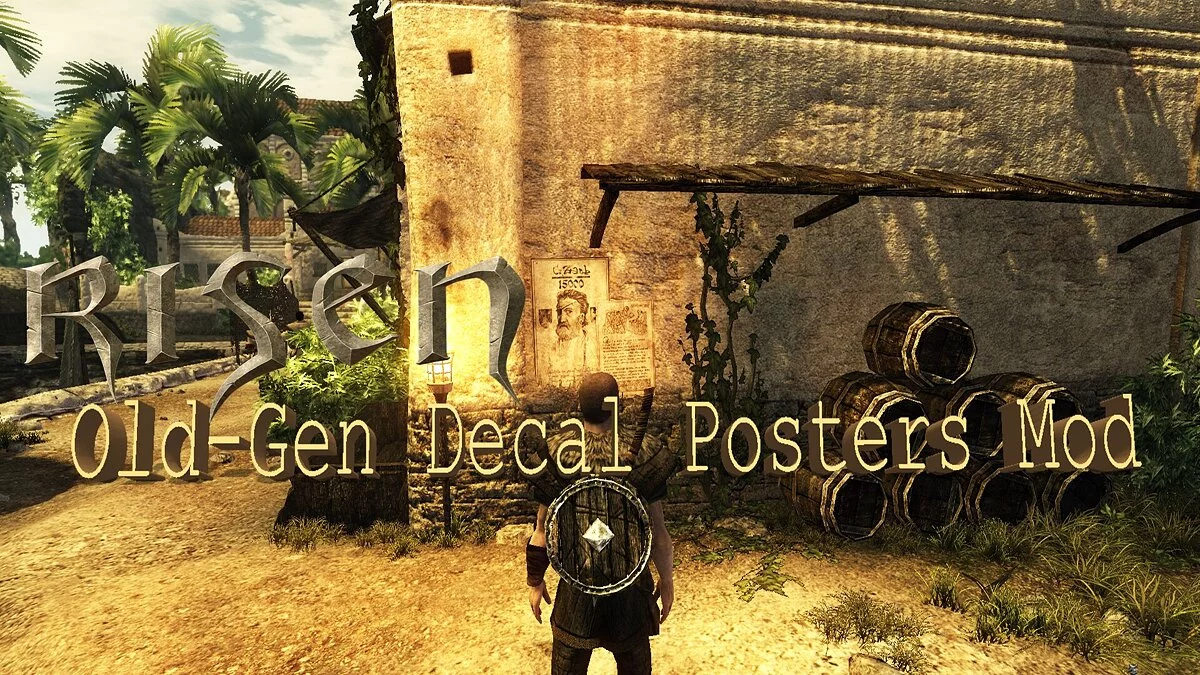
[thumb]https://vgtimes.ru/uploads/posts/2022-09/1663097838_befunky-collage.jpg[/thumb]
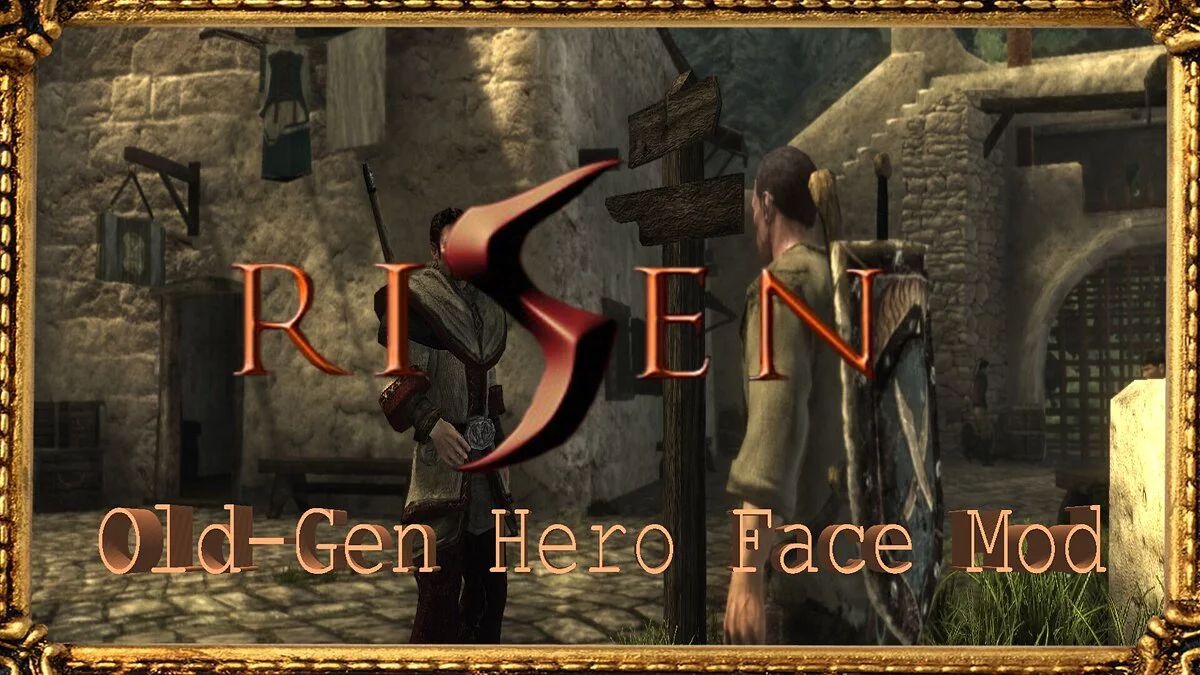
[thumb]https://vgtimes.ru/uploads/posts/2022-09/1663097865_befu2nky-collage.jpg[/thumb]
[thumb]https://vgtimes.ru/uploads/posts/2022-09/1663097938_befunky-c3ollage.jpg[/thumb]
Пресет ReShade для Risen
Чтобы запустить ReShade с этим пресетом:
- Загрузите пресет и поместите его в каталог игры, в папку «bin», где находится исполняемый файл.
- Загрузите последнюю версию ReShade
- Запустите установщик и выберите исполняемый файл Risen.
- Отметьте все галочки и установите
- Чтобы включить предустановку, вы можете
- выберите его в меню конфигурации после установки ReShade
- указать на него в конфигурационном файле ReShade.ini, введя '.Vibrance.ini' в 'PresetPath'
- включите его на уровне игры, открыв меню ReShade с помощью кнопки «Home»
[thumb]https://vgtimes.ru/uploads/posts/2022-09/1663097838_befunky-collage.jpg[/thumb]
[thumb]https://vgtimes.ru/uploads/posts/2022-09/1663097865_befu2nky-collage.jpg[/thumb]
[thumb]https://vgtimes.ru/uploads/posts/2022-09/1663097938_befunky-c3ollage.jpg[/thumb]
Useful links:
![Risen — Trainer (+17) [1.0.96124.0]](https://files.vgtimes.com/download/posts/2020-05/thumbs/1588768430_thxraegjid5n8w1uf3uo9q.webp)


![Risen — Trainer (+12) [1.0]](https://files.vgtimes.com/download/posts/2020-04/thumbs/1586089804_hwbozrm0xgvltiokvznykw.webp)