
Hurricane hand-to-hand combat with a multitude of enemies from the creators of Absolver. A young kung fu student embarks on a path of revenge. Chasing shadows... Read more
Performance Optimization Settings
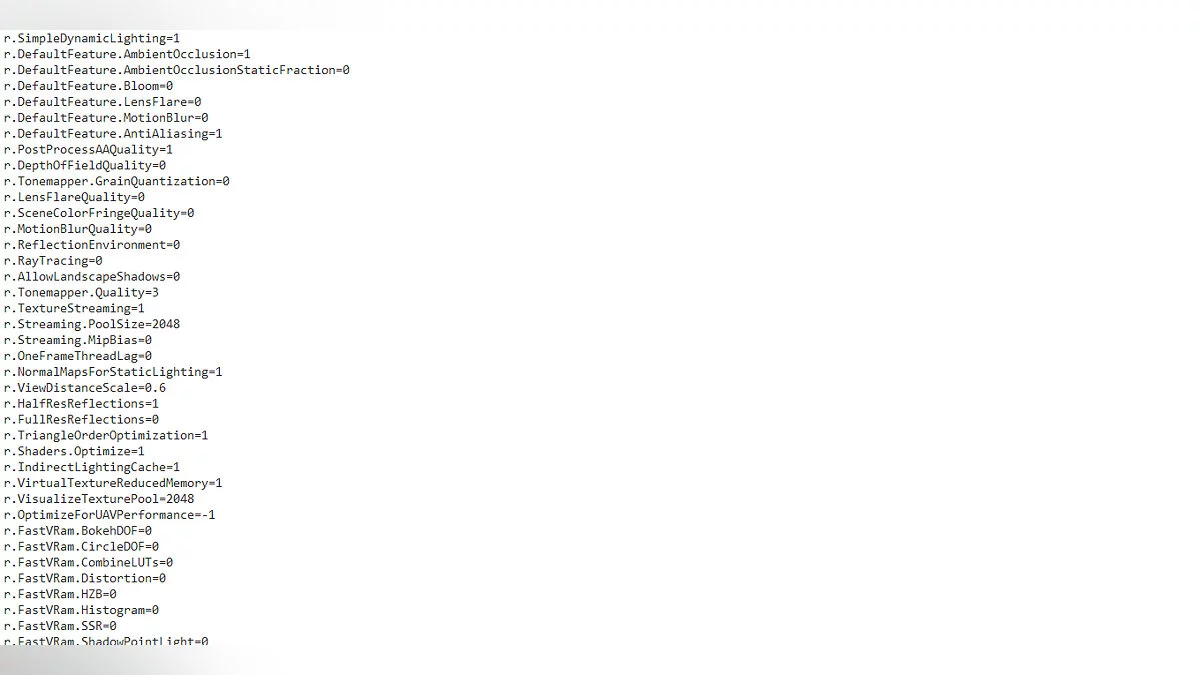

-
www.nexusmods.comDownload
Performance Optimization Tweaks.
If you're struggling to run the game properly, experiencing stuttering and low fps even at low and 50% resolution scaling, these ini file settings will help.
These settings will enhance your performance while striving to maintain visual quality. You may notice slight changes in visual fidelity, but they are very subtle, and none of these changes will break the game.
Installation Instructions:
1. Navigate to localappdata/Sifu/Saved/Config/WindowsNoEditor and back up Engine.ini, GameUserSettings.ini, and Scalability.ini.
2. Extract the contents of the zip folder into localappdata/Sifu/Saved/Config/WindowsNoEditor and replace the files.
3. Right-click the sifu shortcut, select properties, and paste "-high -USEALLAVAILABLECORES __GL_GlslUseCollapsedArrays=0" into the target field without quotes.
4. Done! (Read the readme file for further setup instructions)
Performance Optimization Tweaks.
Если вы не можете запустить игру должным образом, возникают заикания и низкий fps даже при низком и 50% масштабировании разрешения. Эти настройки файлов ini помогут.
Эти настройки улучшат вашу производительность, стараясь изо всех сил поддерживать визуальное качество. Можно увидеть незначительные изменения визуального качества, но они очень тонкие, и ни одно из этих изменений не сломает игру.
Инструкции по установке:
1. Перейдите к localappdata/Sifu/Saved/Config/WindowsNoEditor и сделайте резервную копию Engine.ini, GameUserSettings.ini и Scalability.ini.
2. Извлеките содержимое папки zip в localappdata/Sifu/Saved/Config/WindowsNoEditor и замените файлы.
3. Щелкните правой кнопкой мыши ярлык sifu, выберите свойства и вставьте «-high -USEALLAVAILABLECORES __GL_GlslUseCollapsedArrays=0» в целевой столбец. без кавычек.
4. Готово! (Прочитайте файл readme для дальнейших инструкций по настройке)
Useful links:
![Sifu — Cheat Engine Table [1.5.330]](https://files.vgtimes.com/download/posts/2022-02/thumbs/1644403809_yc2x14fxf_4bepjzop11aa.webp)
![Sifu — Table for Cheat Engine [1.5.330]](https://files.vgtimes.com/download/posts/2022-02/thumbs/1644322851_sifu-8.webp)
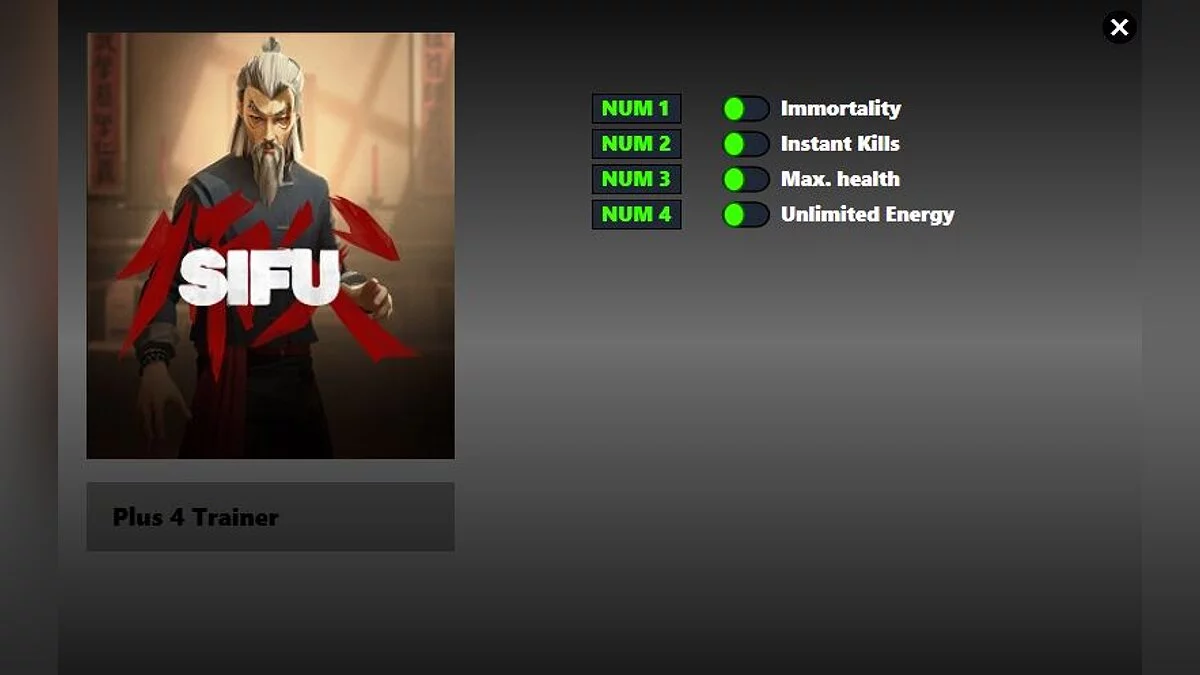
![Sifu — Trainer (+4) [1.5.3330]](https://files.vgtimes.com/download/posts/2022-02/thumbs/1644322679_hlvsli8_q6yjgqd7n9otjq.webp)
![Sifu — Trainer (+4) [1.5.3330]](https://files.vgtimes.com/download/posts/2022-02/thumbs/1644322542_vm0wfytzszfl0u2dzod9ta.webp)
![Sifu — Trainer (+16) [1.20.5876]](https://files.vgtimes.com/download/posts/2023-03/thumbs/trejjner-16-1-20-5876_1680263873_447485.webp)