
Third-person horror with survival and adventure elements Silent Hill 2 is a remake of the cult classic from 2001. The new game largely follows the canon... Read more
VGTimes:
Players:
Steam:
Metacritic:

Files for Silent Hill 2 / Optimization
Discover the best mods and skins to optimize your gaming experience. Download the latest files to enhance Silent Hill 2 performance.
This category offers a selection of optimization files that improve gameplay and enrich the user experience. Users can rate and comment on each file, helping the community identify the best available options.
Laptop Optimization

Download
Laptop optimization aims to enhance overall performance by removing unnecessary visual effects. It helps increase the frames per second (FPS). It does not blur textures. Reduces CPU latency; Decreases video memory usage; Minimizes RAM consump ...
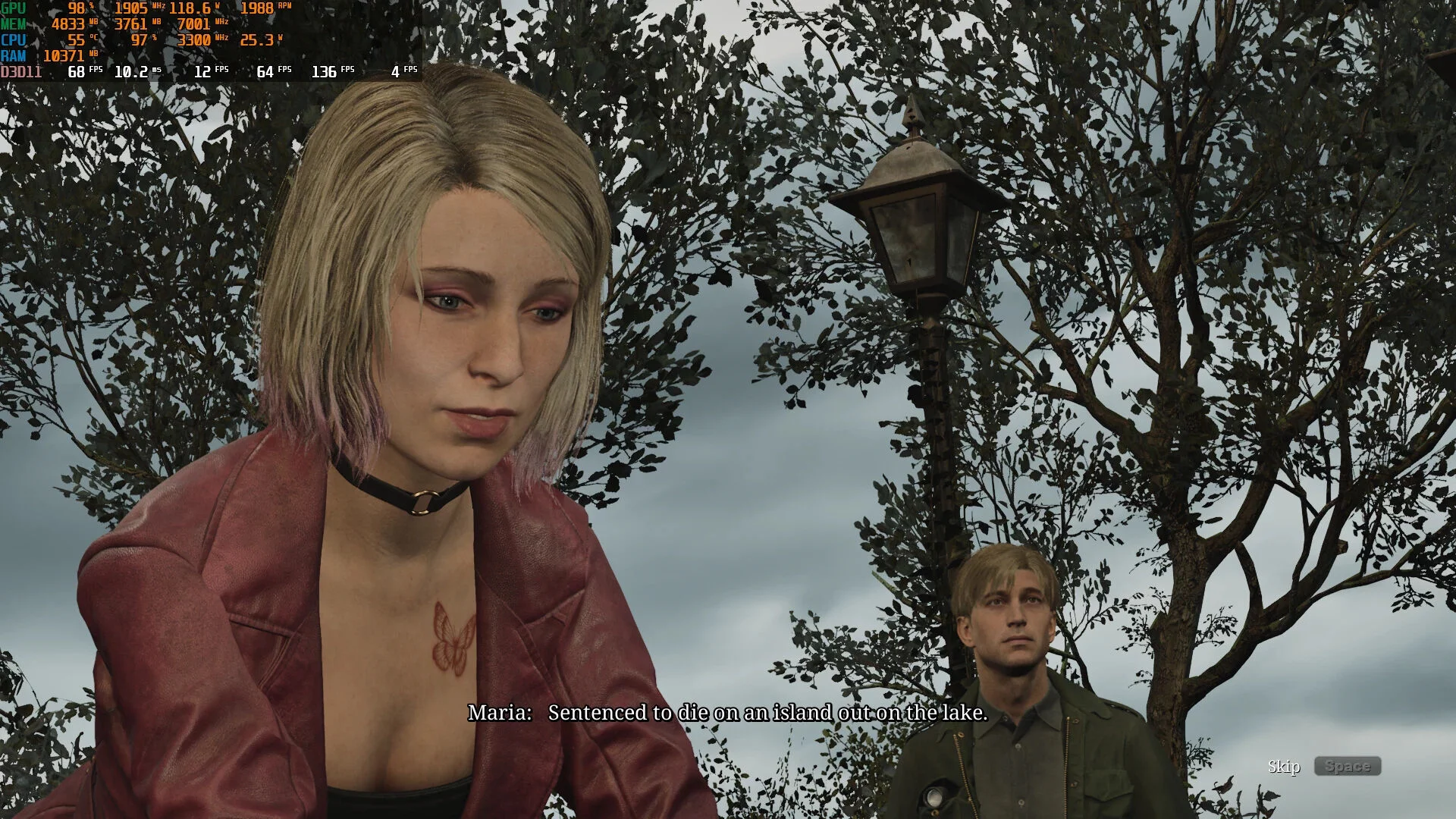
FPS Boost for Low-End Graphics Cards
Download
This configuration file will allow the game to run on Low End GPUs (GTX 1650, RX 580, RX570, etc.) with more than 30 fps. Without scaling tools (FSR, FG, etc.). How to run: extract to this path C:/Users/your name/AppData/Local/SilentHill2/Saved/ ...
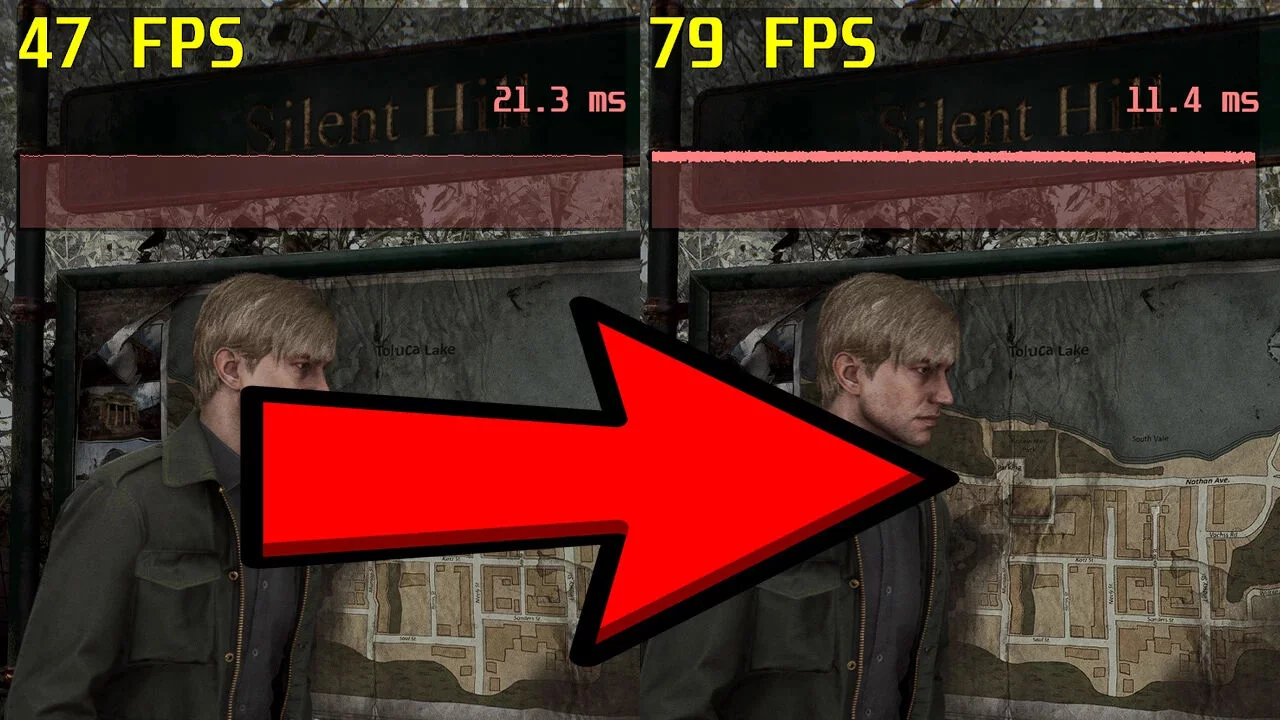
Optimized Settings and FSR 3 Frame Generation

Download
In this file, you will find enhanced graphics settings for the remaster of Silent Hill 2, which will help improve performance and ensure smooth FPS. Additionally, the file includes FSR 3 Frame Generation technology, which reduces system load without ...
Lag Reduction
Download
Some INI optimizations for improved performance and blurred reflections with RayTracing on/off, reducing delays without visual degradation. How to run: unpack to this path AppData/Local/SilentHill2/Saved/Config/Windows.
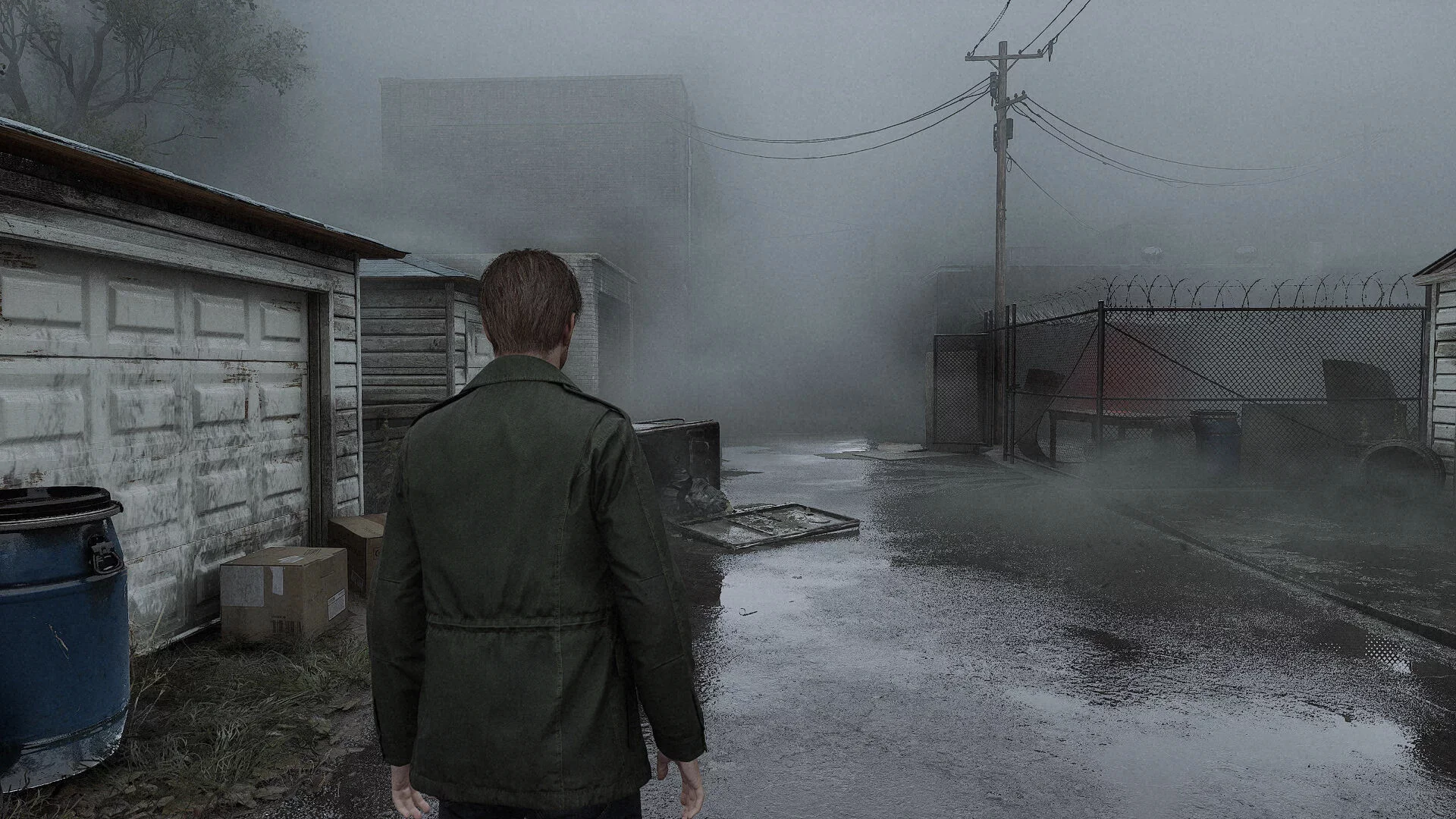
Performance Enhancements and Stuttering Fixes
Download
Elimination of stuttering, reduction of draw distance and fog, enabling FSR 3 Frame Gen. Customized performance settings for Engine.ini for better performance on my older graphics cards like the GTX 1050.
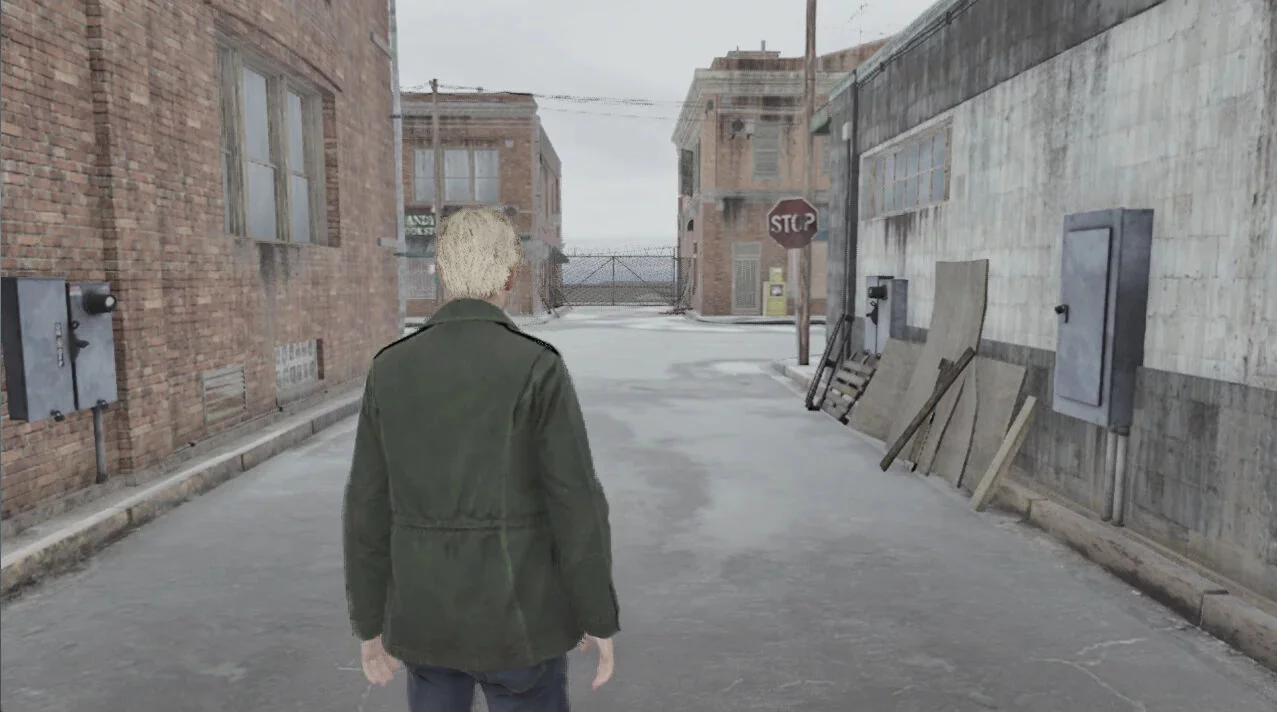
Graphics Like on PlayStation 2
Download
This mod downgrades the graphics to a PS2 style.
FSR3 Frame Generation

Download
Enable FSR3 frame generation. How to run: download and extract the Engine.ini file; navigate to where your config is saved. Usually this is C:/Users/YourUsername/AppData/Local/SilentHill2/Saved/ConfigWindows; replace Engine.ini with the d ...
High CPU and Disk Priority
Download
A simple registry tweak to enable high CPU and disk priority for the Silent Hill 2 executable. This will help improve performance on weak processors and slow disks. It helps reduce stuttering on all processors and disks. How to run: extract and ...
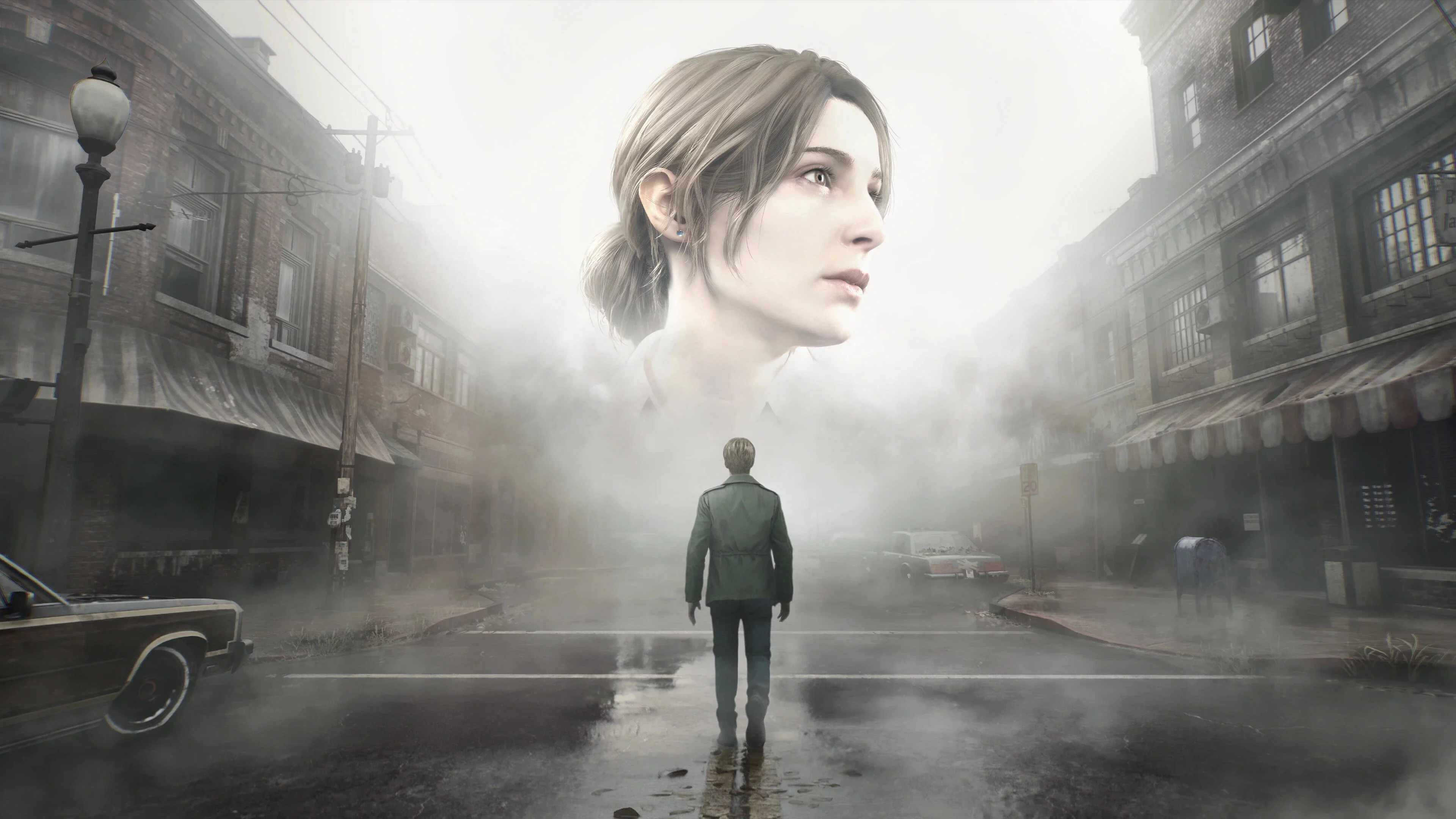
Silent Optimization
Download
Optimization and significant reduction of stuttering by optimizing shader compilation and asset streaming. How to install: extract to this path SHProto/Content/Paks/~mods.
Optimization
Download
file logging disabled; improved interaction between CPU and GPU; render distance fixed; shader caching optimized for DirectX 12; disabled: depth of field, motion blur, vignette; anisotropic filtering set to 16x; additional anti-aliasin ...