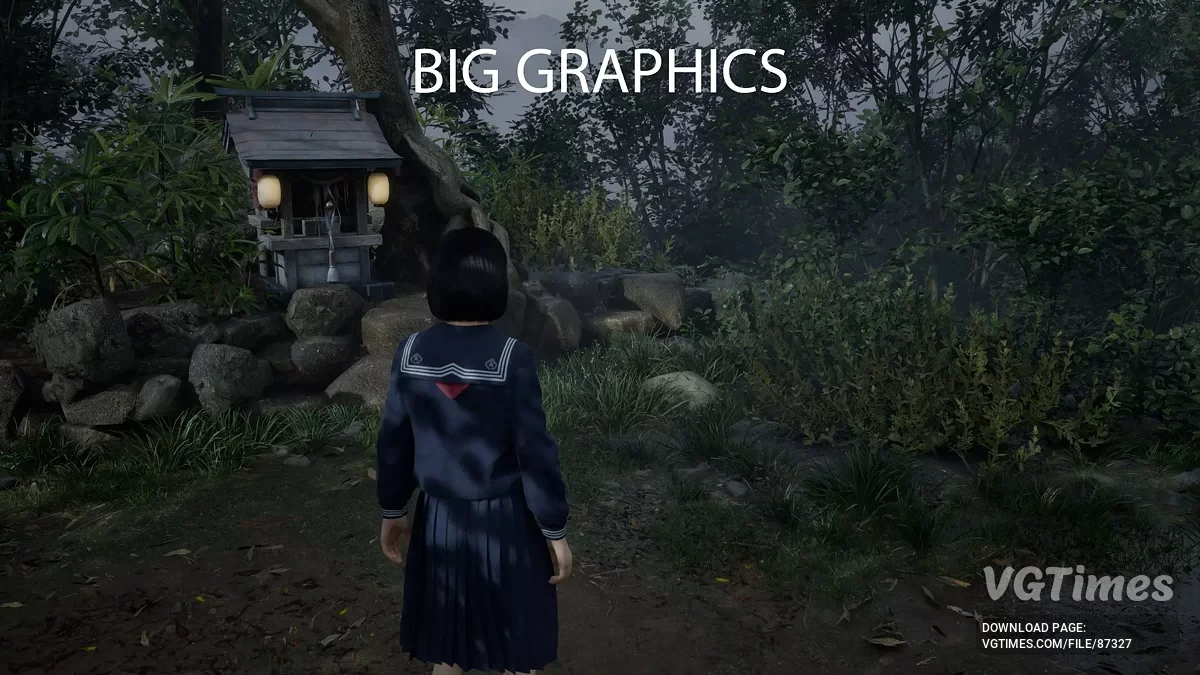
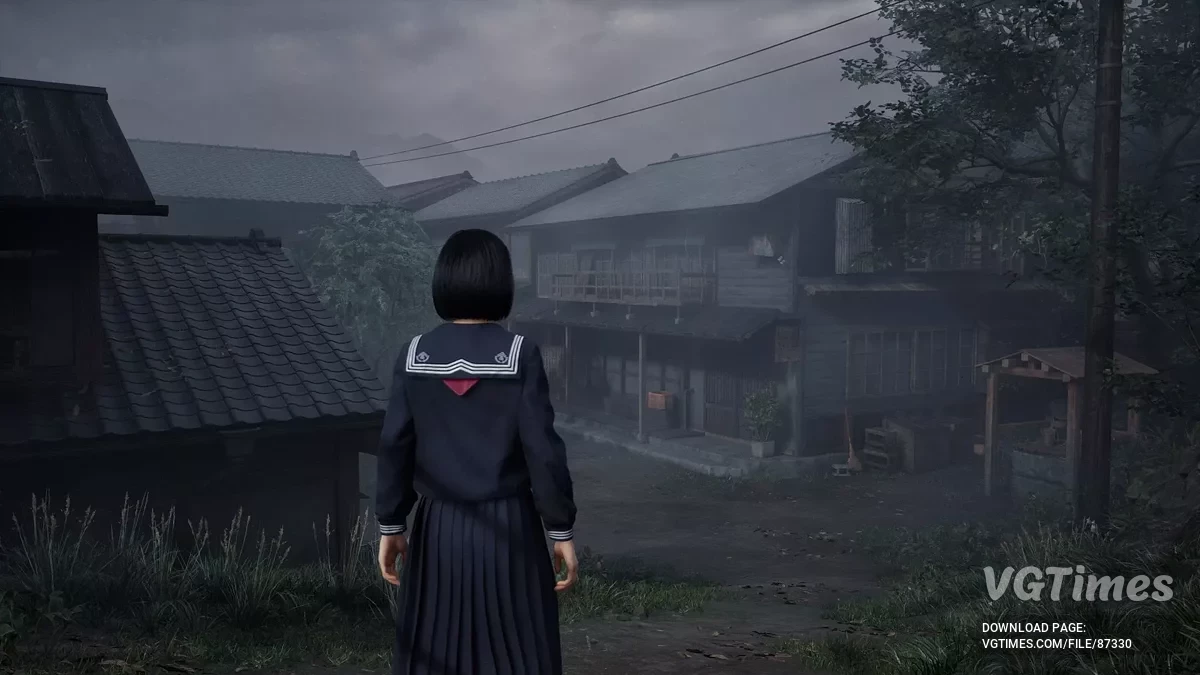
A full-fledged sequel to the cult horror series Silent Hill. The action takes place in the 1960s in the Japanese town of Ebisugaoka. The story tells of a schoolgirl... Read more
VGTimes:
Players:
Steam:
Metacritic:

CheatMenu
Author:
KeinZantezuken
Uploaded by:

Size:
15.43 kB
Date:
September 24, 2025, 01:15 PM
Updated:
September 29, 2025, 01:36 PM
Downloads:
154

-
Download (15.43 kB)September 29, 2025, 01:36 PM0.0.2chit-menju_1759142199_19606.zip
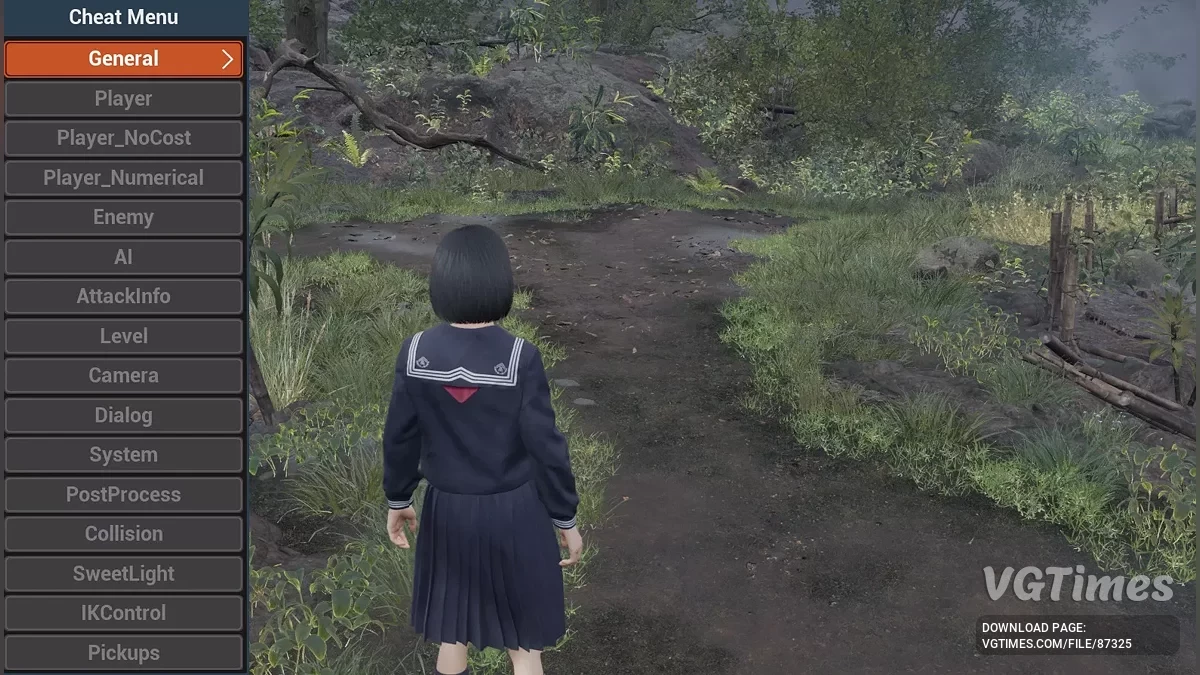
The mod adds a console command to toggle the in-game cheat menu. Open the console and execute the command cheatmenu to enable or disable the menu. Not all cheats are available in the release version. A detailed guide is available via the link.
Usage:
- Open the console (by default it’s ` or ~) and type cheatmenu
- WASD — navigate;
- F or Enter — confirm selection;
- Backspace — back;
- Arrows — tweak value;
- Exit — execute the console command again to hide the menu.
How to install:
- Install SML;
- Open your Steam Library, find Silent Hill f, right-click it, Manage -> Browse Local Files. This is your <game_root> folder;
- Extract the contents of the zip archive to: <game_root>\SHf\;
- Make sure the SHFCheatMenu\ folder is located at: <game_root>\SHf\Mods\.
- Example: D:\Steam\steamapps\common\Silent Hill f\SHf\Mods\SHFCheatMenu.
Useful links:
![Silent Hill f — Trainer (+26) [1.01]](https://files.vgtimes.com/download/posts/2025-09/thumbs/trejjner-26-1-01_1758873672_249257.webp)