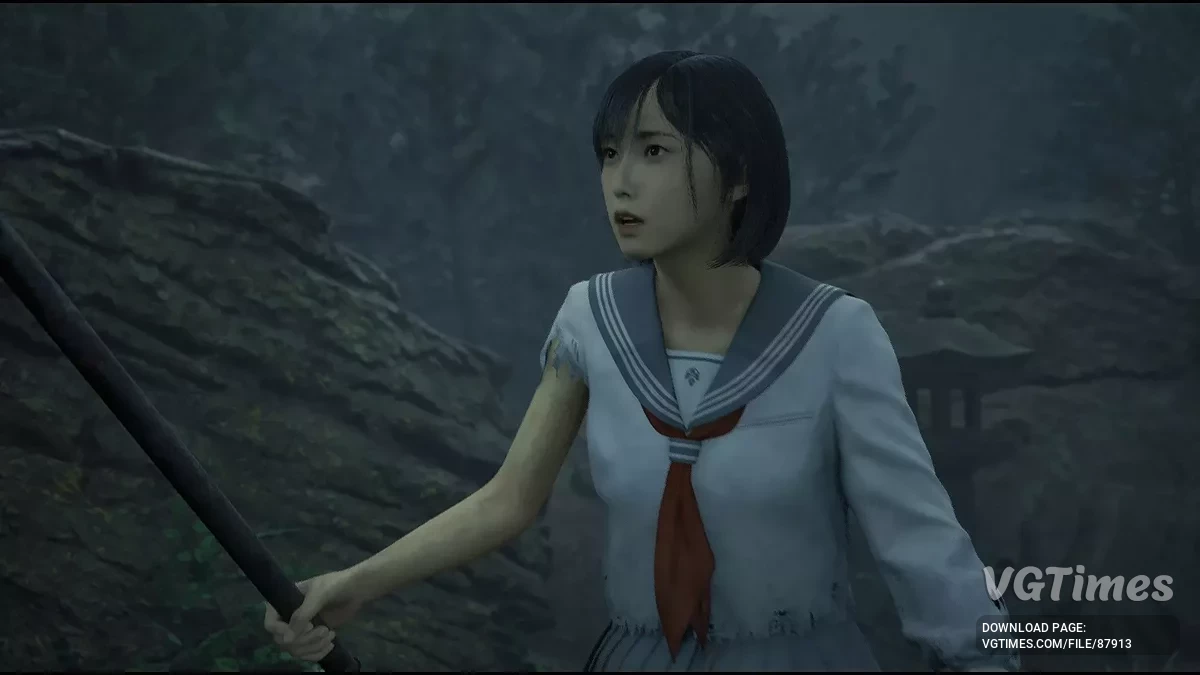
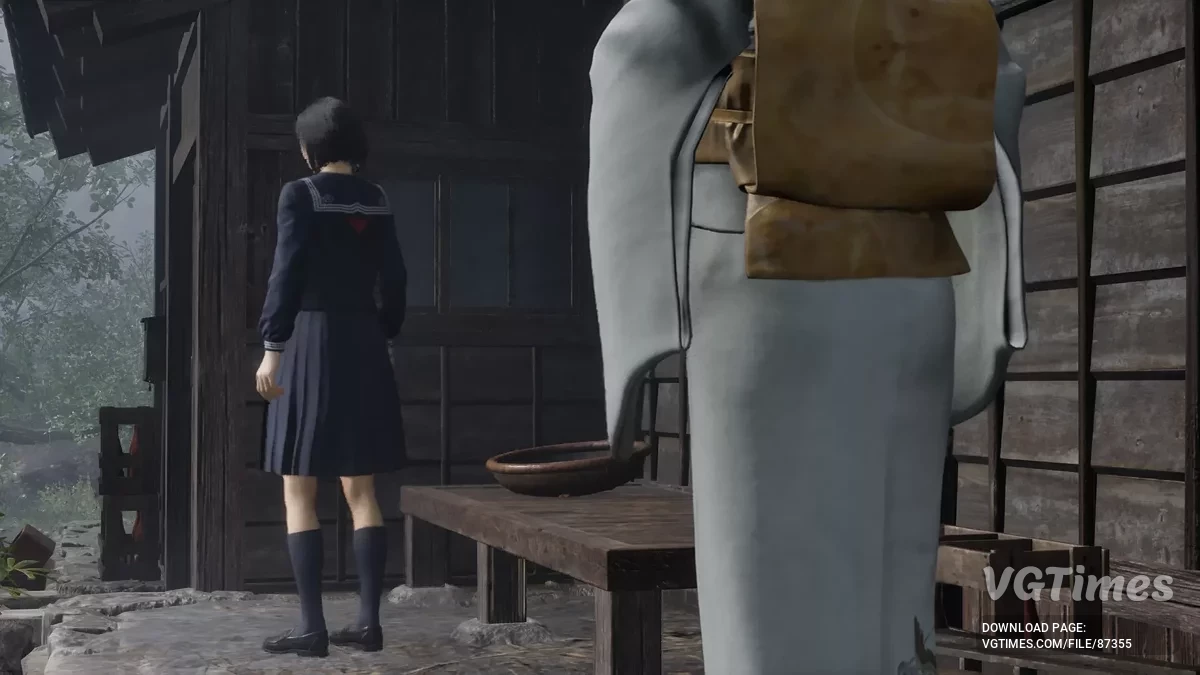
A full-fledged sequel to the cult horror series Silent Hill. The action takes place in the 1960s in the Japanese town of Ebisugaoka. The story tells of a schoolgirl... Read more

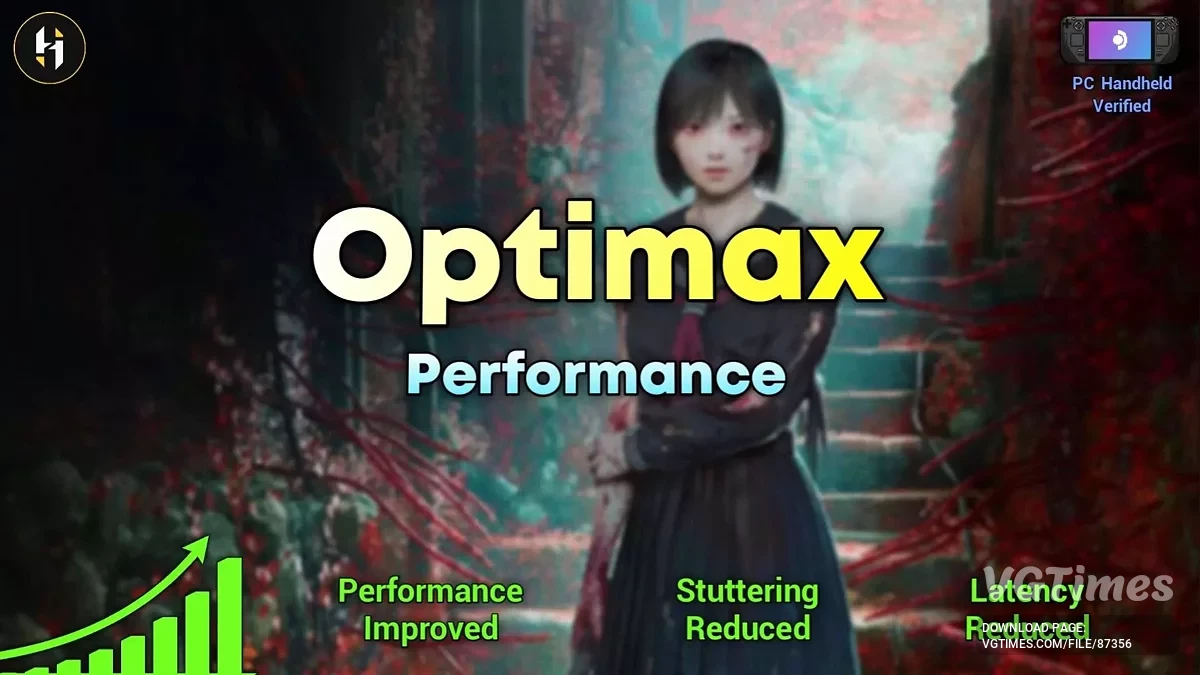
Performance (stutter FPS latency fix)

-
Download (792.78 kB)September 29, 2025, 01:37 PM1.6povyshenie-proizvoditelnosti-ustranenie_1759142252_940209.zip
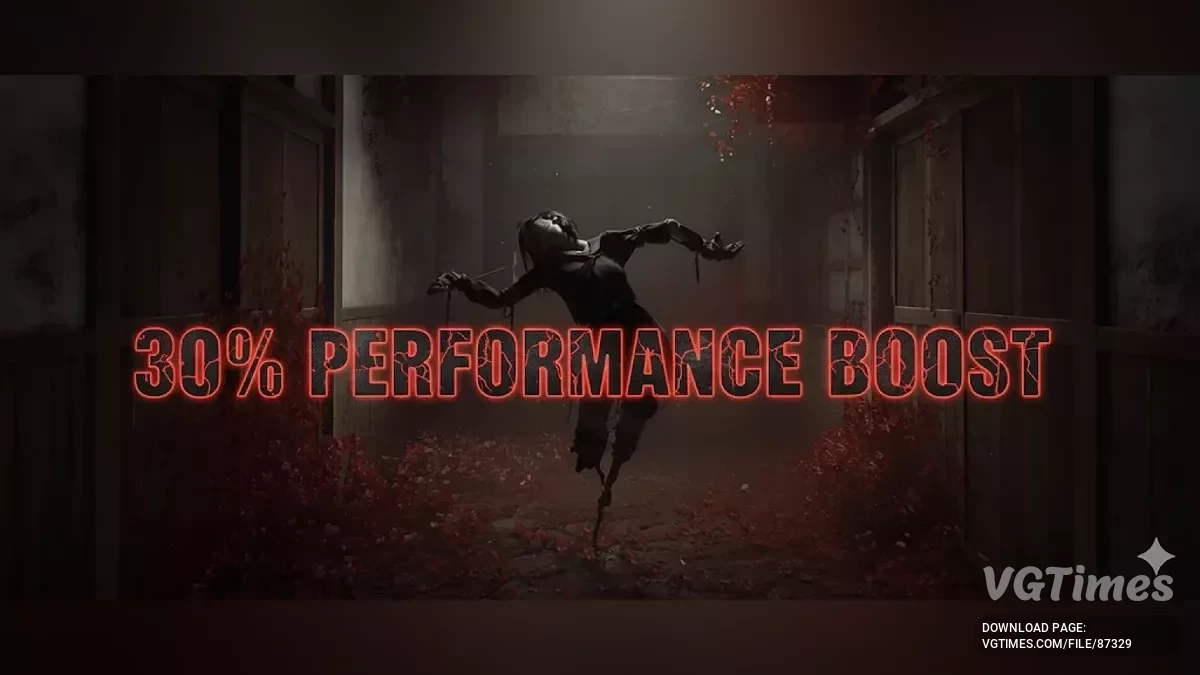
Improves framerate, reduces stutter and hitching, speeds up loading times, lowers input latency, and denoises Unreal Engine effects.
INI file locations:
- Steam & Epic: %LocalAppData%\SHf\Saved\Config\Windows;
- SteamOS: /home/.steam/steam/steamapps/compatdata/2947440/pfx/.
Preset descriptions:
- Ultra Quality: Looks the same or even better than the original graphics while still providing an FPS boost;
- Quality – Performance: Looks very similar to the base game graphics. Minor downgrades and some improvements, but a large FPS boost;
- Ultra Performance – Low Spec Gaming: Noticeably lower quality than the base graphics, but provides the biggest FPS boost.
Performance varies depending on the preset you select.
Note: The "Lumen Off" mode may cause lighting issues, since games using Lumen lack fallback lighting. This can make some areas too dark or too bright, and hair may appear whitish. I’ve recreated SSGI and re-tonemapped the game to minimize these problems.
Mod compatibility
You can combine other mods with this one by opening the Engine.ini file and pasting other mod commands under the --- {Other Mods} section. Example:
Default
--- {Other Mods}
;r.PlaceModsHere=1
Custom
--- {Other Mods}
r.NGX.DLSS.DenoiserMode=1
r.FidelityFX.FI.Enabled=1
Do not copy section headers ([ConsoleVariables]) — this mod's header already applies the tweaks, just paste the commands.
How to launch:
- Download the mod and unzip it, then select the preset you want;
- Go to your game's INI file directory and copy the INI files from your chosen preset into this location. If prompted, overwrite existing files;
- Launch the game.
Useful links:

![Silent Hill f — Table for Cheat Engine [1.1.378720]](https://files.vgtimes.com/download/posts/2025-09/thumbs/tablica-dlja-cheat-engine-1-1-378720_1758874754_944353.webp)
![Silent Hill f — Trainer (+6) [RUNE]](https://files.vgtimes.com/download/posts/2025-10/thumbs/trejjner-6-rune_1759751696_622568.webp)