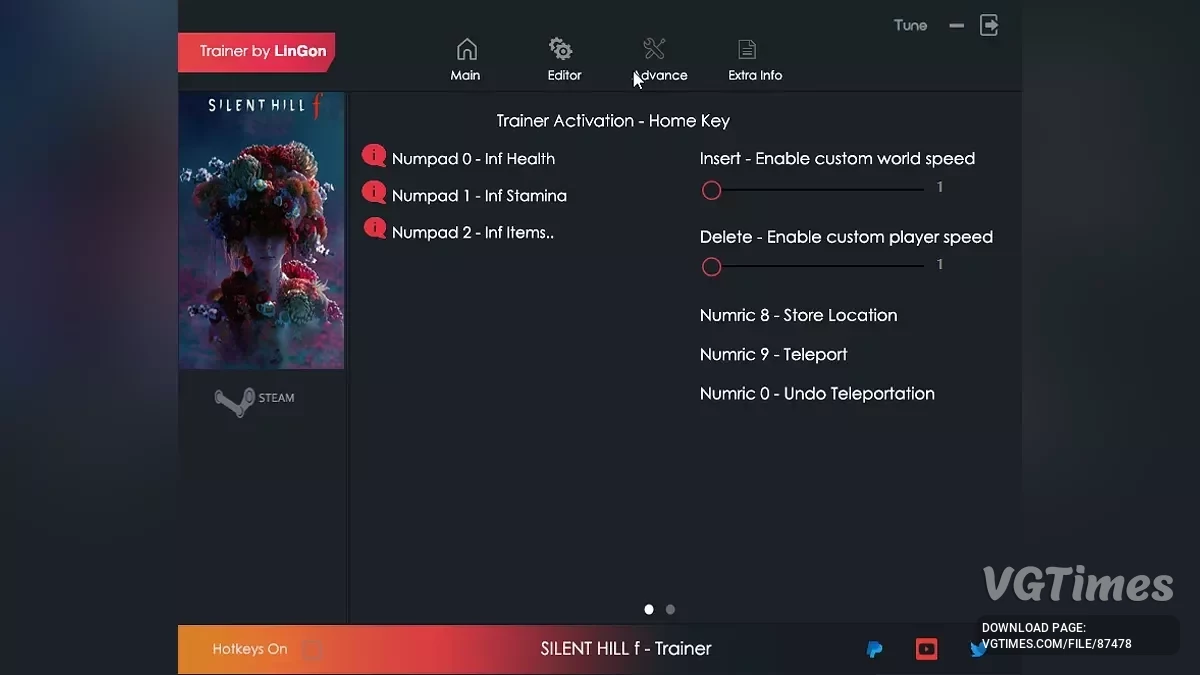
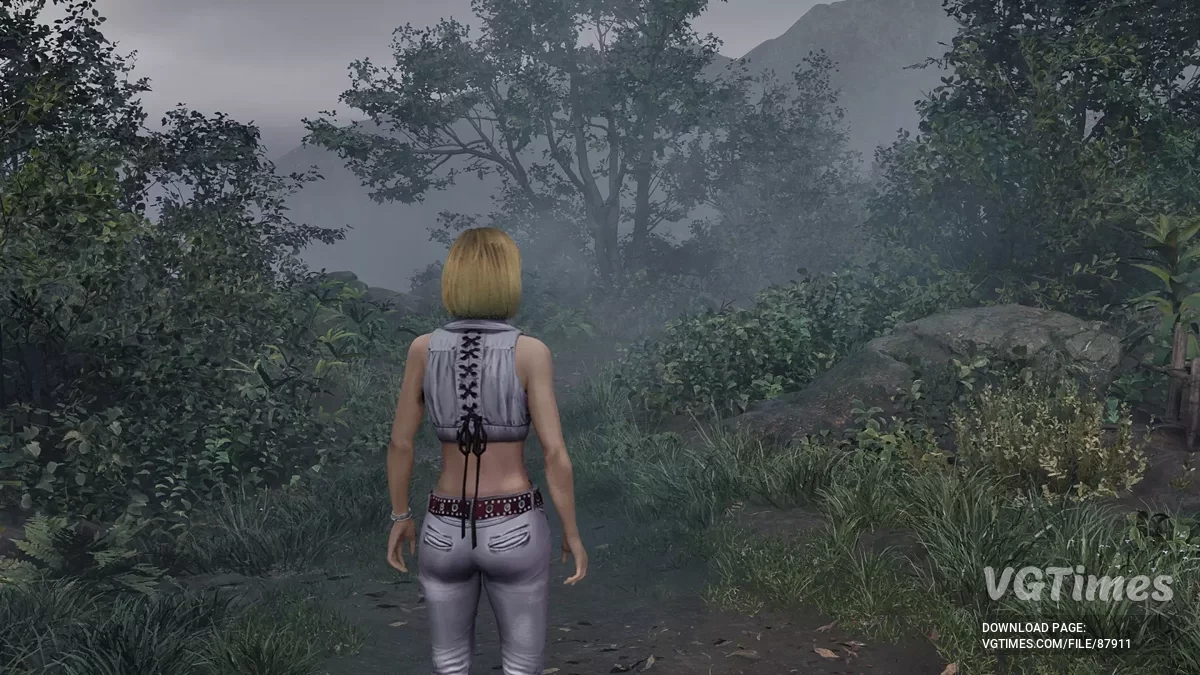
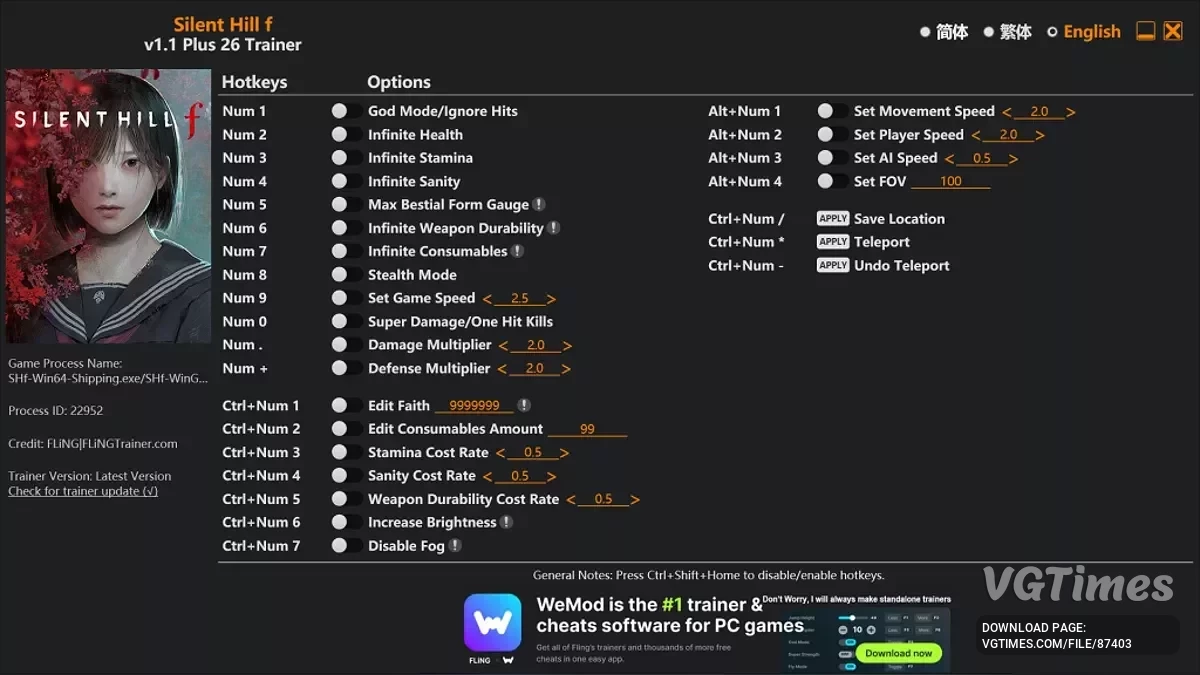
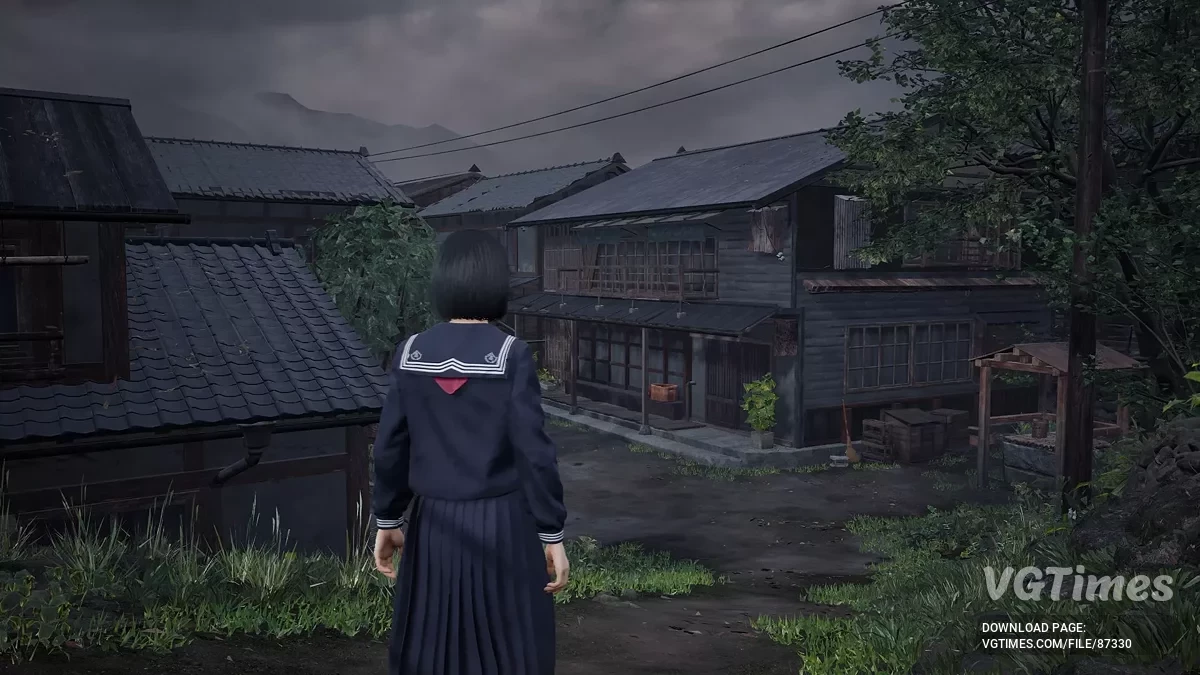
A full-fledged sequel to the cult horror series Silent Hill. The action takes place in the 1960s in the Japanese town of Ebisugaoka. The story tells... Read more
VGTimes:
Players:
Steam:
Metacritic:

Performance Boost (Potato Mode)
Author:
kentsz
Uploaded by:

Size:
3.88 kB
Date:
September 24, 2025, 01:44 PM
Downloads:
23
-
Download in TelegramNo waiting Download3.88 kBSeptember 24, 2025, 01:44 PMpovyshenie-proizvoditelnosti-rezhim_1758710693_377925.zip
An Engine.ini tweak for UE5 that boosts FPS
How to install:
- Extract Engine.ini to: %LOCALAPPDATA%\SHf\Saved\Config\Windows\...here...;
- Optionally, but recommended, also put a copy into: %LOCALAPPDATA%\SHf\Saved\Config\WindowsNoEditor\...here...;
- Right-click each Engine.ini → Properties → set to "Read-Only". This prevents the game from overwriting them on launch;
- Launch the game. If settings are reset or the file is overwritten, try placing the file in the WindowsNoEditor folder and set "Read-Only" again.
Important notes:
- To unlock the FPS cap, edit GameUserSettings.ini and set FrameRateLimit=0 (or use the in-game FPS limiter);
- For best frame pacing, use exclusive fullscreen mode (FullscreenMode=0) and disable VSync if you have a VRR monitor (G-Sync / FreeSync);
- Do not set ScreenPercentage below 100 if you want true sharpness — use an upscaler (TSR/DLSS/FSR) instead;
- If the file is reset after a game update, you may need to reapply the tweak after updates.
Troubleshooting:
- If the game still overwrites Engine.ini — set the file to "Read-Only";
- Shimmering on thin geometry: reduce r.TSR.Sharpness to 0.8 or increase r.TemporalAA.FilterSize to 1.0;
- Hitches when loading new maps: increase s.IoDispatcherBufferMemoryMB (e.g., to 96) and r.Streaming.MaxTempMemoryAllowed to 150.
Useful links: