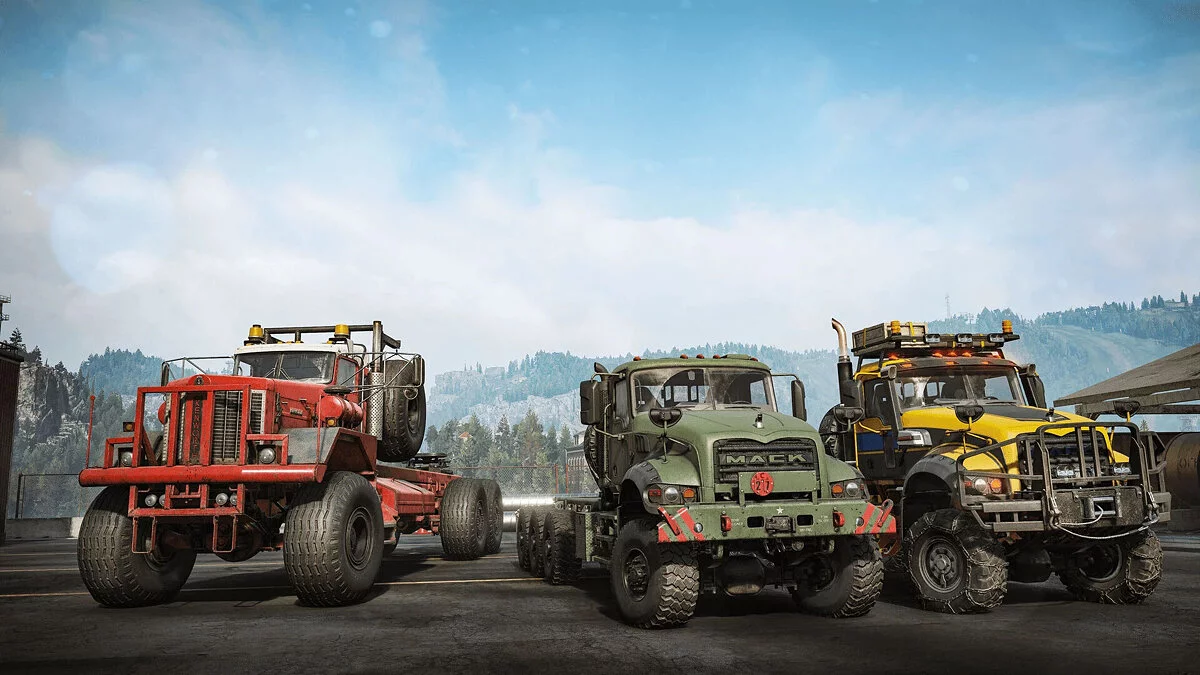
![SnowRunner — Cheat Engine Table [UPD: 01.06.2022] / Tables / Cheats](https://files.vgtimes.com/si/gameprev_60479_768_1781028211.webp "SnowRunner — Cheat Engine Table [UPD: 01.06.2022] / Tables / Cheats")
The continuation of the off-road driving simulator Spintires: MudRunner. You can expect realistic control mechanics, a well-developed gameplay process, as well as... Read more
Cheat Engine Table [UPD: 01.06.2022]
![SnowRunner — Cheat Engine Table [UPD: 01.06.2022]](https://files.vgtimes.com/download/posts/2022-06/thumbs/1654158940_h2x1_nswitch_snowrunner.webp)

-
1654158901_snowrunner-by_lml17-phase7_aob.rarDownload (3.18 kB)
NP1 or X360 [RIGHT + A] = Full Fuel — Full fuel
NP2 or X360 [RIGHT + B] = Infinite Repair Points Note — Infinite repair points Note: Repair modules must be installed on vehicles.
NP3 or X360 [LEFT + B] = No Damage — No damage
NP4 or X360 [RIGHT + X] = Pause Clock at 10:00 Hours — Pause at 10:00
NP5 or X360 [RIGHT + Y] = Pause Clock at 00:00 Hours — Pause at 00:00
NP6 or X360 [LEFT + A] = Pause Current Clock — Pause current time
Launch Process:
Start Cheat Engine, "Load" and select the table
"Select a process to open", choose the desired process.
Select the desired option, check the box.
NP1 or X360 [RIGHT + A] = Fuel Full — Топливо полное
NP2 or X360 [RIGHT + B] = Infinite Repair Points Note — Бесконечные очки ремонта Примечание На автомобили должны быть установлены ремонтные модули.
NP3 or X360 [LEFT + B] = No Damage — Без повреждений
NP4 or X360 [RIGHT + X] = Pause Clock 10:00 Hours — Пауза в 10:00
NP5 or X360 [RIGHT + Y] = Pause Clock 00:00 Hours — Пауза в 00:00
NP6 or X360 [LEFT + A] = Pause Current Clock — Пауза текущего времени
Процесс запуска:
Запустить Cheat Engine, "Load" и выбрать таблицу
"Select a process to open", выбрать нужный процесс.
Выбрать нужную опцию, поставить крест.
Related files:
Useful links:
![SnowRunner — Table for Cheat Engine [39]](https://files.vgtimes.com/download/posts/2025-09/thumbs/tablica-dlja-cheat-engine-39_1758097238_708846.webp)
![SnowRunner — Cheat Engine Table [31.1/Epic]](https://files.vgtimes.com/download/posts/2024-08/thumbs/tablica-dlja-cheat-engine-31-1epic_1724837328_881984.webp)
![SnowRunner — Cheat Engine Table [15.1]](https://files.vgtimes.com/download/posts/2021-10/thumbs/1635077601_snowrunner-title.webp)
![SnowRunner — Cheat Engine Table [UPD: 18.07.2020]](https://files.vgtimes.com/download/posts/2020-07/thumbs/1595143603_image3.webp)
![SnowRunner — Cheat Engine Table [28]](https://files.vgtimes.com/download/posts/2024-02/thumbs/tablica-dlja-cheat-engine-28_1707641966_260973.webp)
![SnowRunner — Cheat Engine Table [17.3]](https://files.vgtimes.com/download/posts/2022-07/thumbs/1658655074_r_eink4e4e.webp)
![SnowRunner — Cheat Engine Table [17.0]](https://files.vgtimes.com/download/posts/2022-06/thumbs/1654669593_diesel_productv2_snowrunner_home_snowrunner_epicgames_desktop-horizontal-1360x766-1360x766-aec1e67e70958d183bff5513a80106bc1302eaa4-1360x766-c25e9f4a45c51a067598da2374e51ac4-1360x766.webp)
![SnowRunner — Cheat Engine Table [19.0]](https://files.vgtimes.com/download/posts/2022-10/thumbs/1665826602_r_eink4e4e.webp)