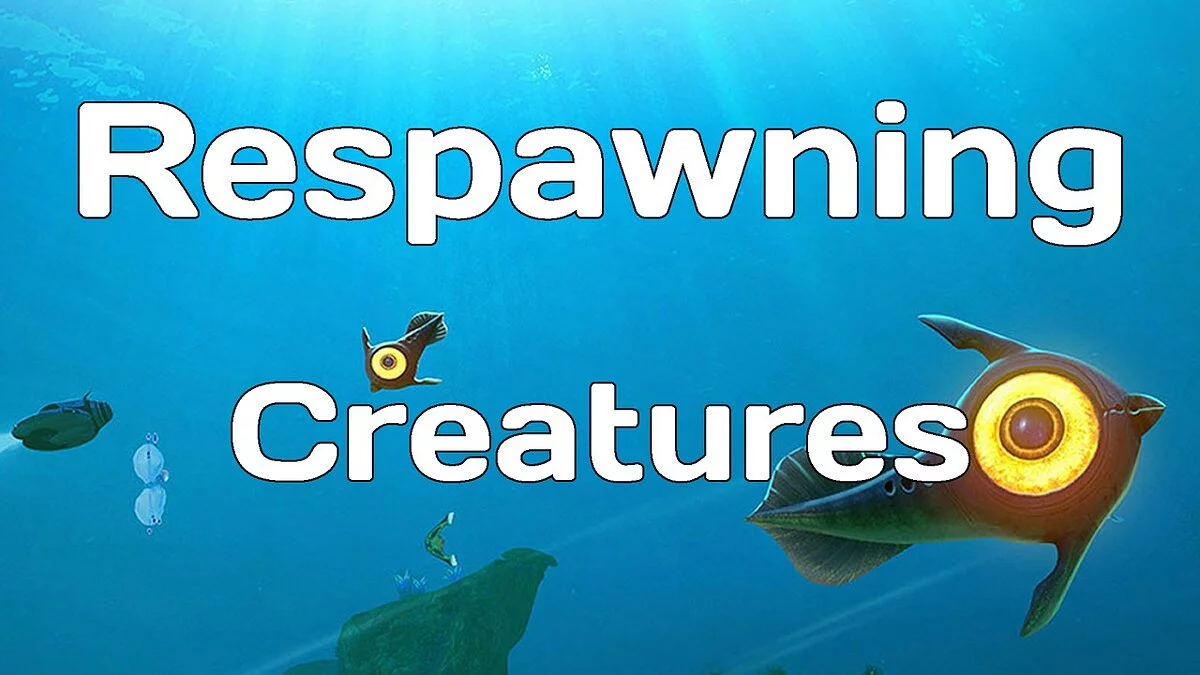
Continuation of the adventure action Subnautica in first-person view, combining elements of role-playing games, sandbox gameplay, and a bit of exploration and... Read more
Manage Creature Spawns
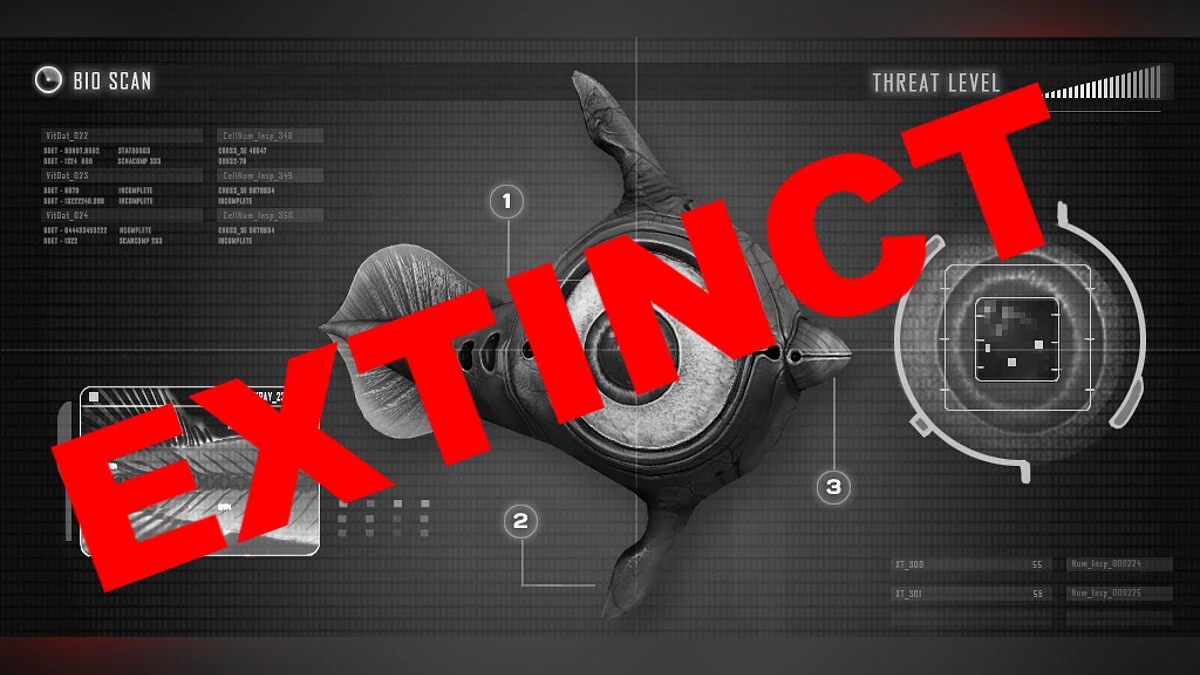

-
www.nexusmods.comDownload
Manage Creature Spawns.
Don't like a certain creature? Get rid of it. Have you ever wanted to eliminate those cursed leviathans so much that you considered mass genocide? Well, worry no more! In just a few minutes, you can wipe an entire species from the face of Planet 4546B or simply make it less noticeable. Creatures inside alien containers are ignored!
Installation:
1 Download and install QModManager
2 Download the zip file and unpack it into the QMods folder created by QModManager; for example, / SteamApps / common / SubnauticaZero / QMods
3 Edit QMods / ManageCreatureSpawns / Settings.xml
4 Launch the game.
Edit your settings file!
Creatures can be disabled or their spawn frequency can be changed. To adjust the ecosystem of 4546B:
1 Open GenerateSettings.html in your chosen browser (tested only in Chrome).
2 Add a creature to get started
3 Select the creature you want to manage from the dropdown list, uncheck the box if you don't want it to spawn, or change the spawn chance to your desired rate.
4 Repeat for additional creatures
5 Click 'Create Settings'.
6 Copy the text that appears at the bottom of the page into the settings.xml file, replacing everything that was already there.
Manage Creature Spawns.
Не нравится определенное существо? Избавьтесь от него. Вы когда-нибудь так хотели избавиться от этих проклятых левиафанов, что начали массовый геноцид? Что ж, не беспокойтесь больше! За пару минут вы можете удалить целый вид с лица Планеты 4546B или просто сделать его менее заметным. Существа внутри контейнеров с пришельцами игнорируются!
Установка:
1 Загрузите и установите QModManager
2 Загрузите zip-файл и распакуйте его в папку QMods, созданную QModManager; например, / SteamApps / common / SubnauticaZero / QMods
3 Отредактируйте QMods / ManageCreatureSpawns / Settings.xml
4 Запускаем игру.
Отредактируйте свой файл настроек!
Существа можно отключить или изменить их частоту появления. Чтобы настроить экосистему 4546B:
1 Откройте GenerateSettings.html в выбранном браузере (проверено только в Chrome).
2 Добавьте существо, чтобы начать
3 Выберите существо, которым вы хотите управлять, из раскрывающегося списка, снимите флажок, если вы не хотите, чтобы оно не появлялось, или измените шанс появления на желаемый шанс появления.
4 Повторите для дополнительных существ
5 Нажмите «Создать настройки».
6 Скопируйте текст, появившийся внизу страницы, в файл settings.xml, заменив все, что уже было там.
Related files:
Useful links:
![Subnautica: Below Zero — Trainer (+9) from 31.10.2020 [WeMod] [Epic]](https://files.vgtimes.com/download/posts/2020-11/thumbs/1604225865_2020-11-01_131620.webp)
![Subnautica: Below Zero — Trainer (+9) from 08.16.2020 [WeMod]](https://files.vgtimes.com/download/posts/2020-08/thumbs/1597666748_2020-08-17_151743.webp)
![Subnautica: Below Zero — Cheat Engine Table [Build 24049][14.02.2020]](https://files.vgtimes.com/download/posts/2020-02/thumbs/1581804585_nhtxfmvvekqvwdzh_9kehg.webp)
![Subnautica: Below Zero — Cheat Engine Table [b44290]](https://files.vgtimes.com/download/posts/2021-05/thumbs/1621934760_20190129_sn_bz_keyart_16_9.webp)
![Subnautica: Below Zero — Trainer (+9) from 06.29.2020 [WeMod] [Steam]](https://files.vgtimes.com/download/posts/2020-06/thumbs/1593437253_2020-06-29_162645.webp)