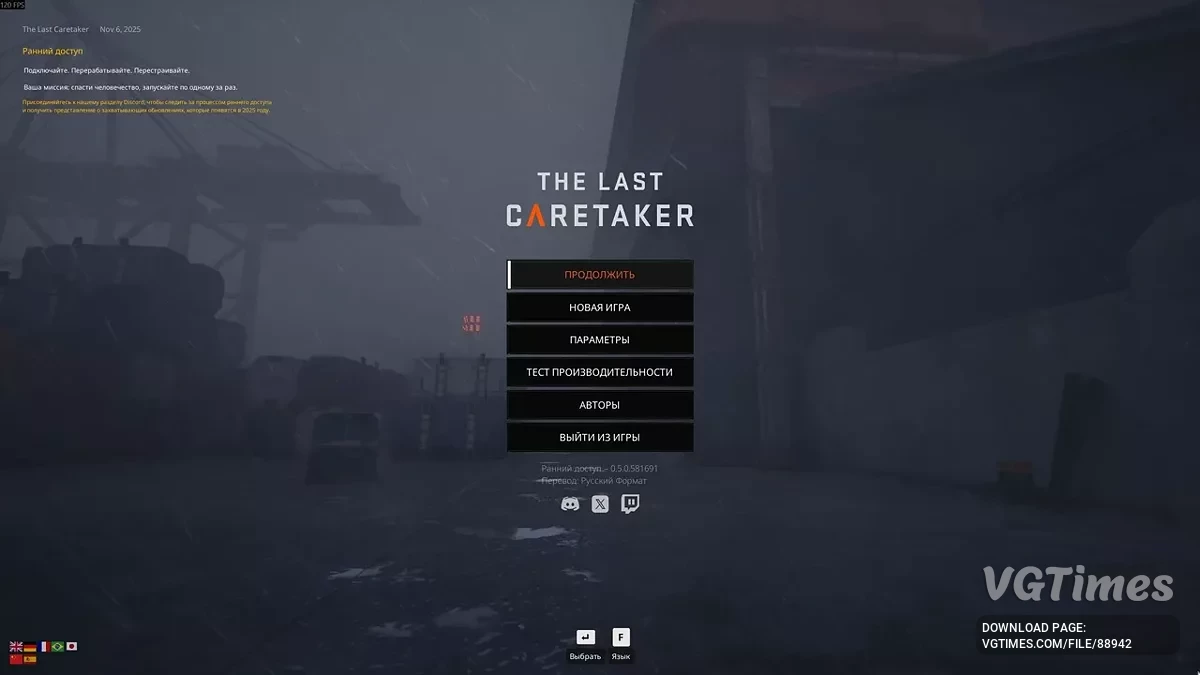
The game takes place in a post-apocalyptic, languid world. The protagonist is a robot exploring a vast ocean world to save the future of humanity. To do this, they... Read more
A Lazarus save game


-
Download (2.03 MB)December 15, 2025, 12:53 PMsokhranenie-posle-dostizhenija-lazarja_1765792414_47835.zip
This save allows you to immediately continue the game from the point where you’ve reached the Lazarus ship and the entire power system is fully set up for further progress. You won’t have to spend time configuring generators, laying cables, or dealing with other technical details — everything is already set up and working. It’s a great option for those who want to quickly jump into new quests and exploration, skipping routine preparation stages. The save is suitable both for replaying the game and for getting acquainted with the later stages.
How to install:
- Find the AppData folder (you can press the Windows key + R or use the “Run” search and type appdata) — this will open the AppData folder, where you’ll see 3 folders;
- Go to Local, then Voyage, then Saved, and finally SaveGames. The structure should look like this: (C:\Users\YourUserName\AppData\Local\Voyage\Saved\SaveGames);
- There, make a backup of the folder with the long numbers — this is important if you want to return to your original save;
- Then simply add the file to the folder with the long numbers and rename it to match the existing save (keep the _0.sav ending).
Useful links: