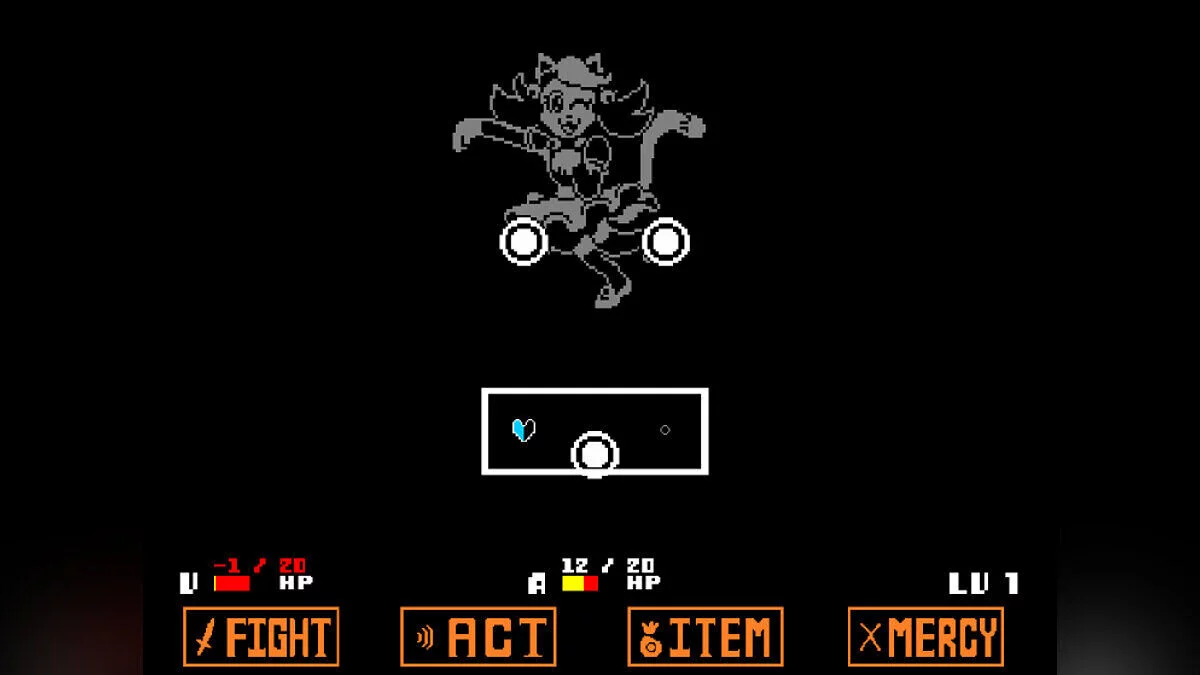
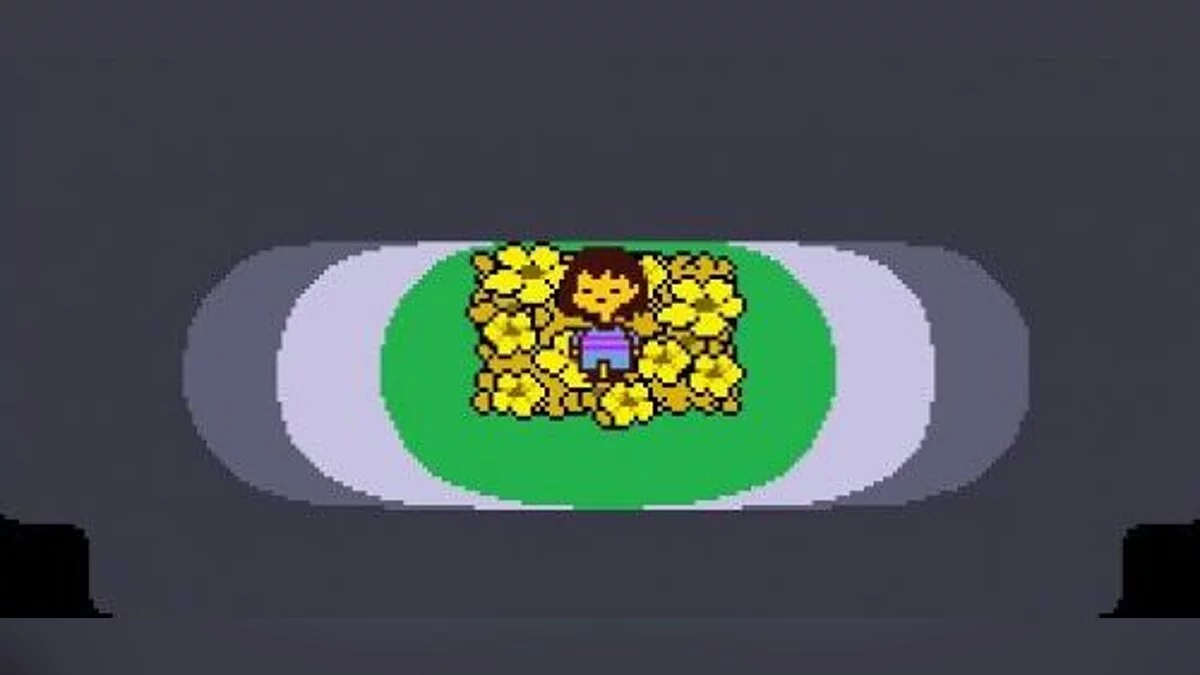
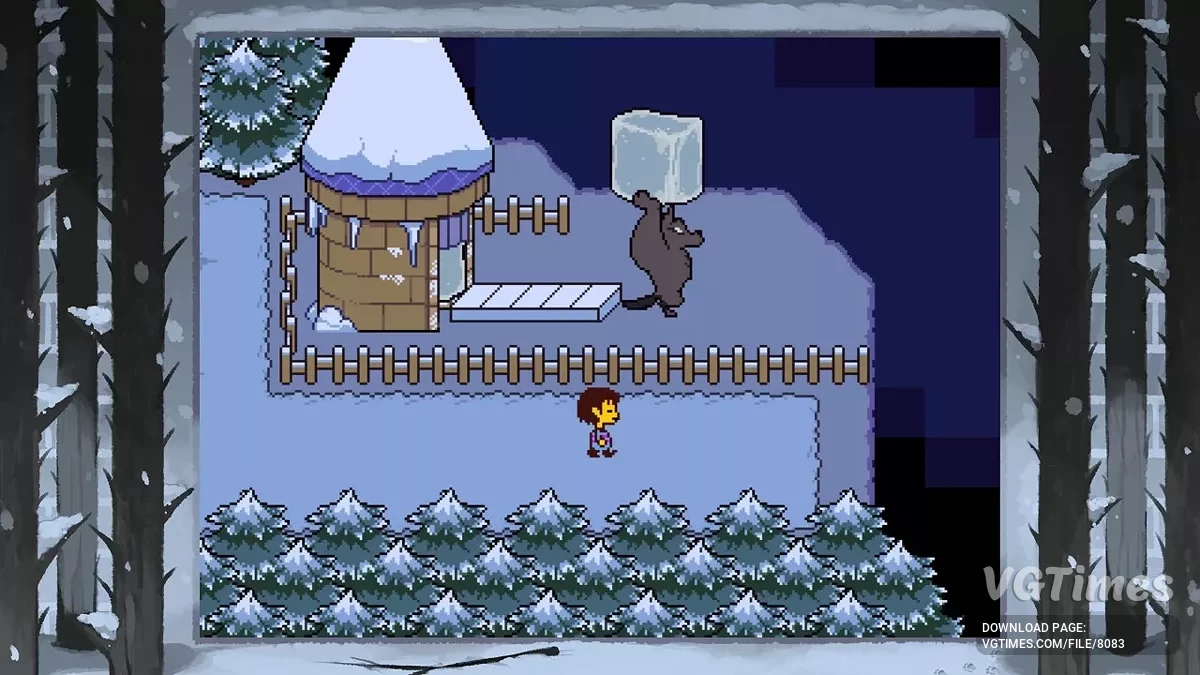
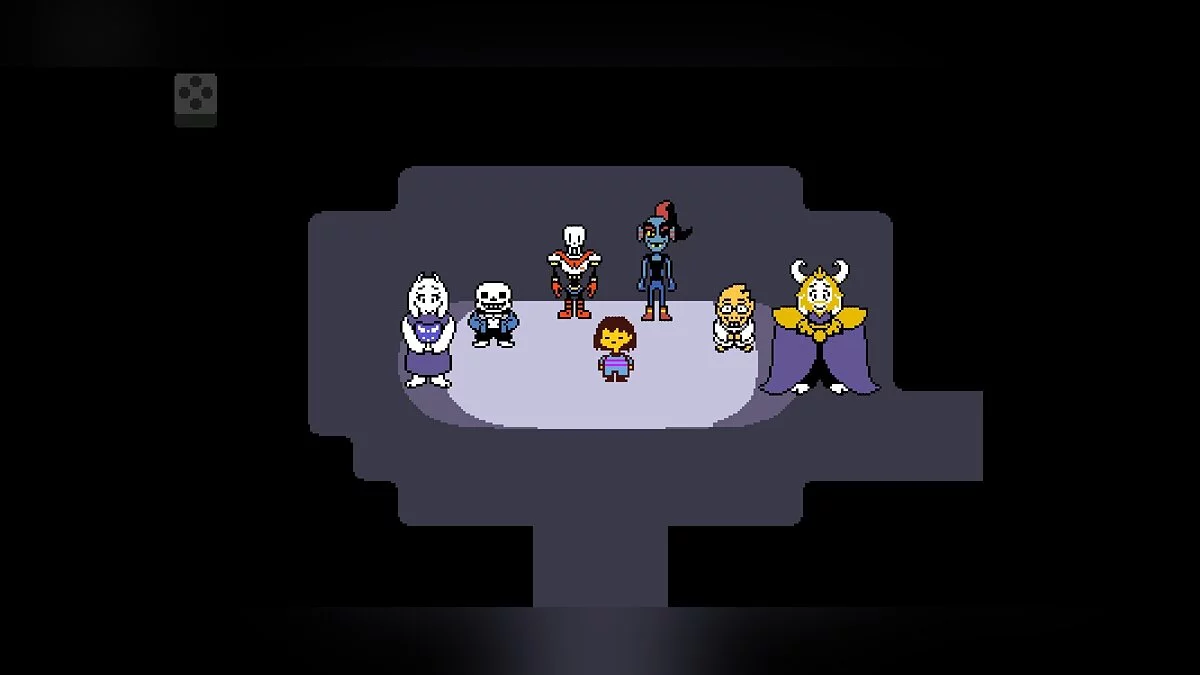
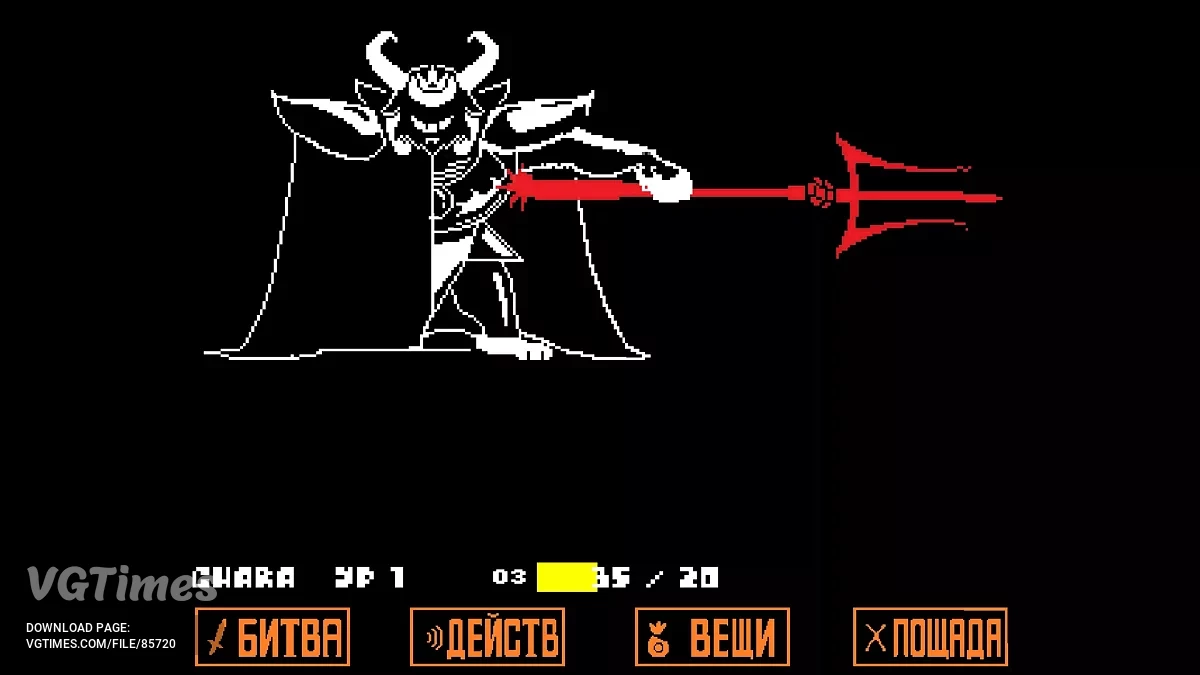
An RPG with a unique combat system, where each battle can be completed without a single blow. Instead of the usual violence, there are conversations, mercy, and... Read more
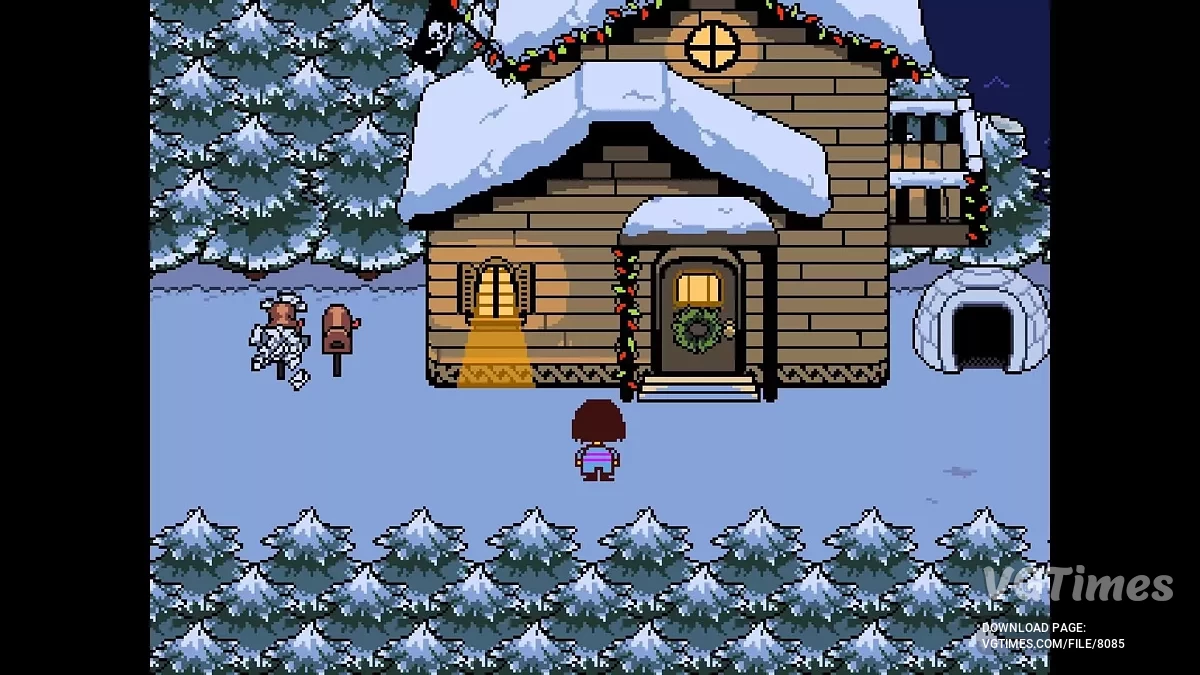
Save Game (Pacifist and Genocide Routes)

-
Download (125.71 kB)June 10, 2025, 06:37 PM1526011866_undertale.zip
Save files for Undertale.
How to install:
1. Open the local disk (C:)
2. Then open the Users folder
3. Open your user folder (mine is called Administrator because I have only one user)
4. Then open the AppData folder
5. Open the Local folder
6. Find the UNDERTALE folder and put the save file you want there
-------------------------------------------------------------------------------------
Important!
The default name in the save will be Rose, but you can change it: open the save files (they will be numbered) and undertale.ini, then use Notepad to change Rose to the name you want (use English letters only!)
These aren't my saves. You can find them by searching for "my Undertale save" on Google
Don't add the save files right away if you haven't started the game at all! At least enter your name and press Done (or Start), then add the save file
Сохранения для игры Undertale.
Как установить:
1. Закодим в локальный диск (C:)
2. Дальше в папку пользователи
3.Заходим в папку вашего пользователя ( у меня папка Администратор потому,что у меня 1 пользователь)
4. Дальше в папку AppData
5. В папку Local
6. И ищем папку UNDERTALE и кидаем туда нужный вам сейв
-------------------------------------------------------------------------------------
Важно!
Начальное имя из сейва будет называться Rose,но вы можете изменить: открываете в сейвах file ( у них будут номера) и undertale.ini, в блокнотном виде меняете имя Rose на ваше нужное имя ( писать только англискими буквами!)
Это не мои сейвы вы их можете найти если вы в Google напишите my Undertale save
Не кидайте сейвы сразу если вы вобще не начинали игру ! напишите хотя бы своё имя и нажмите готово ( или начать) потом уже кидайте сейв
Useful links:
![Undertale — Trainer (+5) from 01.05.2020 [WeMod]](https://files.vgtimes.com/download/posts/2020-05/thumbs/1588350425_2020-05-01_192522.webp)
![Undertale — Sans Genocide [1.08v]](https://files.vgtimes.com/download/posts/2024-09/thumbs/sans-genocid-1-08v_1726482491_518818.webp)
![Undertale — Cheat Engine Table [UPD: 28.12.2023] (Undertale Yellow)](https://files.vgtimes.com/download/posts/2023-12/thumbs/tablica-dlja-cheat-engine-upd-28-12_1703839578_502106.webp)