
An RPG with a unique combat system, where each battle can be completed without a single blow. Instead of the usual violence, there are conversations, mercy, and... Read more
SaveGame (Step-by-Step Progress)
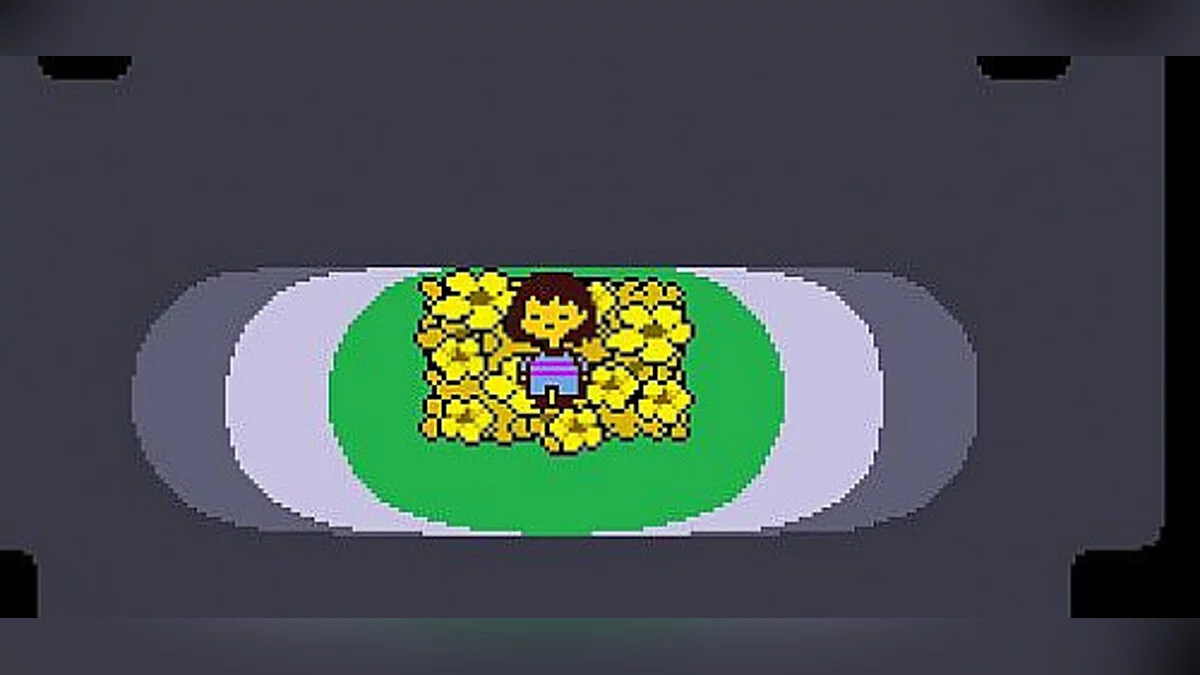

-
1544648698_save.rarDownload (22.28 kB)
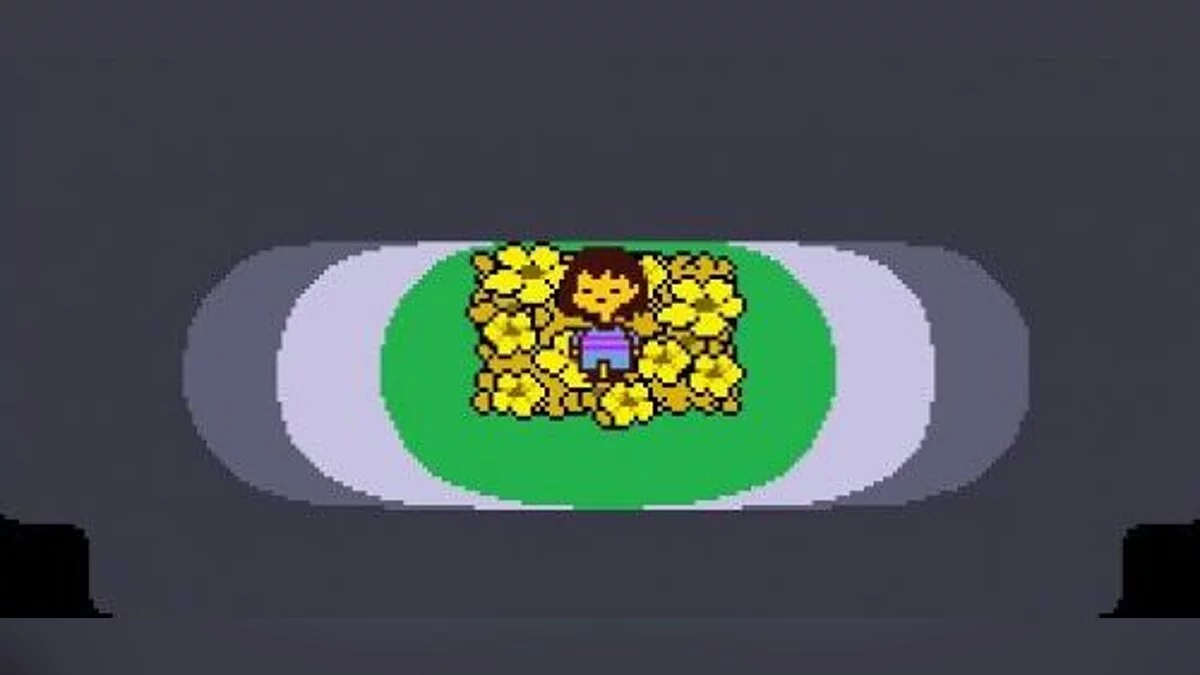
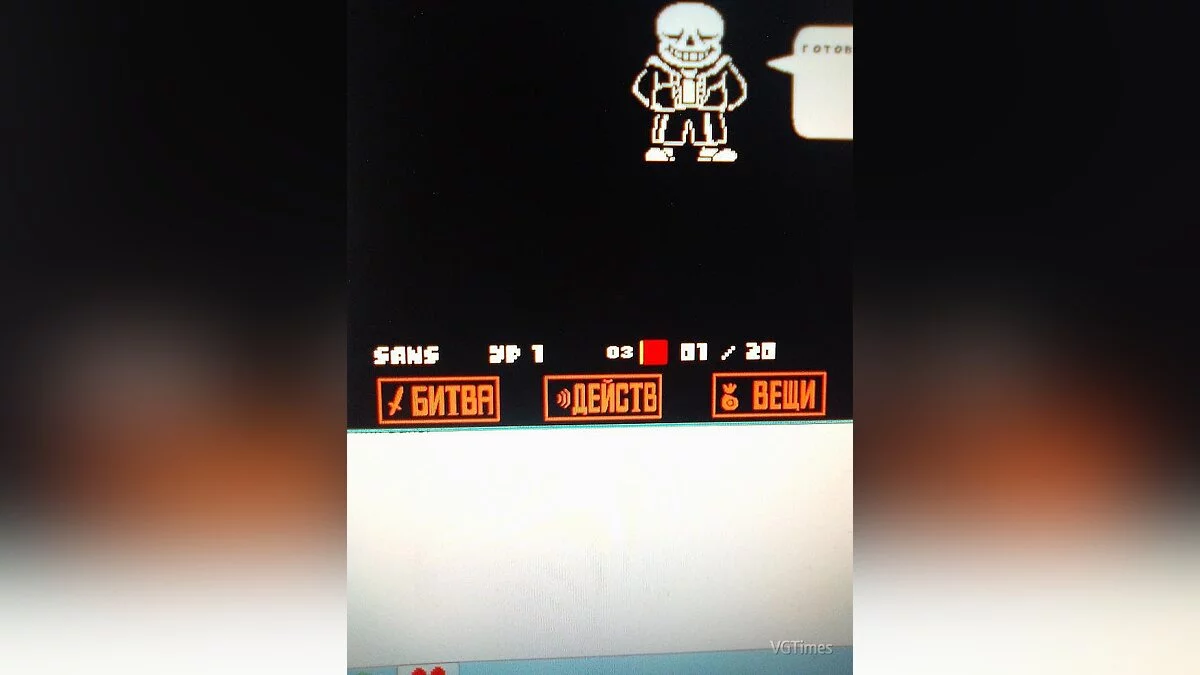
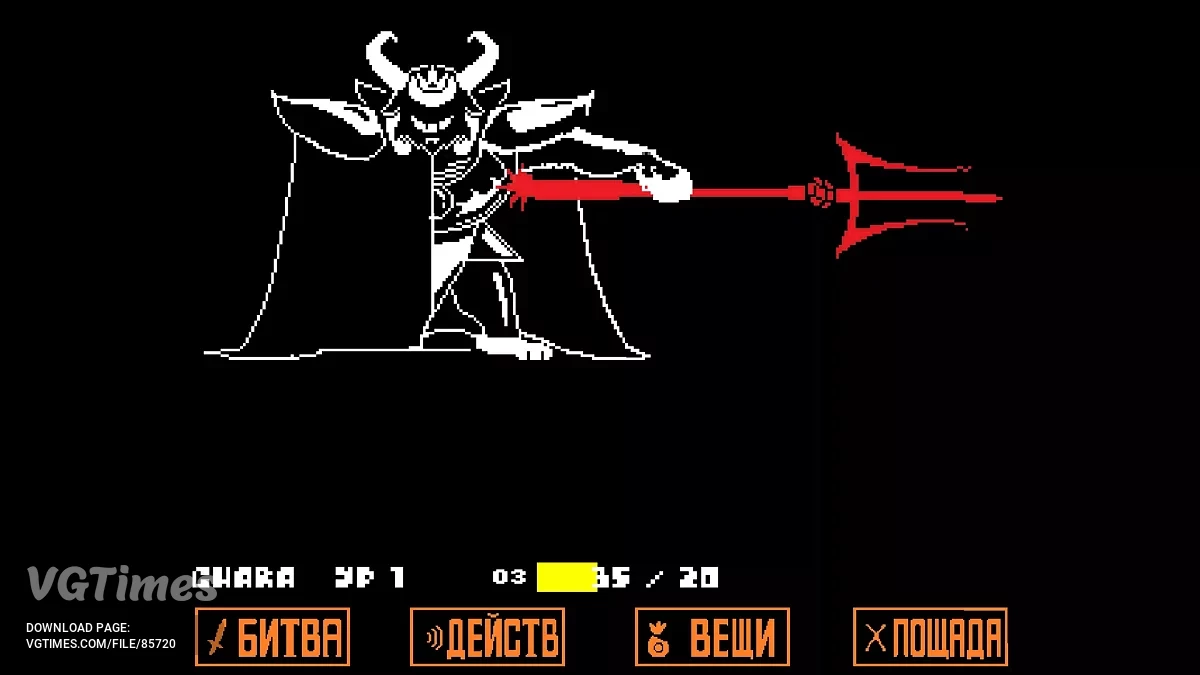
All DeltaRune saves. Saves at each save point. There is also one with Jevil (the secret character) where all parts of the keys are collected. I created these saves myself
How to install:
1. Go to local disk (C:)
2. Then into the Users folder
3. Enter your user folder (I have an Administrator folder because I have 1 user)
4. Then into the AppData folder
5. Into the Local folder
6. And find the UNDERTALE folder and place the save you need there
AppData is a hidden folder in Windows. Remember this before installing the save. For more details about this folder, see separately.
Всё сохранения DeltaRune. Сохранения на каждой точкой сохранения. Есть также с Джевилом (секретным персонажем) где собраны все части ключей. Сохранения я делал сам своими руками
Как установить:
1. Закодим в локальный диск (C:)
2. Дальше в папку пользователи
3.Заходим в папку вашего пользователя ( у меня папка Администратор потому,что у меня 1 пользователь)
4. Дальше в папку AppData
5. В папку Local
6. И ищем папку UNDERTALE и кидаем туда нужный вам сейв
AppData скрытая папка windows. Помните это перед установкой сохранения. Подробнее об этой папке смотрите отдельно.
Useful links:
![Undertale — Trainer (+5) from 01.05.2020 [WeMod]](https://files.vgtimes.com/download/posts/2020-05/thumbs/1588350425_2020-05-01_192522.webp)

![Undertale — Cheat Engine Table [UPD: 28.12.2023] (Undertale Yellow)](https://files.vgtimes.com/download/posts/2023-12/thumbs/tablica-dlja-cheat-engine-upd-28-12_1703839578_502106.webp)