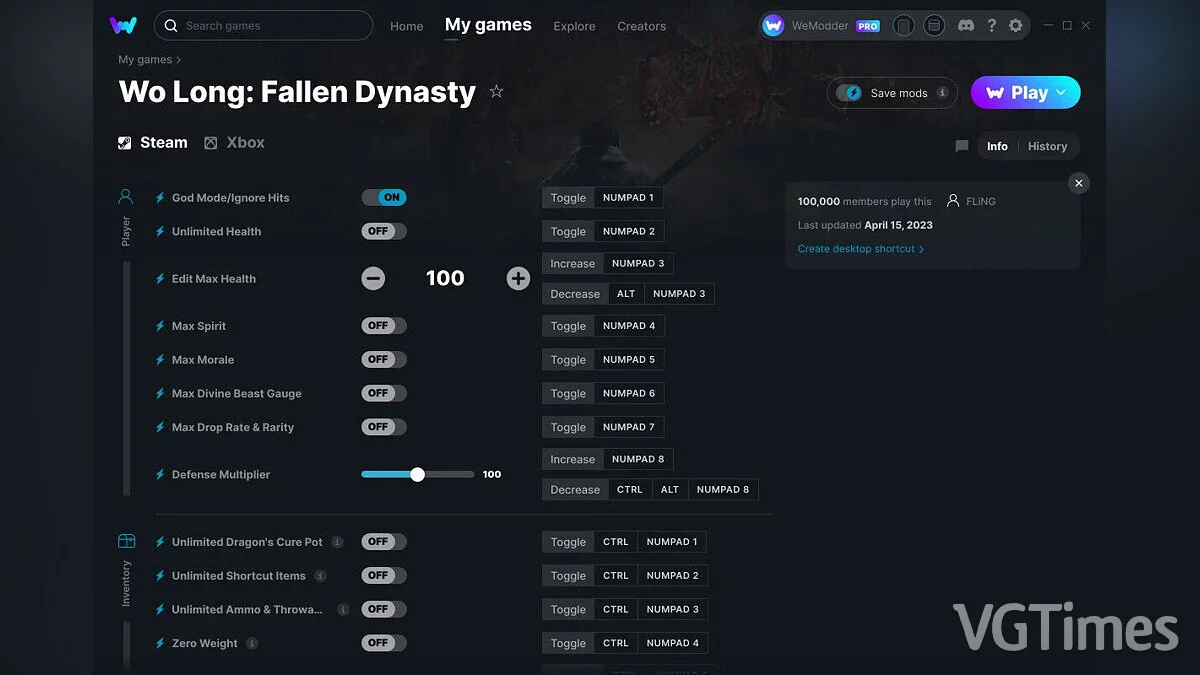
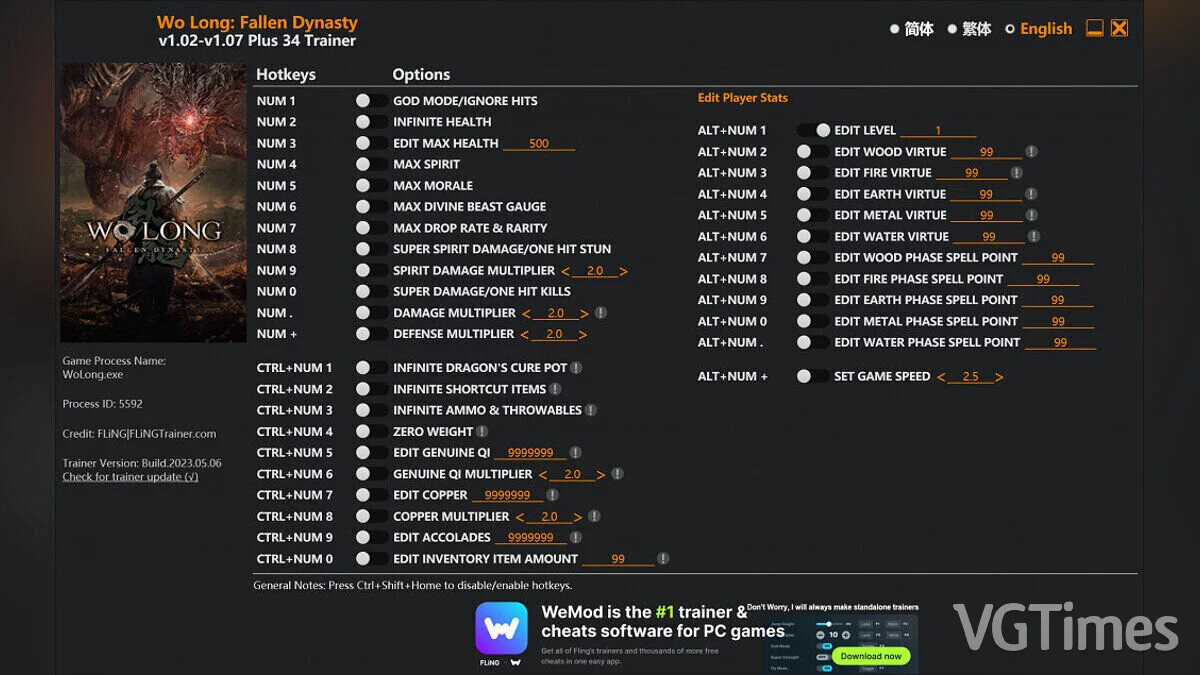
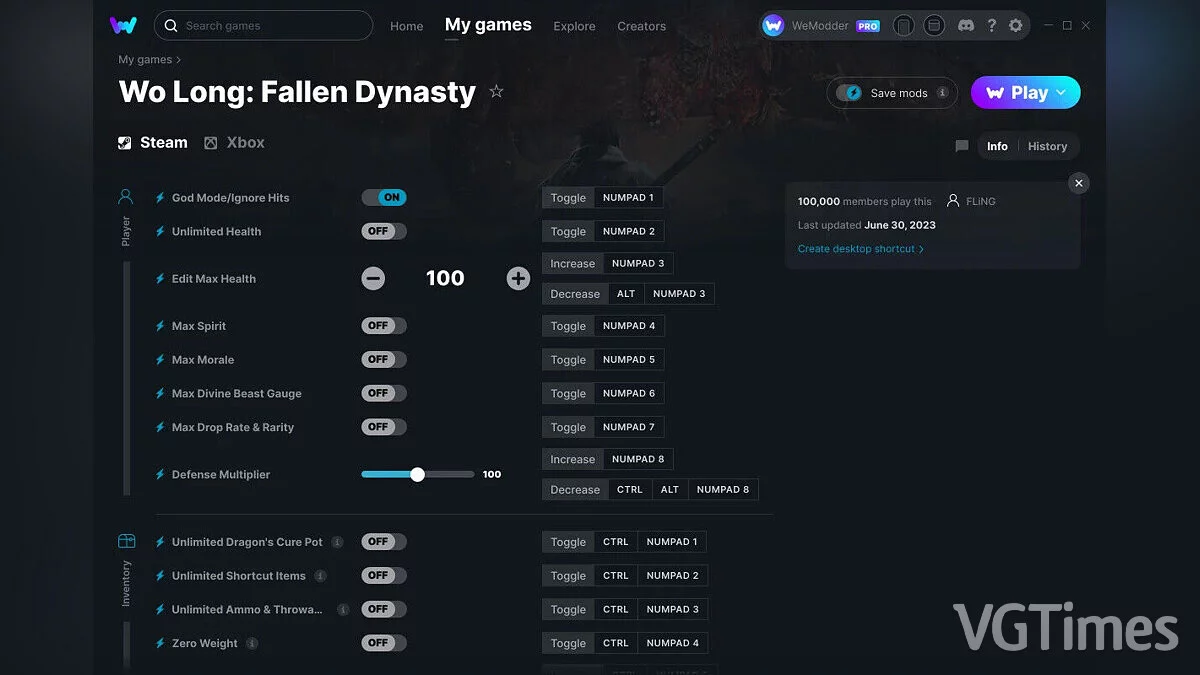
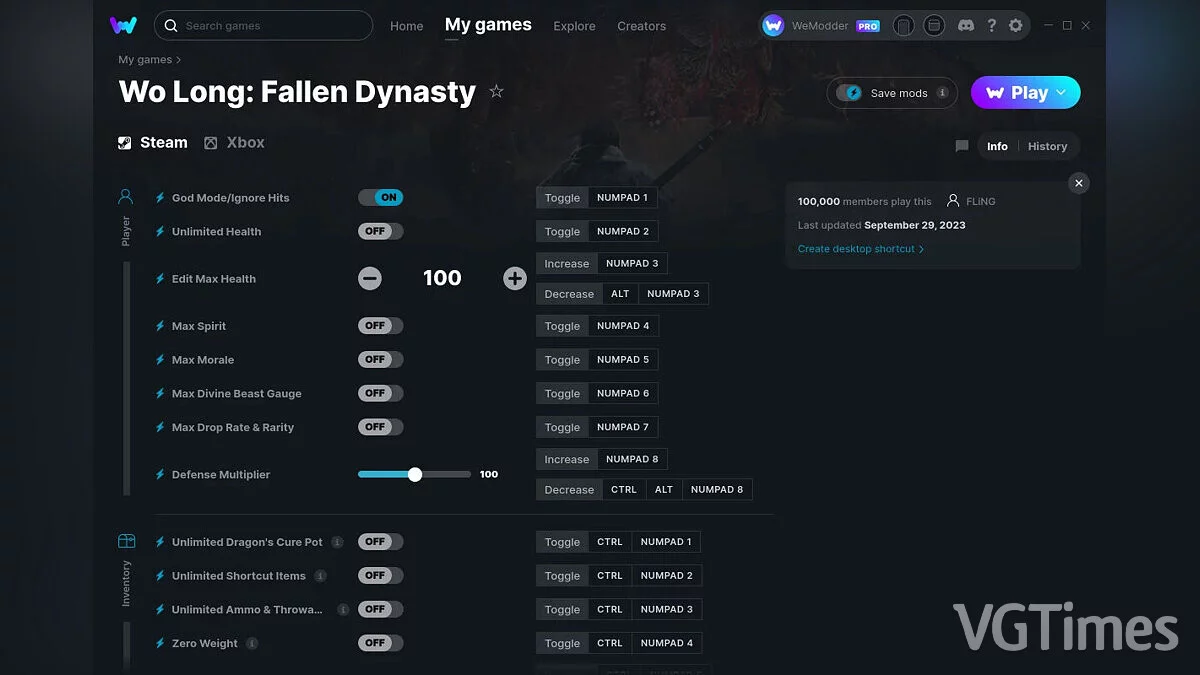
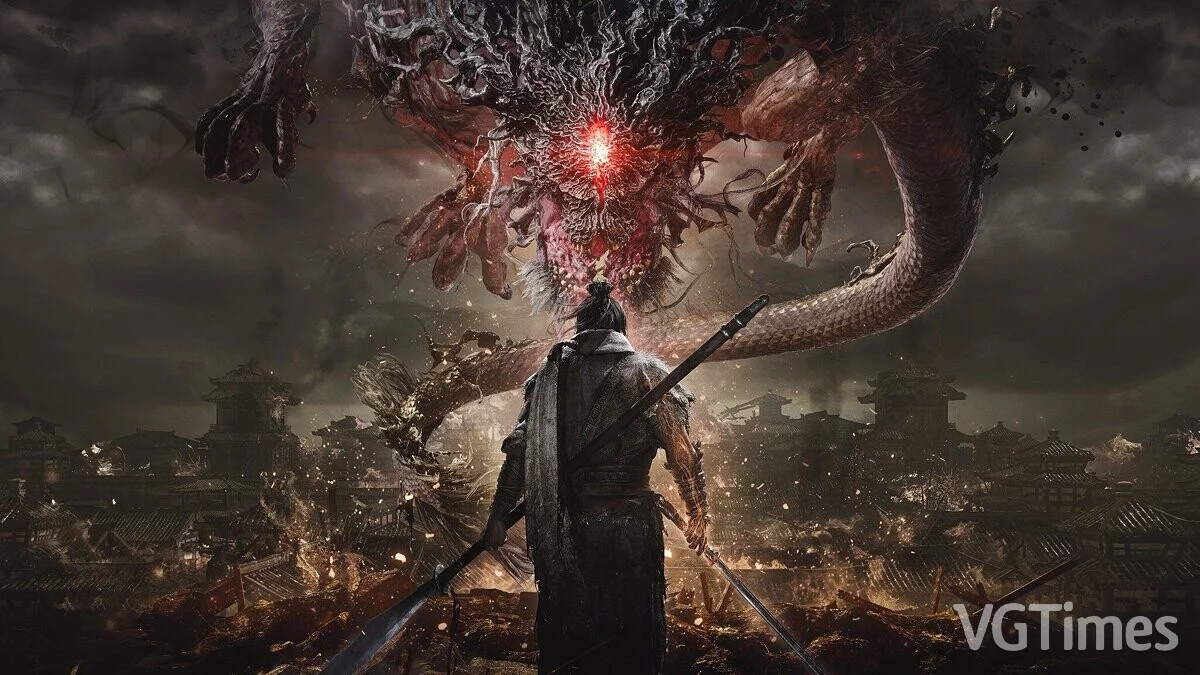
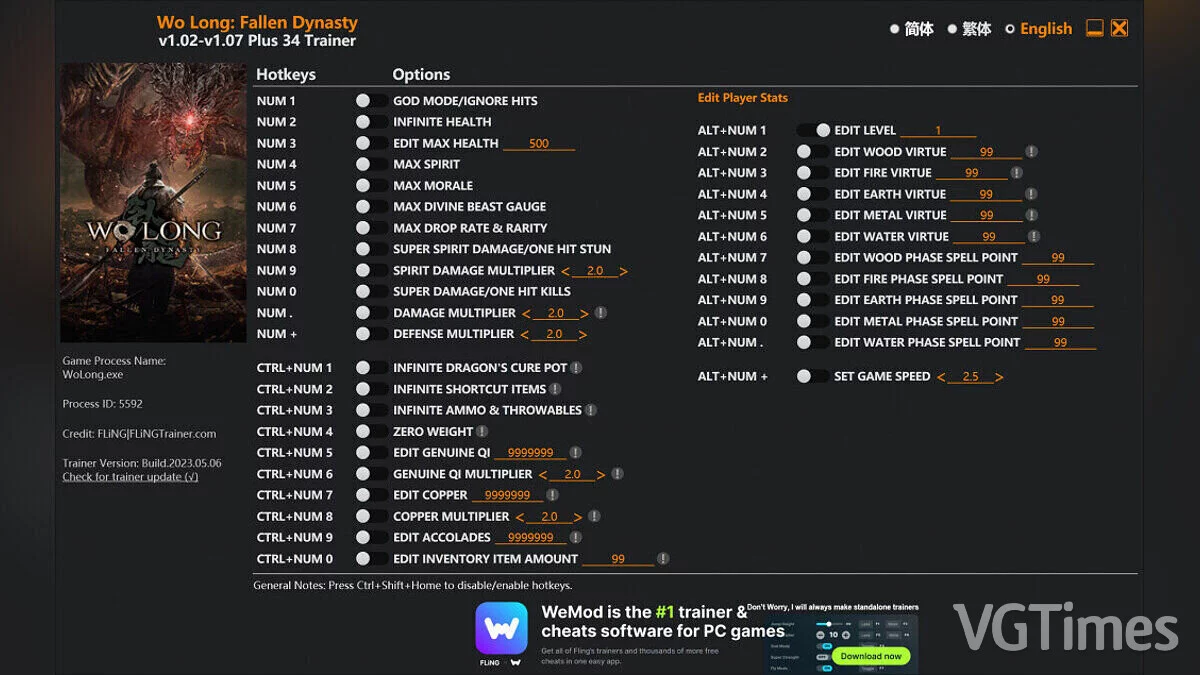
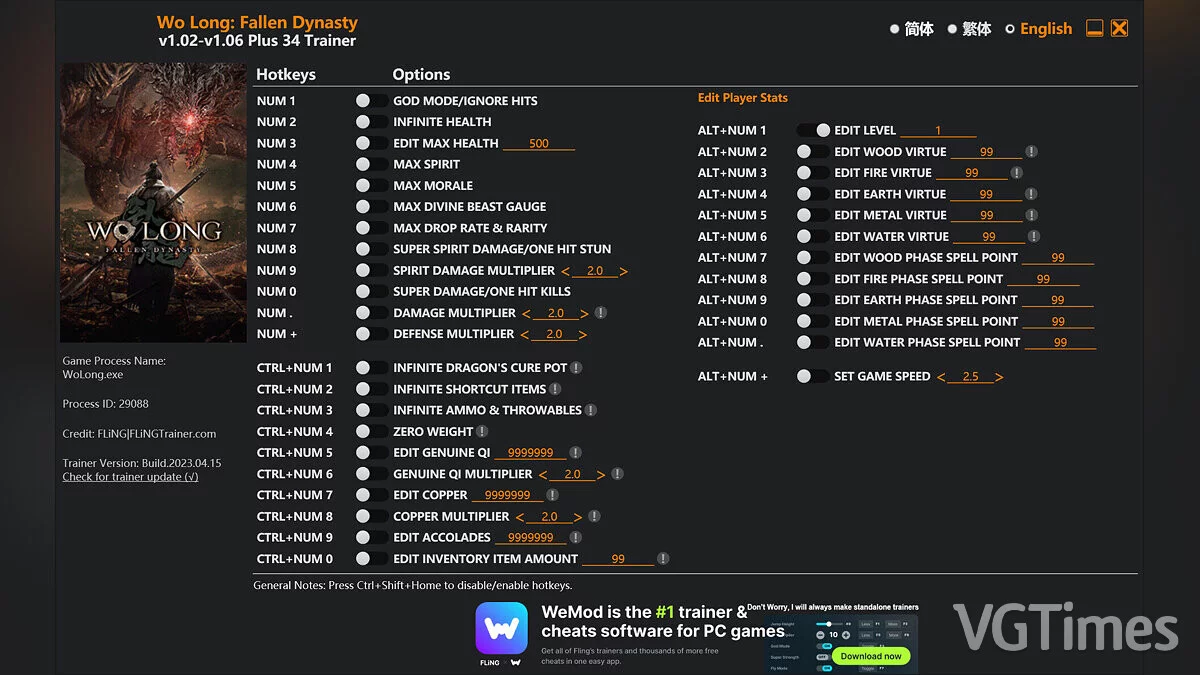
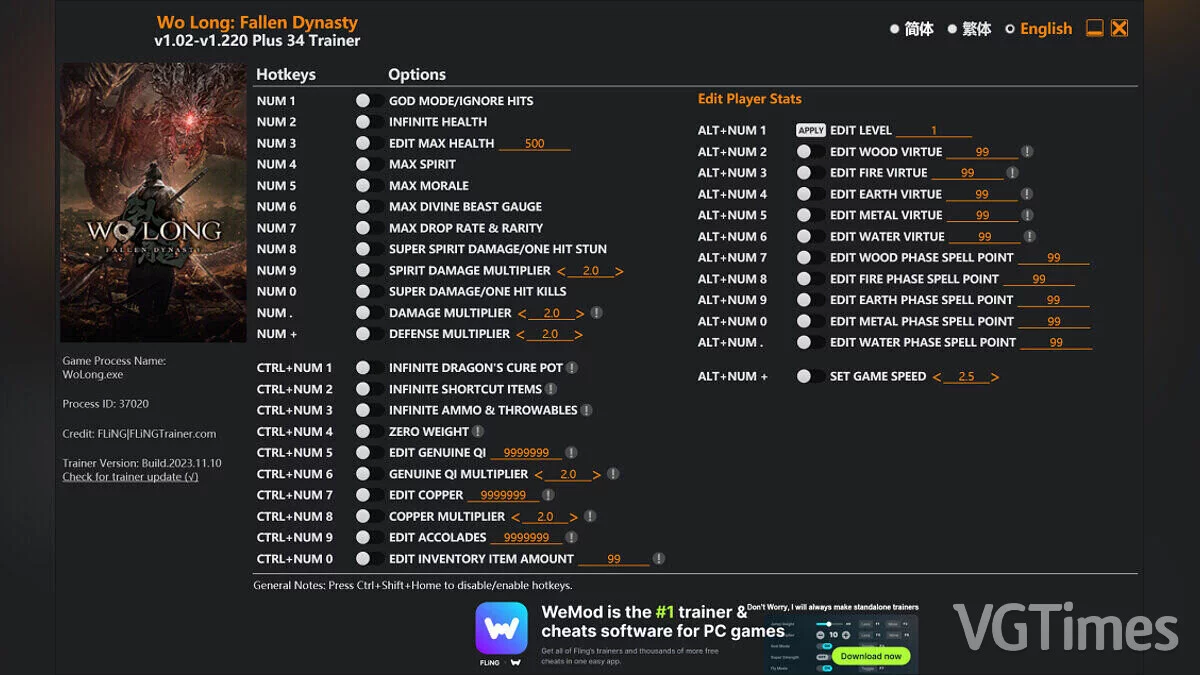
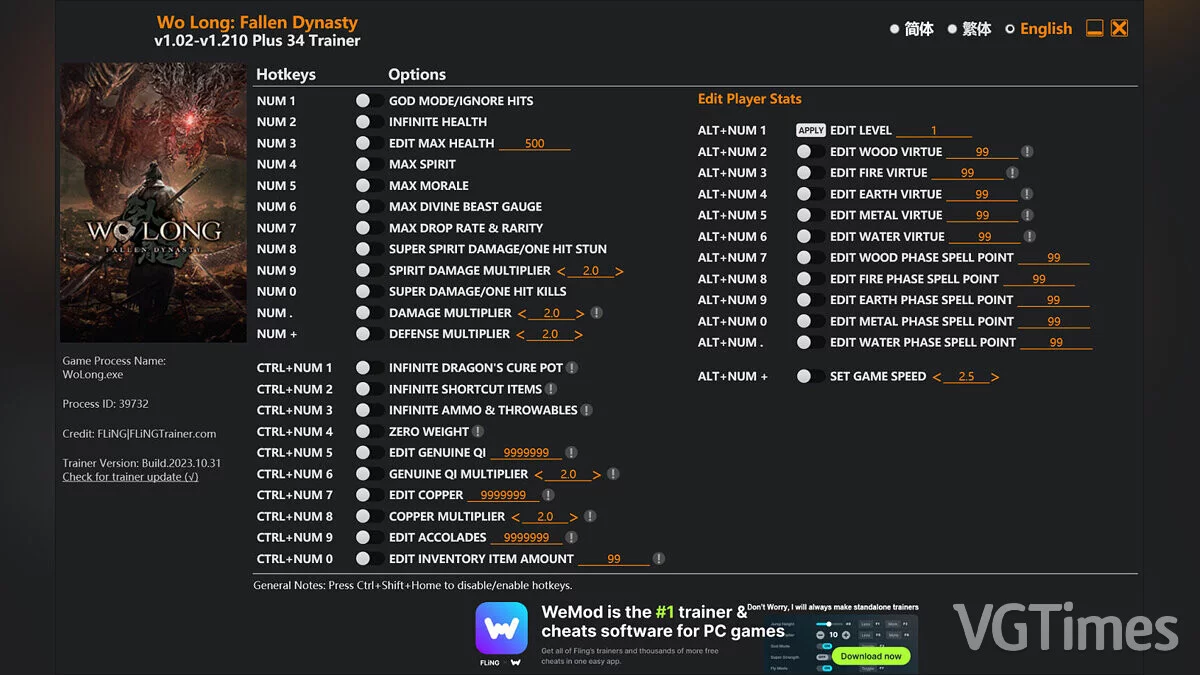
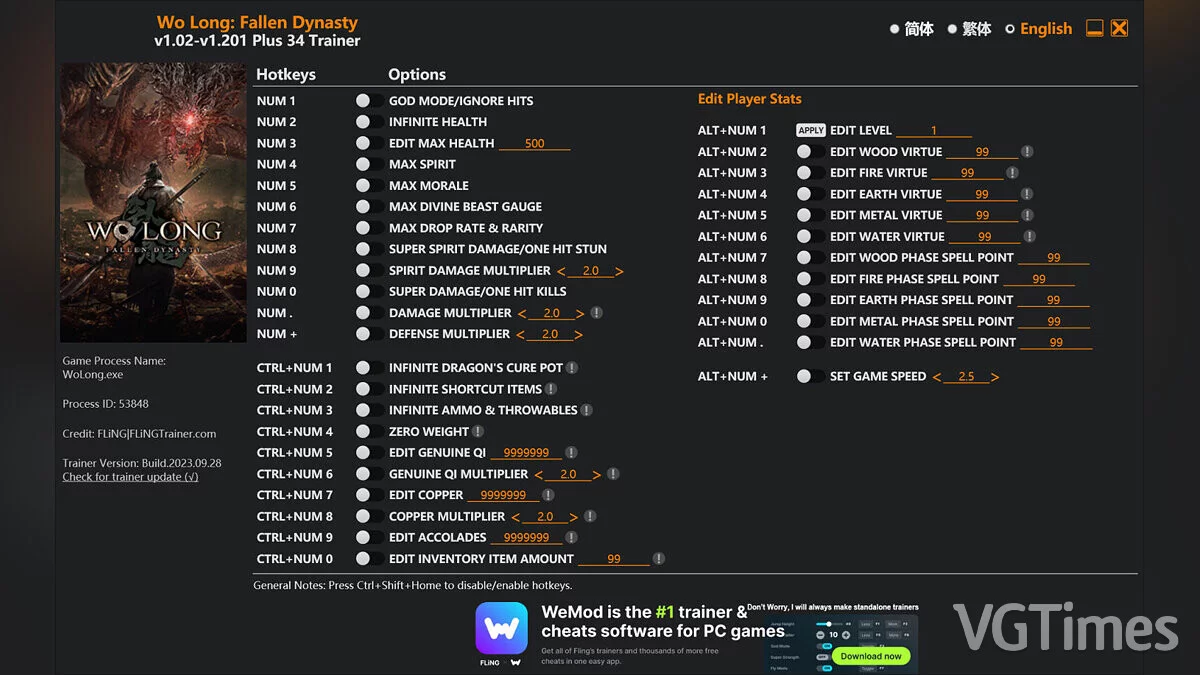
184, China, the Age of the Three Kingdoms during the Han Dynasty. The country is engulfed in chaos and destruction. The dynasty, which had flourished... Read more
Players:
Steam:
Metacritic:
Cheat Engine Table [UPD: 01.08.2024]
Author:
izayoixx
Uploaded by:

Size:
30.00 kB
Date:
January 9, 2024, 01:36 PM
Downloads:
268
-
Download (30.00 kB)January 9, 2024, 01:36 PMtablica-dlja-cheat-engine-upd-08-01-2024_1704796607_782306.zipArchive password: vgtimes
Functions and Commands:
- Change Orb Color to Red — change orb color to red;
- Animation Swaps to Red Arts — change animations to red martial arts;
- Red Aura — modify red aura;
- Buff Changer — modify buffs;
- Remove Equipment Effect Reset — remove equipment effect;
- And other pointers.
How to run:
- Open 'Cheat Engine';
- Click 'Load' and select the table;
- Click 'Select a process to open' and choose the desired process;
- Select the desired option and check the box.
The file name and description have been translated Show original
(RU)Show translation
(EN)
Таблица для Cheat Engine [UPD: 08.01.2024]
Функции и команды:
- Change Orb Color to Red — изменить цвет сферы на красный;
- Animation Swaps to Red Arts — изменить анимации на красные боевые искусства;
- Red Aura — редактировать красную ауру;
- Buff Changer — редактировать баффы;
- Remove Equipment Effect Reset — удалить эффект снаряжения;
- И другие указатели.
Как запустить:
- Открыть «Cheat Engine»;
- Нажать «Load» и выбрать таблицу;
- Нажать «Select a process to open» и выбрать нужный процесс;
- Выбрать нужную опцию, поставить крестик.
Related files:
Useful links: