
How Do Virtual Game Cards Work on Nintendo Switch 2
 Vladyslav Shamshurov
Virtual cards are a kind of electronic key that allows you to download and launch specific games for the first and second Switch. However, working with them comes with a number of limitations. In this article, we will explain how they work.
What are Nintendo Virtual Game Cards
On April 30, update 20.0.0 for the first Switch was released, which added the ability to transfer digital versions of games from the eShop to virtual cards. As a result, you will be able to launch it on a second account or even on another console.
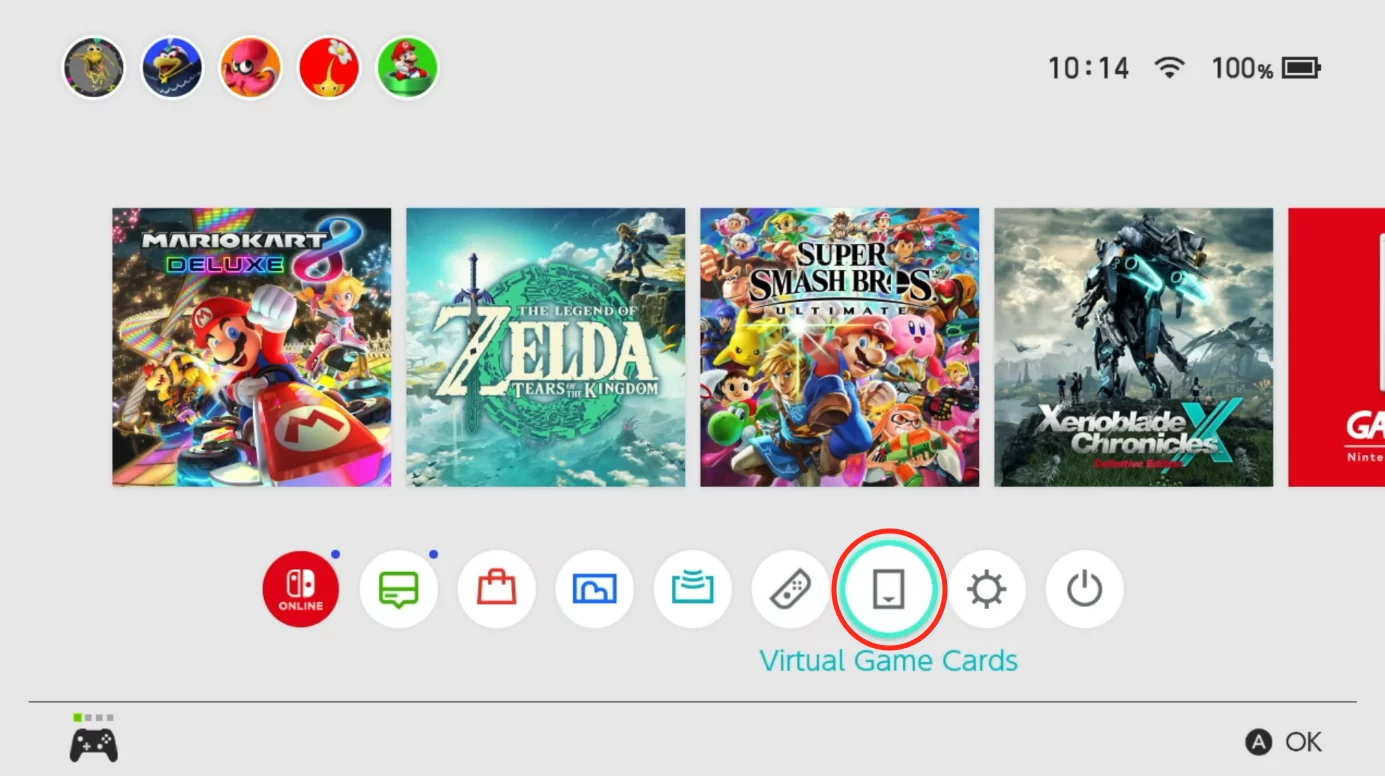
If you have one Nintendo Switch with a single profile and you do not plan to give your games to anyone else, the appearance of virtual cards will not affect you in any way. However, you will have to transfer if you want to purchase a Switch 2 and need projects from the first console.
How to Launch a Game from a Virtual Card on Another Nintendo Console
Note that up to eight profiles can be registered on one Nintendo account. One of them will be the main one, the rest — additional. The purchased digital version of the game and its virtual card will be linked to your account. On the main profile, you can launch all of them without restrictions, on an additional one — only if you have an internet connection. You cannot launch the game simultaneously on two different consoles.
In theory, this restriction can be bypassed, but the method is complicated and we do not recommend using it. Moreover, Nintendo can easily block Switch 2, after which it will stop working.
Transferring games from one console to another is done through the official Nintendo website.
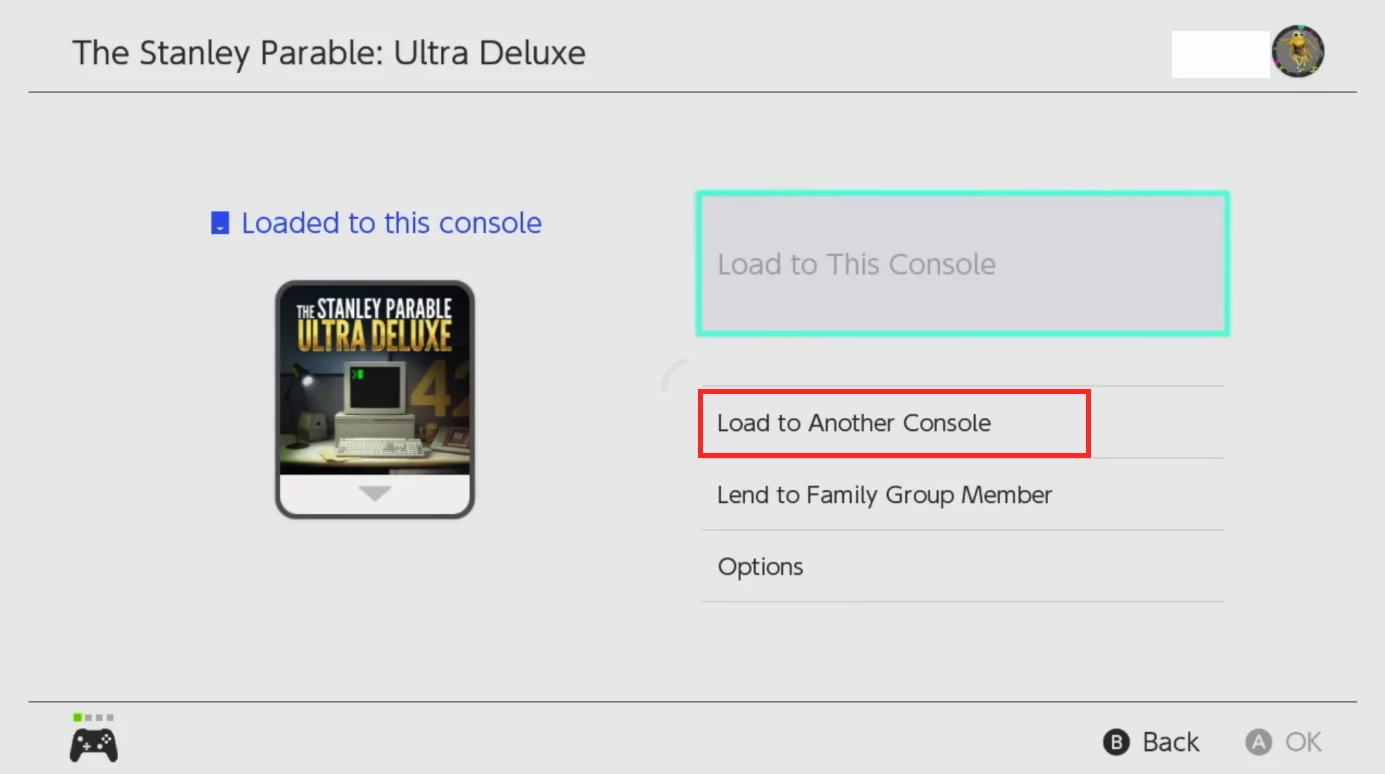
It is important that both devices are connected to the internet, and a wireless connection is established between them.
After the virtual card is transferred, it can only be used on the second console. To return it back to the Switch, you need to perform the transfer process again. You can even transfer data between different accounts. In this respect, virtual cards can be compared to physical cartridges.
The same applies to consoles that are united in a family group. But here there is a limitation — after 14 days the game will automatically return to the original owner. However, saves remain forever, so you will be able to continue your playthrough if you transfer it again after some time.
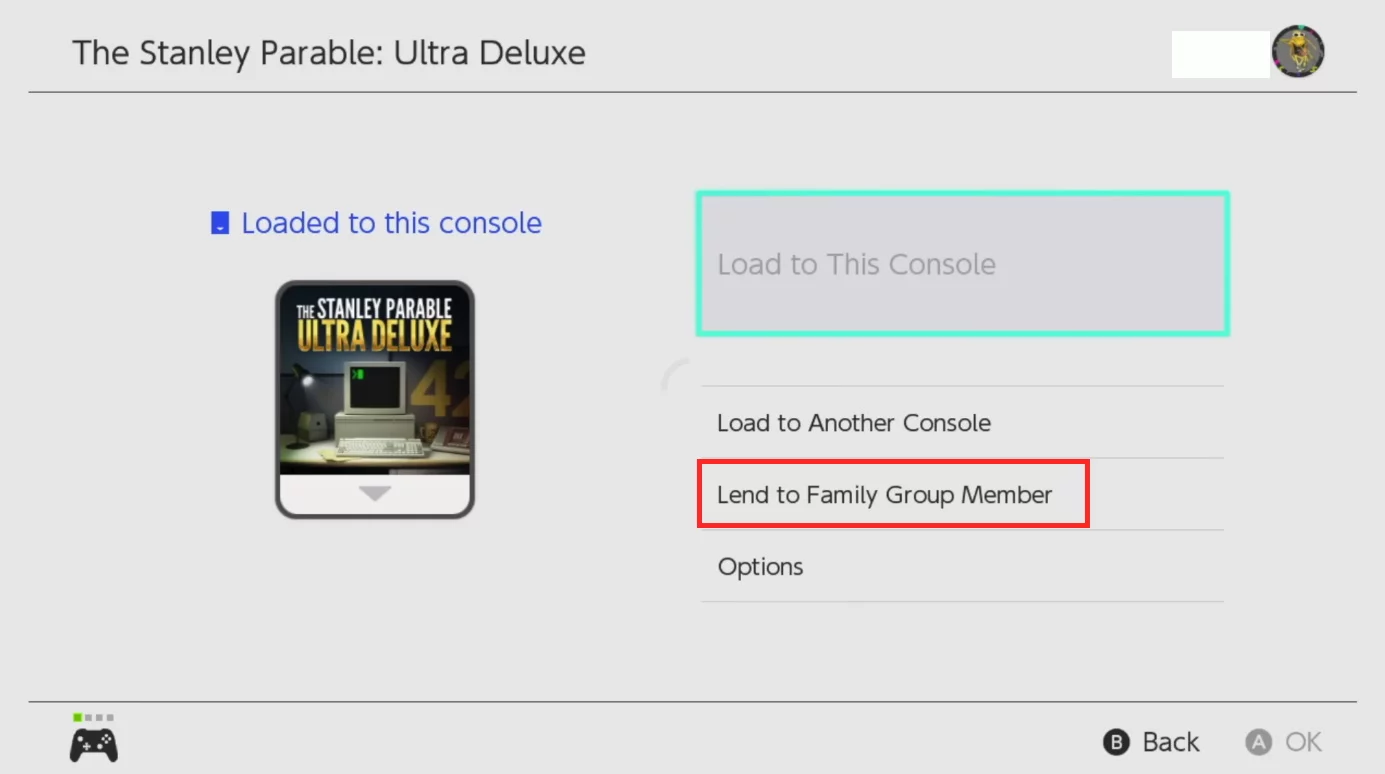
After the game is on another console, it can be launched without an internet connection.
Can You Transfer Games from Switch 1 to Switch 2
Switch 2 is compatible with the first version of the hybrid console, so you can easily transfer your games to a more modern device. However, the reverse process comes with some limitations. Exclusives, as well as games marked Nintendo Switch 2 Edition, will not run on the original Switch. There should be no problems with other projects.
-
 Nintendo Switch 2 Surprises with Universal Keyboard & Mouse Support
 -
 Video Shows How Nintendo Switch 2 Handles Minecraft With 1,000 TNT Blocks Exploding at Once
 -
 Nintendo Switch 2 Review — Nothing Revolutionary (and Thank Goodness for That)
 -
 Palworld 1.0 Best Pals for Early Game, Combat, Bases, and Mounts