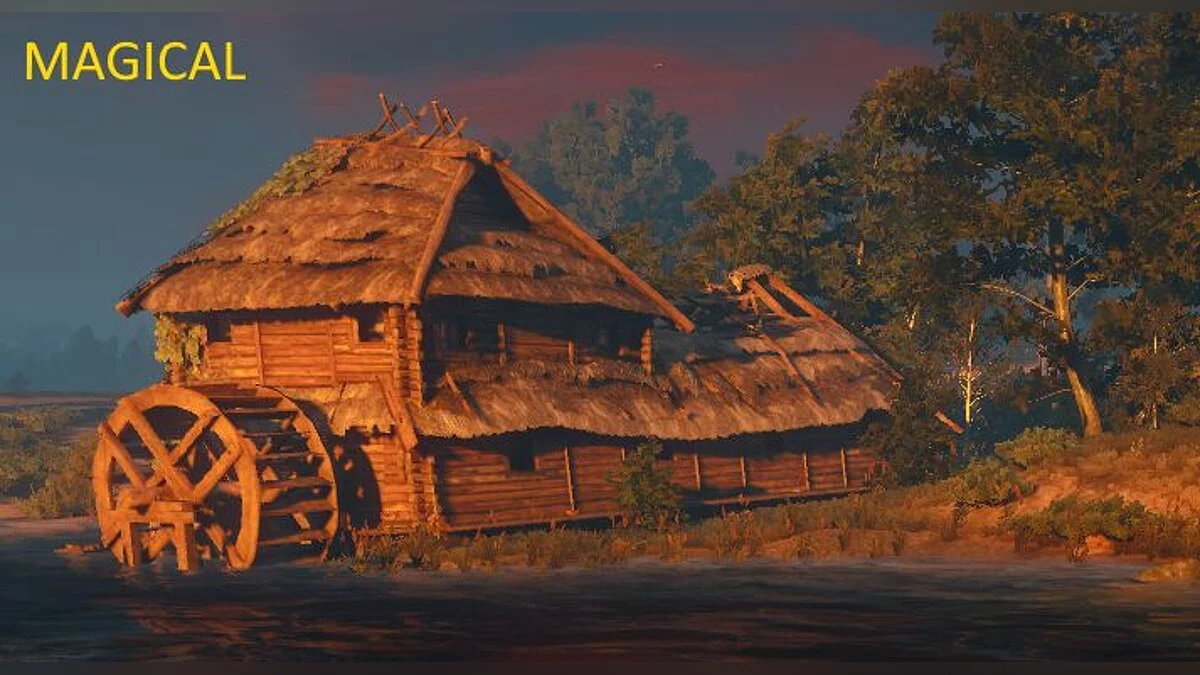
DLSS 5 Swapper — DLSS 5 Neural Rendering Manager for Games & Emulators


Author:
rakanki911
Uploaded by:

Size:
232.31 MB
Date:
September 10, 2026, 10:00 AM
Downloads:
1506
-
Download (232.31 MB)September 10, 2026, 10:00 AMSetupdlss-5-swapper-utilita-ustanovki-i_1789023644_67864.zip
-
Download (231.89 MB)September 10, 2026, 10:00 AMPortabledlss-5-swapper-utilita-ustanovki-i_1789023644_559598.zip
An all-in-one utility to install, manage, and configure DLSS 5 Neural Rendering across supported PC titles and emulators. The manager handles native DLSS-supported titles alongside non-DLSS projects utilizing the integrated DLSS5-Feeder layer. Featuring automated library integration, non-destructive file backups, real-time in-game overlay adjustments, crash telemetry packaging, and experimental multipass neural rendering.
Main Features:
- Flexible Installation: Configure games with native DLSS pipelines or inject neural passes into non-DLSS titles via DLSS5-Feeder.
- Library Integration: Auto-detects game installations across Steam, Epic Games Store, GOG, and modern Xbox Game Pass directories, alongside manual path imports for custom games and emulators.
- Search & Deep Filtering: Filter by title name, graphics API, active DLSS version, and loaded add-ons; toggle filters by clicking status counters.
- Interface Layout: Toggle between storefront-grouped grids or a unified catalog view with custom box art and light/dark theme support.
- Controlled Directory Scanning: Global drive scans are disabled by default to prevent drive load. Targeted scan directories can be defined and cleared in Settings.
- Right-Click Context Menu: Direct shortcuts to open/copy directories, re-check paths, change cover art, restore vanilla libraries, or hide titles.
- Backups & Audit Trail: One-click restoration of original binaries, installation logging, and action history tracking.
- Diagnostic Bundler: Consolidates installation records, game ReShade/Feeder logs, manifest entries, and driver details into a single diagnostic payload ready for bug reports.
- In-Game Configuration Overlay (F8): Pull up the real-time parameter dashboard during active gameplay to adjust Neural Rendering values (exclusive to DLSS5-Feeder and RenoDX v4.7 paths; resizable via the bottom-right drag handle with per-game layout caching).
- API Overrides: Optional per-game API targeting (defaults to Automatic; does not overwrite engine detection).
- Custom Add-Ons: Dedicated Add-ons view for configuring third-party injectors and enhancement modules.
- Multipass Neural Rendering: Allows executing the neural pass up to ten times per frame across DX12, DX11, and 64-bit DX9 (including titles lacking native DLSS implementations).
- Community Hub (BETA): Browse user-submitted compatibility profiles, submit installation outcomes, and participate in discussion threads.
Compatibility & Hardware Matrix:
- Operating System: Windows 10/11 x64; supports compatible 32-bit and 64-bit games
- ReShade / Feeder Supported GPUs: NVIDIA GeForce RTX 20 / 30 / 40 / 50 series (legacy hardware operation supported via the author's bundled modified runtime)
- OptiScaler Supported GPUs: 64-bit games with native DLSS enabled. Bundled neural weights target Blackwell (RTX 50 / RTX PRO Blackwell); earlier architectures require a user-supplied modified nvngx_dlssnr.dll (preserved without overwriting). Recommended driver: 616.56
- DirectX 12: Native DLSS, Feeder, or compatible OptiScaler games
- DirectX 11: Feeder for 32/64-bit games; compatible OptiScaler titles
- DirectX 9 / 8: DX9: 32/64-bit; DX8: 32-bit utilizing dgVoodoo2 → DX11 → Feeder
- Vulkan / OpenGL: ReShade/Feeder; eligible Vulkan titles can also utilize OptiScaler
- DirectX 10: No direct Feeder support (select DX11 mode in the target game if available)
- In-Game Overlay: 64-bit DirectX 11 / 12 games with ReShade add-on support (DLSS5-Feeder and RenoDX v4.7 routes only)
- OptiScaler Note: OptiScaler's DX11/Vulkan implementation utilizes a DX12 bridge with FSR output by default. Restore vanilla binaries prior to altering Vulkan backends. OptiScaler is not intended for emulators or non-DLSS titles.
Pre-Installation Notices:
- Anti-Cheat Notice: Displays a red alert prompt for titles with active anti-cheat. DLL injection may trigger automated account bans or game crashes; this software does not bypass anti-cheat mechanisms.
- Prerequisites: Feeder requires Visual C++ Runtimes (x64, plus x86 for 32-bit titles). Missing runtime packages download automatically on first run.
- Safety Backups: Maintain local file backups prior to injection to avoid conflicts with pre-existing third-party mods.
- Linux / Proton: Source files are available for community review; native Linux pre-compiled binaries are not included in this release.
Useful links:
![Vampire: The Masquerade - Bloodlines 2 — Ultra Plus [v0.1.7]](https://files.vgtimes.com/download/posts/2025-11/thumbs/ultra-plus-v0-1-7_1762884103_343247.webp)


![Valheim — Jotunn [2.30.0]](https://files.vgtimes.com/download/posts/2026-09/thumbs/jotunn-2-30-0_1789382821_825537.webp)