Game files / Interface / Page 23
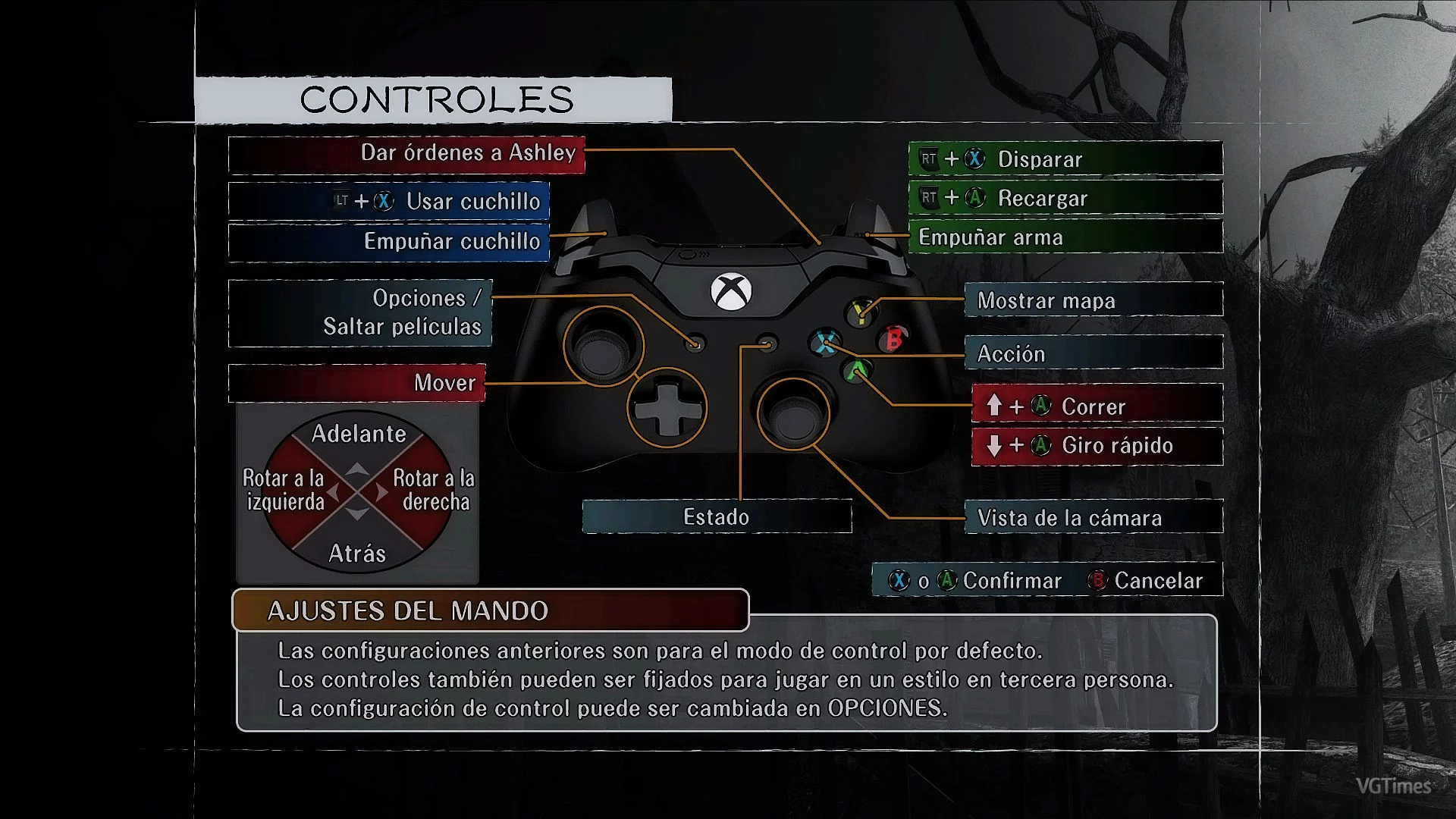
Resident Evil 4 (2005) — Xbox One Buttons

Download
Original title: NEGAARMAX XBOX ONE Buttons. Xbox ONE Buttons. This button mod is compatible only with RE4HDP 1.1 and re4_tweaks 1.7.7.3 or newer. In this new version, the author removed their custom input and left only the original from the game. To ...
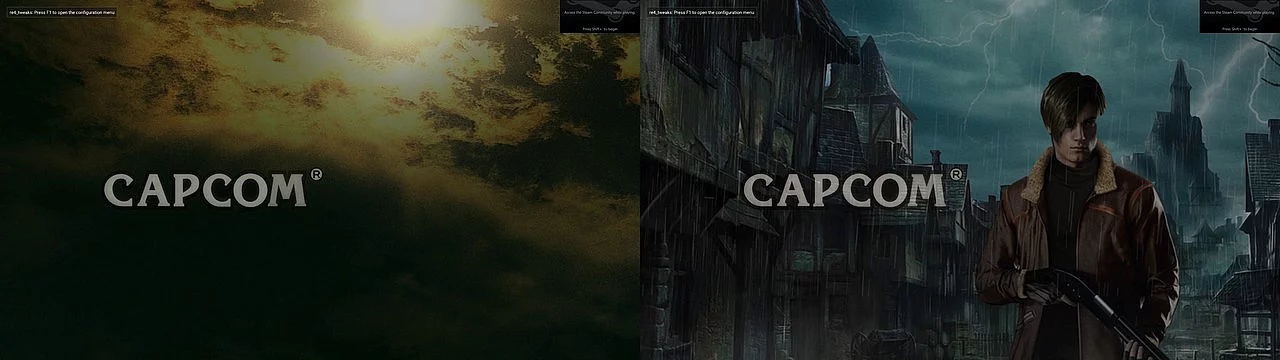
Resident Evil 4 (2005) — Remake Style Screens
Download
Original title: RESIDENT EVIL 4 REMAKE MODERN UI (Concept). This mod is based on the RE4 Remake trailer. How to launch: run Textmod.exe and select BIO4.exe; download RESIDENT EVIL 4 REMAKE CONCEPT v2.0 and start the game.
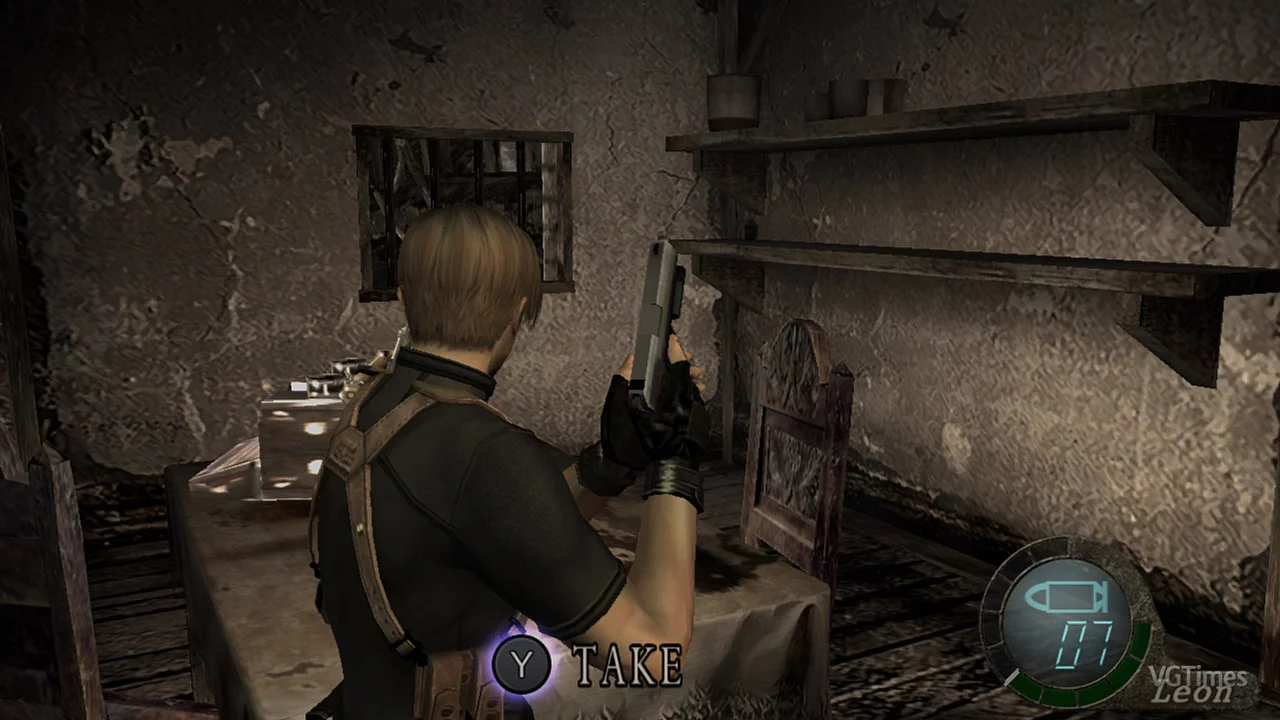
Resident Evil 4 (2005) — Nintendo Switch Buttons
Download
Original title: Nintendo Switch Button Mod Pack for Resident Evil Ultimate HD. Game edition: Resident Evil Ultimate HD. This mod will replace all button prompts with those for Nintendo Switch, substituting the standard Xbox 360 prompts.
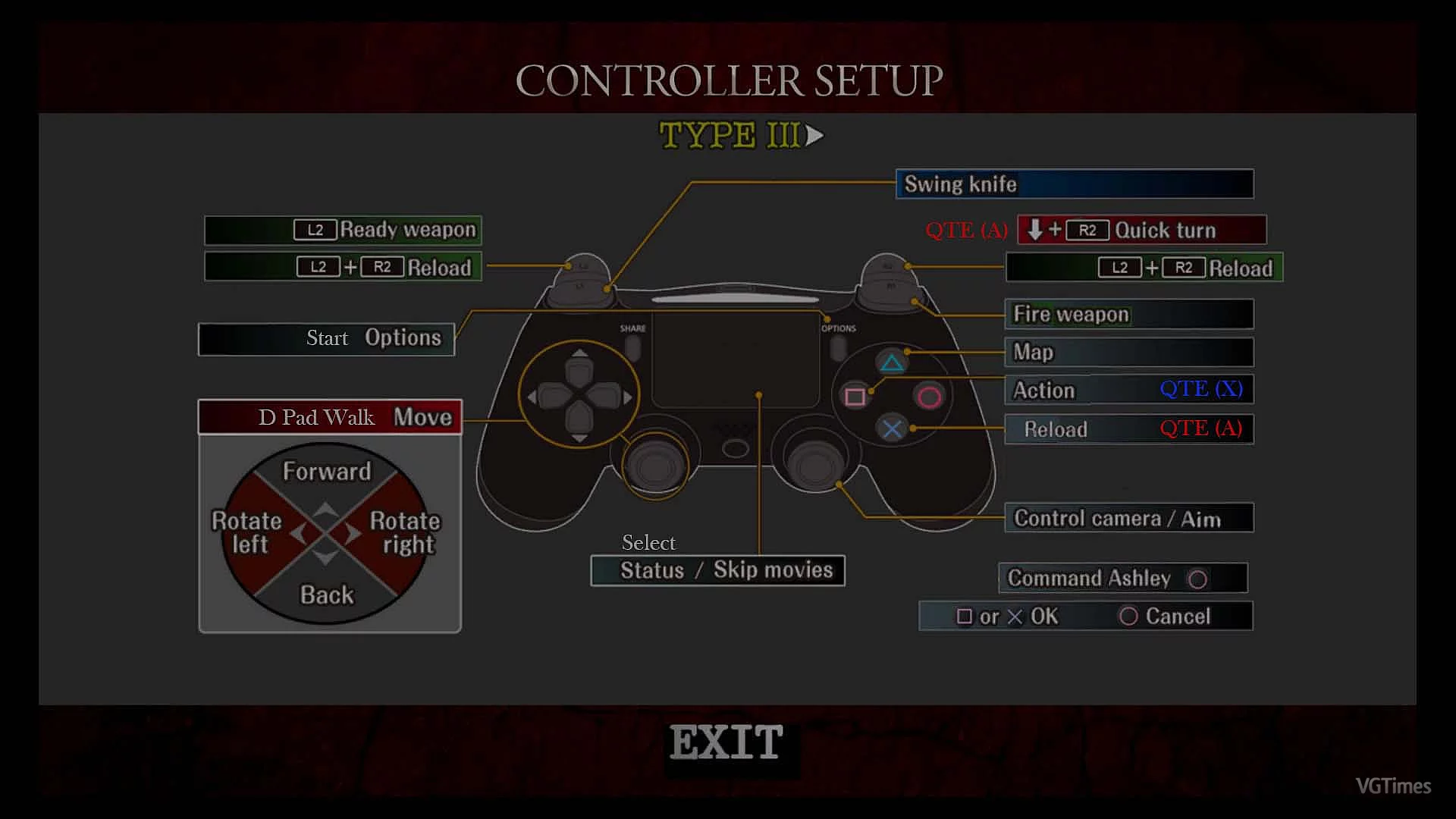
Resident Evil 4 (2005) — Enhanced Controller Display
Download
Original title: Refined Controller Mapping RE4 UHD. Game edition: RE4 UHD. Custom settings that include Auto Run, Auto Knife Swing, and surprisingly simplify 95% of QTEs. How to run: place the Input.ini file in the BIO4 folder. Overwrite when ...
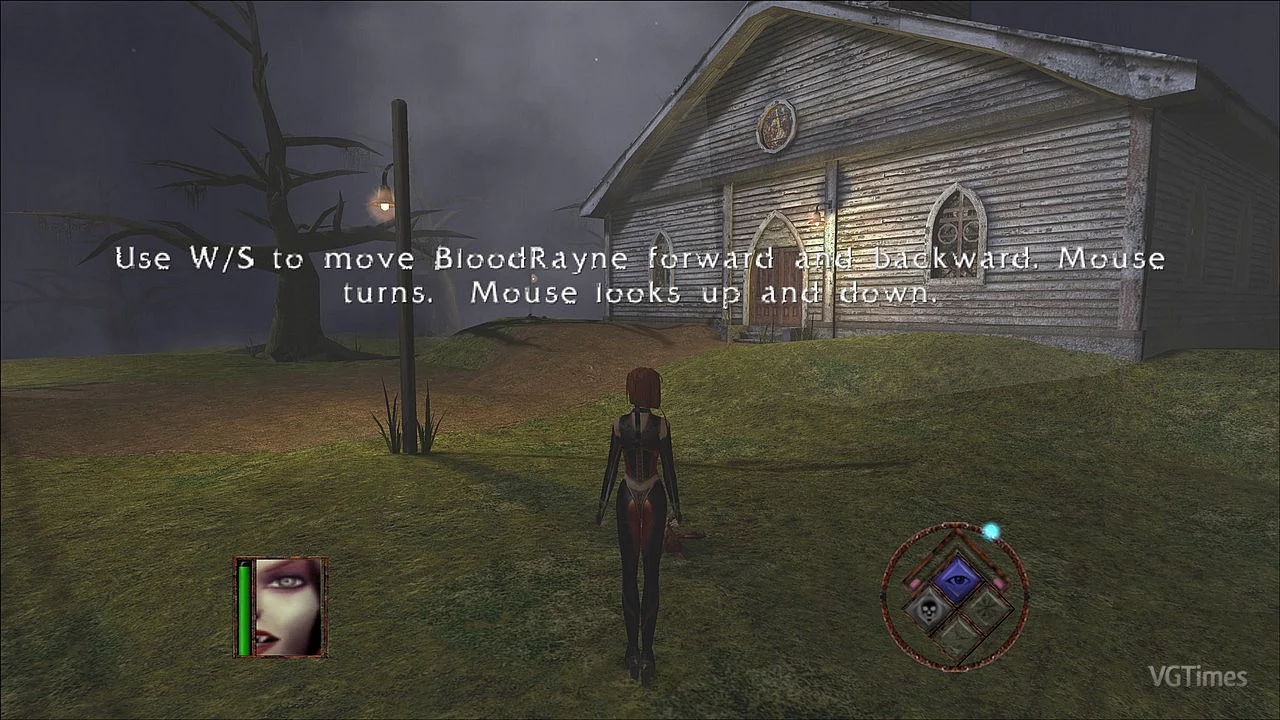
BloodRayne: Terminal Cut — Fixed HUD Placement
Download
Original title: BloodRayne_tweaks — Fix HUD placement. This mod adjusts the HUD by moving it further from the center of the screen. Both the original version and Terminal Cut have issues with multi-monitor setups. The game does not lock the cursor, ...
BloodRayne: Terminal Cut — High-Resolution Interface

Download
Original title: High-resolution UI. This is a high-resolution user interface mod. It replaces the HUD, the main menu background, loading screens, and any other fullscreen images.
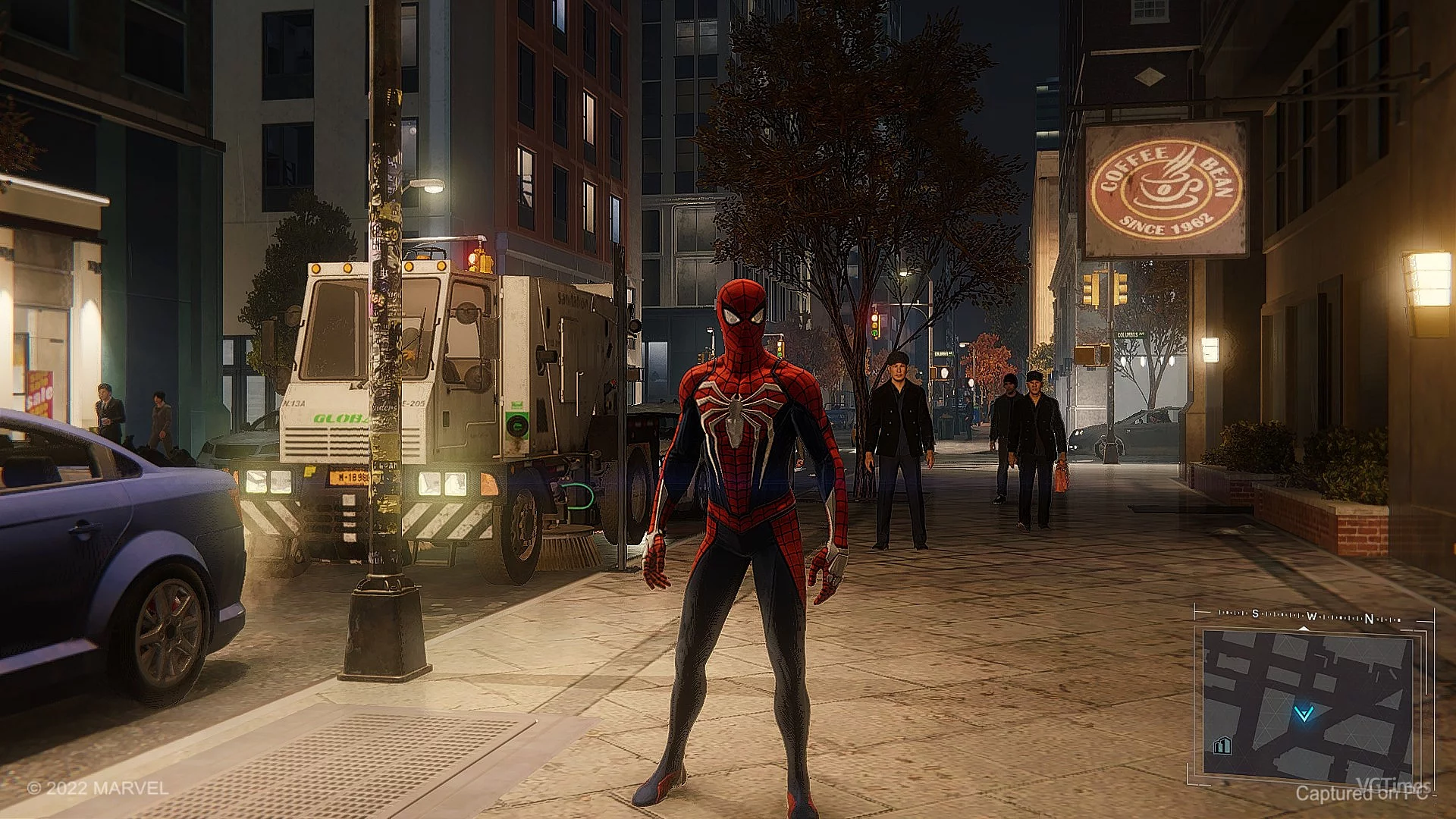
Marvel's Spider-Man Remastered — Minimap like in GTA 5
Download
Original title: GTA V Style Minimap. A custom minimap reminiscent of the map from GTA 5.
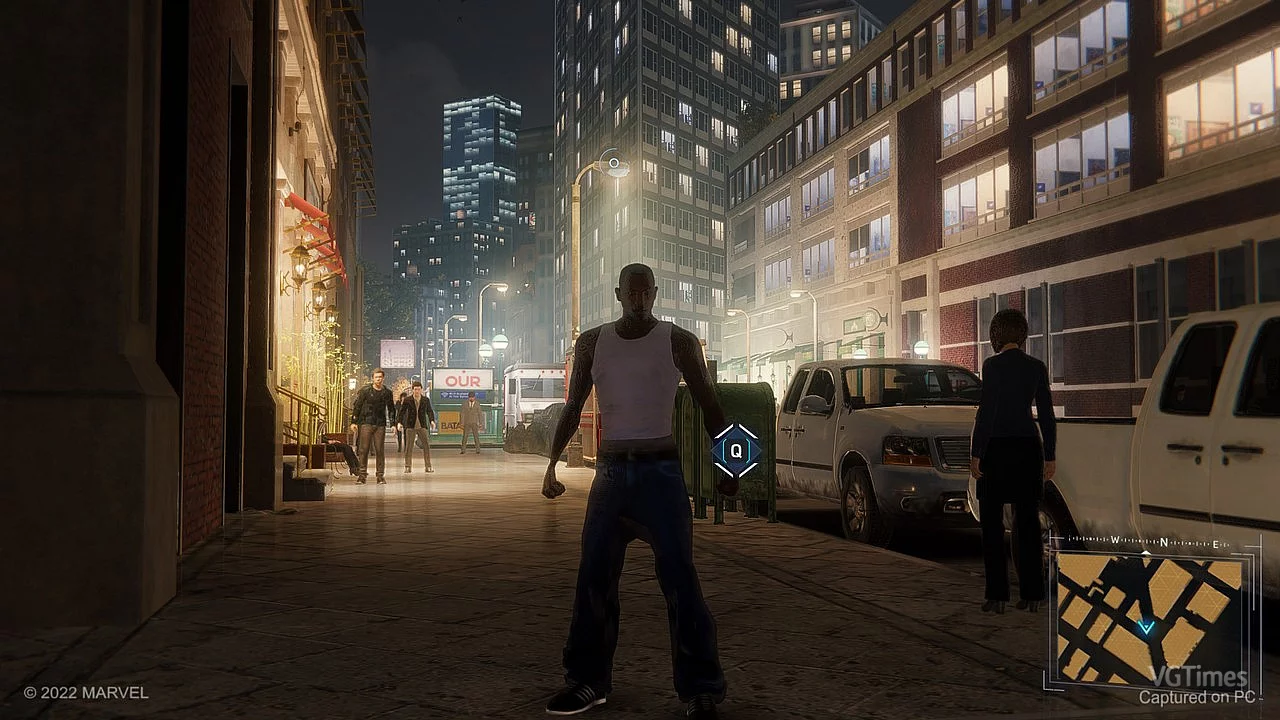
Marvel's Spider-Man Remastered — Minimap like in GTA 3
Download
Original title: GTA 3 Minimap. A modified minimap reminiscent of the one from Grand Theft Auto 3.
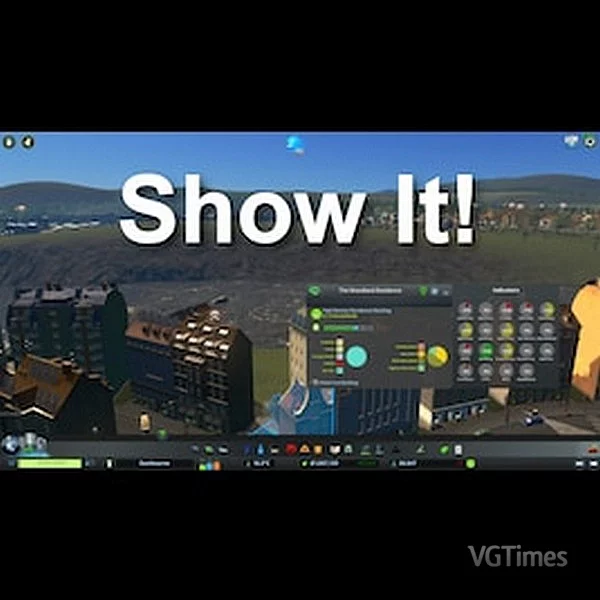
Cities: Skylines — Metrics for All Buildings
Download
Original title: Show It. Game version: 1.16.0-f3 (Financial Districts). This mod displays essential metrics for all zoned buildings — including residential, industrial, commercial, and office structures. In the update: money collection added f ...
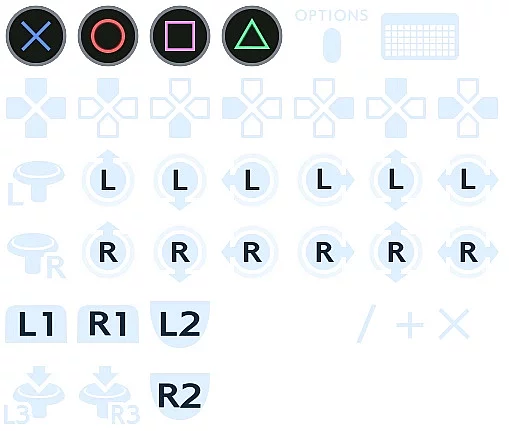
Crisis Core: Final Fantasy VII Reunion — Buttons for PS4 Dualshock
Download
Original title: Force PS4 Dualshock Controller Buttons over Xbox buttons. Forces the use of PS4 Dualshock controller buttons instead of Xbox buttons. You need to create a shortcut for the executable file and add the flag -fileopenlog. How to laun ...
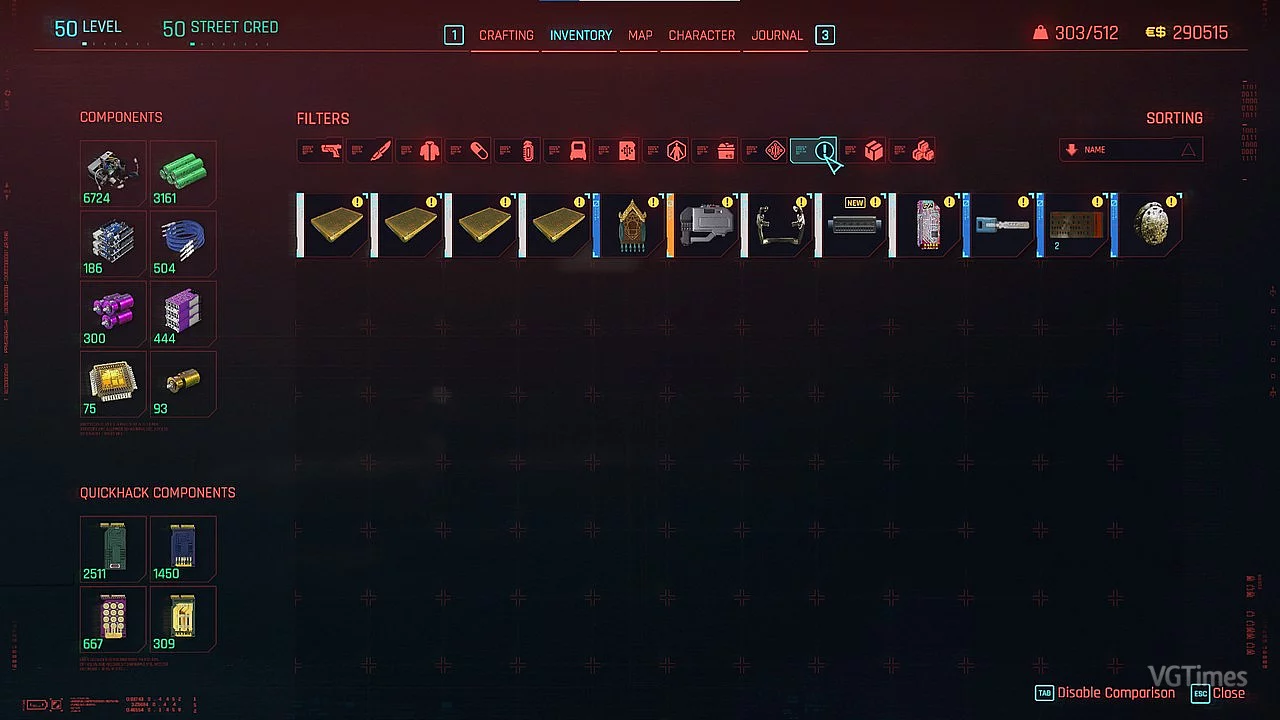
Cyberpunk 2077 — New Inventory Filters
Download
Original title: More Inventory Filters. Adds additional filters to the inventory, stash inventory, and the inventory of most vendors. How to install: Extract the archive to the root folder of the game Cyberpunk or copy the MoreInventoryFilters.re ...
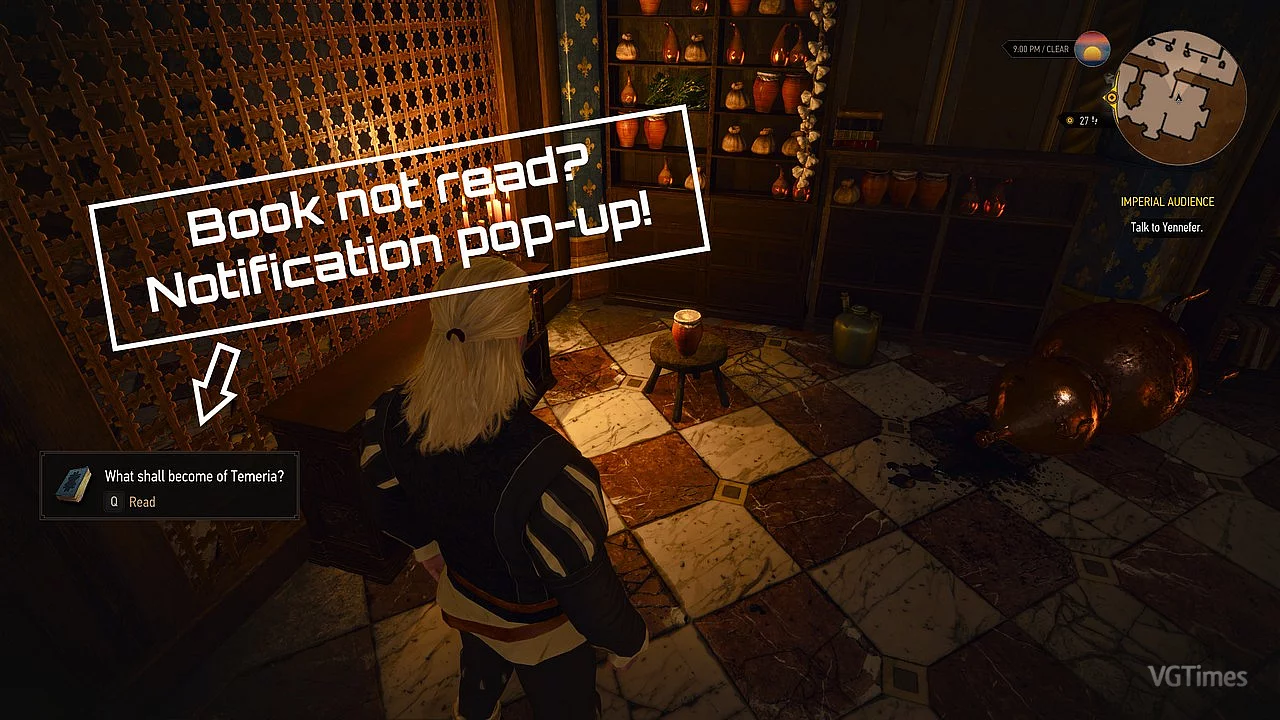
The Witcher 3: Wild Hunt — Remastered — Disabling Notifications for Read Books
Download
Original title: No Pop-Up for Read Books — Next-Gen. Game edition: Next-Gen. This mod hides notifications for books and documents that have already been read, displaying them only for new items. It also fixes a bug where the sound notification ...
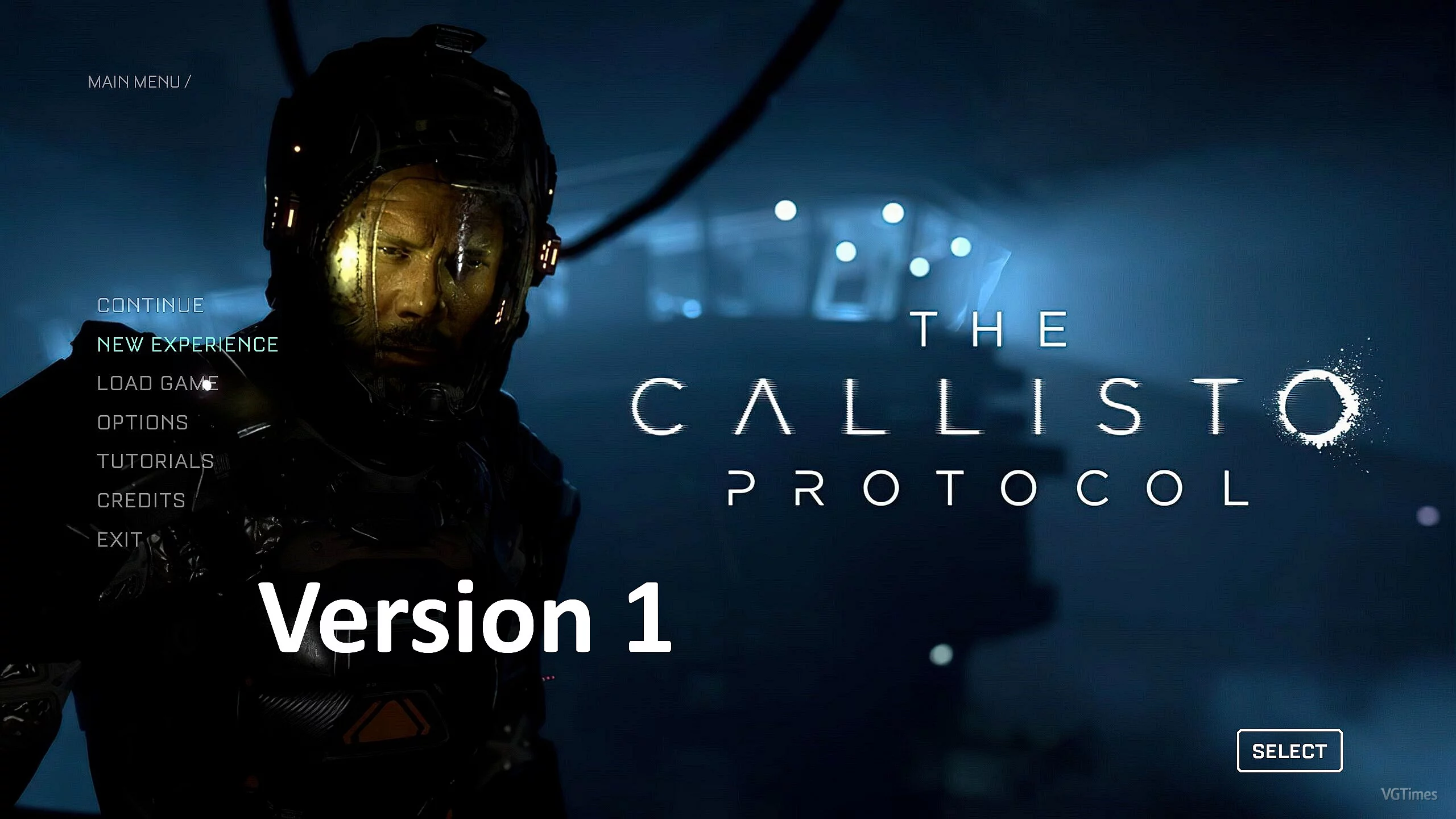
The Callisto Protocol — Static Main Menu
Download
Static Main Menu. This mod replaces the original animated main menu with a static one. Installation: Step 1: Backup Bink_UI_MainMenu_Background.bk2 or rename it to Original_Bink_UI_MainMenu_Background.bk2 Step 2: Extract the file from the archive ...
Project Zomboid — Experience Gain Display
Download
Show Skill XP Gain. This mod will display the XP gain of any skill above the player's head in build 41+. Strength and fitness are disabled by default because they spam too frequently at random. Melee and ranged skills may also spam too much.
Project Zomboid — New Cursor
Download
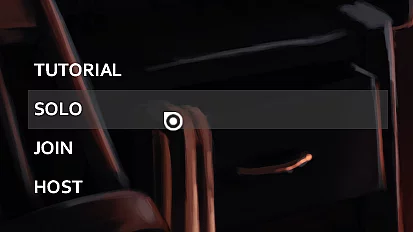
thedumbfish123's Cursor. A new minimalist and aesthetically pleasing cursor to replace the default one. It must be installed manually. Installation Instructions: 1. (OPTIONAL) Create backups of the original files cursor_normal.png and cursor_white ...