Game files / Optimization / Page 18
S.T.A.L.K.E.R. 2: Heart of Chornobyl — Updated Plugins (DLSS FSR3 XeSS)

Download
This mod updates all third-party plugins that come with the game to the latest version for the best quality. Replace Win64 with WinGDK if using Game Pass/Xbox. S.T.A.L.K.E.R. 2 Heart of Chornobyl\Engine\Plugins\Marketplace\DLSS\Binaries\ThirdP ...
S.T.A.L.K.E.R. 2: Heart of Chornobyl — FPS Boost for Low-End PCs
Download
This mod is designed to enhance performance on low-end graphics cards and systems with 3 GB of RAM. How to launch: Extract the Engine.ini file to this path C:\Users\\AppData\Local\Stalker2\Saved\Config\WinGDK.
S.T.A.L.K.E.R. 2: Heart of Chornobyl — Faster loading times in the game


Download
This configuration significantly speeds up loading/start times, making it almost instantaneous, and allows you to skip game cutscenes (if desired). Note Engine.ini — Removes shader compilation during loading; Game.ini — Skips all introducto ...
S.T.A.L.K.E.R. 2: Heart of Chornobyl — Lag Fix
Download
This is the first test version of the mod, which currently only improves game performance and latency, created by the maker of Ultimate Sparking Zero for Dragonball. It is not compatible with other similar mods or some engine.ini/windowsengine.ini. ...
S.T.A.L.K.E.R. 2: Heart of Chornobyl — Optimization Setup for 6600XT 8GB
Download
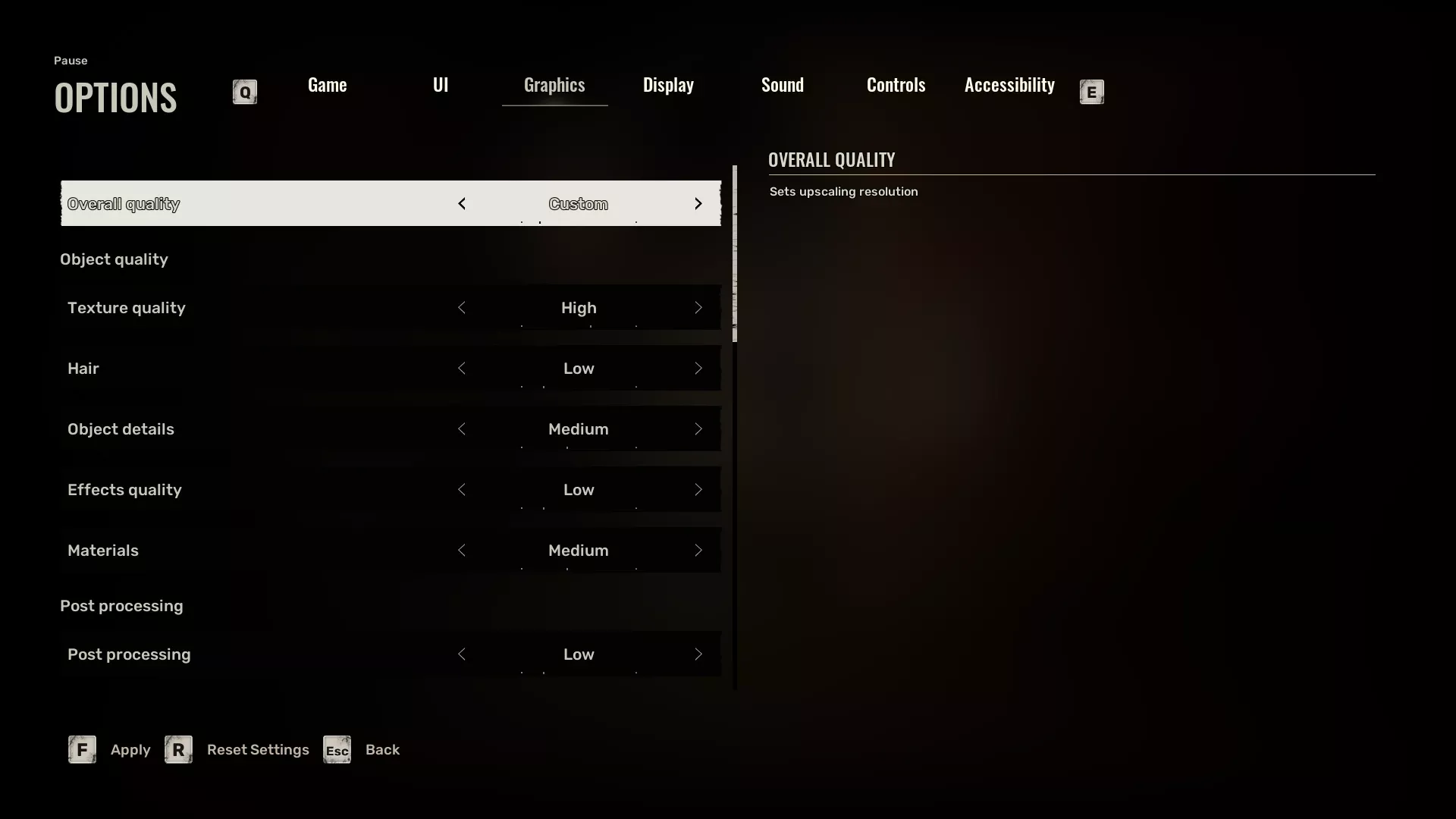
The goal is to achieve a playable frame rate for a specific configuration, but the author publishes the mod to assist anyone else as much as possible. The frame rate is variable, but when everything works, it fluctuates between 60 and 110 FPS (accor ...
S.T.A.L.K.E.R. 2: Heart of Chornobyl — Enhanced Performance and Reflections
Download
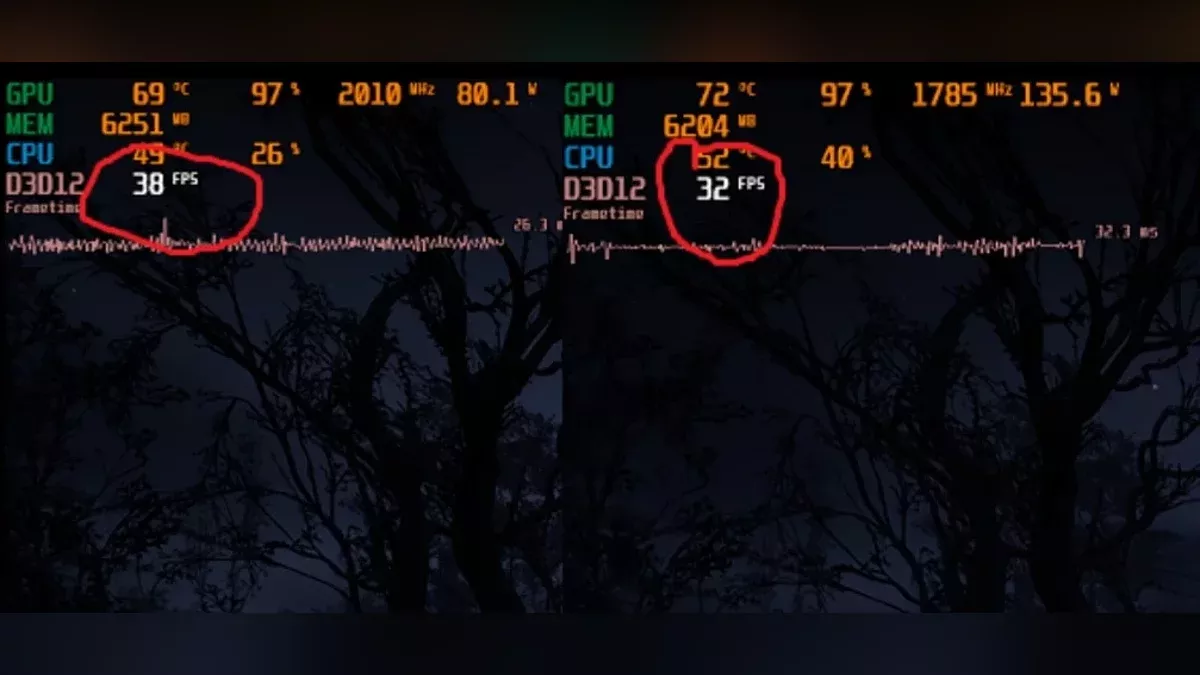
This mod significantly boosts CPU and GPU performance, resulting in sharp and clear reflections, while shadows may vary in quality but remain fairly consistent. In the game, shadows and reflections should be set to high settings. There are also ...
S.T.A.L.K.E.R. 2: Heart of Chornobyl — FPS Boost and Input Lag Reduction
Download
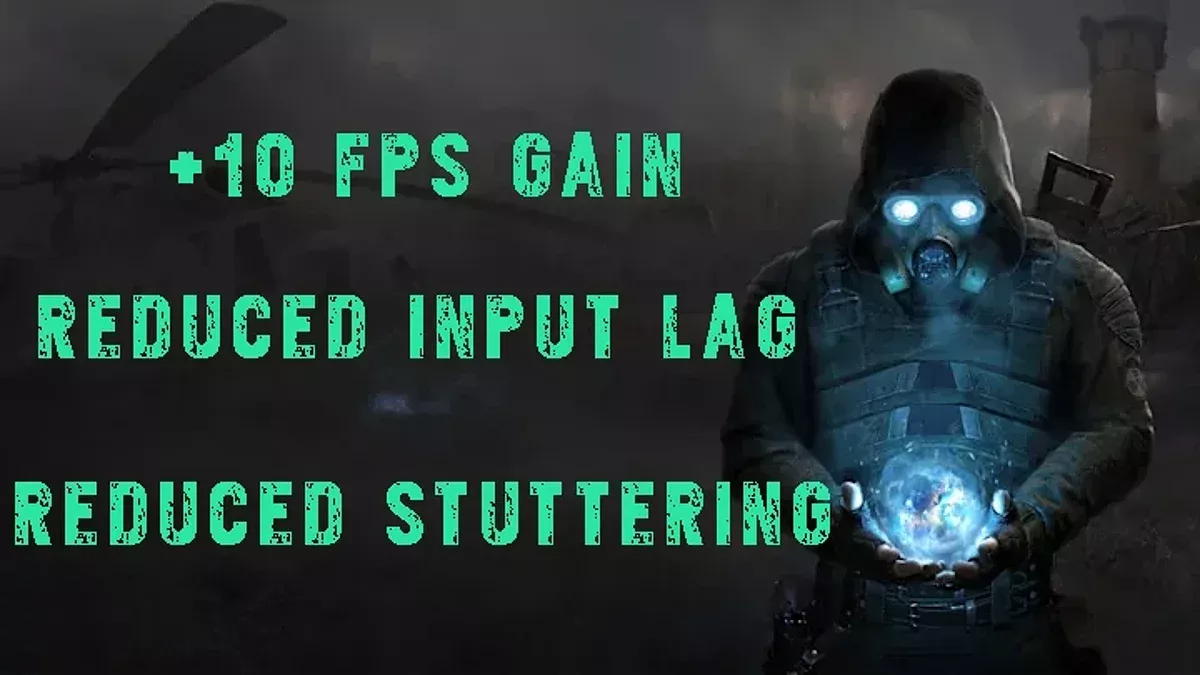
Improves FPS and reduces input lag without sacrificing graphics quality (averaging around +10FPS). The author disliked how disabling ray tracing made the lighting flat, so he made several adjustments to enhance its appearance without compromising p ...
S.T.A.L.K.E.R. 2: Heart of Chornobyl — High Process Priority
Download
This small mod enhances your gaming experience by simply launching the game with high priority.
S.T.A.L.K.E.R. 2: Heart of Chornobyl — Significant Graphics Reduction for Low-End PCs
Download
This mod reduces texture detail and the distance at which they are rendered. It minimizes ghosting, enhances image sharpness, and improves the quality of all upscaling and anti-aliasing methods. It reduces stuttering, boosts performance, and speeds ...
S.T.A.L.K.E.R. 2: Heart of Chornobyl — Optimization
Download
Optimization and significant reduction of stuttering through shader compilation and asset streaming optimization. This may also potentially increase your FPS significantly, by 5 to 10 FPS depending on your processor, without any decrease in visual q ...
S.T.A.L.K.E.R. 2: Heart of Chornobyl — FPS Boost and Stutter Reduction
Download
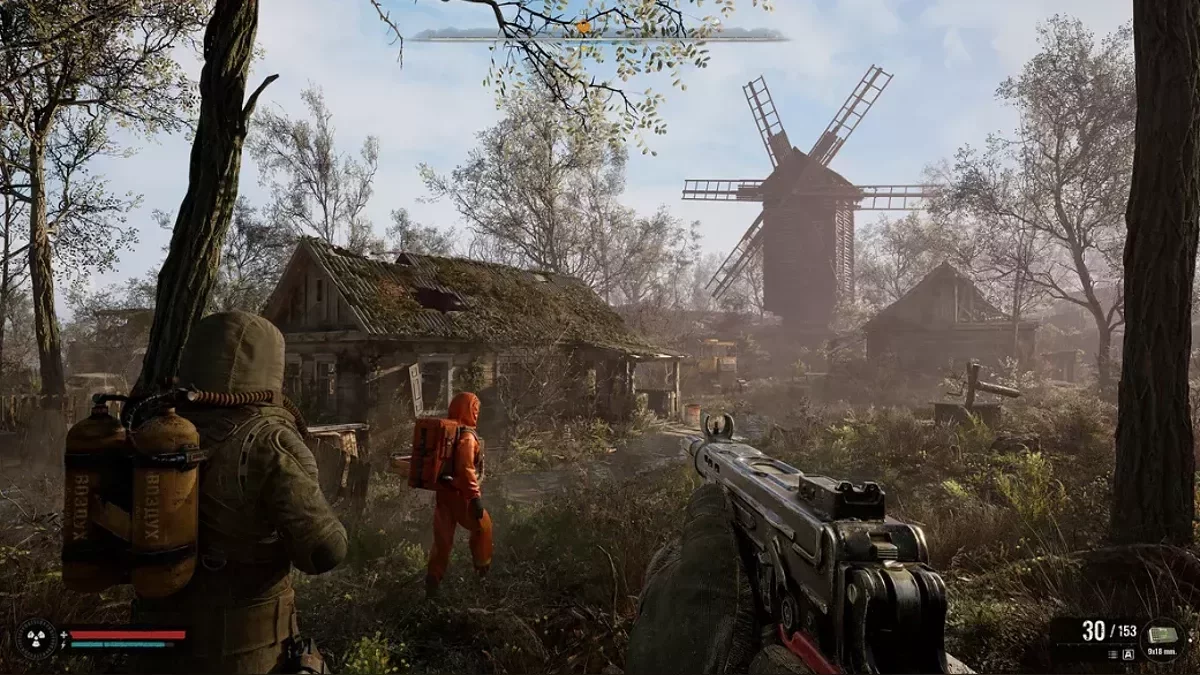
This mod is a simple yet crucial graphics and game engine tweak, ini files that enhance stability, performance, and clean up the visual output by disabling vignetting. Changes made to ini files - Ray tracing and its other components disabled; ...
S.T.A.L.K.E.R. 2: Heart of Chornobyl — Disabling TAA, Chromatic Aberration, Grain, Depth of Field, Vignetting

Download
A simple tweak to WindowsEngine.ini to disable TAA (or replace it with FXAA), chromatic aberration, grain, depth of field, and vignetting. In additional downloads, there will also be a pak using FXAA instead of the Tweaked WindowsEngine.ini in the ...
S.T.A.L.K.E.R. 2: Heart of Chornobyl — Optimizer

Download
A simple application for optimizing ini settings. How to run: Upon opening, the application will attempt to automatically detect the location of the GameUserSettings.ini and Engine.ini files; If automatic detection fails, use the Browse butto ...
S.T.A.L.K.E.R. 2: Heart of Chornobyl — Upscaler Update Files (AMD, Nvidia, Intel)
Download
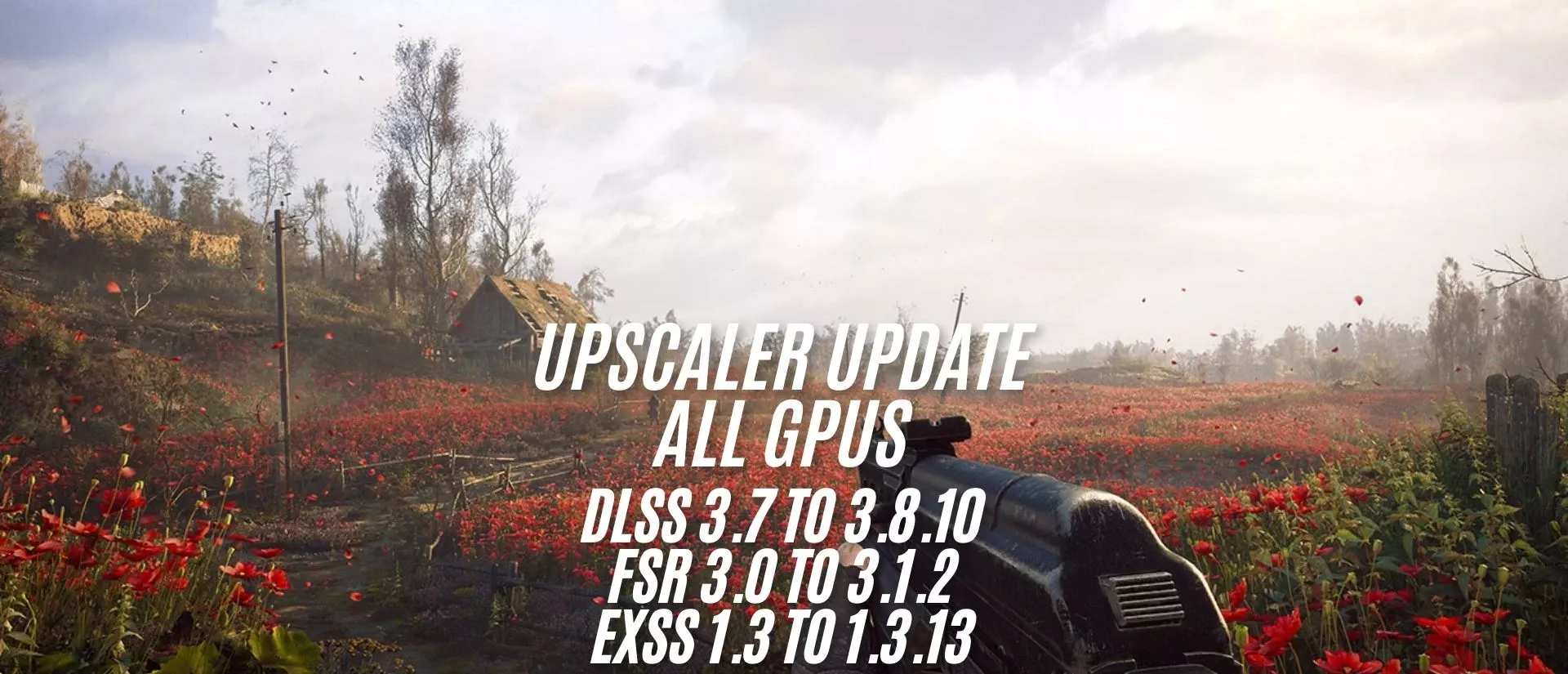
Update files for upscalers for (AMD, Nvidia, Intel). DLSS 3.7 to 3.8.10 FSR 3.0 to 3.1.2 XESS 1.3 to 1.3.13 Step-by-step guide for updating: Step 1: Download the files – Ensure you have the latest updated files for download. Step 2: Open ...
S.T.A.L.K.E.R. 2: Heart of Chornobyl — Stability Improvement and Lag Reduction
Download
This mod increases the priorities of the CPU, disk, and RAM, reducing stuttering and enhancing performance. By optimizing the allocation of system resources, the mod minimizes lags and improves responsiveness for a smoother gameplay experience.