Game files / Optimization / Page 16
Hyper Light Breaker — Performance Boost


Download
Mod to reduce stuttering. If necessary, you can open the ini file in a text editor and edit it. The settings are quite clear, and you can also find various commands elsewhere. A definitely good starting point is particles and shadows. That's why the ...
Indiana Jones and the Great Circle — Performance Boost
Download
Enhances performance and improves input lag. Does not affect achievement unlocking. How to launch: Download and unpack the mod, then open the unpacked folder; Select the desired preset and navigate to the folder, then copy the file(s); Pa ...
S.T.A.L.K.E.R. 2: Heart of Chornobyl — Fix for 8GB Graphics Card Issues

Download
This modification fixes the 8GB VRAM issue for mid-range cards (RTX 3060 Ti, RTX 3070, RTX 3070 Ti, RTX 4060/4060 Ti), even when using medium textures in the game. This mode works great at 1080p/DLAA. Delays reduced, lags minimized, all internal li ...
Silent Hill 2 — Laptop Optimization

Download
Laptop optimization aims to enhance overall performance by removing unnecessary visual effects. It helps increase the frames per second (FPS). It does not blur textures. Reduces CPU latency; Decreases video memory usage; Minimizes RAM consump ...
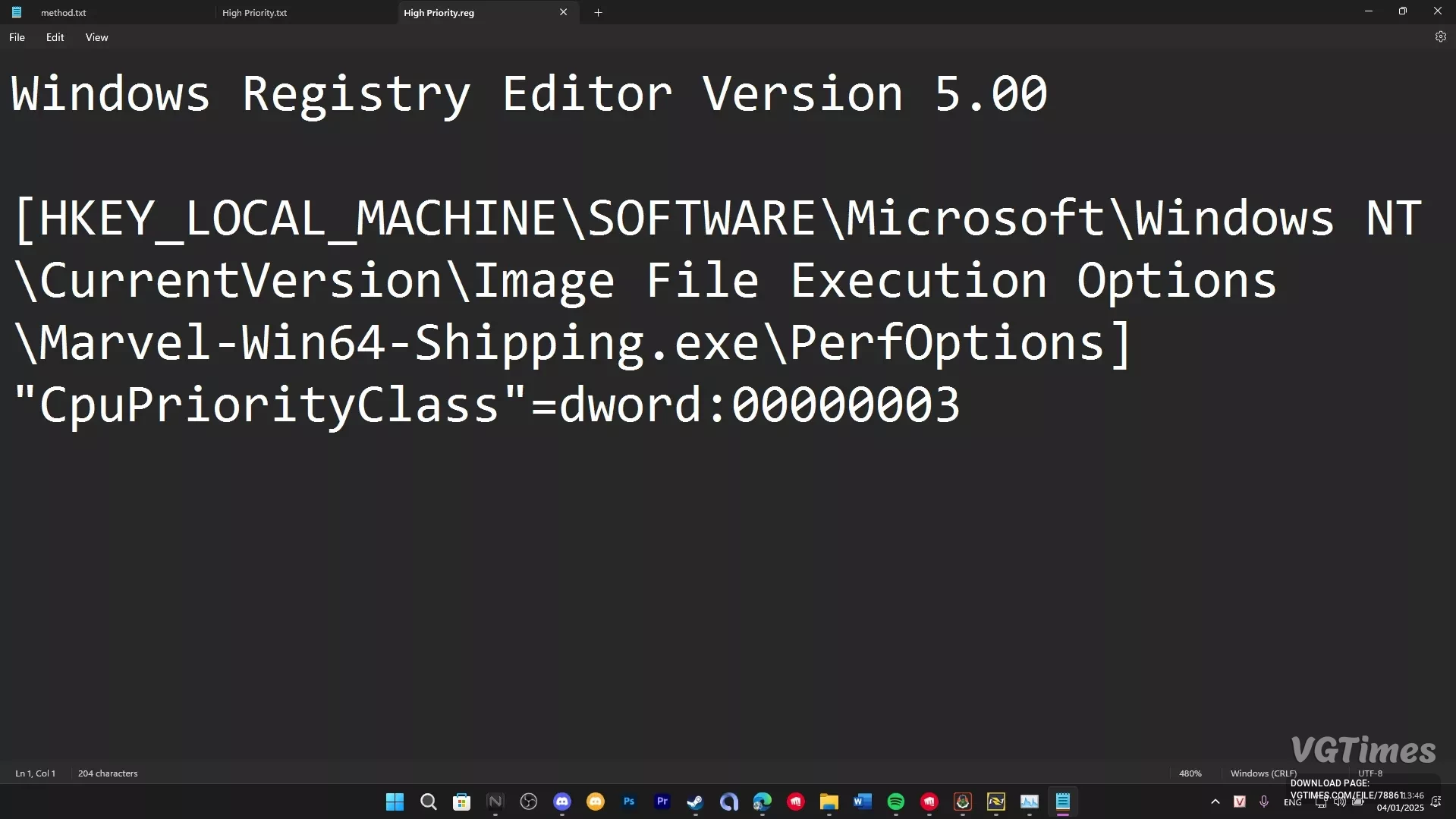
Marvel Rivals — Increased Process Priority
Download
This mod increases the game's priority for the CPU. It boosts FPS.
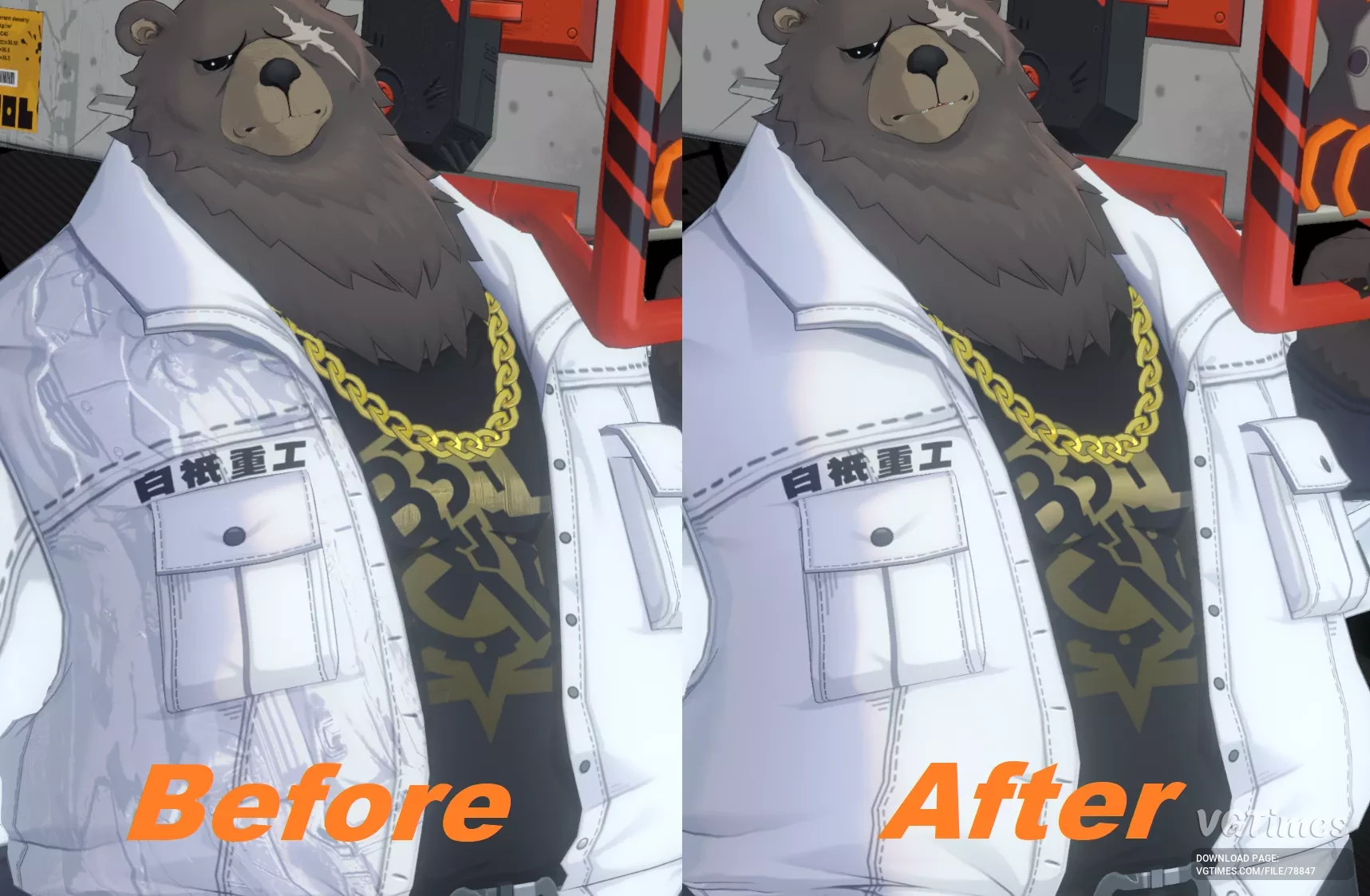
Zenless Zone Zero — Fixing texture maps on mods

Download
Normal Map Temporary Solution For Non-Users Of XXMI. This mod is ported from the fix made by LeoTorrez for XXMI, works for users of the normal version of ZZMI and ZZZ3dmLoader and it should work as a temporary solution for all mods with this proble ...
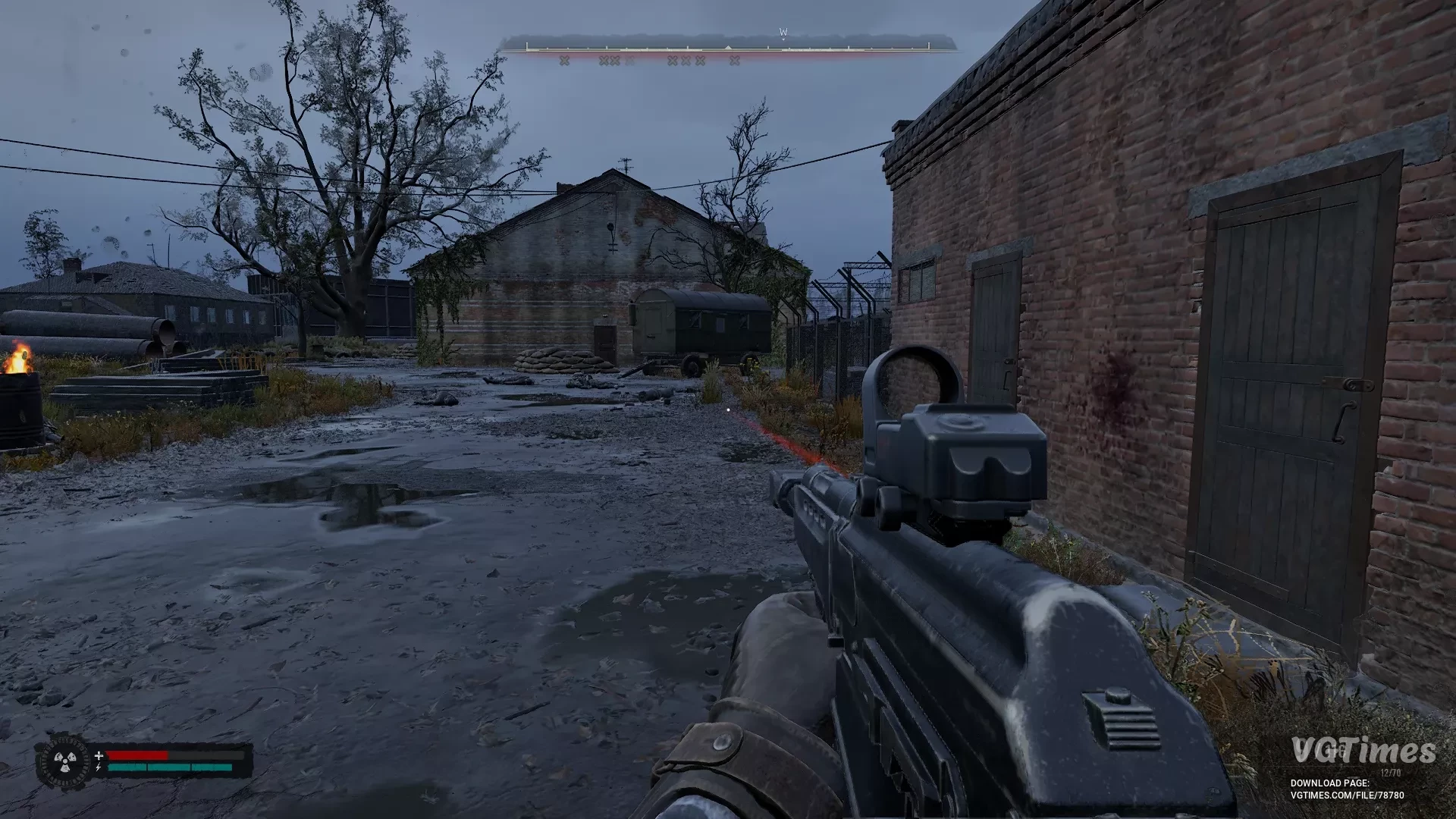
S.T.A.L.K.E.R. 2: Heart of Chornobyl — Optimization for 4GB Graphics Cards
Download
Disabled: lighting, virtual shadows, volumetric fog. Fix for white screen. In-game settings are configured for 4GB of video memory, everything that uses a lot of memory is turned off. How to run: Place this Engine.ini file in the directory C:\ ...
S.T.A.L.K.E.R. 2: Heart of Chornobyl — Optimization for RTX 3050 4GB
Download
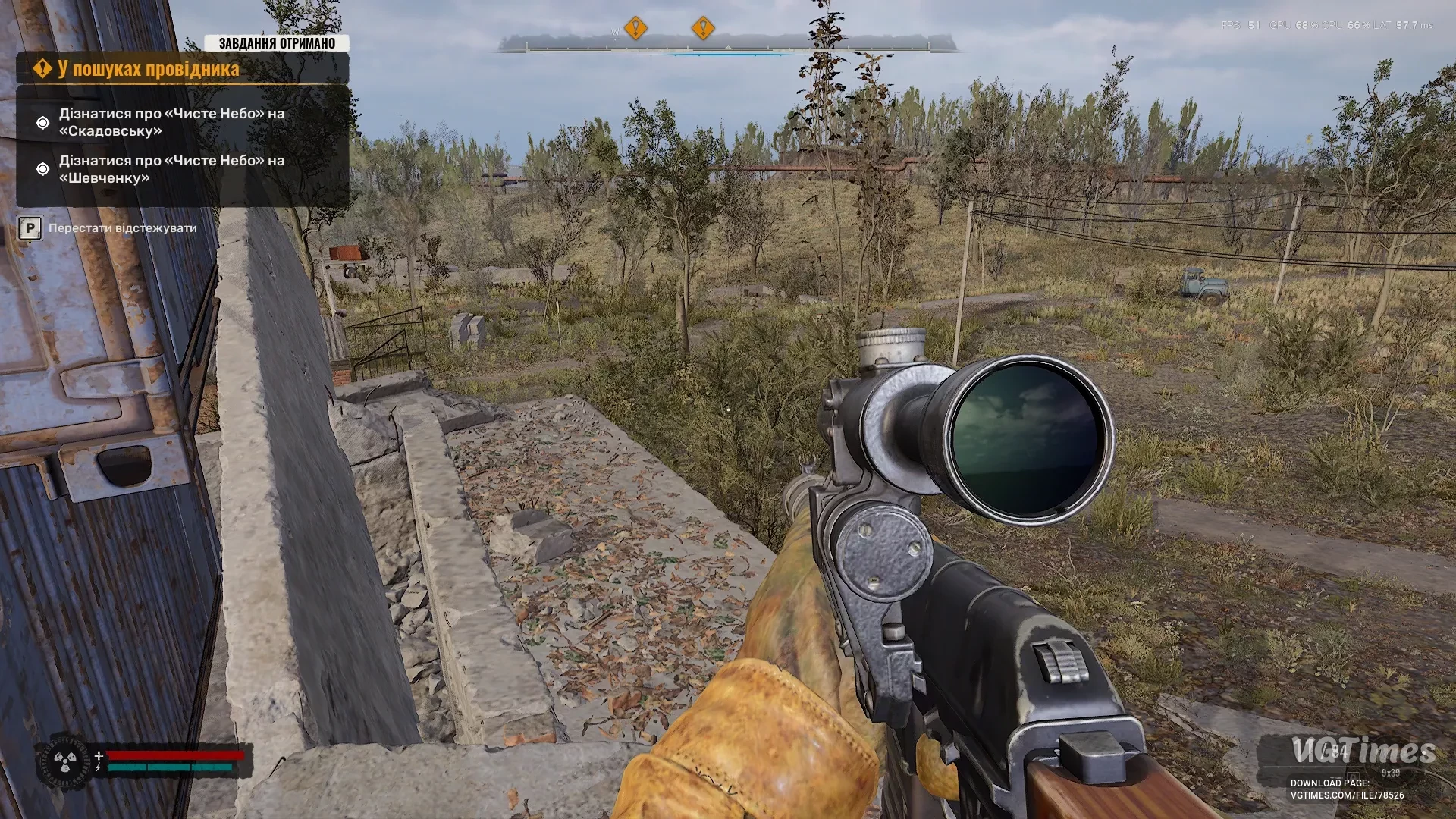
This mod optimizes the game for the RTX 3050 graphics card with 4GB of memory. Performance is significantly improved and stuttering is reduced. How to launch: Unpack the downloaded archive to this path C:\Users\user\AppData\Local\Stalker2\Save ...
Black Myth: Wukong — BMWK — SPF — Performance Enhancement


Download
This mod optimizes the game, greatly boosting performance and stability. It speeds up game loading by asynchronously loading assets, allowing faster startup and level transitions. Additionally, it delivers smoother gameplay with higher frame rates. ...
S.T.A.L.K.E.R. 2: Heart of Chornobyl — Input Lag Reduction/Optimization


Download
Configuration that enhances input responsiveness, especially with frame generation enabled. Note: This preset may also cause a slight FPS drop on some systems in exchange for reduced game response time; Before installation, create backups of ...
Indiana Jones and the Great Circle — Disable TAA (Anti-Aliasing)

Download
Disables in-game TAA/anti-aliasing. Does not affect achievement unlocking. How to install: Download and unpack the mod, then open the unpacked folder; Select the desired preset and navigate to the folder, then copy the file(s); Paste the ...
Marvel Rivals — Performance Boost for Older Graphics Cards
Download
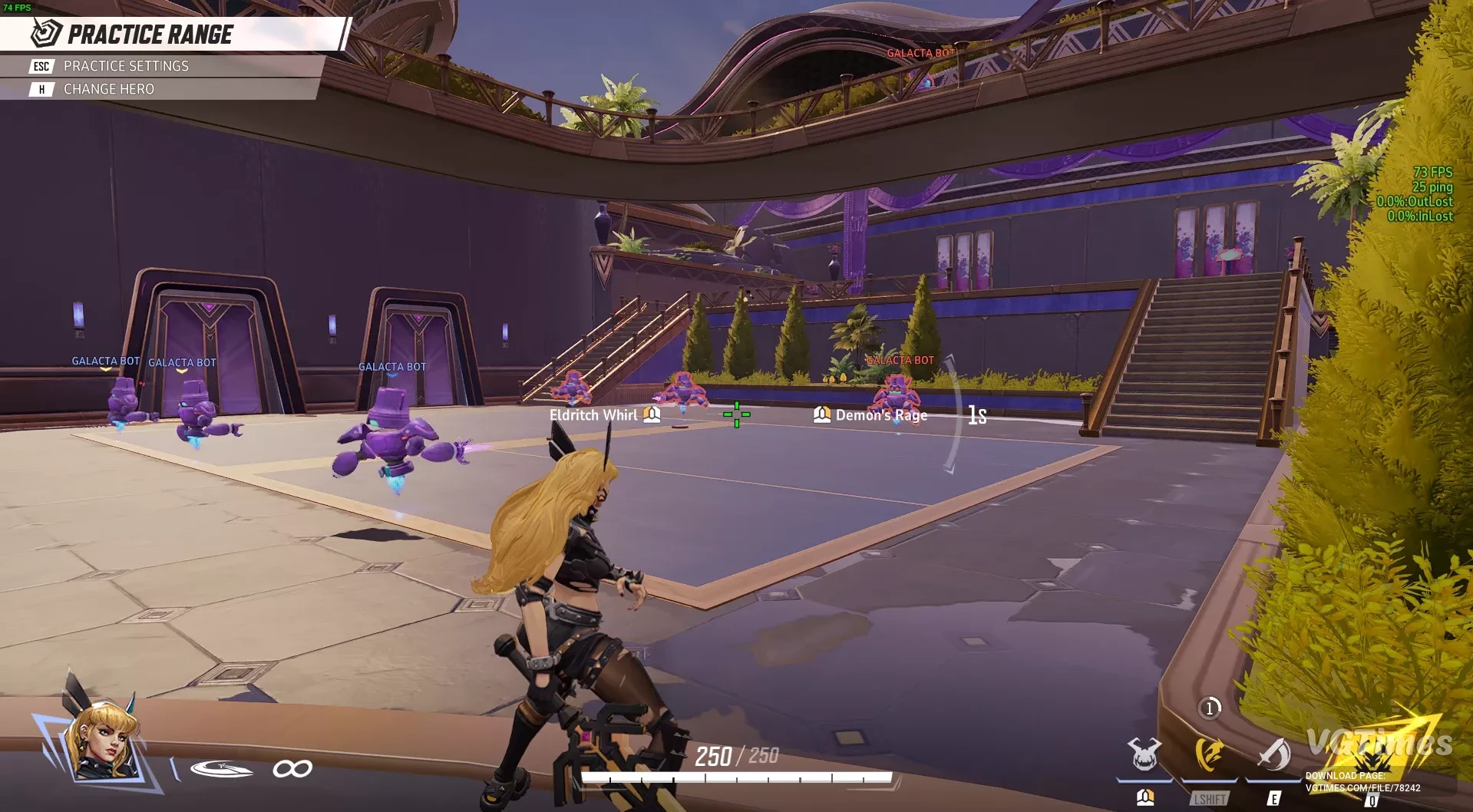
A custom engine.ini file created by merging various optimization settings. Works after patch 19.12.24, also includes code lines to disable mouse smoothing, assuming they function (should function). Graphics will be noticeably degraded. The test was ...
S.T.A.L.K.E.R. 2: Heart of Chornobyl — Optimization by Downgrading Graphics (Potato Mode)
Download
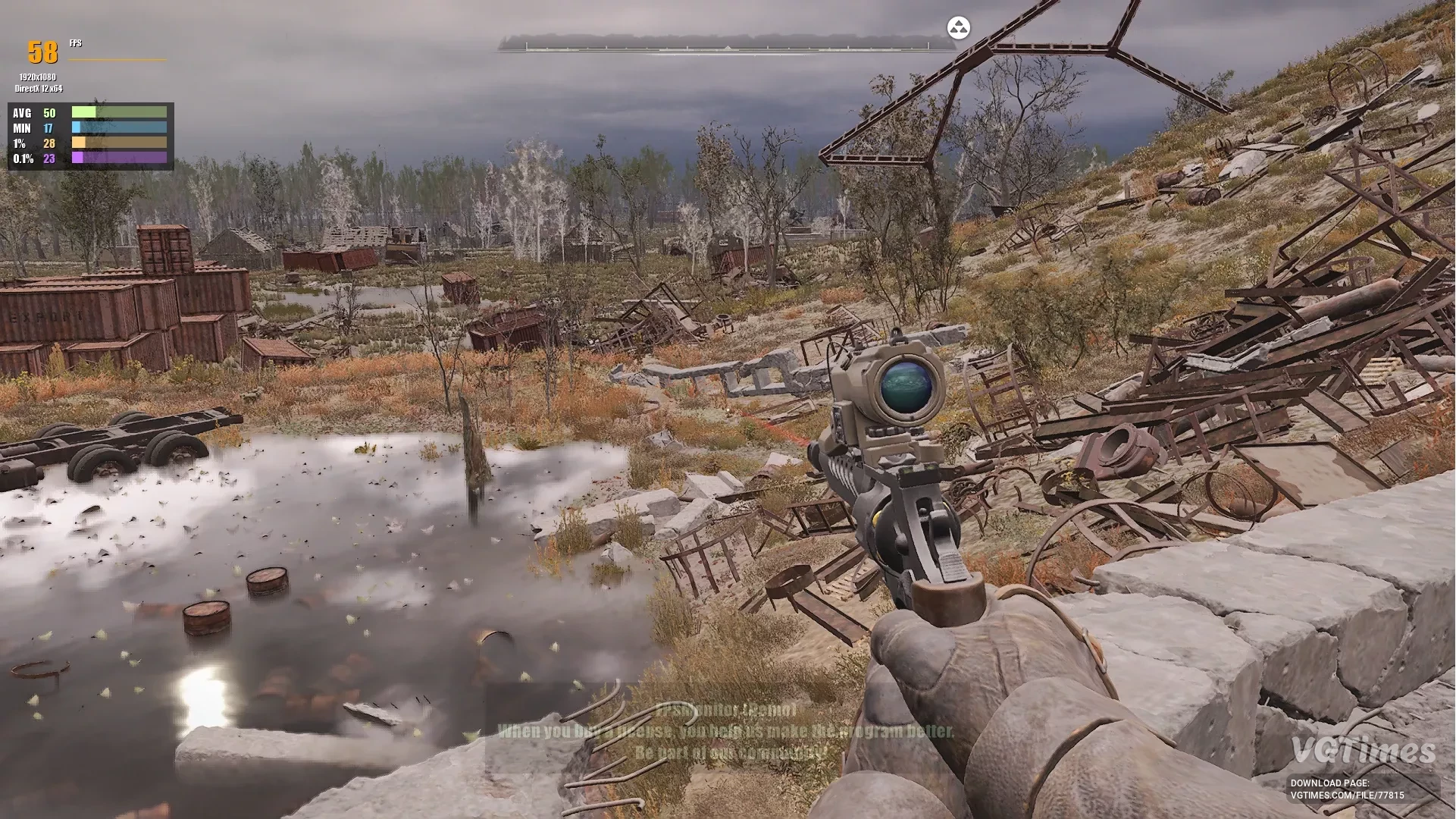
This mod was tested on a Dell 1140h laptop with 16GB RAM and a 3050Ti with 4GB video memory. It is recommended to manually add the Engine file to the APP folder (\AppData\Local\Stalker2\Saved\Config\Windows) to ensure consistent results. Theoretic ...
S.T.A.L.K.E.R. 2: Heart of Chornobyl — Optimization for RTX 3050 4 GB Graphics Cards
Download
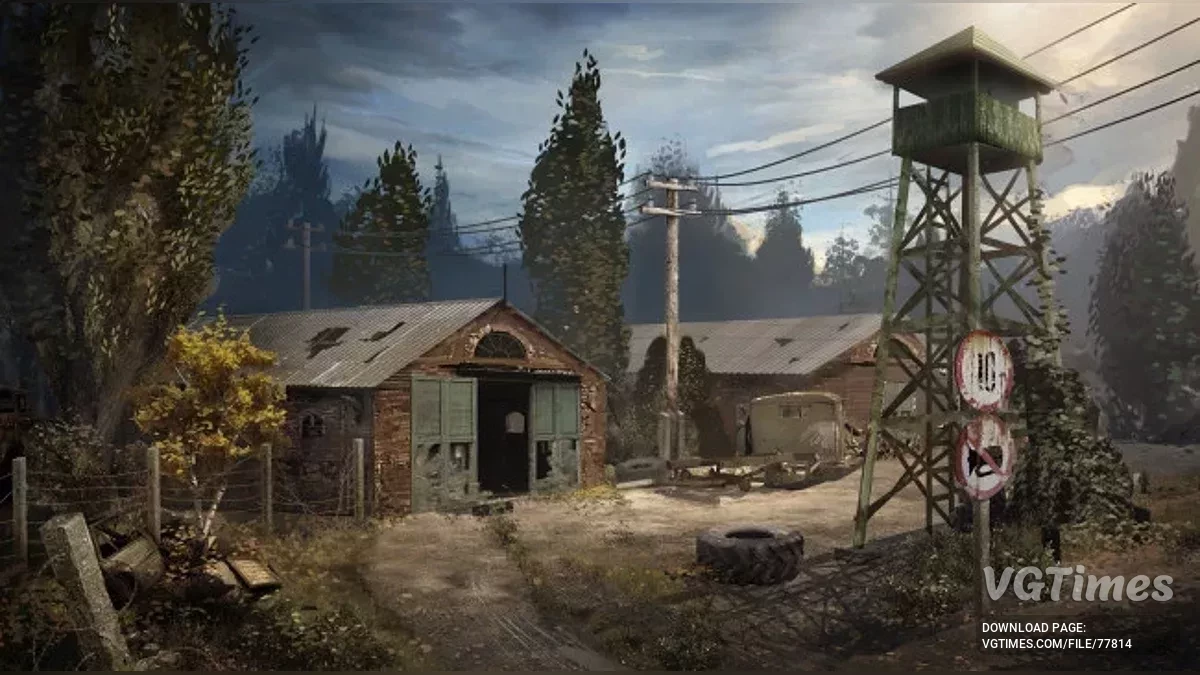
Optimization for the RTX 3050 4GB graphics card. If you experience fps issues while playing, make a save and then load it. How to launch: Extract to this path Users\Documents\AppData\Local\Stalker2\Saved\Config\Windows.
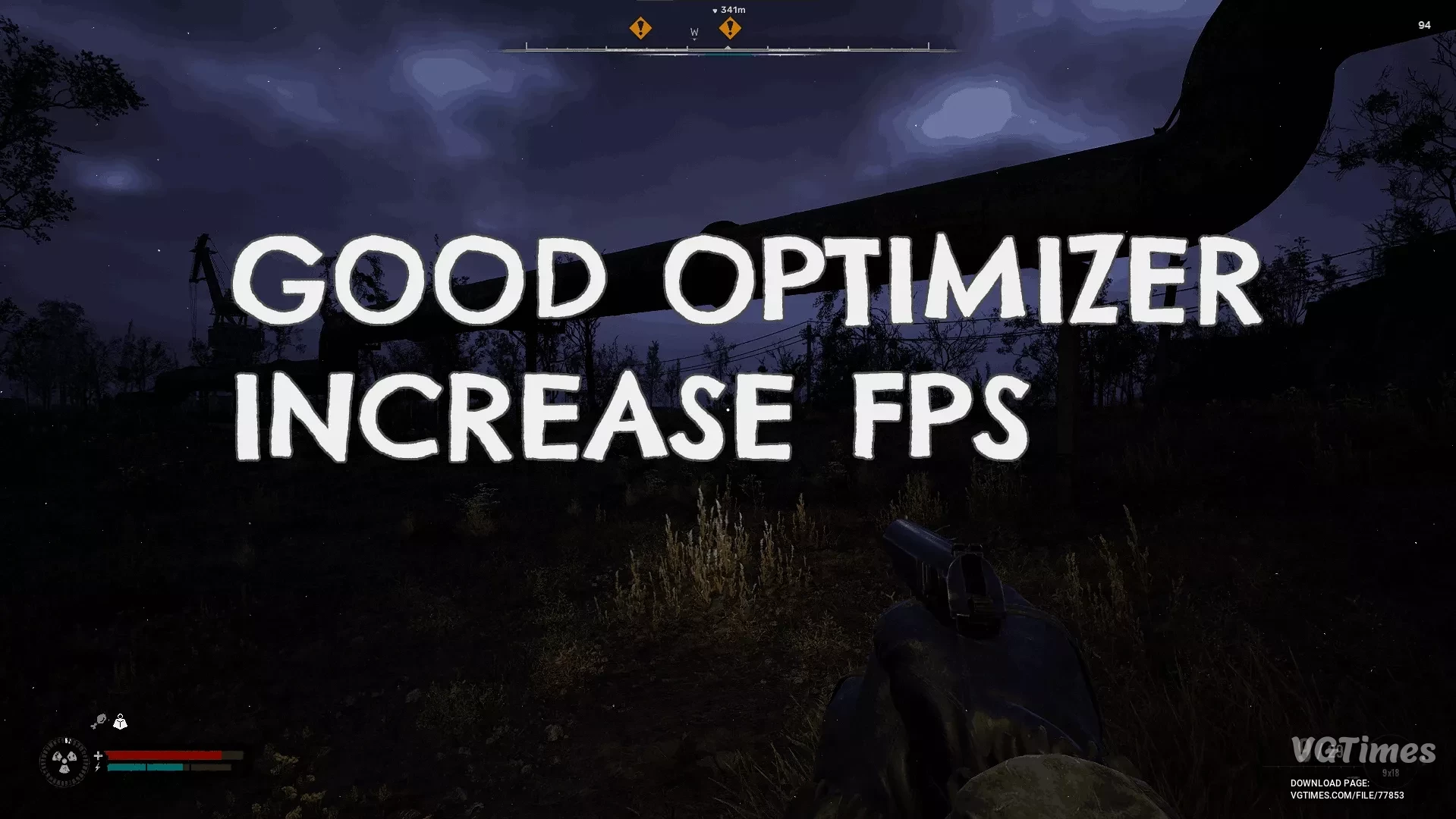
S.T.A.L.K.E.R. 2: Heart of Chornobyl — Good Optimizer
Download
Reflections are made with low resolution, memory leaks have been fixed, and freezes removed, leading to a significant performance boost. Now all distant vegetation will have lower resolution textures, which may slightly increase video memory buffer ...