
A classic role-playing game (CRPG) with an isometric camera, featuring interactive, immersive locations and varied gameplay. Go wherever you want, do whatever you... Read more
Players:
Steam:
Metacritic:
Best Interface for Baldur's Gate 3
TOP-10 best files in category Baldur's Gate 3 / Mods and Skins / Interface of all time, sorted by the number of unique downloads.
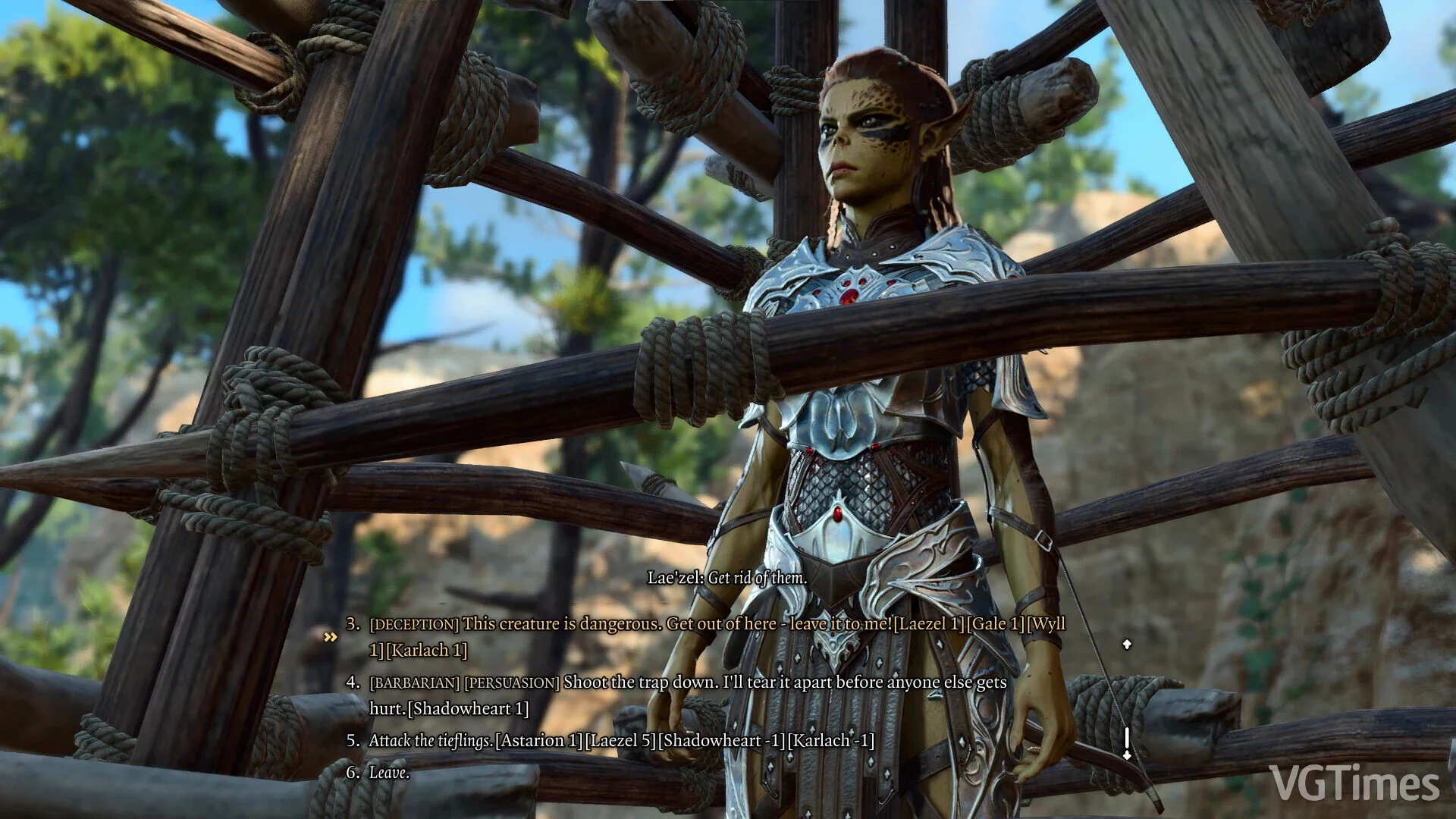
Demonstration of Dialogue Response Approval

Download
A useful tool that assists players in understanding the impact of their dialogue choices on relationships with NPCs and party members.
Enhanced Interface Panels

Download
This mod transforms the interface that displays information about your character and their companions, making it clearer and easier to use.
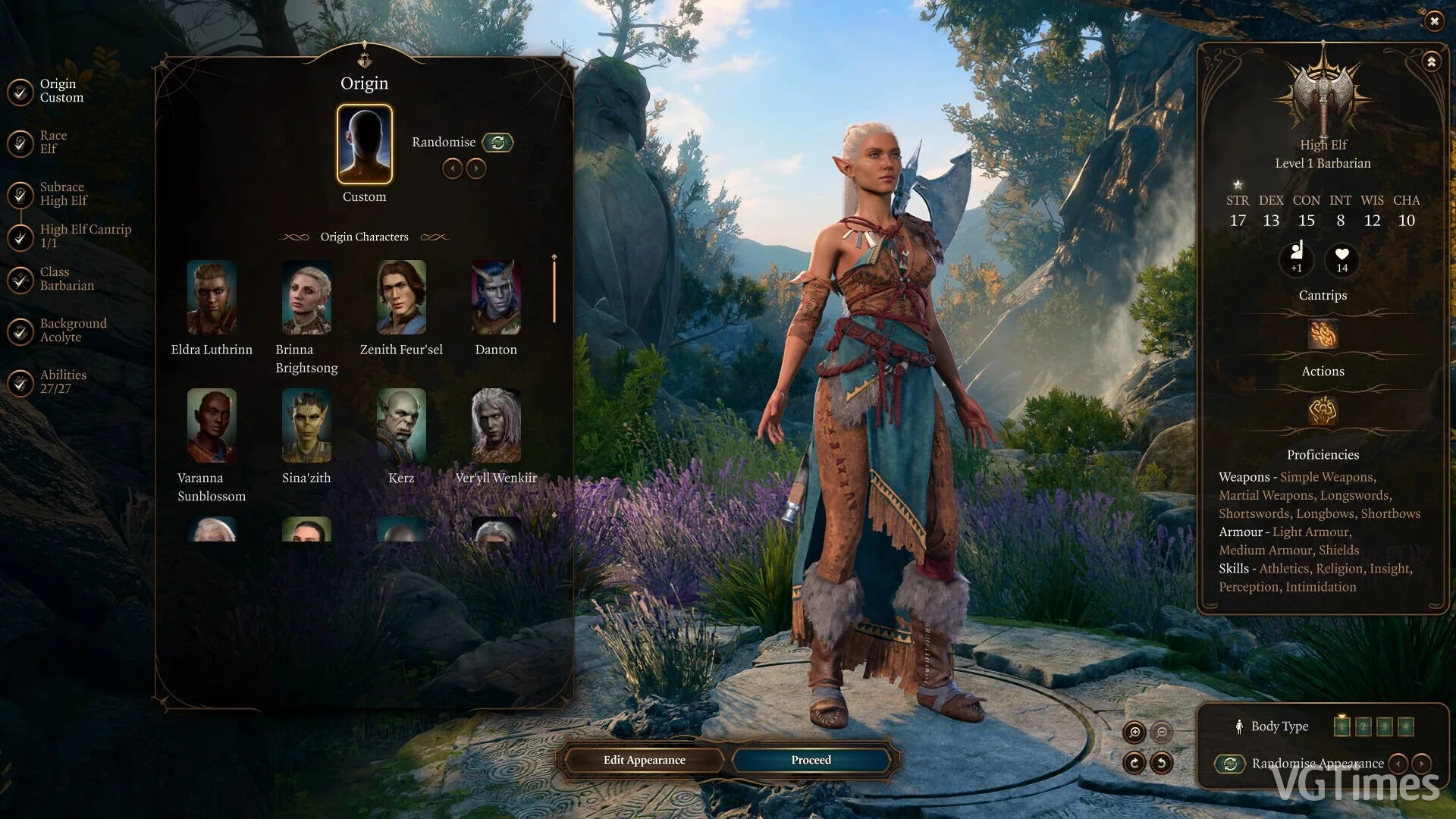
ImprovedUI ReleaseReady
Download
The mod alters the existing user interface to enhance modding capabilities: intrusive in-game notifications have been removed and character creation options have been expanded. Additional files are also provided to replace user interface elements ba ...
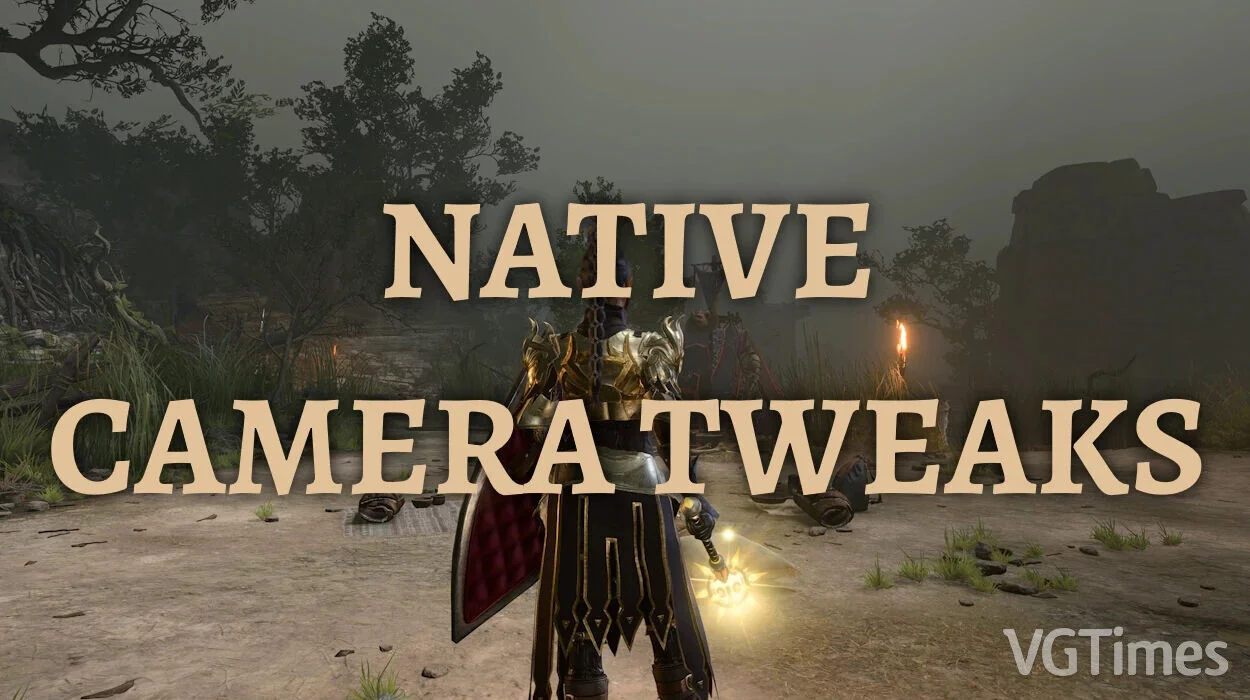
Native Camera Tweaks
Download
This mod enhances the camera in the game, giving players greater freedom and control over their view of the game world. With this mod, you can better adjust the angles, zoom level, and even the camera movement speed, making your journey through Fae ...
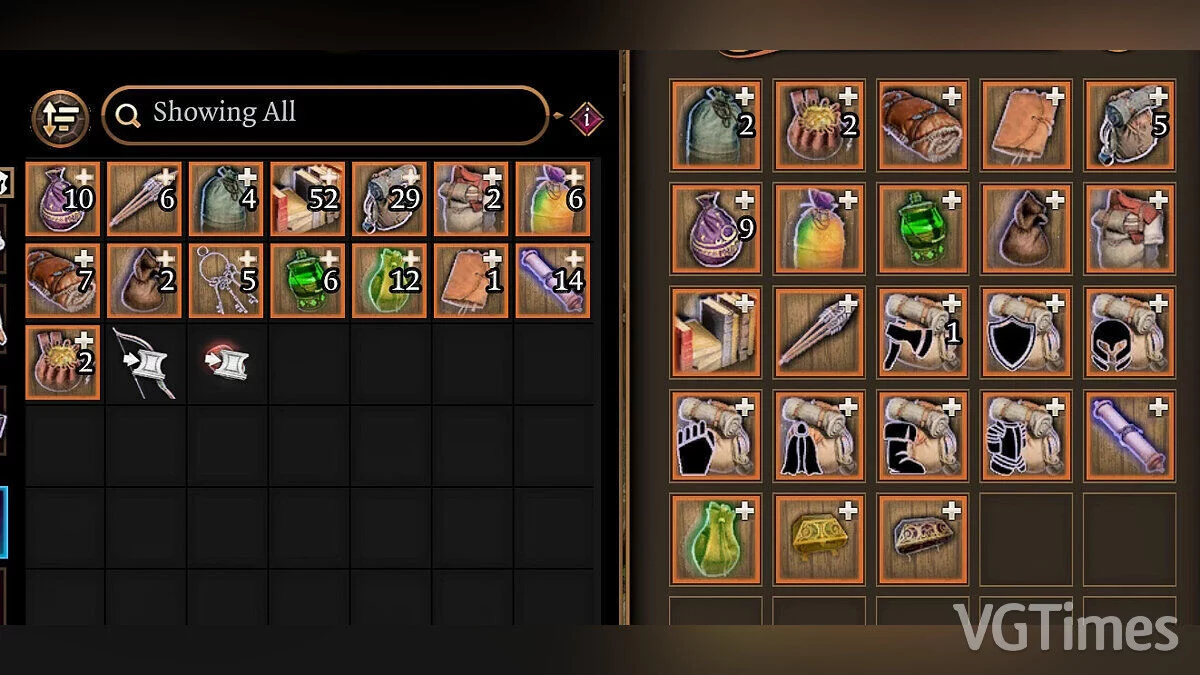
Enhanced Inventory
Download
This mod adds 21 new additional slots (with auto-sorting feature) for your inventory. These slots can be purchased from merchants in all three acts.
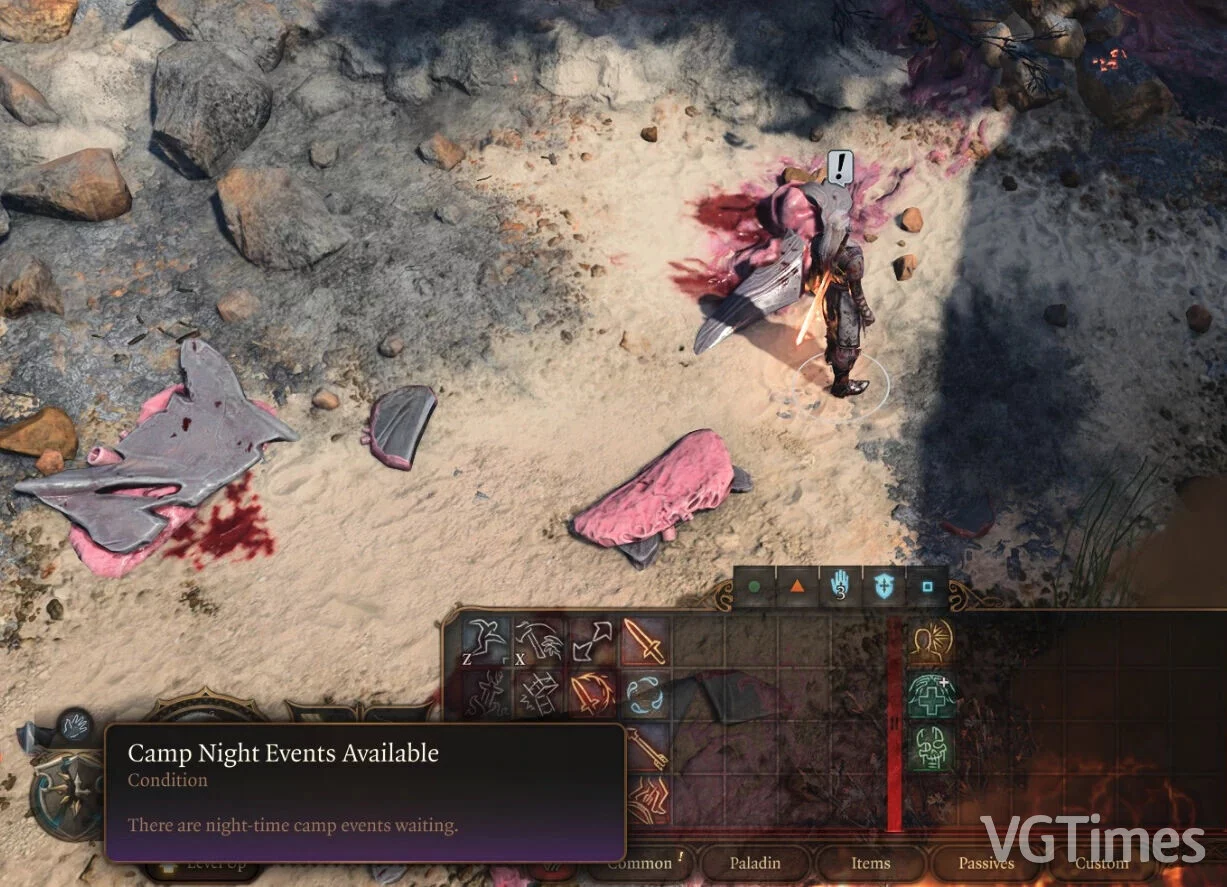
Enhanced Camp-Related Interface
Download
This mod adds visual notifications to inform the player when it's time to take a break due to nighttime events at the camp and dialogues waiting to unfold.
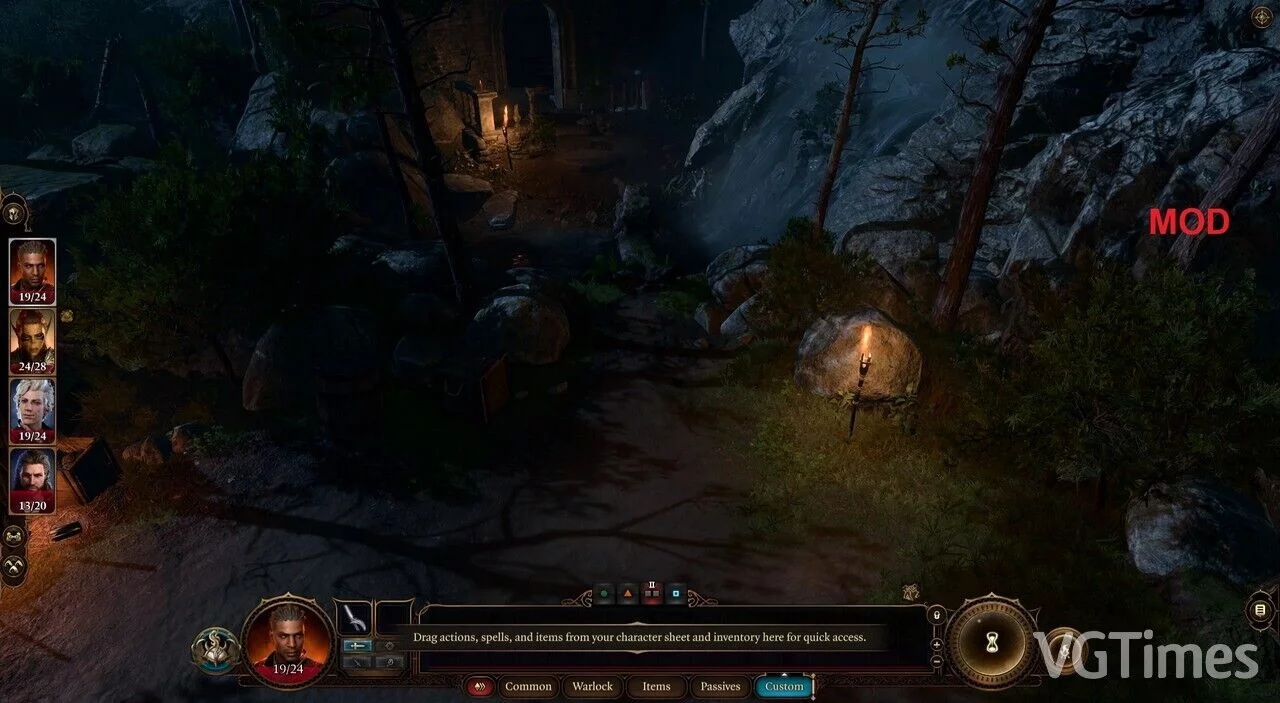
Disabling the Mini-map

Download
This mod removes the mini-map and replaces it with a single button to open the world map. How to launch: extract to this path LocalAppdata/Larian Studios/Baldur's Gate 3/Mods.
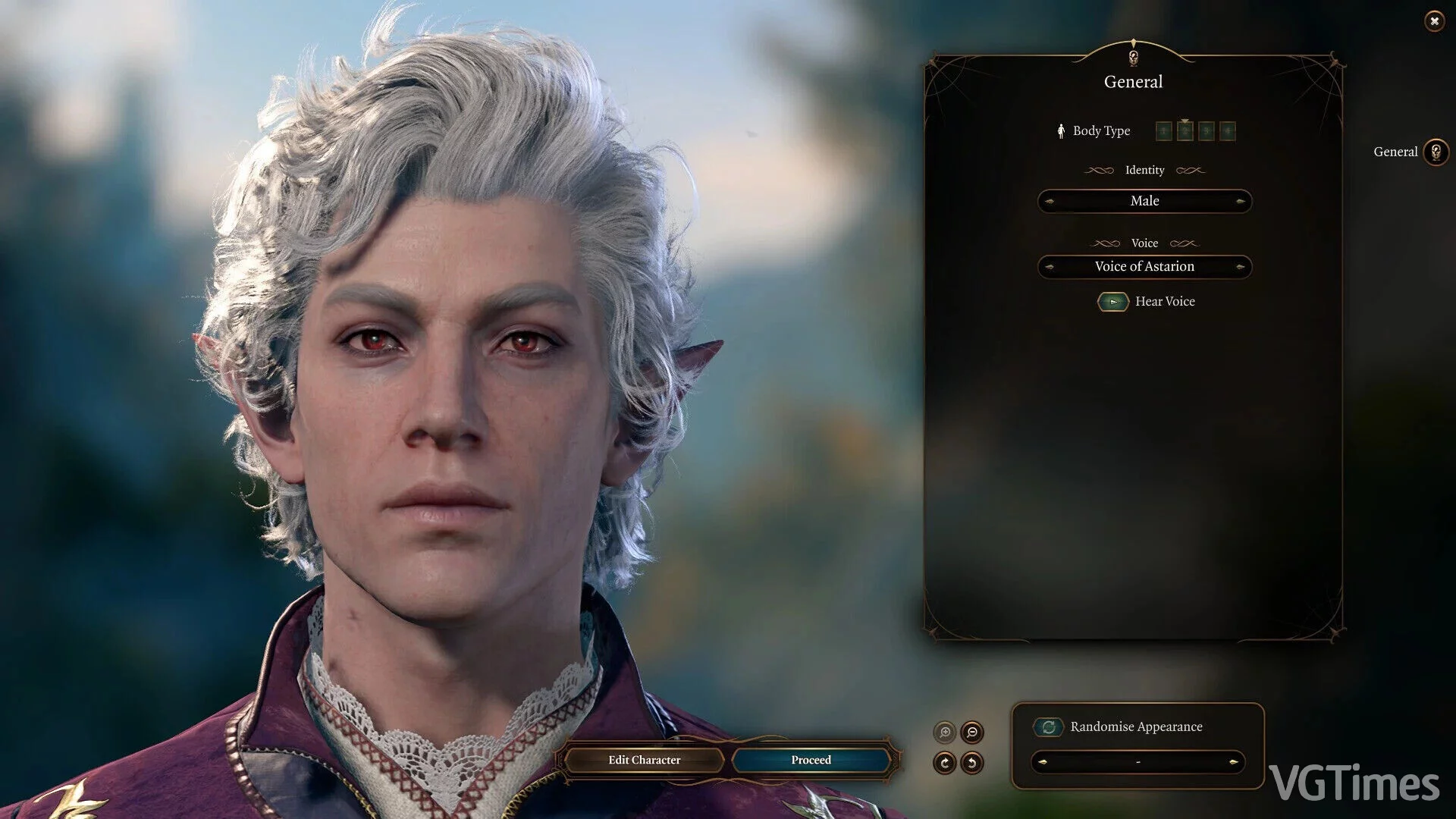
Enhanced Interface
Download
This modification makes the interface more informative and significantly more user-friendly. All changes are made according to player feedback.
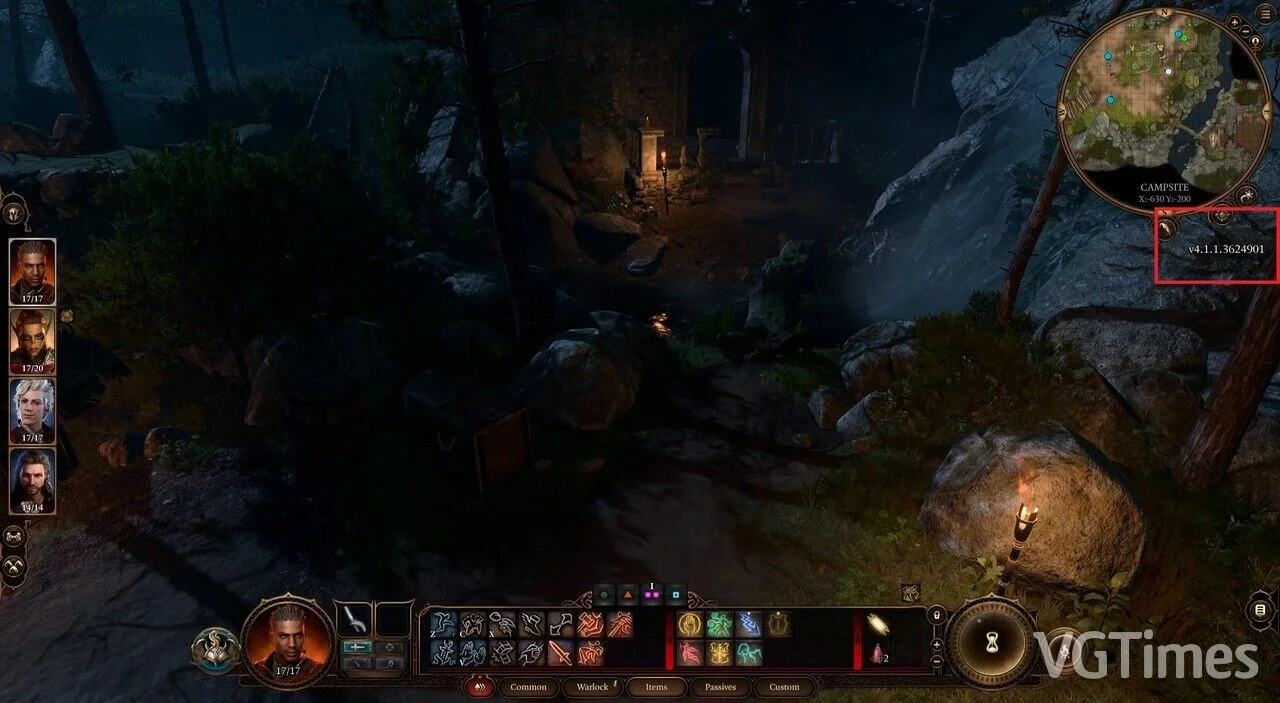
Hide Version Number
Download
Hides the version number displayed on the right side of the screen. How to launch: You need to load ScriptEngine, which is the loader for SCRX files. Copy ScriptEngine.exe and ScriptEngineGUI.exe to the game's bin directory (where bg3_dx11.e ...
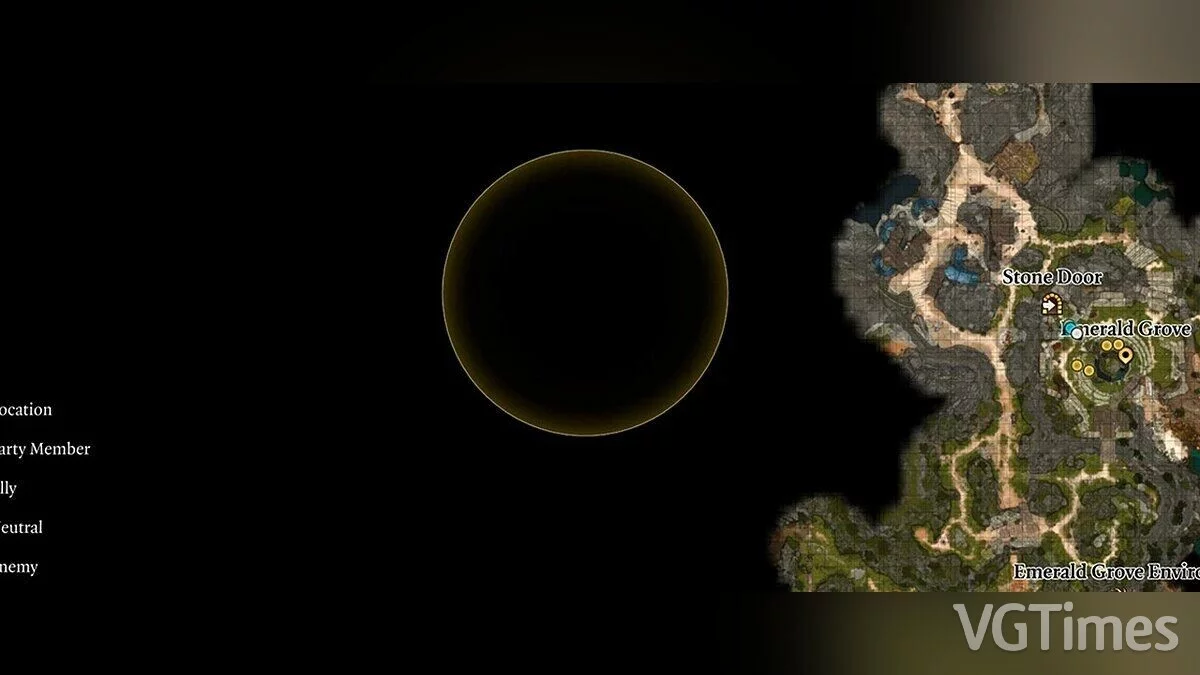
Hide Quest Markers
Download
Hides quest markers from the map and mini-map. How to launch: extract to this path SteamLibrary/steamapps/common/Baldurs Gate 3/Data/Public.