An exciting sandbox focused on freedom of action and exploring a practically endless open world. Created through procedural generation, it is filled with... Read more
Realistic Lighting and Weather
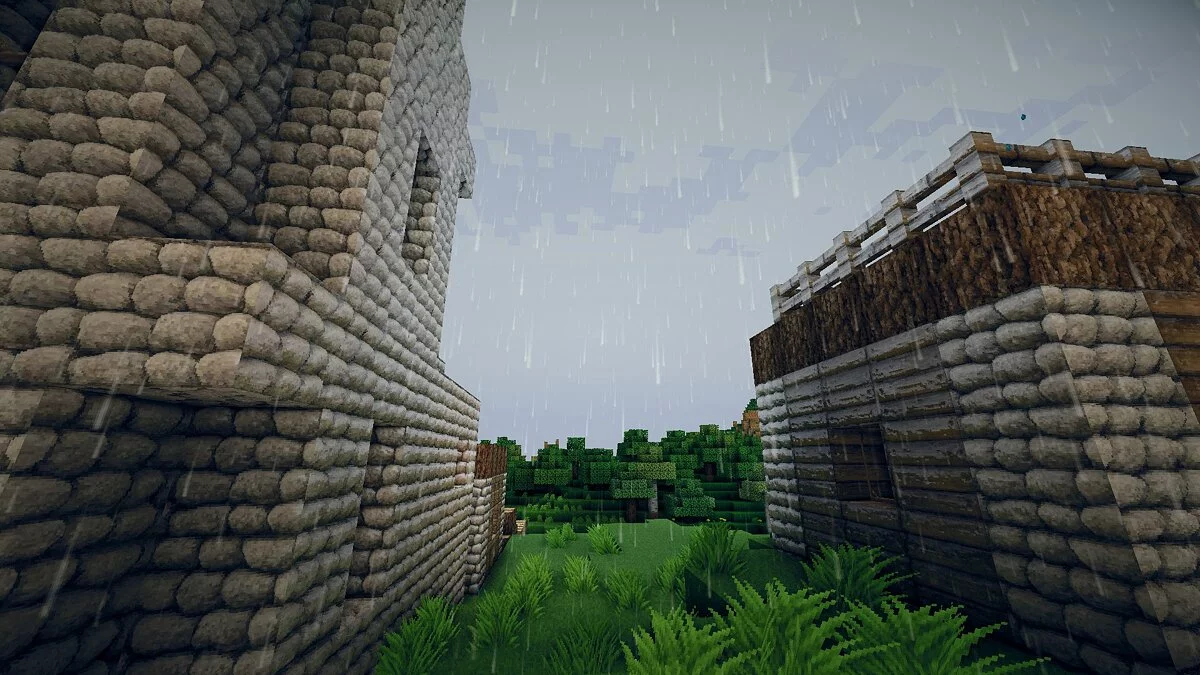
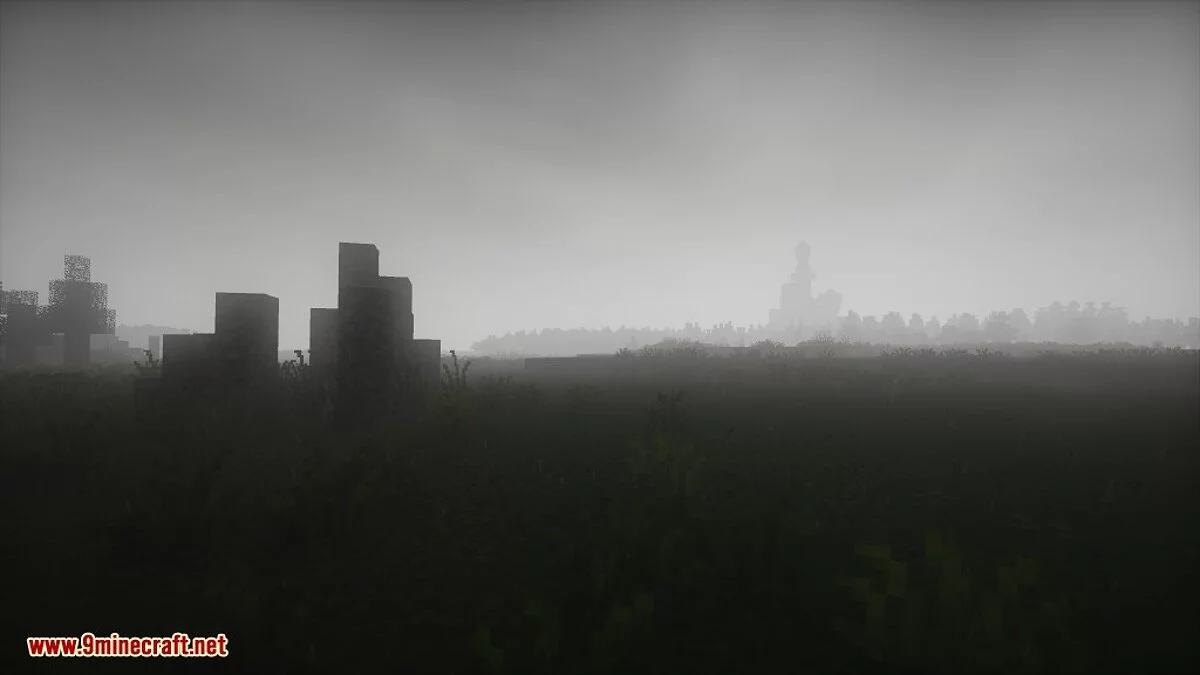
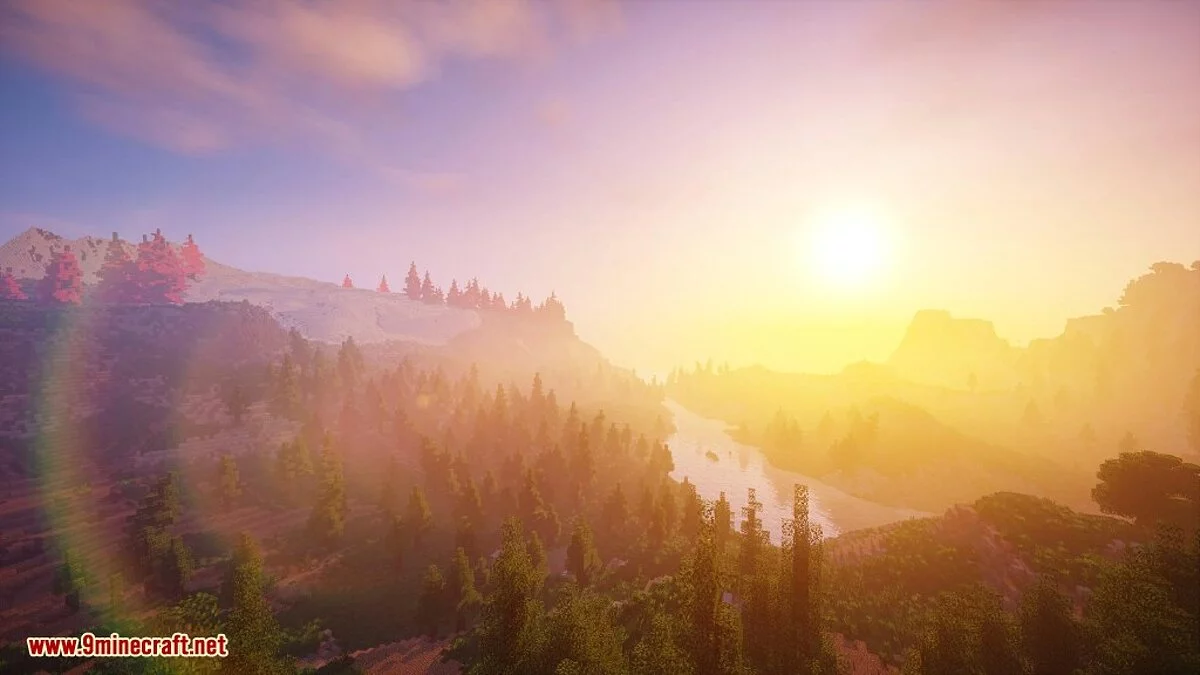
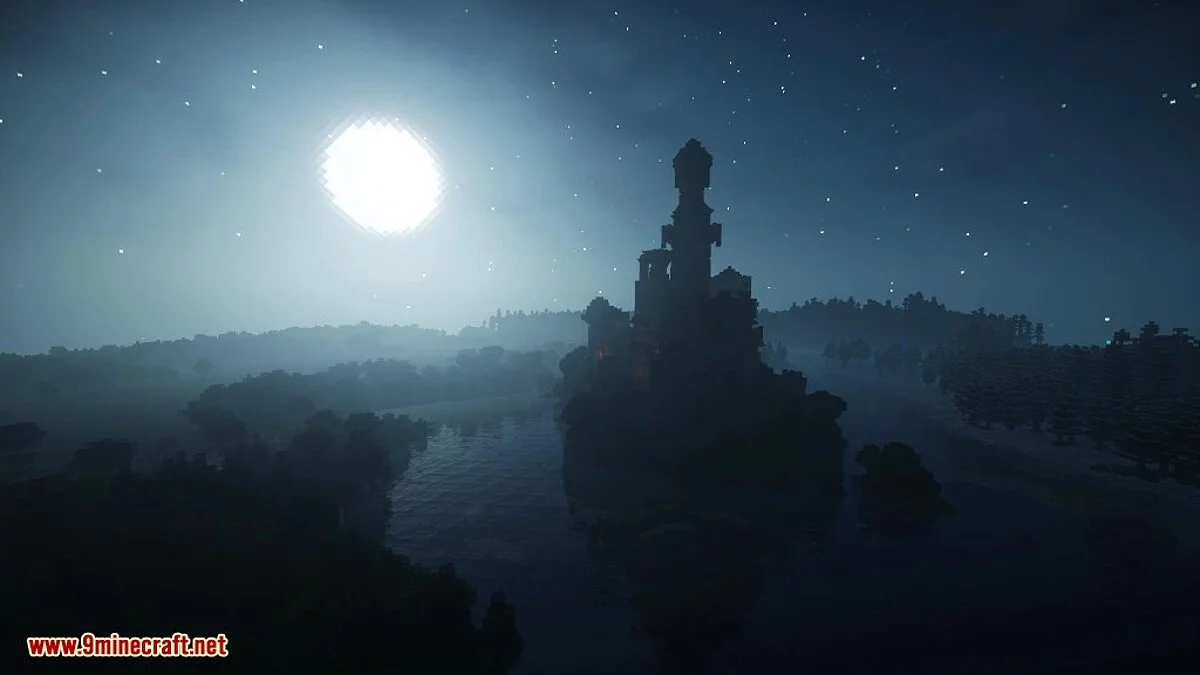


-
1608715039_chocapic13_v9_beta_2.zipDownload (2.99 MB)
Chocapic13 Shaders Mod.
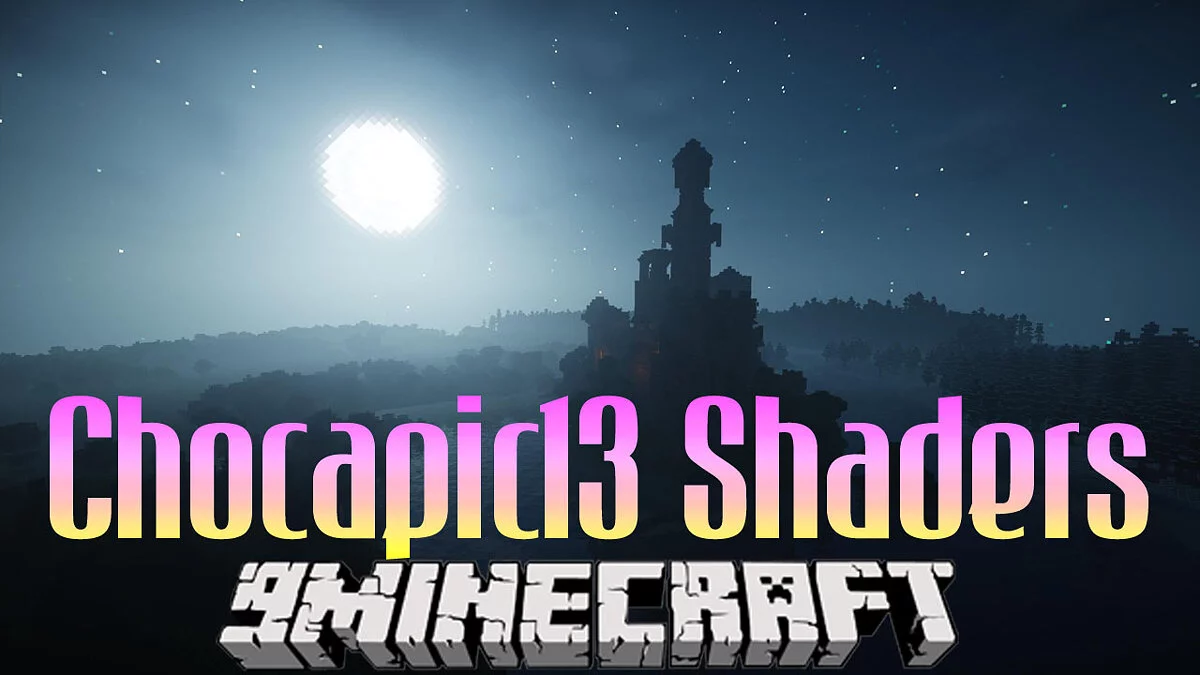
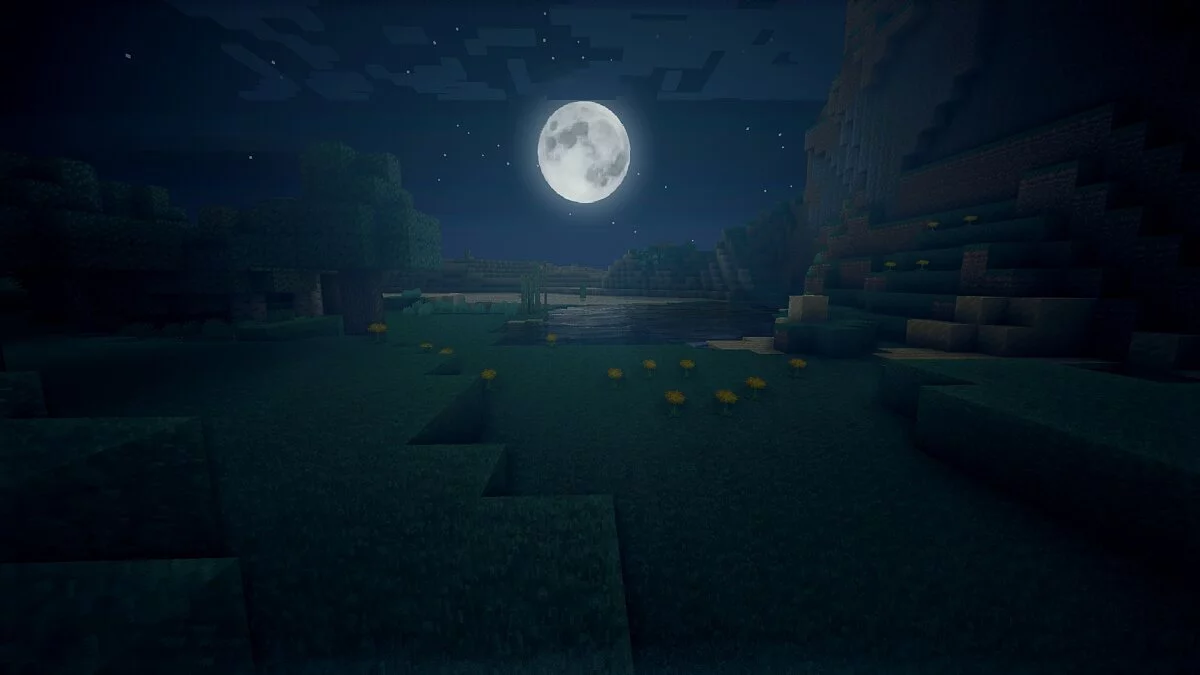
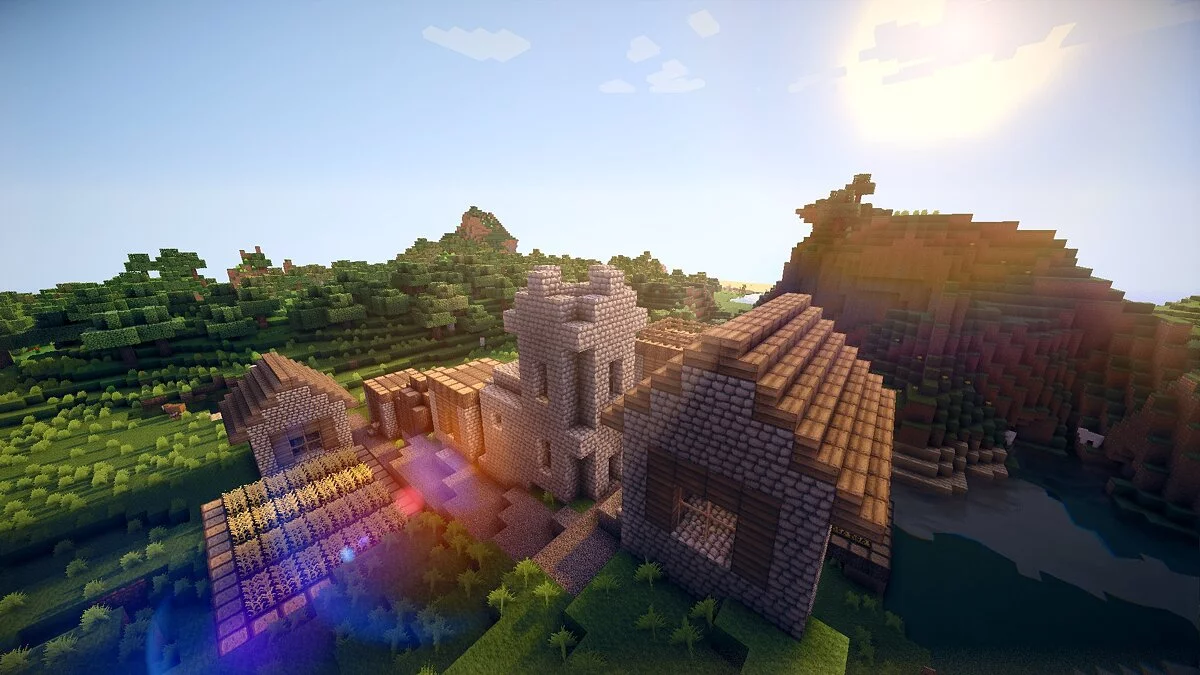
This mod significantly enhances the graphics of Minecraft. As the name suggests, its main feature is the addition of dynamic shadows, a pleasant wind effect on leaves, real sunlight, and a higher quality water model that was previously designed. There are several different versions of the shaders, all of which are more or less resource-intensive.
This mod is very demanding, and if you cannot run Minecraft properly by default, do not attempt to install this mod. In my case with a GTX 670, I get about 50-60 frames per second with the extreme version, 75-80 with ultra, 90-95 with high, 100-110 with medium, and over 150 with low (CPU limited here) with 16 chunks.
Requirements:
- Minecraft Forge
- Optifine HD
- GLSL Shaders Mod
Installation:
1 Download and install OptiFine
2 Download the shader
3 For v9: Copy to .minecraft/Shaderpacks
4 For v7 and v4: Extract to .minecraft/Shaderpacks
5 Launch Minecraft
6 In settings, click the "Graphics Settings" button -> Shaders..., select the desired shader from the list and click Done
7 Done
Chocapic13 Shaders Mod.
Это мод, который значительно улучшает графику Minecraft. Как следует из названия, его основная функция заключается в добавлении динамических теней, приятного эффекта ветра на листьях, настоящего солнечного света и более качественной модели воды, смоделированной ранее. У шейдеров есть несколько разных версий, все более или менее ресурсоемкие.
Этот мод очень требователен, и если вы не можете правильно запустить Minecraft по умолчанию, не пытайтесь установить этот мод. В моем случае с GTX 670 я получаю около 50-60 кадров в секунду с экстремальной версией, 75-80 с ультра, 90-95 с высоким, 100-110 со средним и выше 150 с низким (здесь ограничен ЦП) с 16 блоками.
Требуется:
- Minecraft Forge
- Optifine HD
- GLSL Shaders Mod
Установка:
1 Скачай и установи OptiFine
2 Скачай шейдер
3 Для v9: Скопируй в .minecraft/Shaderpacks
4 Для v7 и v4: Распакуй в .minecraft/Shaderpacks
5 Запусти майнкрафт
6 В настройках нажми кнопку «Настройки графики» -> Shaders..., выбери из списка нужный шейдер и нажми Done
7 Готово
Useful links:
![Minecraft — Trainer (+8) from 05.22.2021 [WeMod]](https://files.vgtimes.com/download/posts/2021-05/thumbs/1621765646_2021-05-23_132639.webp)
![Minecraft — Cheat Engine Table [1.19.0]](https://files.vgtimes.com/download/posts/2022-07/thumbs/1658310937_uqxkzjvmaoz8zncyfed4qw.webp)
![Minecraft — Cheat Engine Table [UPD: 17.08.2023] (Bedrock Edition)](https://files.vgtimes.com/download/posts/2023-08/thumbs/tablica-dlja-cheat-engine-upd-17-08_1692351168_845058.webp)
![Minecraft — Entity Texture Features (ETF) [1.21] [1.20.6] [1.19.4]](https://files.vgtimes.com/download/posts/2024-07/thumbs/entity-texture-features-etf-1-21-1-20-6_1720258804_351872.webp)
![Minecraft — Simple Colored Blocks [1.15.2] [1.14.4]](https://files.vgtimes.com/download/posts/2020-02/thumbs/1580558719_ruuhsan_0yuixfj3nymhog.webp)
![Minecraft — GeckoLib [1.21] [1.20.6]](https://files.vgtimes.com/download/posts/2024-06/thumbs/geckolib-1-21-1-20-6_1719051821_174554.webp)