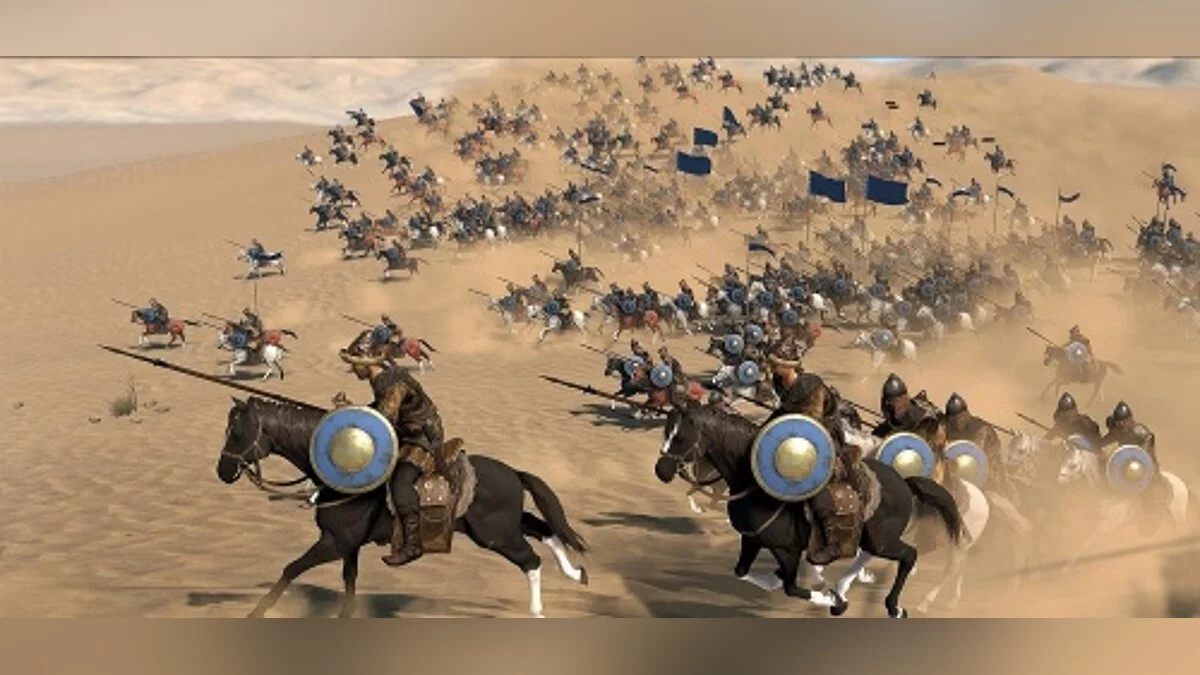
Mount & Blade 2: Bannerlord is a continuation of the series of role-playing action games set in a fictional medieval world filled with battles. Horns... Read more
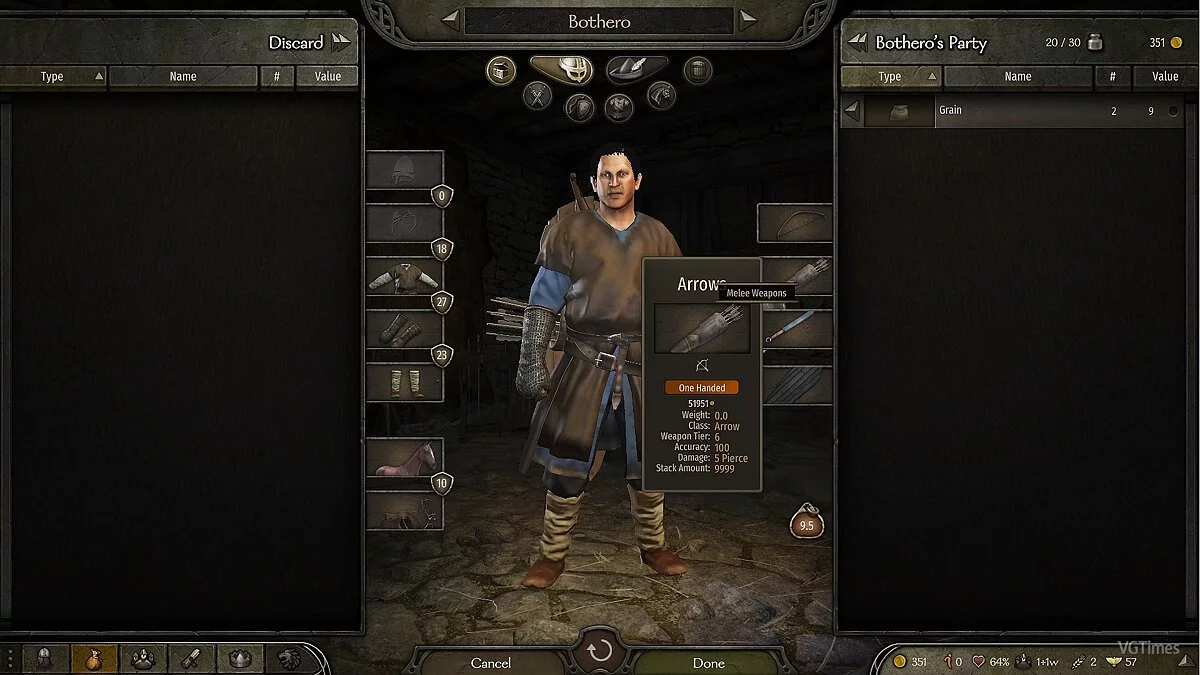
Increased Arrow Count in Quiver

-
1587125330_unlimitedarrows.zipDownload (2.01 kB)
Original title: 'Unlimited' default arrows
A simple mod for Mount & Blade 2: Bannerlord that will primarily benefit archers. This modification increases the standard number of regular arrows in your character's quiver during combat. Additionally, their damage has been increased to make them less useless at the beginning of the game.
Installation:
Extract the archive to the folder C:\Program Files (x86)\Steam\steamapps\common\Mount & Blade II Bannerlord\Modules
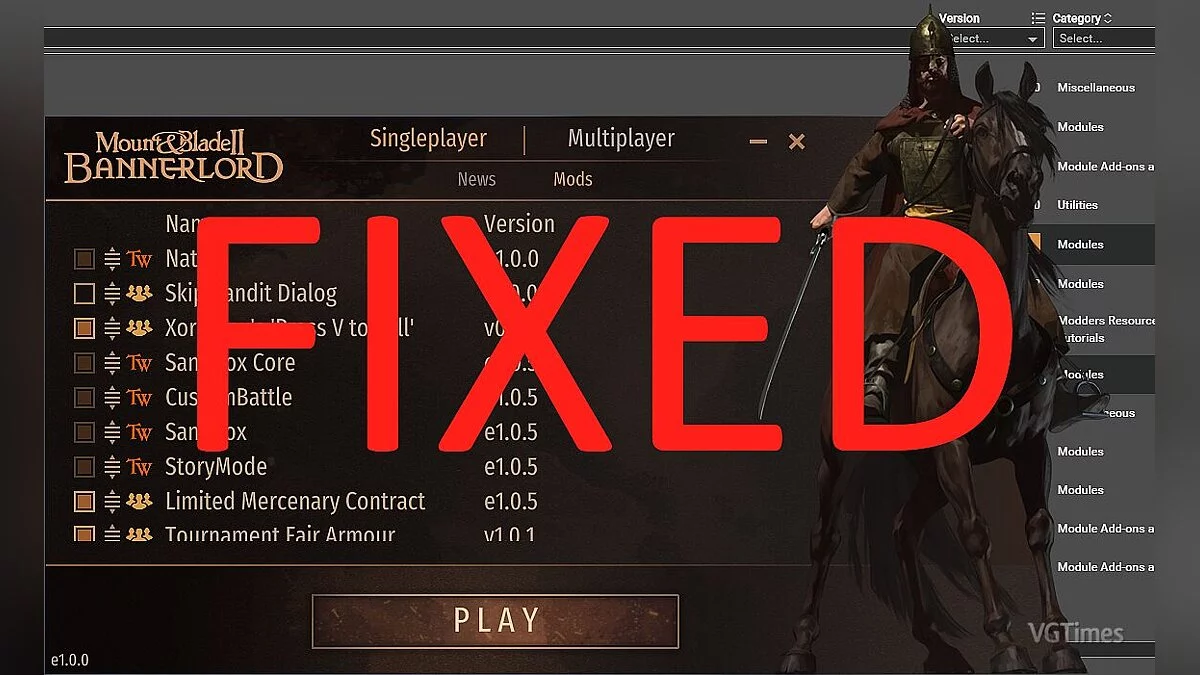
Launch the game, in the launcher check the box next to Developer Console in the Singleplayer > Mods tab
Or use Vortex
If the game crashes after installing the mod:
Go to the folder Modules > DeveloperConsole > bin > Win64_Shipping_Client
Right-click on the file "DeveloperConsole.dl"
Select "Properties" and click "Unblock"
Оригинальное название: 'Unlimited' default arrows
Простой мод для Mount & Blade 2: Bannerlord будет полезен в первую очередь лучникам. Модификация увеличивает стандартное количество обычных стрел в колчане вашего персонажа во время боя. Кроме этого был увеличен их урон, чтобы сделать их менее бесполезными для начала игры.
Установка:
Распакуйте архив в папку C:\Program Files (x86)\Steam\steamapps\common\Mount & Blade II Bannerlord\Modules
Запустите игру, в лаунчере установите галочку напротив Developer Console во вкладке Singleplayer > Mods
Или используйте Vortex
Если после установки мода игра стала вылетать:
Перейдите в папку Modules > DeveloperConsole > bin > Win64_Shipping_Clien
Кликнете правой кнопкой мыше на файле "DeveloperConsole.dl"
Выберите "Свойства" и нажмите "Разблокировать"
Useful links: