![Palworld — Table for Cheat Engine [UPD: 06.08.2025] / Tables / Cheats](https://files.vgtimes.com/si/gameprev_66096_768_1787657859.webp "Palworld — Table for Cheat Engine [UPD: 06.08.2025] / Tables / Cheats")
An arcade action-survival game from a third-person perspective in a vast open world with the key mechanic of taming unusual creatures called Pal. They resemble... Read more
VGTimes:
Players:
Steam:
Metacritic:

Table for Cheat Engine [UPD: 06.08.2025]
![Palworld — Table for Cheat Engine [UPD: 06.08.2025]](https://files.vgtimes.com/download/posts/2025-08/thumbs/tablica-dlja-cheat-engine-upd-06-08-2025_1754555417_486254.webp)
Author:
VoidUzumaki
Uploaded by:

Size:
38.63 kB
Date:
August 7, 2025, 11:30 AM
Downloads:
147

-
Download (38.63 kB)August 7, 2025, 11:30 AMtablica-dlja-cheat-engine-upd-06-08-2025_1754555417_986241.rar
Combat & Survival:
- Infinite Shield.
- Infinite Health + One-Hit Kill.
- No Fall Damage.
- Infinite Ammo.
- Always Normal Temperature (activates on zone change).
Pal Utility:
- Never Get Hungry.
- Max Sanity.
Capture System:
- High Capture Rate (improved chances, not guaranteed).
- Guaranteed Capture.
- Capture Tower Bosses.
Movement & Convenience:
- Teleport System (save/load positions while dismounted — remember to save the table for cross-session use!).
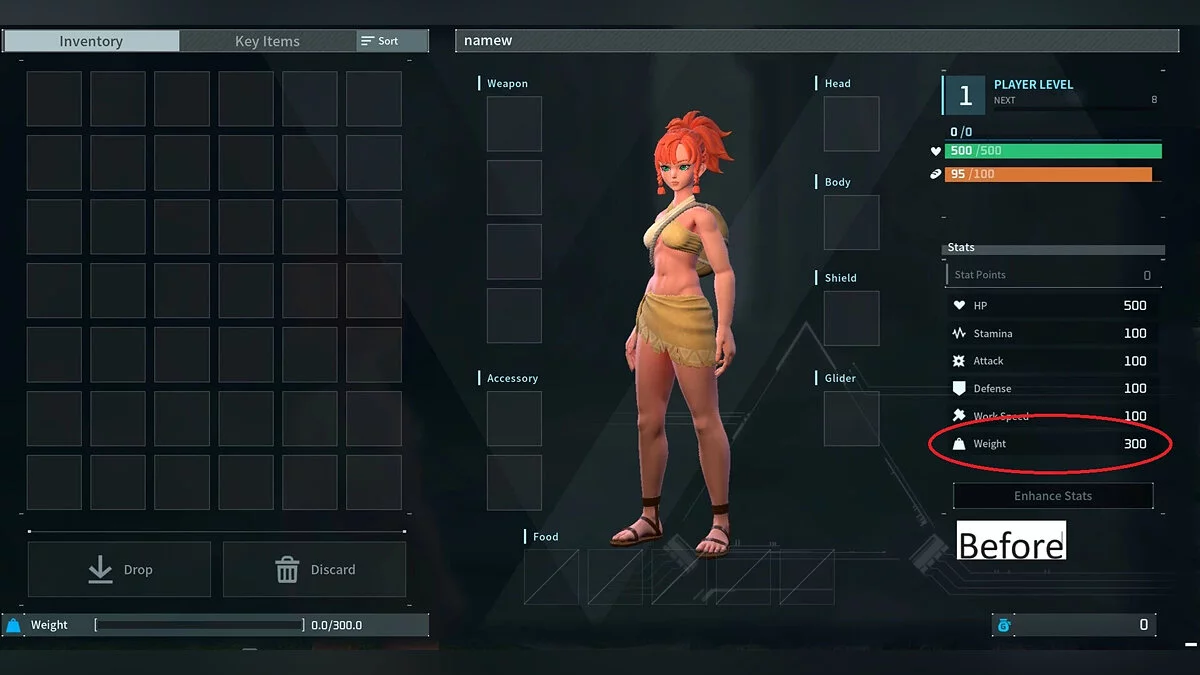
- No Weight Limit Warning: Don't activate while overweight or you may get stuck — drop items first.
Breeding & Spawning:
- New Spawns are Lucky.
- New Spawns have Perfect Stats.
Progression:
- EXP Gain Modifier.
- EXP Pointer (just open inventory, or hover over party members. Player Level 65 Exp: 130825100).
- Quick Research (near-instant completion).
- Technology Points (pointers + unlimited Ancient/regular tech points).
Items & Crafting:
- Infinite Durability.
- Get Items on Inventory Open (includes countdown items).
- Get Items on Hover (hover over inventory slots for item pointers).
- Take Stack (grab multiple stacks from production, even from single crafts).
- Freeze Food Counters.
- Create Stack-wise(latest Update limited creation to a stack).
- Can Build Anything (everything you have unlocked can be built, regardless of your resources).
- Can Craft Anything (everything you have unlocked can be crafted, regardless of your resources).
Productivity:
- Work Speed Acceleration.
- Quick Breeding.
Debug Options:
- Enable notifications and debug prints in settings.
How to run:
- Open "Cheat Engine";
- Click "Load" and select the table;
- Click "Select a process to open" and choose the desired process;
- Select the required option and check the box.
Related files:
Useful links:



![Palworld — Table for Cheat Engine [UPD: 01.25.2024/Gamepass]](https://files.vgtimes.com/download/posts/2024-01/thumbs/tablica-dlja-cheat-engine-upd-25-01_1706297644_528083.webp)
![Palworld — Cheat Engine Table [UPD: 21.01.2024]](https://files.vgtimes.com/download/posts/2024-01/thumbs/tablica-dlja-cheat-engine-upd-21-01-2024_1705825538_1297.webp)
![Palworld — Cheat Engine Table [0.1.2.0]](https://files.vgtimes.com/download/posts/2024-01/thumbs/tablica-dlja-cheat-engine-0-1-2-0_1706083741_270077.webp)