
A role-playing action game in a pseudo-open world set in deep space, with a focus on detailed, immersive quests that offer high replayability on every playthrough... Read more
Players:
Steam:
Metacritic:
Best Interface for Starfield
TOP-33 best files in category Starfield / Mods and Skins / Interface of all time, sorted by the number of unique downloads.
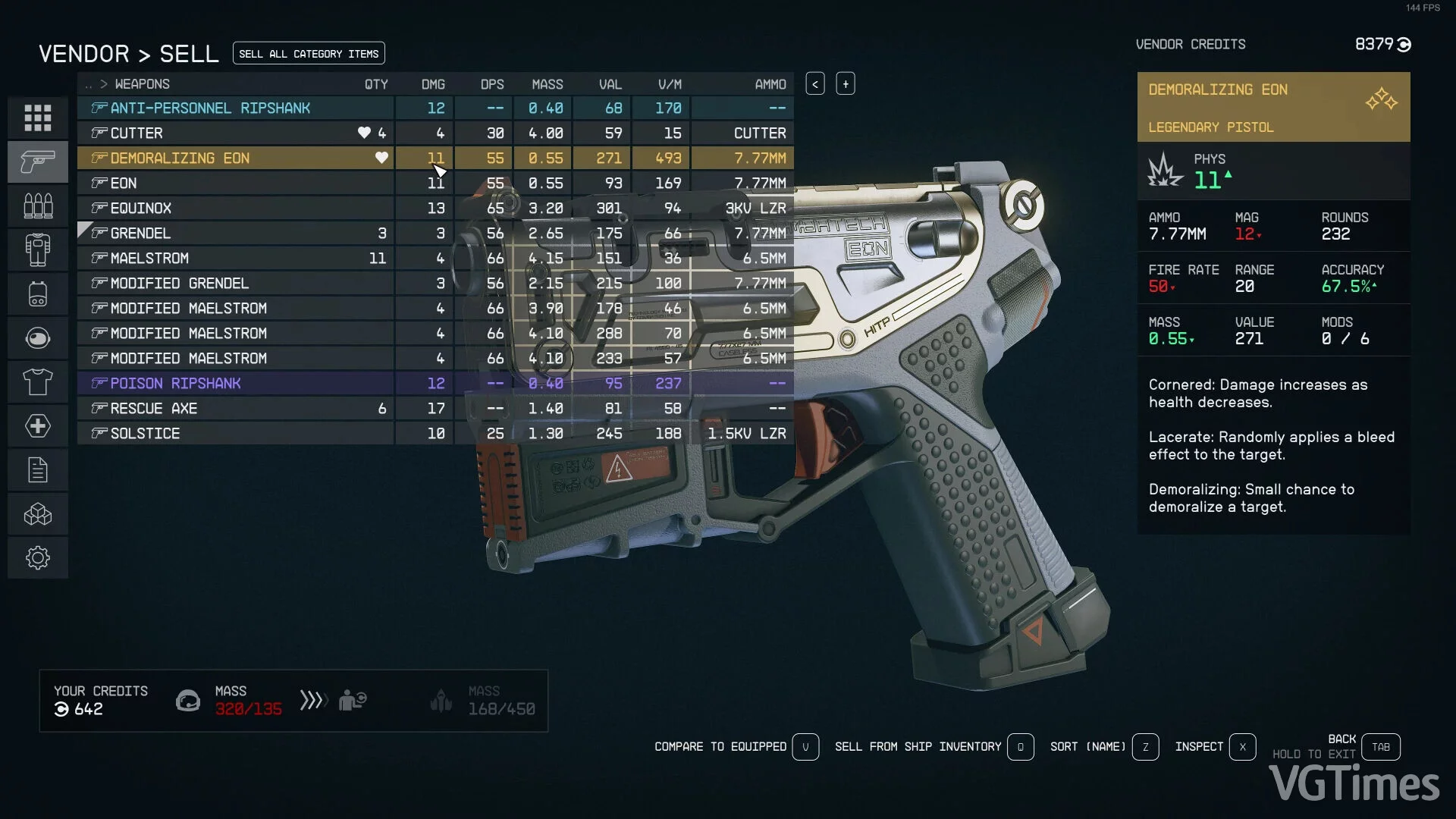
StarUI Inventory

Download
Enhances all inventory screens for PC use. Compact display style. More detailed information in sortable columns. Item category icons. Category on the left sidebar. A multitude of quality-of-life features. significantly simplifies the overview o ...
Star Map Enhancements

Download
removed pointless waiting time; eliminated long delay when opening or closing the planet/moon resource map; removed the delay for the tooltip indicating which vein is under the cursor; sped up transitions to and from solar system/galaxy maps ...
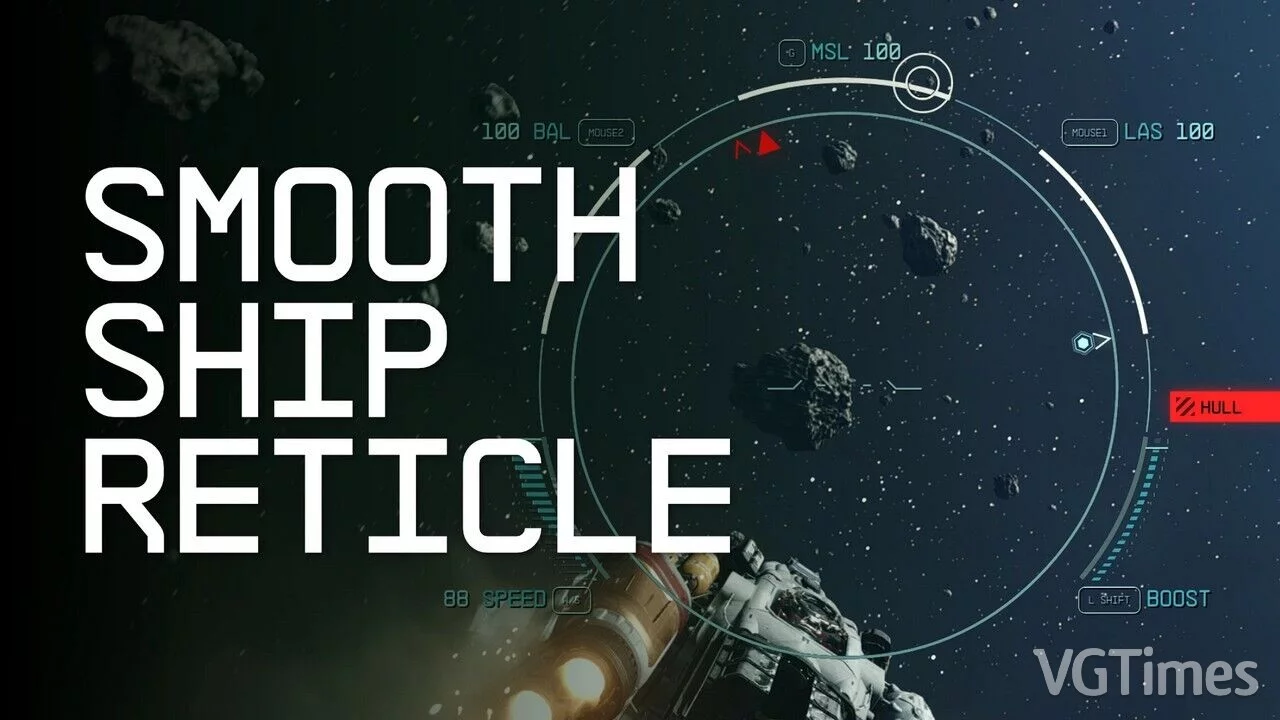
Smooth Ship Crosshair
Download
Fixed an issue where the spaceship's crosshair appeared unstable, as it was locked to a default frame rate of 30 frames per second. This is a very simple interface adjustment that allows the spaceship HUD to operate at speeds up to 120 frames per se ...
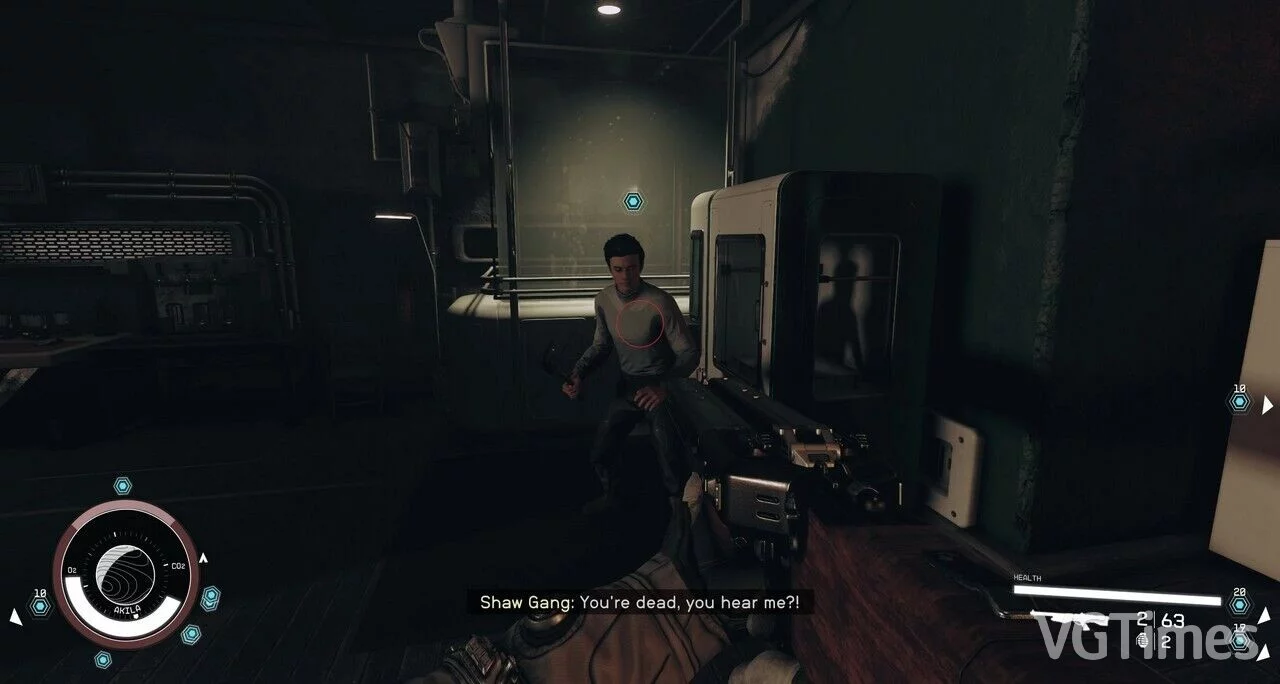
Disabling Enemy Health Bars
Download
Removes enemy health bars for a more immersive experience. How to install: extract to this path Documents/My Games/Starfield.
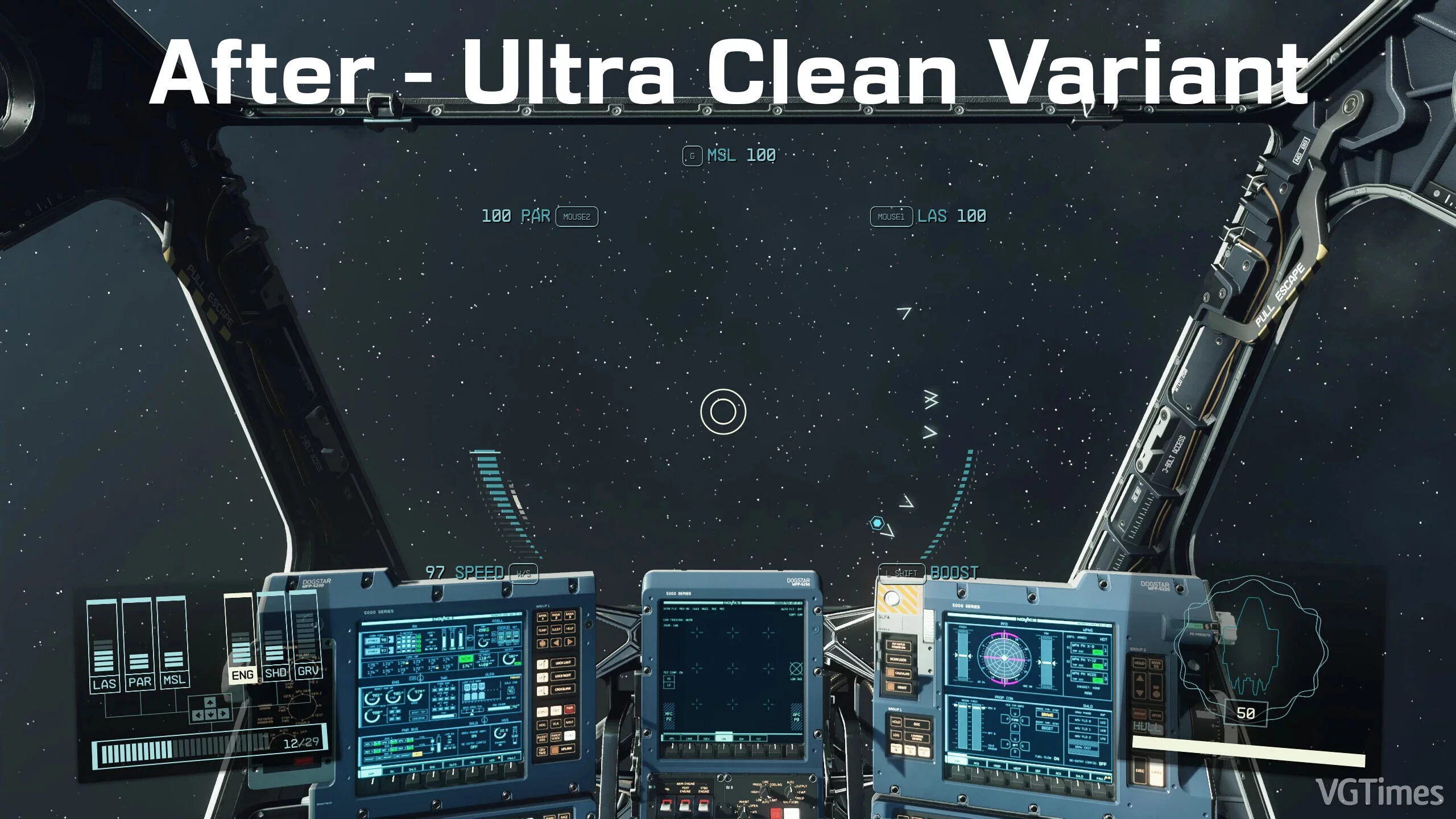
Clean Ship Interface
Download
This mod removes unnecessary interface elements during space flights.
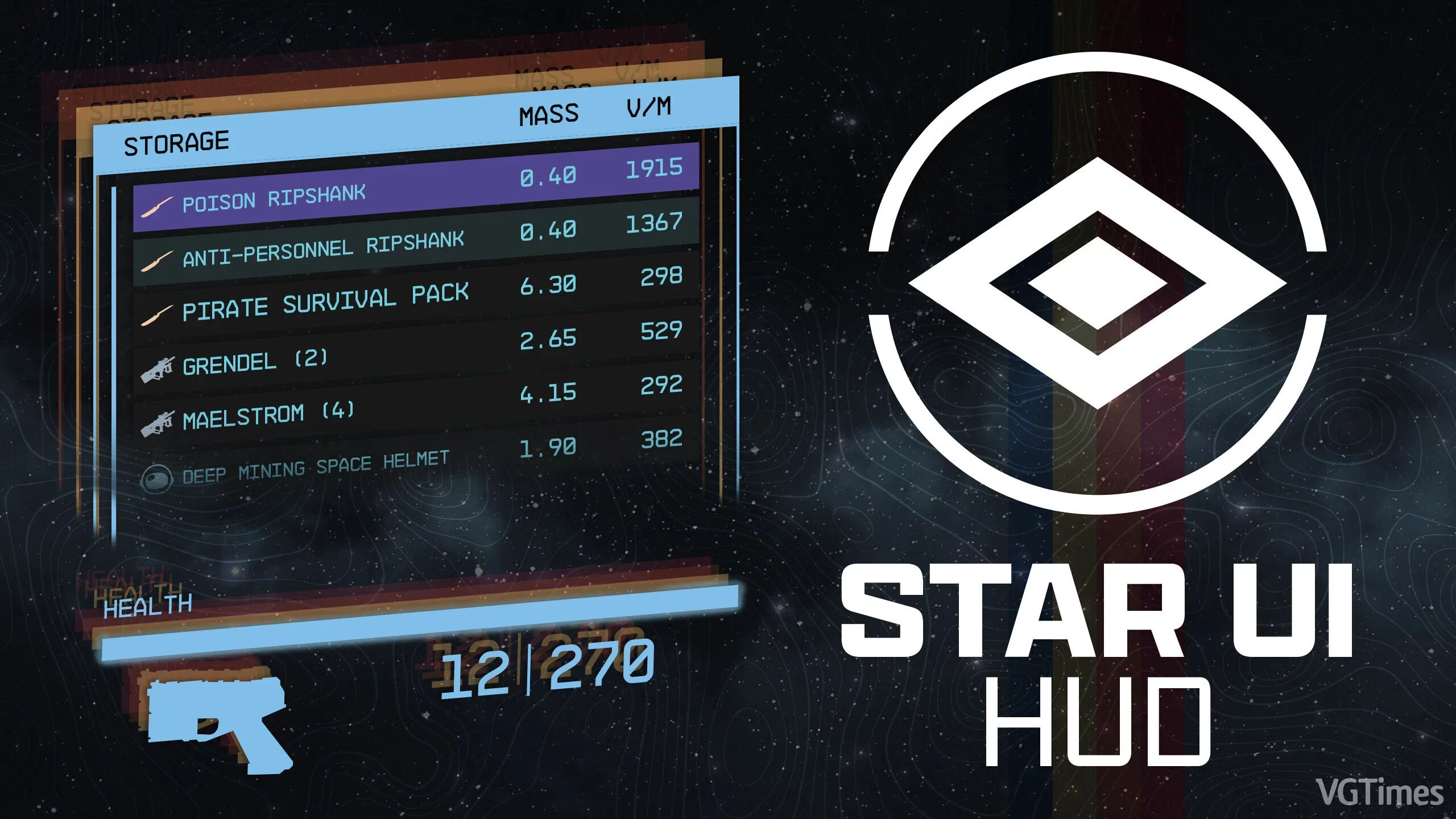
StarUI Interface
Download
Offers complete control over most HUD widgets and provides an updated loot list and enhanced item maps with DPS and V/W. You can resize, move, recolor, or disable most HUD widgets. The loot list can display additional columns such as V/W (with sorti ...
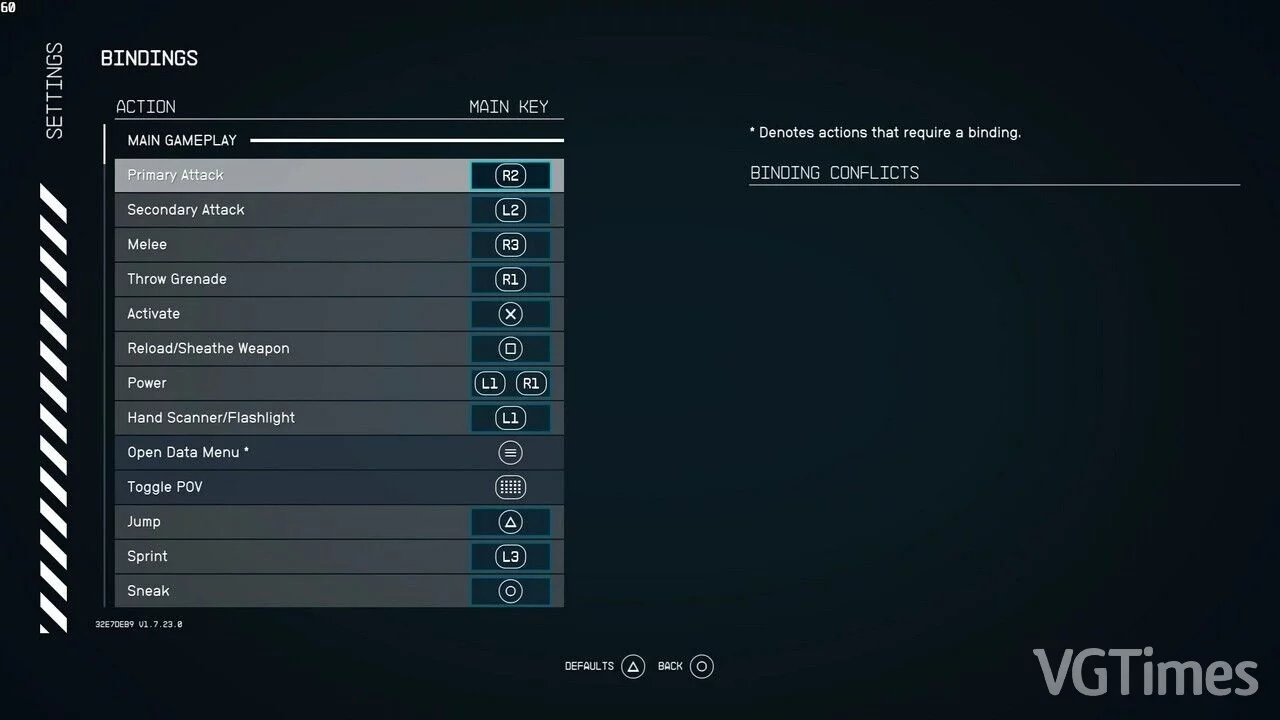
PS5 Icons
Download
This mod will change Xbox icons to PlayStation icons. Useful for DualSense owners. How to run: To allow the game to load free files, you need to go to C:/Documents/My Games/Starfield/ and create a StarfieldCustom.ini file. You need to insert the f ...
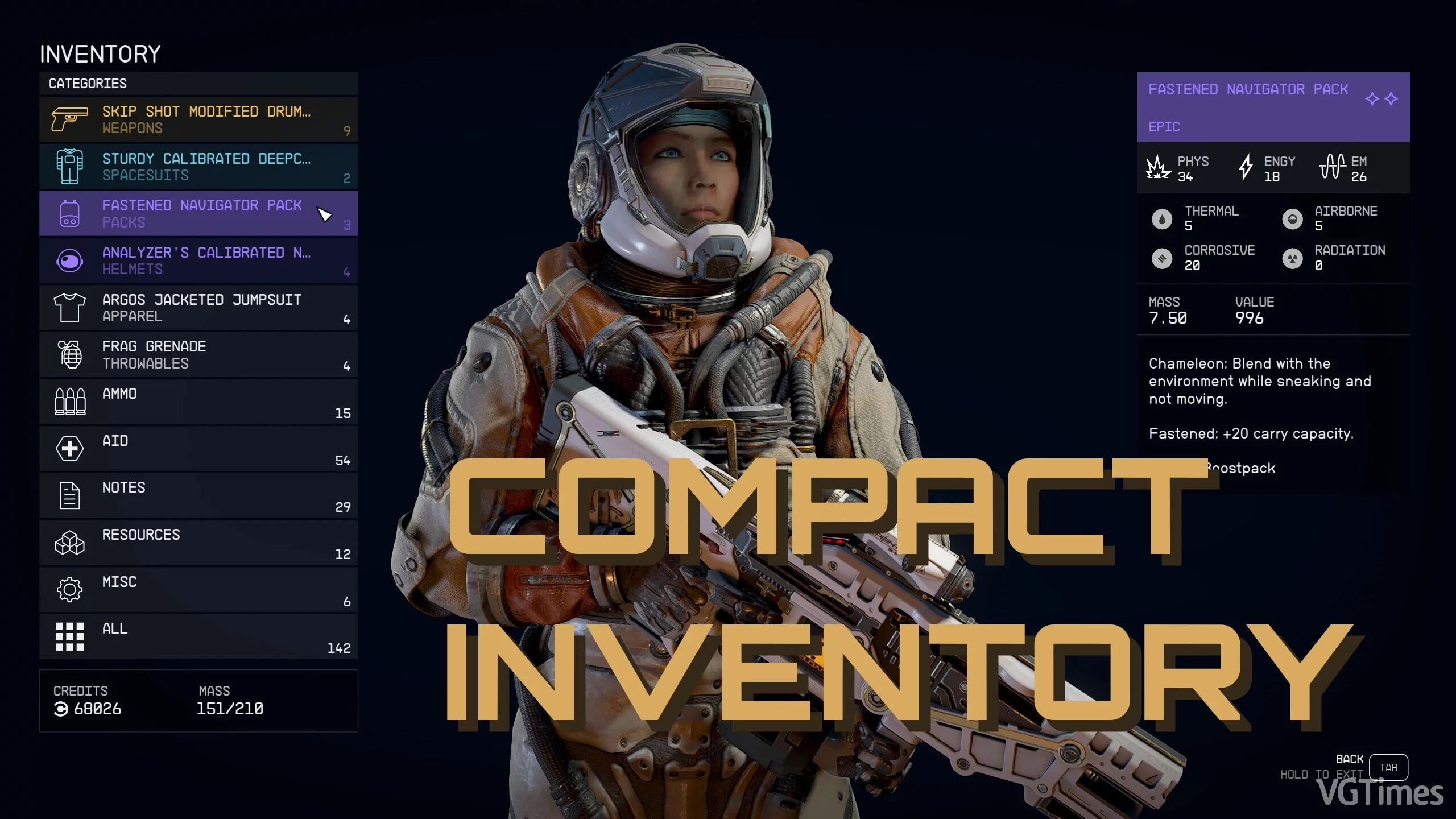
Compact Inventory
Download
Modifies the inventory to display more items at once. Increases the number of visible items to 12 or 17. Includes the option 'Value: mass sorting'.
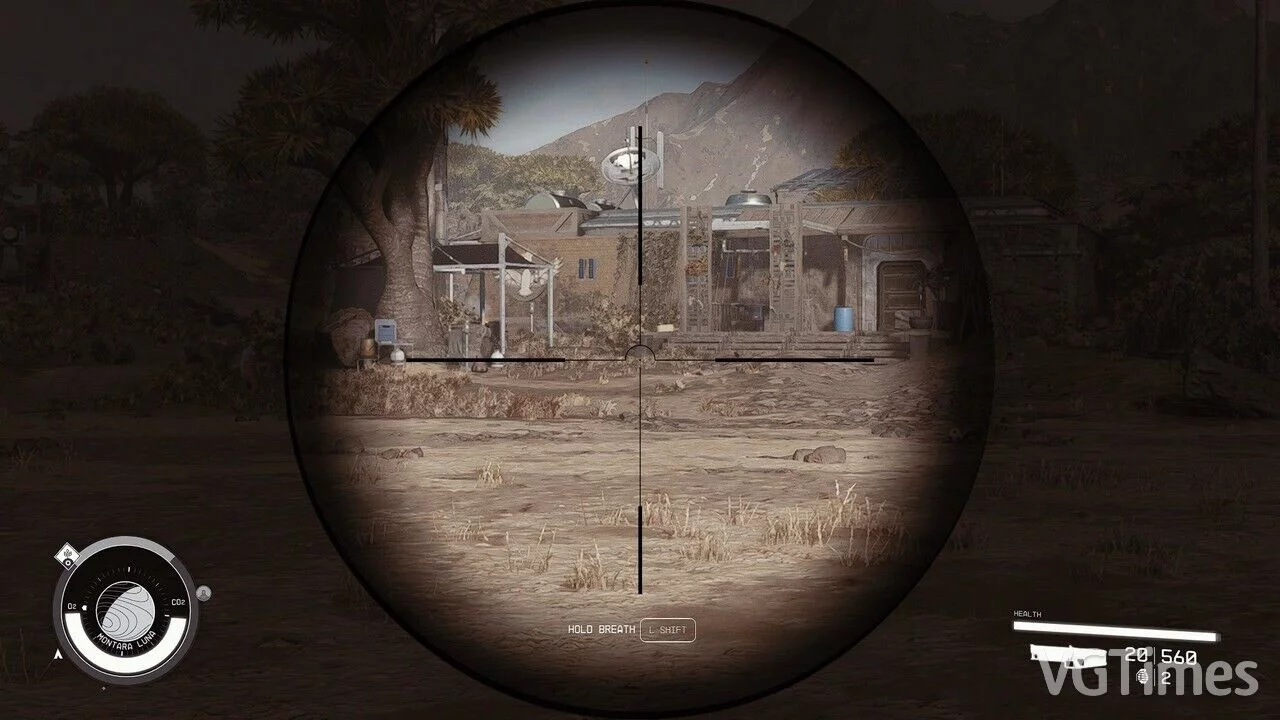
Enhanced Scope
Download
Fixes the overly zoomed scale and makes the surrounding area slightly transparent.
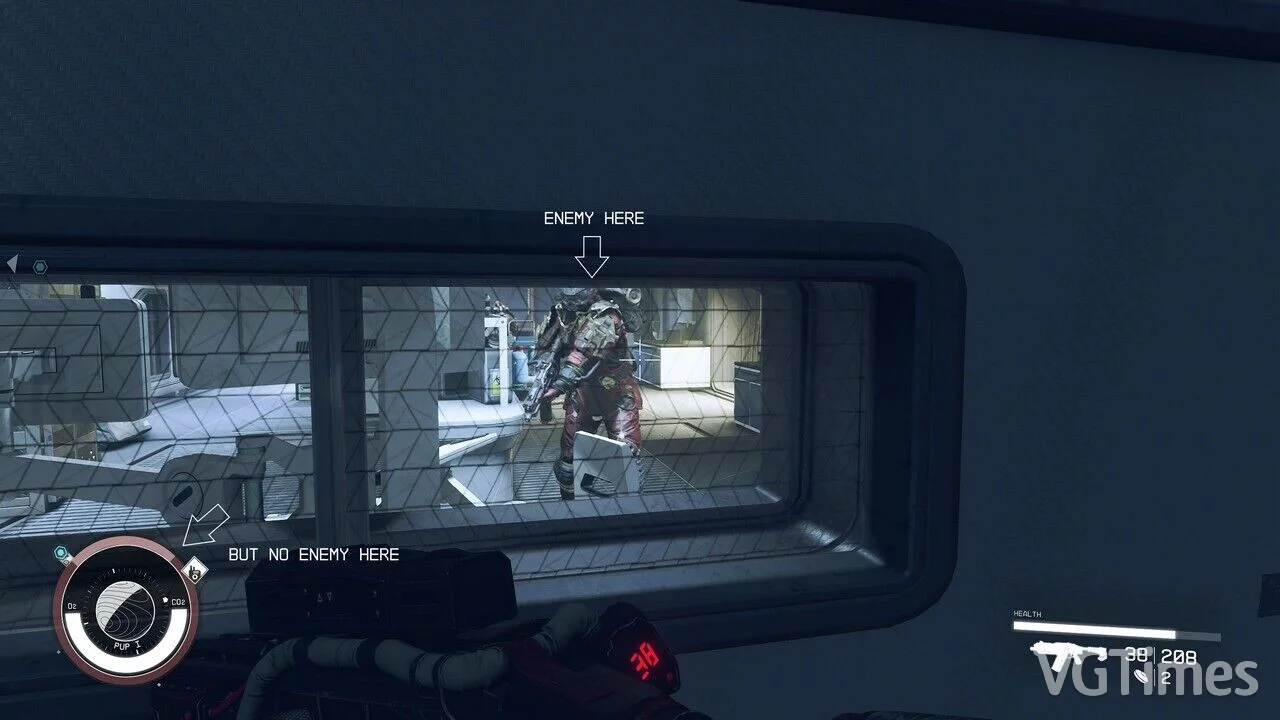
Removing Enemies from the Compass
Download
Simple editing of two interface files to remove enemies from the clock compass.
Removal of Hit Markers

Download
Complete removal of hit markers from the HUD. Configuration for StarfieldCustom.ini: [Archive] bInvalidateOlderFiles=1 sResourceDataDirsFinal= How to launch: extract to this path documents/my games/starfield.
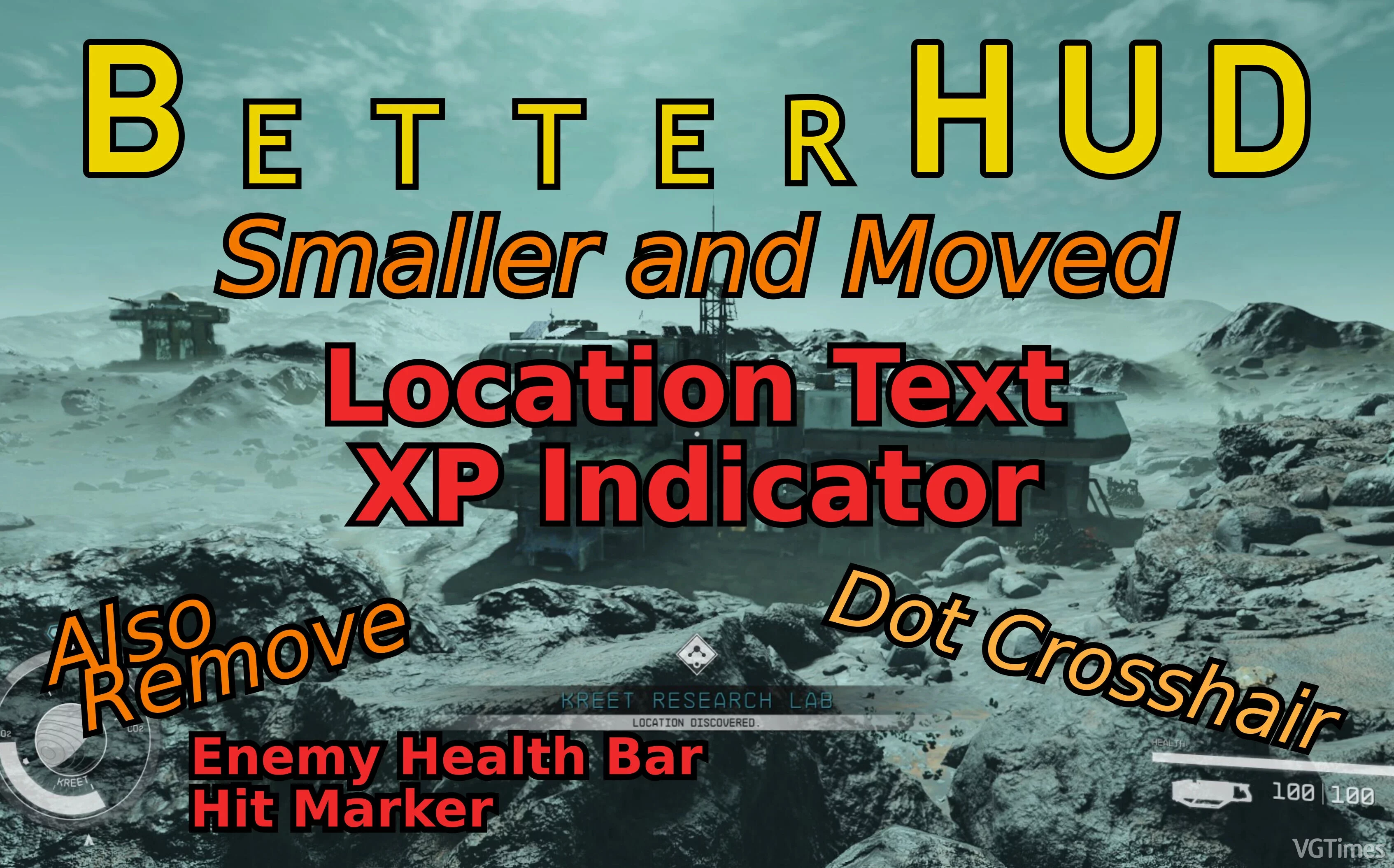
Interface Fine-Tuning
Download
The location text and experience indicator have been reduced and moved down. The experience indicator, enemy health bars, and hit markers can be hidden if desired. Only additional dot crosshair. ...
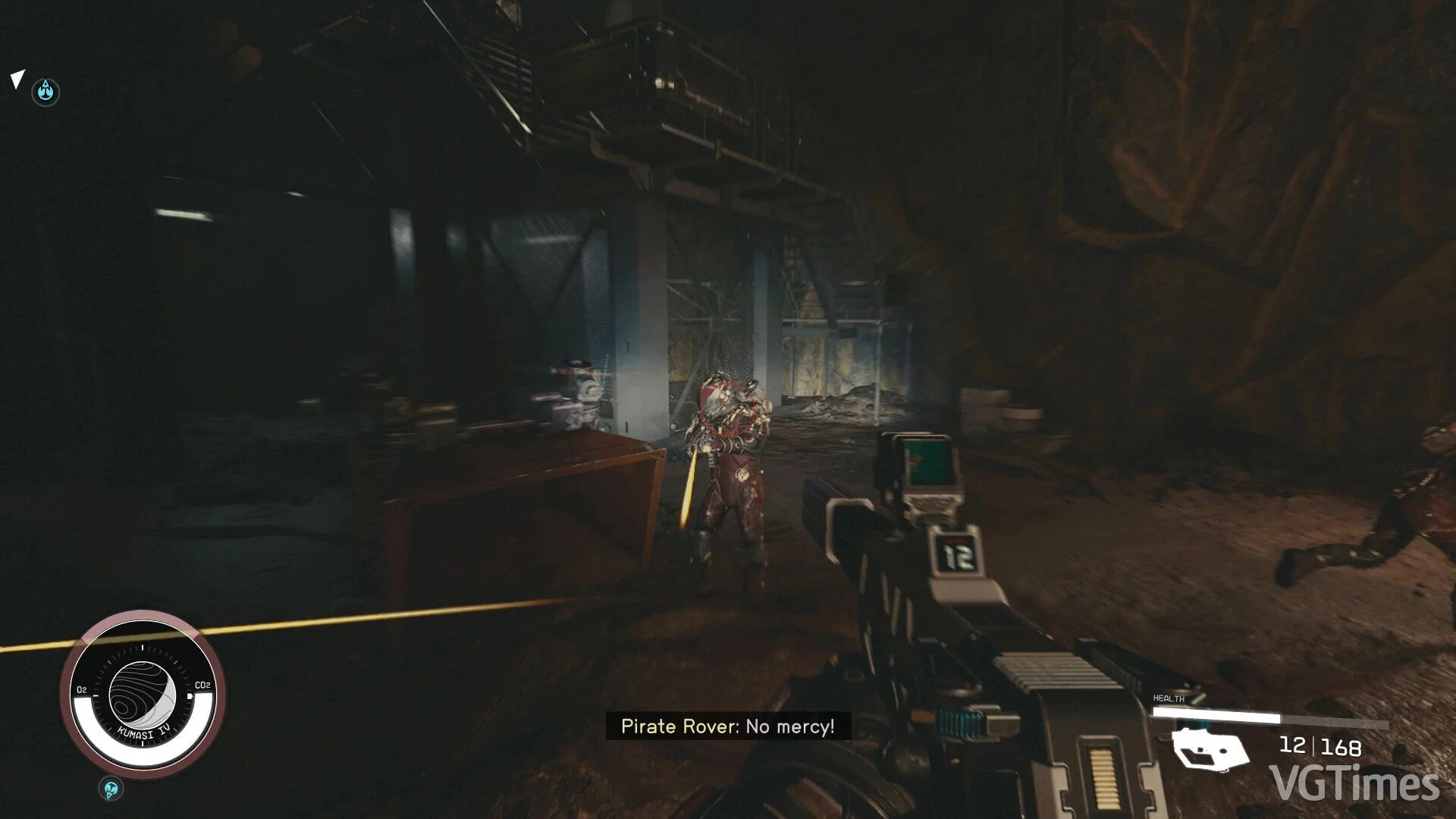
Immersive Combat HUD
Download
Removed elements that provide combat hints from the interface for greater immersion. Removes: enemy compass indicator; hit indicator; stealth indicator; enemy health indicator; enemy level; crosshair (update 1.2). How to install: ...
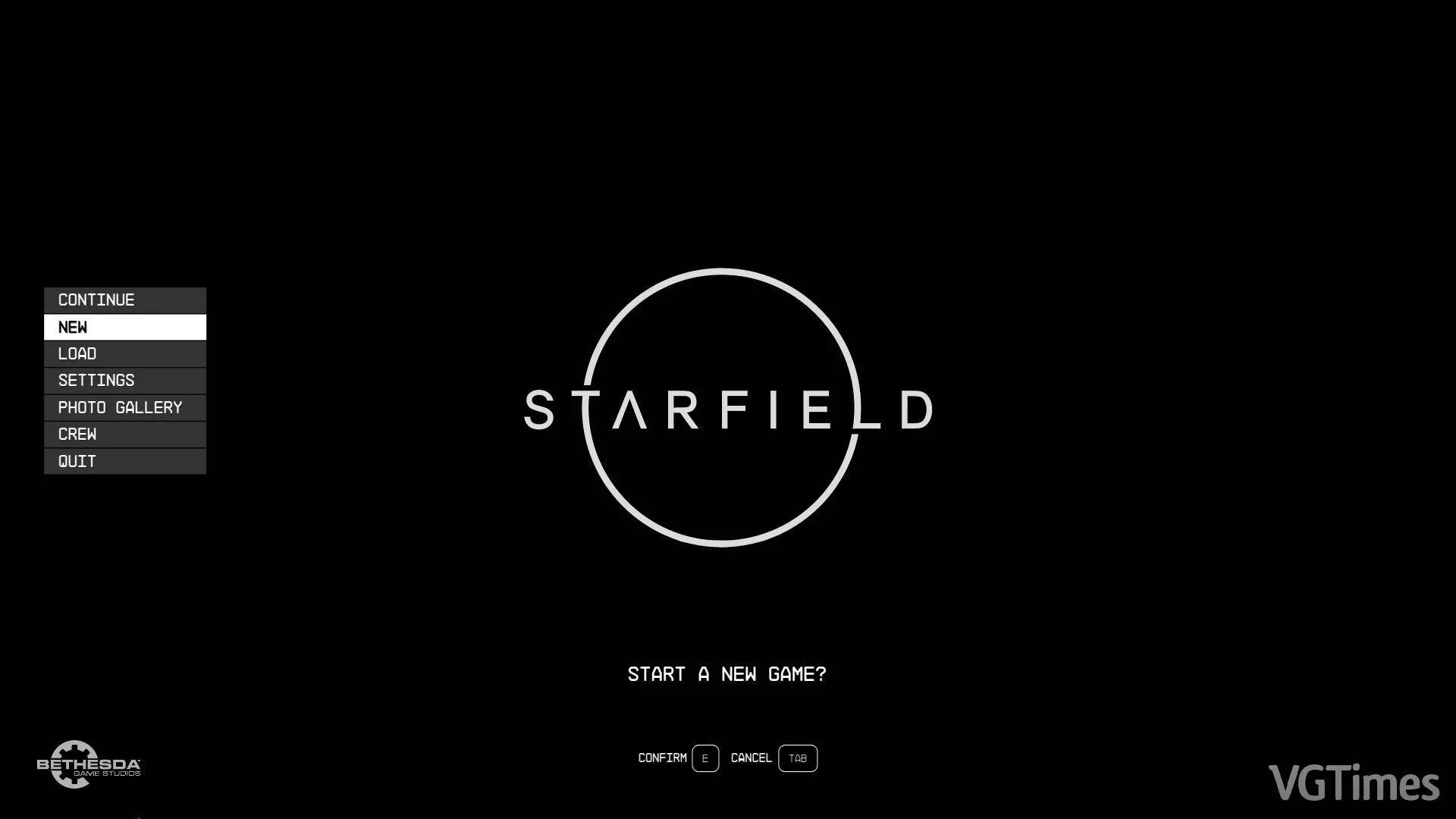
Empty Black Main Menu
Download
A simple black background for the main menu. Convenient to keep the game running while you sleep. How to launch: extract to Data; add to StarfieldCustom.ini: [Archive] bInvalidateOlderFiles=1 sResourceDataDirsFinal=
Disable Low Health Visual Effects
Download
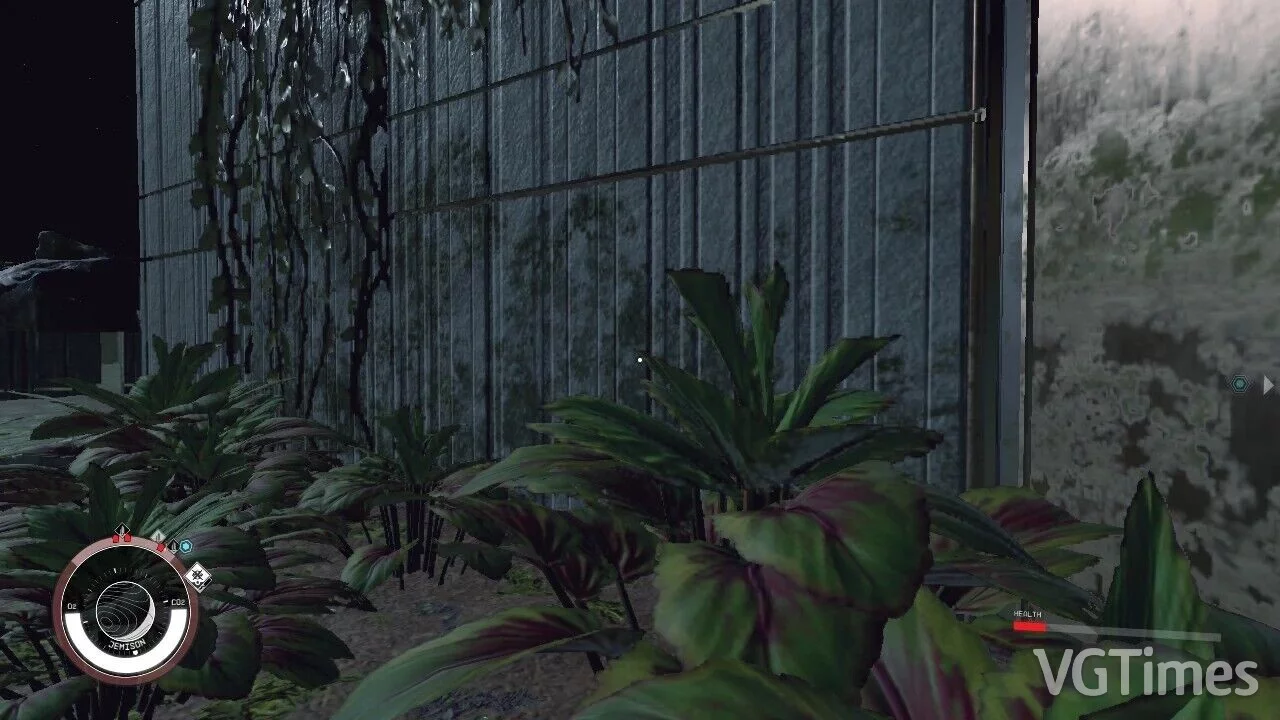
Disables visual effects (the red pulsing distortion effect) when you have low/critical health. How to run: extract to this path Documents/My Games/Starfield.