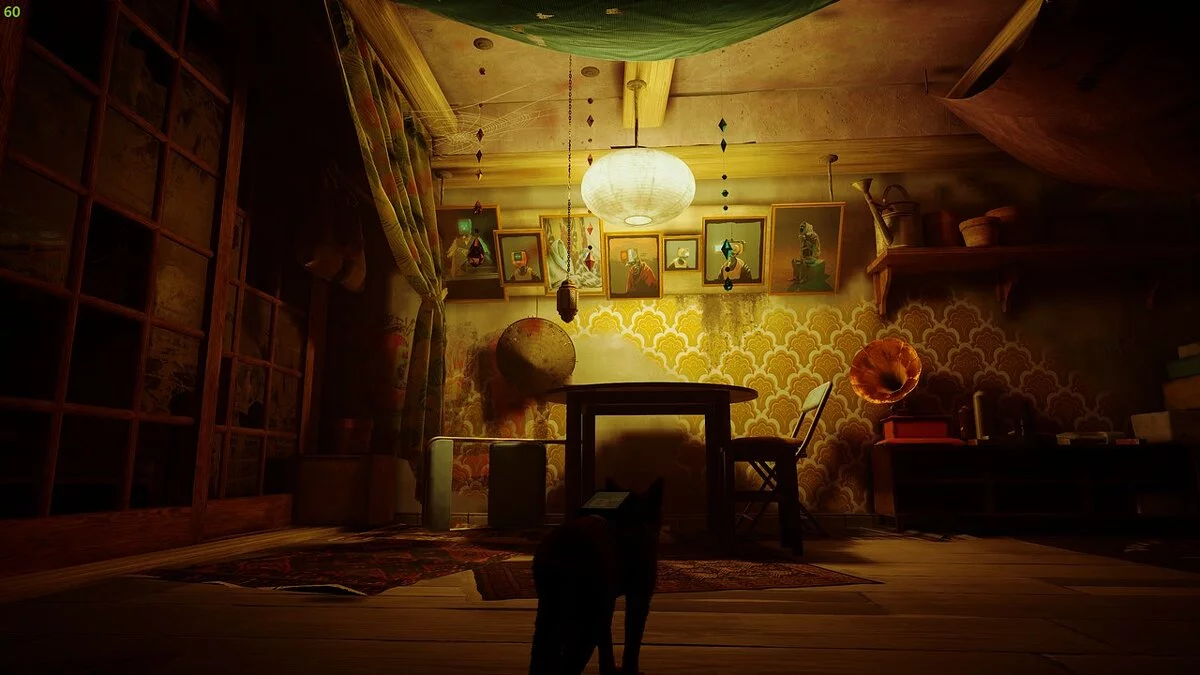
Post-apocalyptic cyberpunk of a distant future. A suffocating city with a stale atmosphere, inhabited by robots. A lost lonely cat that wants to return home. The... Read more
Vibrant Reshade Preset

-
www.nexusmods.comDownload
COLORFUL PRESET v1.0.
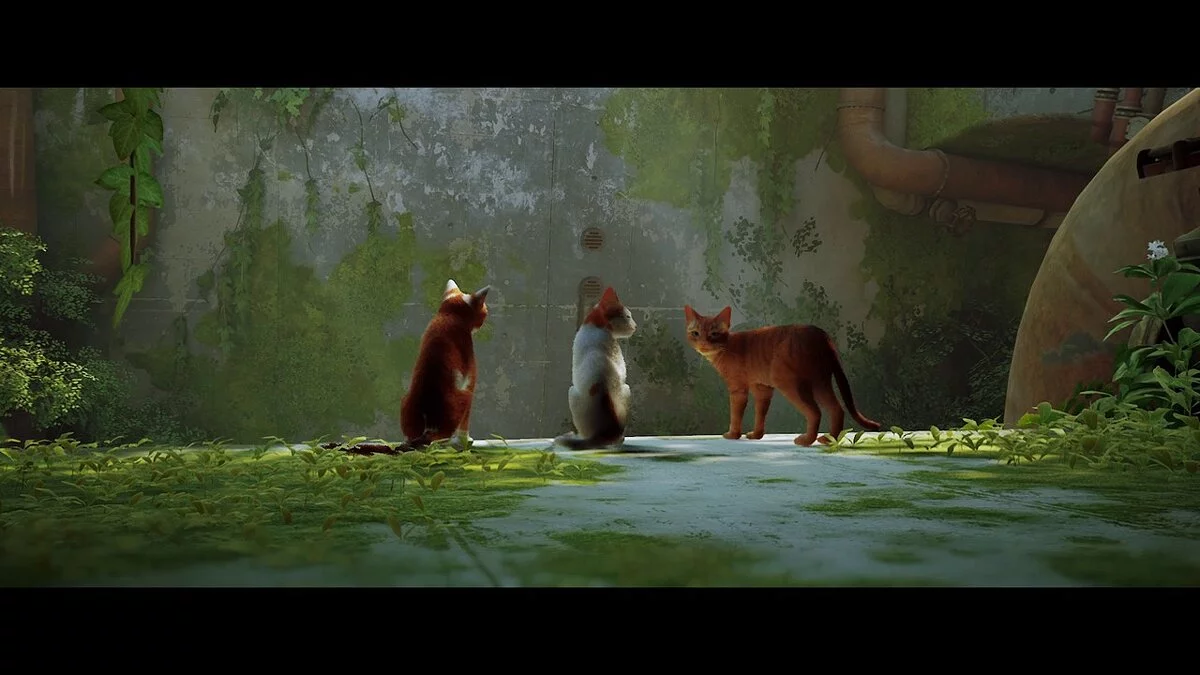
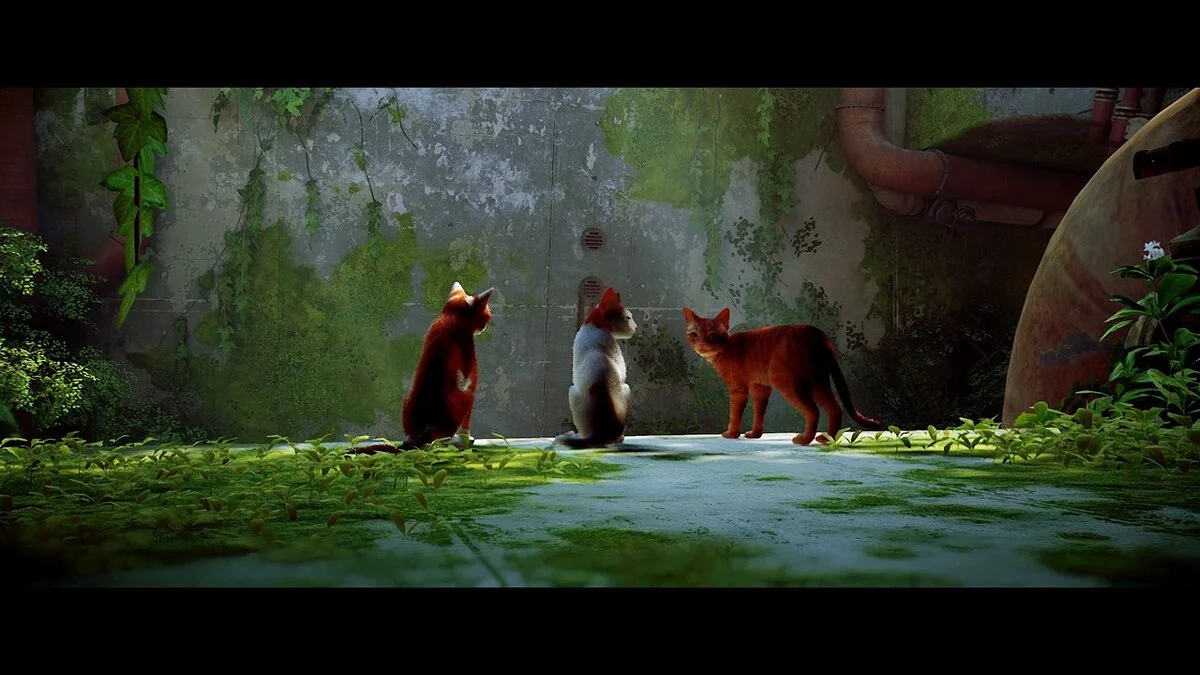
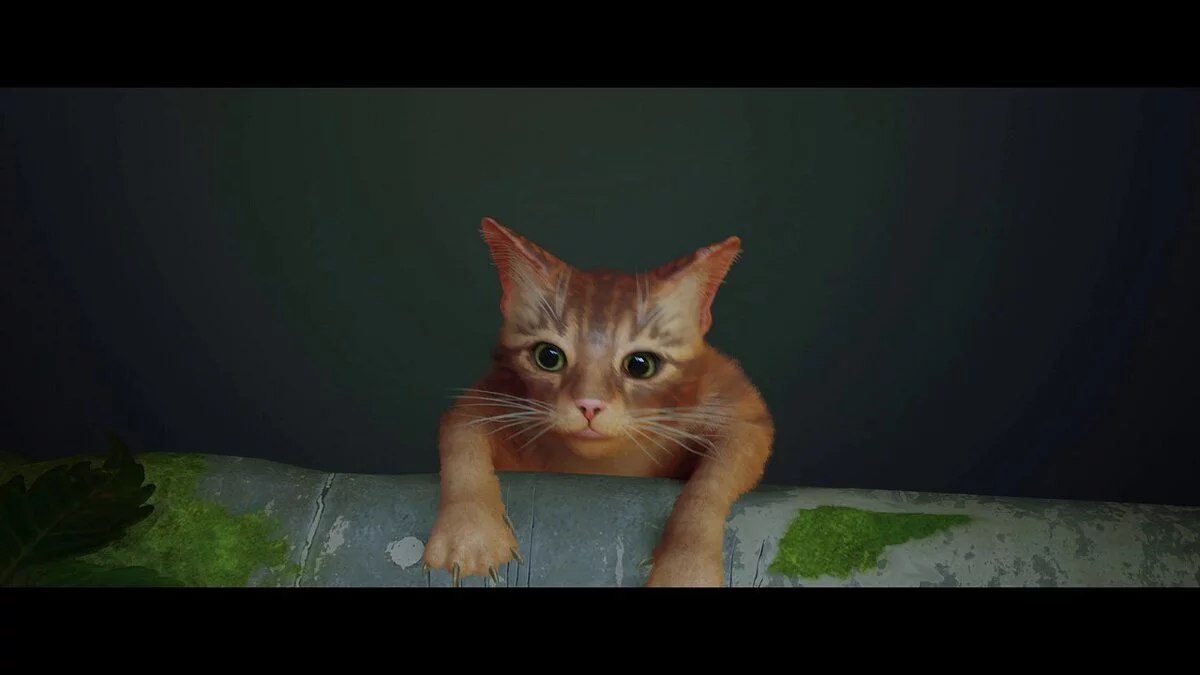
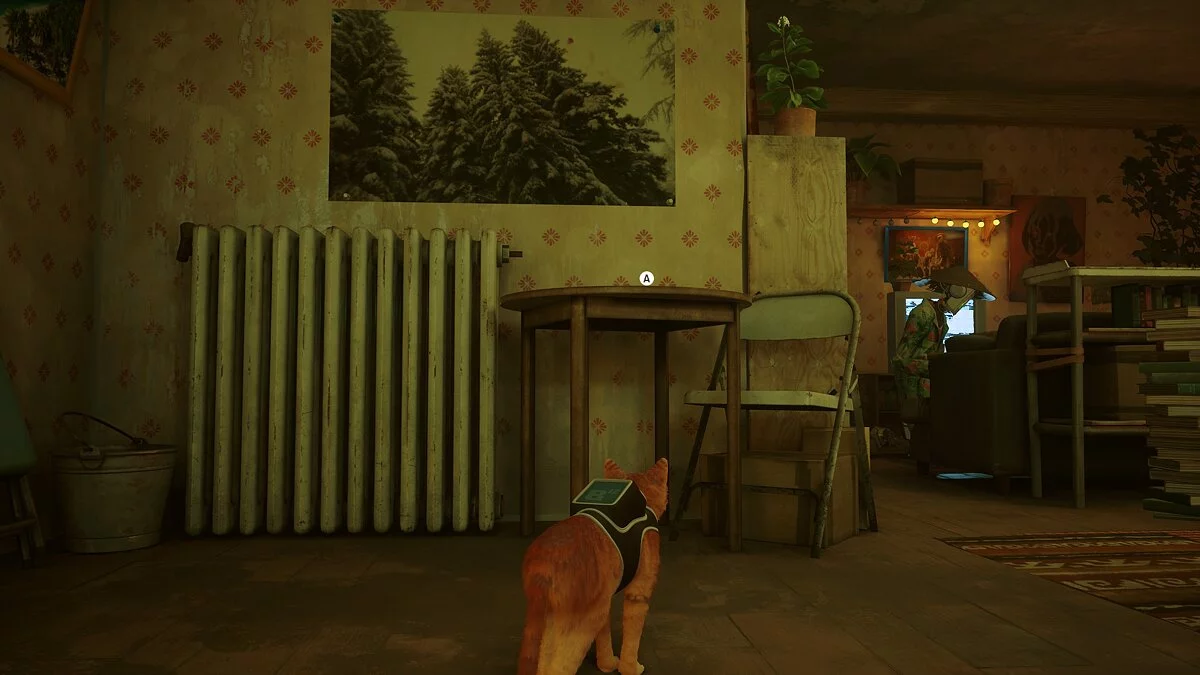
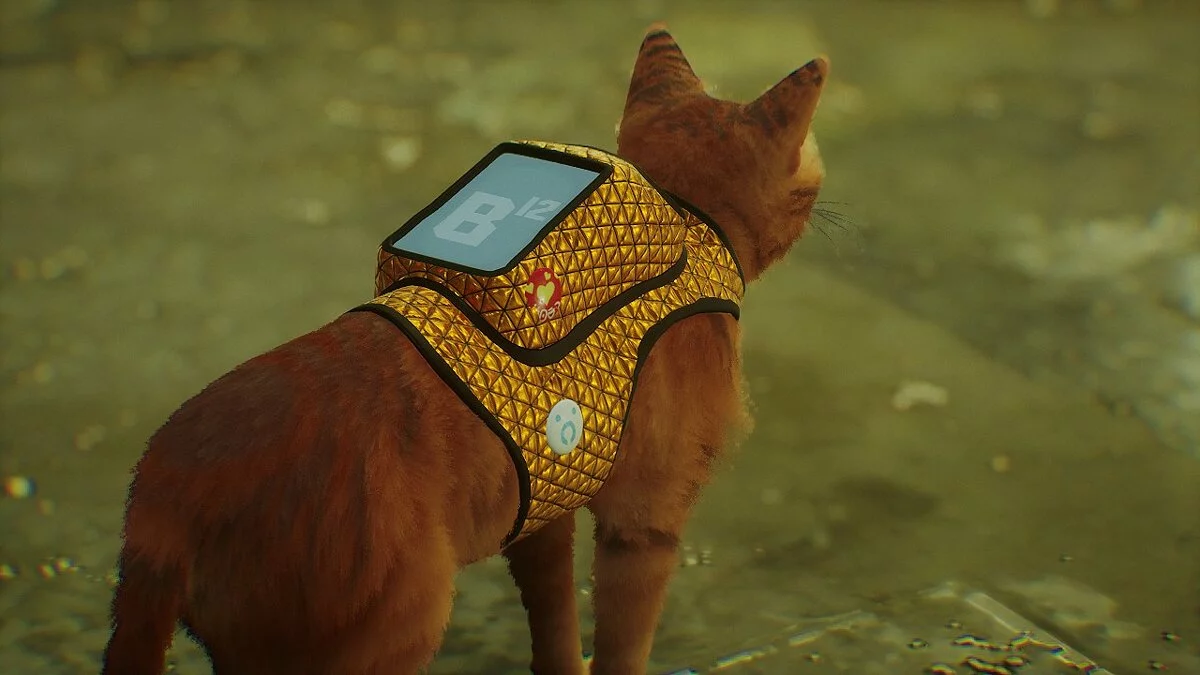
This reshade preset adjusts the game's color correction to enhance its appearance.
Installation:
1 Download Reshade (latest version can be used).
2 Open Reshade and select the Stray application at C:\Program Files (x86)\Steam Client\steamapps\common\Stray\HK_Project\Binaries\Win64.
3 Download this preset and place it in the folder mentioned above.
4 Click "Next" and choose the DirectX 10\/11\/12 option (the second choice).
5 Click "Next" and select the JP Colorful Preset.ini file by clicking "Browse" (the preset file you downloaded).
6 After selecting the preset, click "OK" to apply the necessary effects.
7 Click "Finish" once the effects are installed.
8 Launch the game and enjoy playing with this amazing preset!
COLORFUL PRESET v1.0.
Этот пресет решейда настроит коррекцию цвета в игре, чтобы она выглядела лучше.
Установка:
1 Загрузите Reshade (можно использовать последнюю версию).
2 Откройте Reshade и выберите приложение Stray. C:/Program Files (x86)/Steam Client/steamapps/common/Stray/HK_Project/Binaries/Win64.
3 Загрузите этот пресет и вставьте его в указанное выше место.
4 Нажмите «Далее» и выберите параметр DirectX 10/11/12 ( 2-й вариант)
5 Нажмите «Далее» и выберите файл JP Colorful Preset.ini, нажав кнопку «Обзор» (файл My Preset, который вы загрузили)
6 После того, как вы выбрали вышеуказанный пресет, нажмите «ОК», чтобы установить необходимые эффекты.
7 Нажмите кнопку «Готово» после установки эффектов.
8 Запустите игру и наслаждайтесь!!! играя в игру с этим удивительным пресетом.
Useful links:



![Stray — Trainer (+8) from 26.07.2022 [WeMod]](https://files.vgtimes.com/download/posts/2022-07/thumbs/1658827188_2022-07-26_121747.webp)
![Stray — Trainer (+2) [UPD: 21.07.2022]](https://files.vgtimes.com/download/posts/2022-07/thumbs/1658483849_ndafcmf_ufpczkei09jvlq.webp)