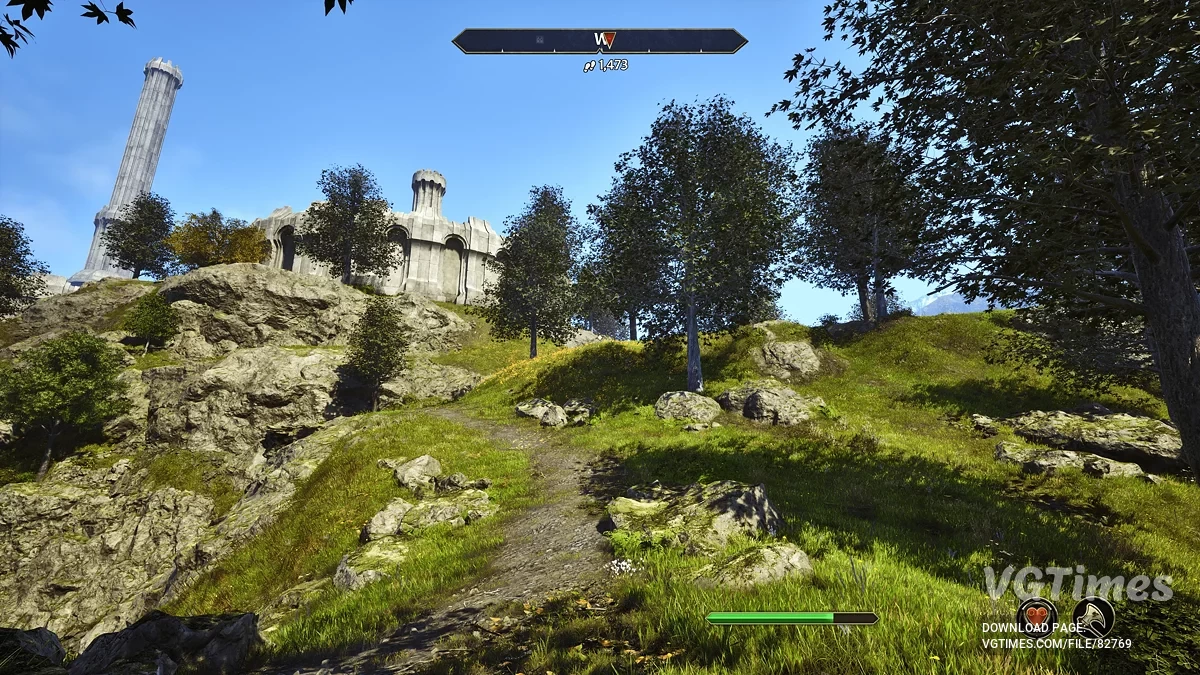
Modern rethinking of a cult role -playing game, recreating the atmosphere of the original at a new level. Syrodil comes to life again with updated... Read more
Actual stuttering fix
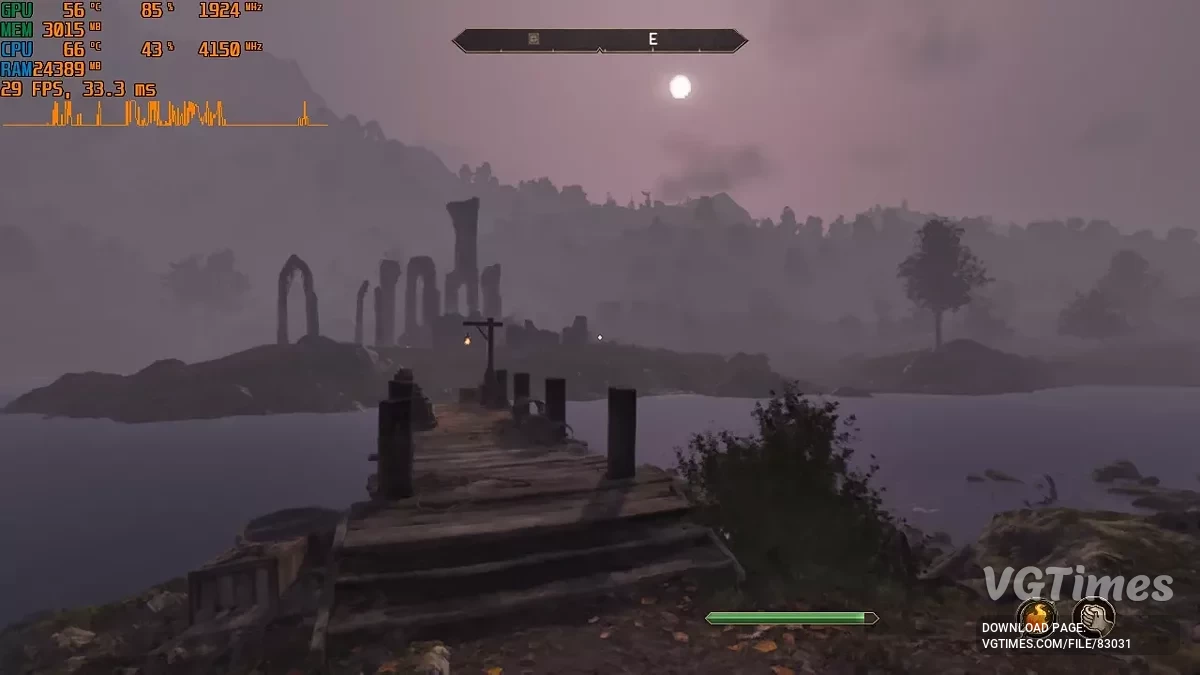
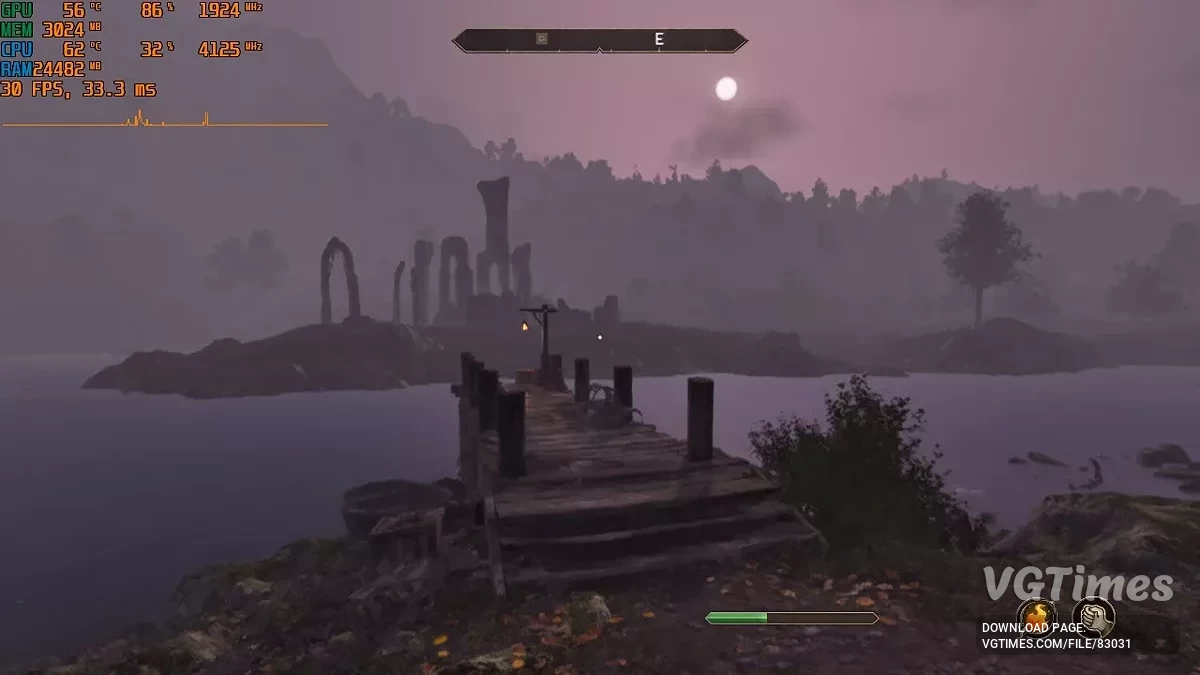


-
Download in TelegramNo waiting Download2.46 kBMay 2, 2025, 07:33 AMОсновной файлfakticheskoe-ustranenie-zaikanija_1746160396_341228.zip
-
Download in TelegramNo waiting Download820 байтMay 2, 2025, 07:33 AMEngine.ini - если другие файлы не подходятfakticheskoe-ustranenie-zaikanija_1746160396_196052.zip
Eliminates stuttering and improves performance with a set of files to choose from. No unnecessary commands or bloated configs — just clean and effective tweaks. At the core of this mod are two key Nanite parameter adjustments, which were the main cause of severe stuttering on the test system (GTX 1060 3GB).
The different variants of the mod include my Disable Vignette mod and additional optimizations aimed at boosting performance without sacrificing visual quality, such as enabling Variable Rate Shading and Occlusion Culling.
- zActualStutteringFix_P – fixes stuttering and improves performance by adjusting Nanite's streaming behavior;
- zActualStutteringFixNoVignette_P – fixes stuttering and improves performance by adjusting Nanite's streaming behavior. Removes vignette;
- zActualStutteringFixAndOptimizations_P – fixes stuttering and improves performance by adjusting Nanite's streaming behavior. Improves performance through safe engine-level tweaks without affecting visuals;
- zActualStutteringFixAndOptimizationsNoVignette_P – fixes stuttering and improves performance by adjusting Nanite's streaming behavior. Improves performance through safe engine-level tweaks without affecting visuals. Removes vignette;
- zActualStutteringFixLowSpecPerformanceBoost_P – includes all of the above and additionally disables various graphical settings to greatly improve performance. Intended for low spec systems. Affects visual quality;
- Optional Engine.ini – if none of the files suit you, you can use this ini file and modify the parameters as you wish.
How to install:
- Go to the folder where the game is installed;
- Open \OblivionRemastered\Content\Paks. If there is no folder named ~mods yet, create one;
- Download the mod and place the .pak file there;
- For example, if you install the zActualStutteringFix_P variant, the path should be: \OblivionRemastered\Content\Paks\~mods\zActualStutteringFix_P.pak.
How to install Engine.ini for Steam users:
- Go to the following folder:
- USERPROFILE\Documents\My Games\Oblivion Remastered\Saved\Config\Windows\;
- You can copy and paste this path into File Explorer’s address bar for quick access;
- Place the Engine.ini file in this folder and confirm replacing the existing file if prompted. If you already have a modified Engine.ini, you can copy the contents of this mod’s Engine.ini to the end of your file.
How to install Engine.ini for Game Pass users:
- Go to the following folder: USERPROFILE\Documents\My Games\Oblivion Remastered\Saved\Config\WinGDK\;
- You can copy and paste this path into File Explorer’s address bar for quick access;
- Place the Engine.ini file in this folder and confirm replacing the existing file if prompted. If you already have a modified Engine.ini, you can copy the contents of this mod’s Engine.ini to the end of your file.
Useful links: