Modern rethinking of a cult role -playing game, recreating the atmosphere of the original at a new level. Syrodil comes to life again with updated graphics... Read more
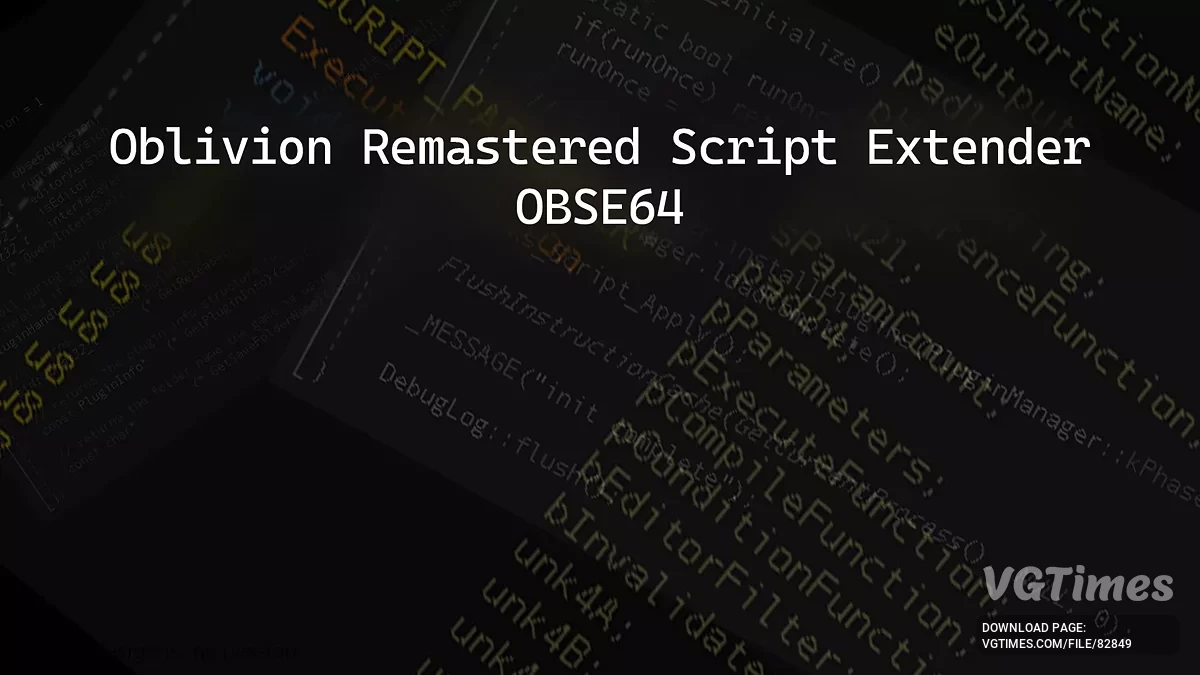
Oblivion remastered script extender (OBSE64)


-
Download (165.82 kB)April 27, 2025, 05:10 AMoblivion-remastered-script-extender_1745719806_269316.7z
The Oblivion Remastered Script Extender, or OBSE64, is a modder's resource that expands the modding capabilities of Oblivion Remastered. It's a plugin loader for now because people are creating plugins without version compatibility detection, which is dangerous/confusing for users.
Fixing some of the areas where mods conflict with each other is planned. We'll see where modding for this game goes — many things can be done from the embedded engine side, and other things can be done from the Unreal side, but communication between them is a problem. Since modding will likely be very different, this is not intended to be a direct port of classic OBSE's functionality.
Compatibility:
- OBSE64 will support the latest version of Oblivion Remastered available on Steam, currently 0.411.140.0. The Gamepass/MS Store/EGS version is unsupported.
Q&A:
Console version?
- No, not possible due to restrictions put in place by the manufacturers.
My antivirus complains about obse64_loader.
- It is not a virus. To extend the game, we use a technique called DLL injection to load our code. Since this technique can also be used by viruses, some badly-written antivirus programs assume that any program using it is a virus. You may need to add an exception to your antivirus rules.
Where are the log files?
- My Documents\My Games\Oblivion Remastered\OBSE\Logs\.
Where does the obse.ini file go?
- OBSE\obse.ini. The ini file is generally not needed.
How to uninstall OBSE64?
- Delete the dll and exe files starting with obse64_ from your Oblivion Remastered folder.
How to launch:
- Copy the dll and exe files into the Oblivion Remastered folder. This is usually C:\Program Files\Steam\SteamApps\common\Oblivion Remastered\OblivionRemastered\Binaries\Win64;
- Ignore the src folder. It is intended for programmers only;
- Make sure Steam is running, then launch the game by running obse64_loader.exe.
Useful links:

![The Elder Scrolls 4: Oblivion Remastered — Table for Cheat Engine [UPD: 23.04.2025]](https://files.vgtimes.com/download/posts/2025-04/thumbs/tablica-dlja-cheat-engine-upd-23-04-2025_1745570375_716866.webp)
![The Elder Scrolls 4: Oblivion Remastered — Table for Cheat Engine [UPD: 25.04.2025]](https://files.vgtimes.com/download/posts/2025-04/thumbs/tablica-dlja-cheat-engine-upd-25-04-2025_1745572213_4053.webp)