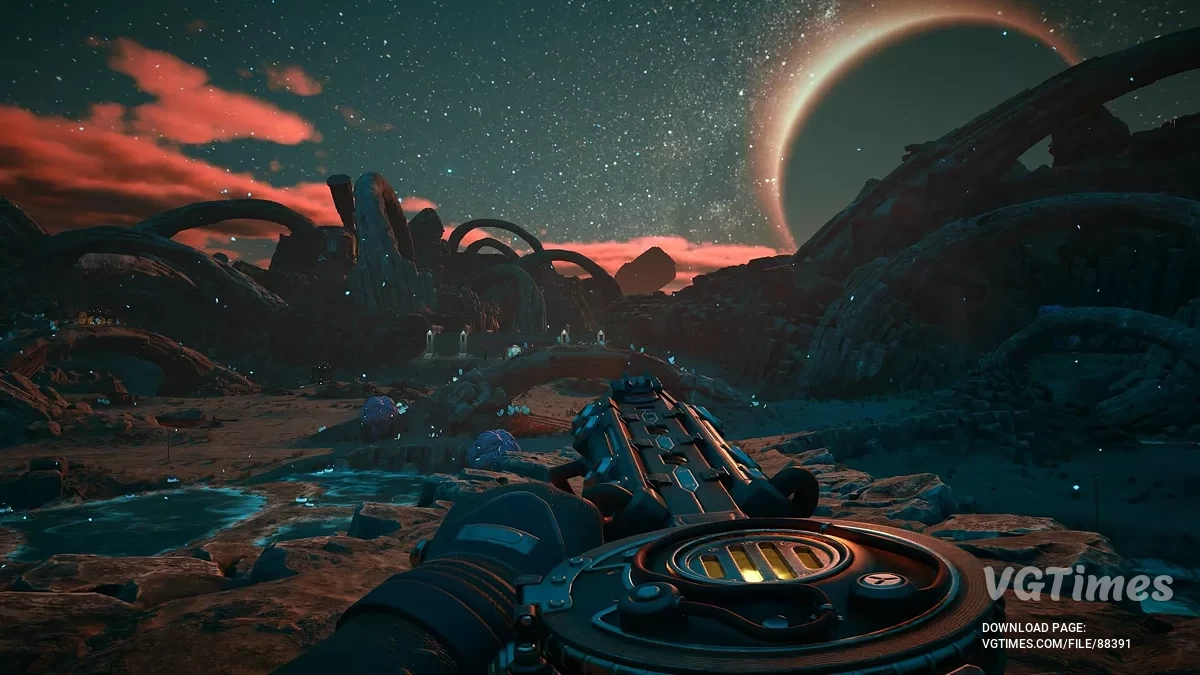
The game takes place on the new colony of Arcadia, where rifts threaten the destruction of all humanity. An agent of the Earth Authority finds... Read more
Players:
Steam:
Metacritic:
Enable FSR 3

Author:
cgyozo
Uploaded by:

Size:
156 байт
Date:
October 28, 2025, 06:08 AM
Downloads:
23
-
Download (156 байт)October 28, 2025, 06:08 AMvkljuchenie-fsr-3_1761620899_380490.rar
Enables FSR 3 Frame Generation in the game, since there is no toggle option in the settings. The Frame Generation Method option will not appear in the settings menu, but the mod will work in-game if the file is placed correctly. You can tell that Frame Generation is active in the background by the increased framerate and smoother motion.
How to install:
- Extract the Engine.ini file to C:\Users\User\AppData\Local\Arkansas\Saved\Config\Windows;
- Right-click the file -> Properties -> make sure the "Read-Only" box is checked;
- Set the upscaling method in the in-game settings (it also works without upscaling — at native resolution).
How to uninstall:
- Delete the Engine.ini file.
Useful links: