
The game takes place on the new colony of Arcadia, where rifts threaten the destruction of all humanity. An agent of the Earth Authority finds himself at the center... Read more
Players:
Steam:
Metacritic:
Files for The Outer Worlds 2 / Optimization
Discover the best mods and skins to optimize your gaming experience. Download the latest files to enhance The Outer Worlds 2 performance.
This category offers a selection of optimization files that improve gameplay and enrich the user experience. Users can rate and comment on each file, helping the community identify the best available options.
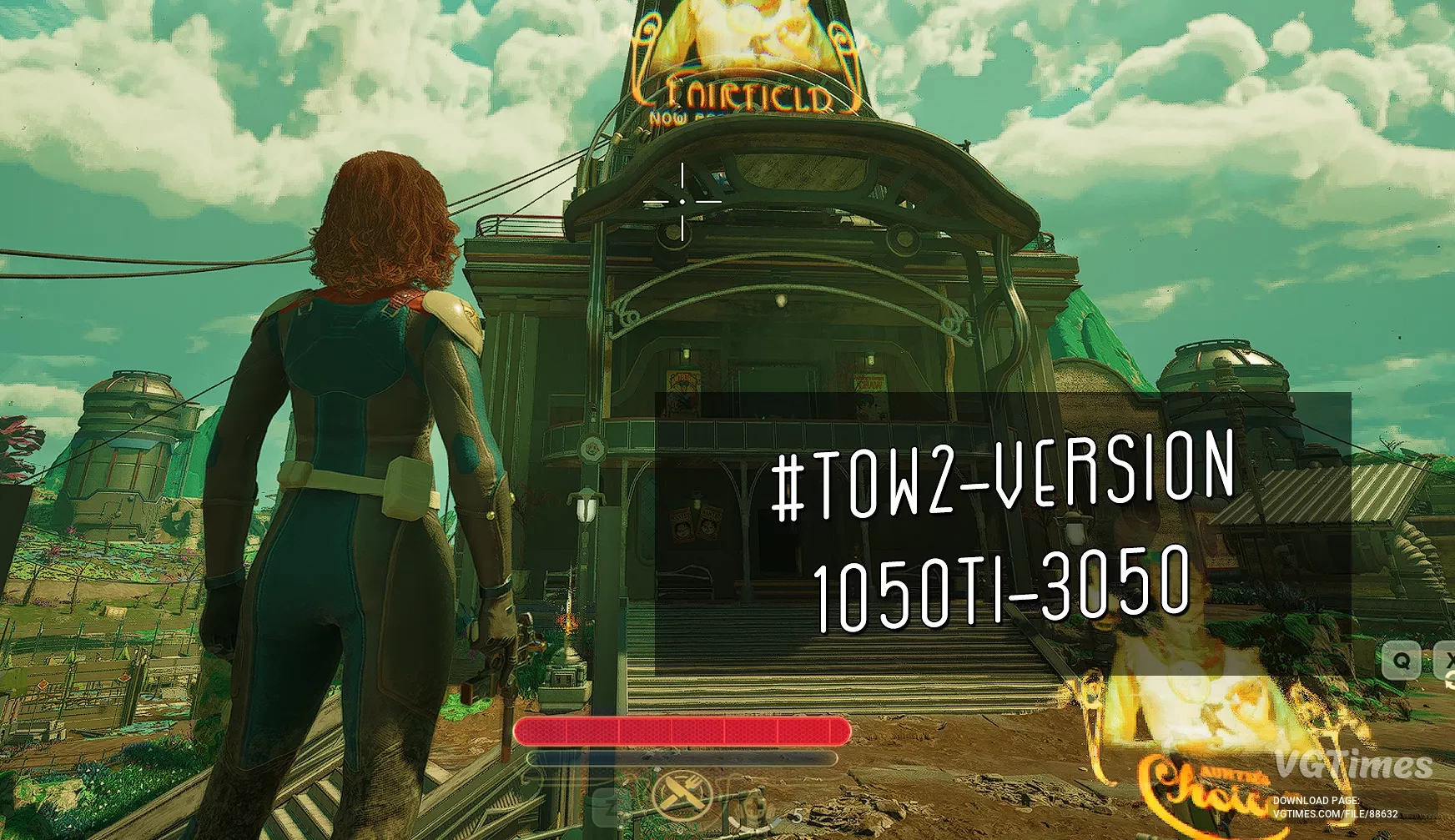
Optimization for graphics cards with 4 GB of video memory #TOW2-version

Download
A modification for optimizing the UE5 game engine for low-end systems. Without visible loss of image quality, designed for medium game settings. Suitable for graphics cards ranging from 1050ti to 3050 4GB. Download the Engine.ini file. Copy it to ...
Enable FSR 3


Download
Enables FSR 3 Frame Generation in the game, since there is no toggle option in the settings. The Frame Generation Method option will not appear in the settings menu, but the mod will work in-game if the file is placed correctly. You can tell that Fra ...
Optimized tweaks

Download
An effective solution for reducing stuttering and improving performance. The mod optimizes CPU and GPU load, reduces latency, improves streaming and memory management — all without sacrificing graphics or image quality. The mod is compatible with fut ...
Ultimate engine tweaks

Download
The goal of this mod is to include as many optimizations as possible (for CPU/GPU/RAM/SSD) to eliminate most stuttering, improve performance, reduce input latency, and enhance image clarity (for example, by optimizing film grain and removing chromati ...
No shaders warmup

Download
Skips 3 logos and shader warmup. Be sure to let the game generate shaders at least once (after first launch/driver update/graphics settings change). How to launch: No intro: Copy Game.ini to \Arkansas\Saved\Config\Windows; Copy Startup_Splash.b ...