
Valheim Multiplayer Guide: How to Play With Friends
 Vladyslav Shamshurov
Valheim supports both single-player and co-op. Playing with friends makes exploring its vast Viking world even more enjoyable. In version 1.0, the game supports full crossplay across all available platforms. Check out our guide if you want to learn how to play Valheim in co-op.
Start by creating a character. Naturally, everyone you plan to play with will need their own character. After that, one player needs to create a world and launch it as a server. If you want the world to remain available at all times, even when the owner isn't playing, you can set up a dedicated server.
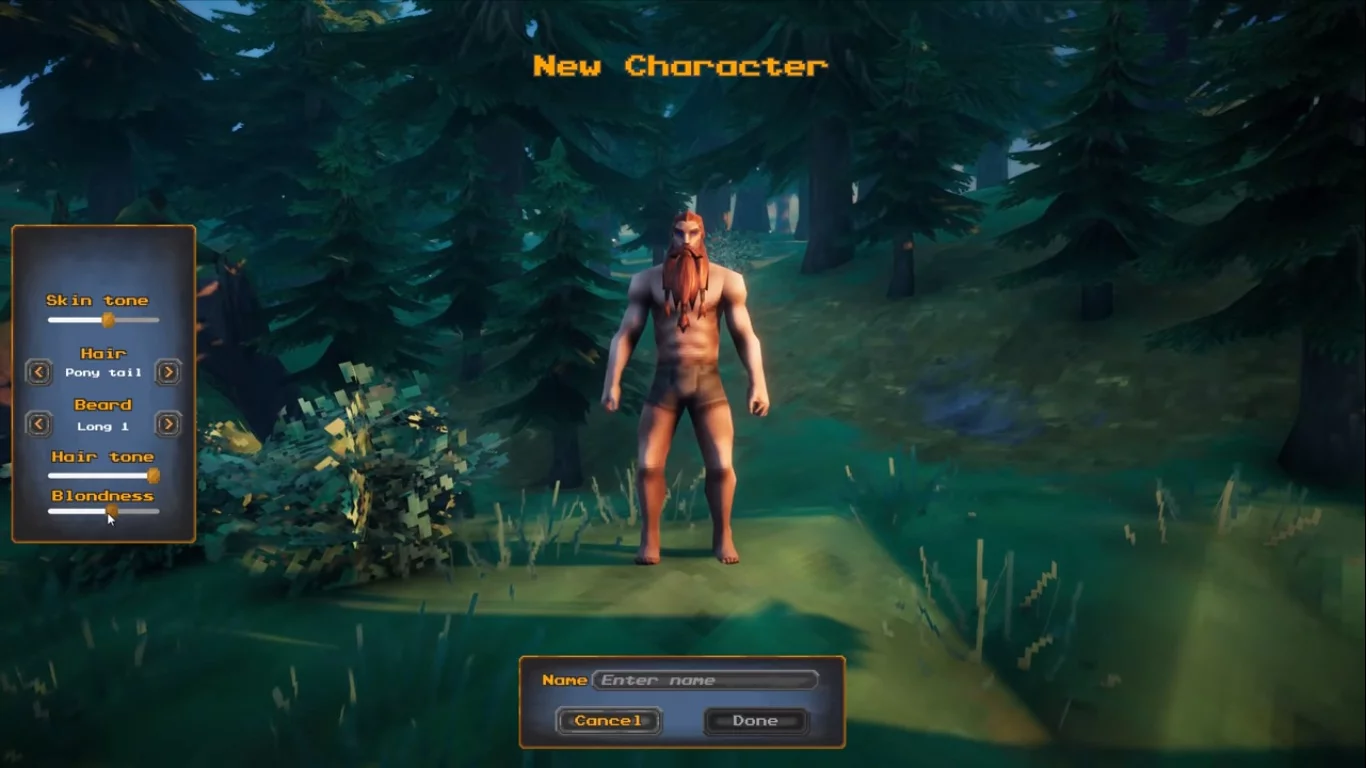
Next, make sure you've created a world. The game will ask you to choose a world name and display its seed, so it's hard to miss this step. You don't need the seed for multiplayer, so focus on the world itself. If you're the one hosting the server, select the world you want from the list and enable the Start Server option.
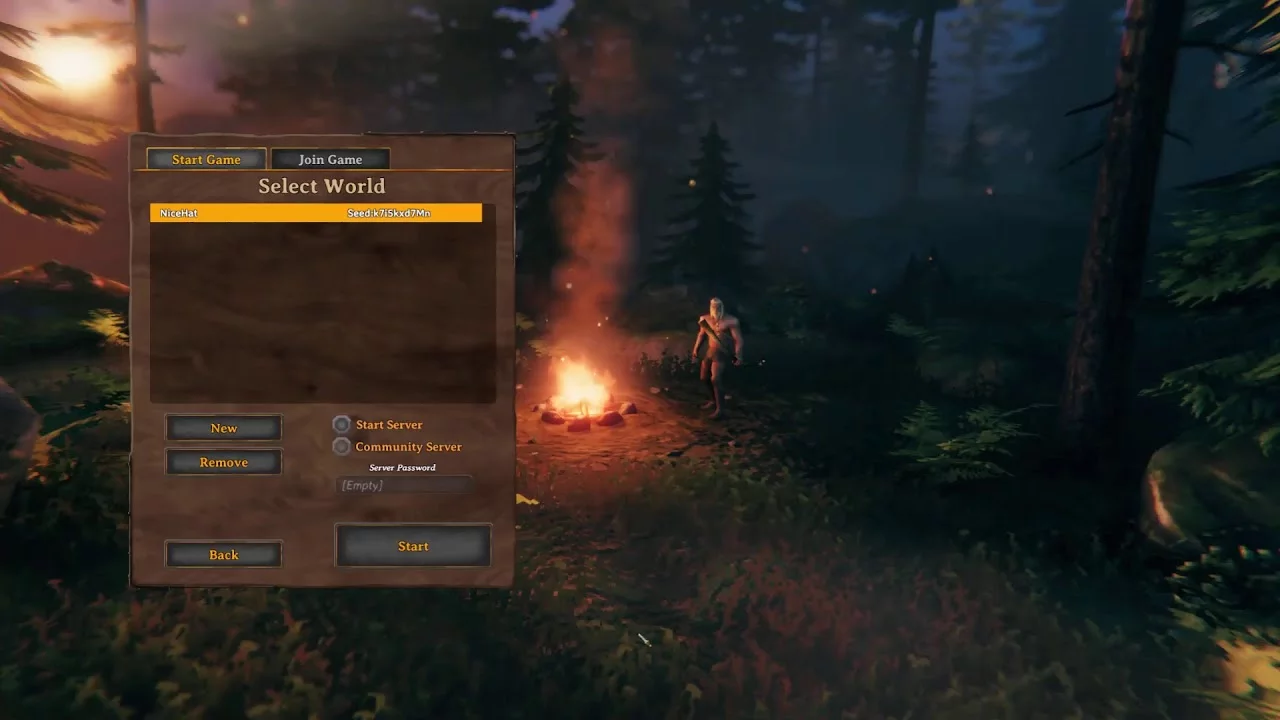
Set a password for the server and, if necessary, enable Community Server if you want the world to appear in the public server list. If you're only playing with friends, there's no need to make the server publicly visible.
If you're playing with users on other platforms, enable Crossplay. Once the server is running, open the pause menu and you'll see a Join Code. Send it to your friends, who can then open Join Game, select Add Server, and paste the code.
Once everything is set up, you'll see the opening sequence where the Valkyrie carries you into the world, and your friends will be able to join the server you've created.
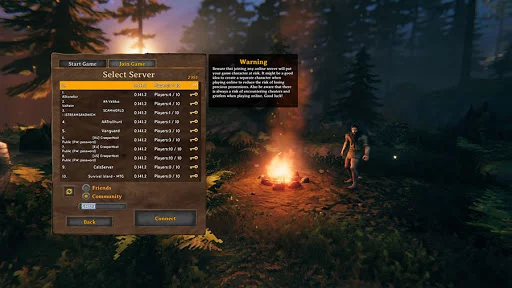
So the process is roughly as follows:
- Create a character.
- Create or select a world.
- Launch the world as a server.
- Set a password.
- Enable Community Server if needed.
- For cross-platform multiplayer, enable Crossplay and send your friends the Join Code.
Up to 10 players can play in the same world at once.
Other guides
 How to Upgrade the Workbench in Valheim to Level 5
 All Bosses in Valheim: How to Find and Defeat
 Valheim Save File Location: Where to Find Your Saves
 Guide to the Ashlands Update for Valheim
 Where to Find Trophies and How to Hang Them on the Wall in Valheim
 Valheim Materials Guide: Where to Find Every Crafting Resource

