
inZOI is a life simulator in the spirit of the The Sims series, but with modern graphics. At the moment, the game is in early access. Now the developers are closely monitoring the opinions of users and will add new content in the near future. But you can improve the project today with the help of user modifications. We have collected the most interesting of them in this article.

You can learn about the game itself from our preview.
How to install mods for inZOI
- Download the utility inZOI Mod Enable.
- Move the contents of the BlueClient directory to the game folder.
- Go to the Paks directory. It is located at BlueClient\Content\Paks. There you need to create a folder ~mods.
- Download mod manager.
- Run the program and specify the location of the game directory.
- Download the mod.
- Move it to the ~mods folder you created earlier.
- Run the mod manager and activate the modification.
- Run inZOI.
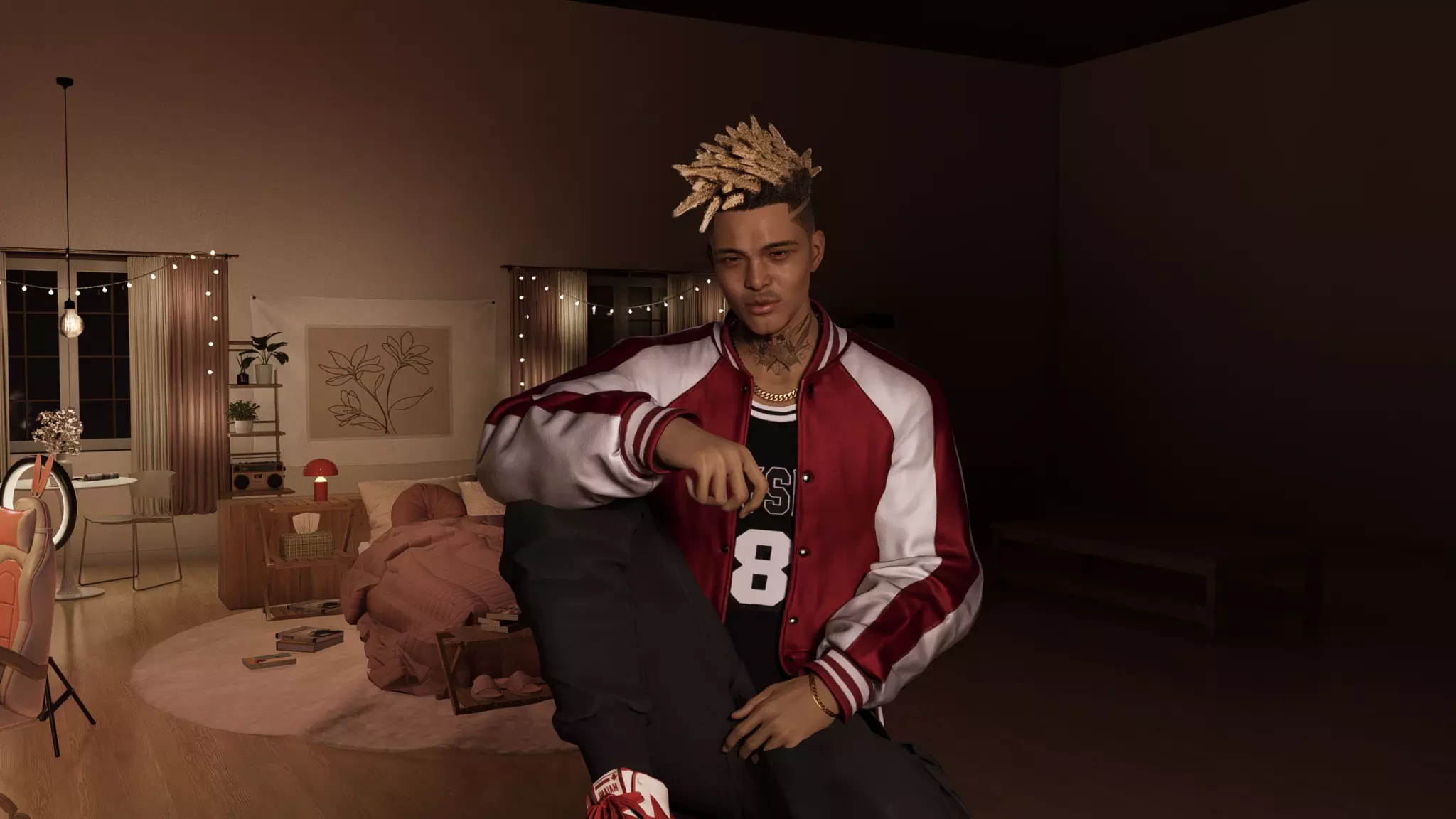
How to find out where the game folder is:
- Right-click on the shortcut with inZOI.
- Select "Properties".
- Find the line "Object". There is a line there that means the address with the location of the directory you need.
If the modification is installed differently, we will say about it in the comments.
Next Gen Reshade — improved graphics
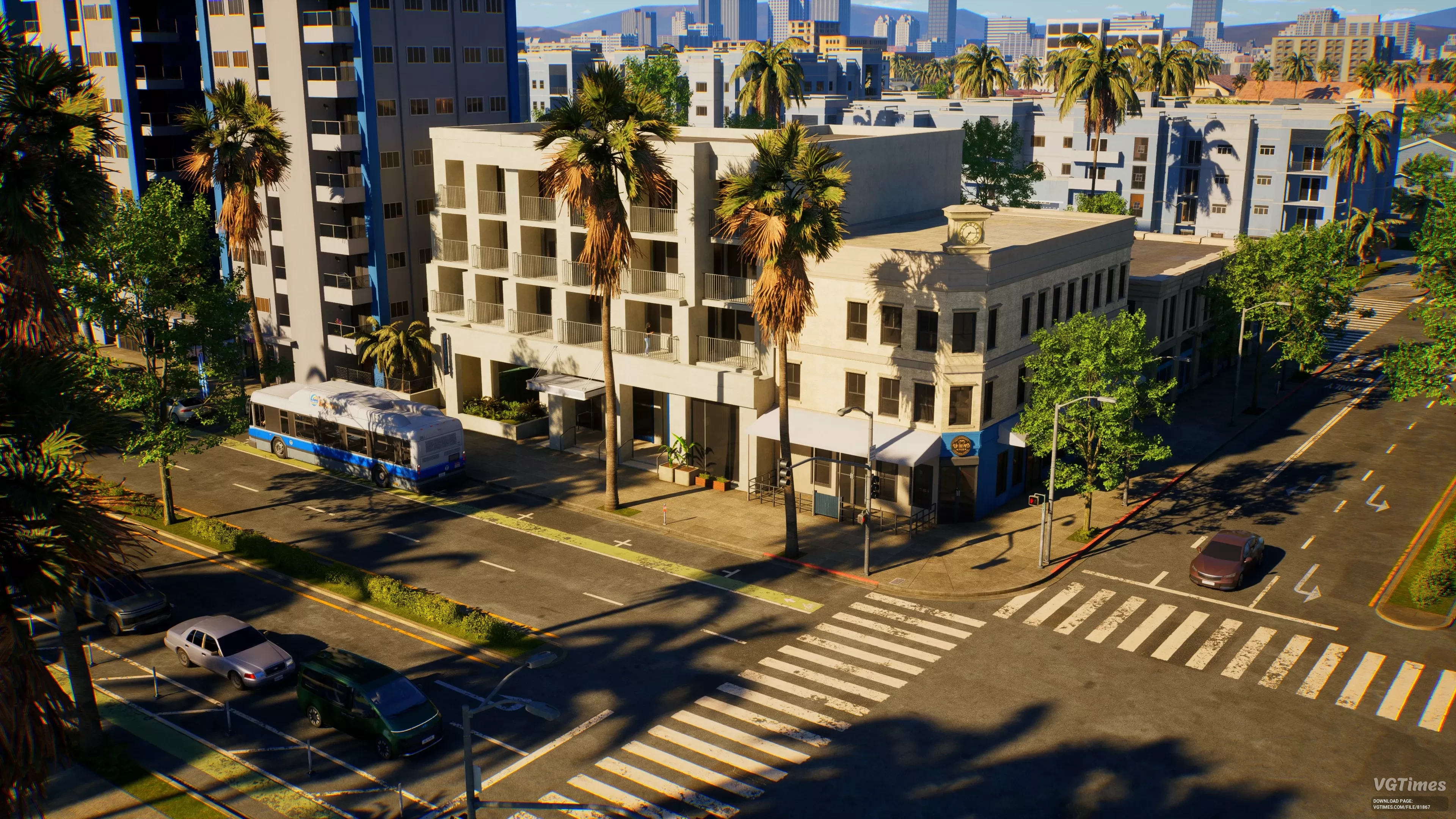
Although the graphics in inZOI are already good, you can make them even better using ReShade technology. But keep in mind that the system requirements of the game may increase.
Installation procedure:
- Download the latest version of ReShade from the official website.
- Run the program and specify the folder where the game is located.
- Download the archive with the mod and unzip it to the directory located at inZOI\BlueClient\Binaries\Win64.
- Run the game.
- Press the Home key to call the ReShade menu.
- Select the preset you need. In our case — Next Gen.
Optimizer — optimization
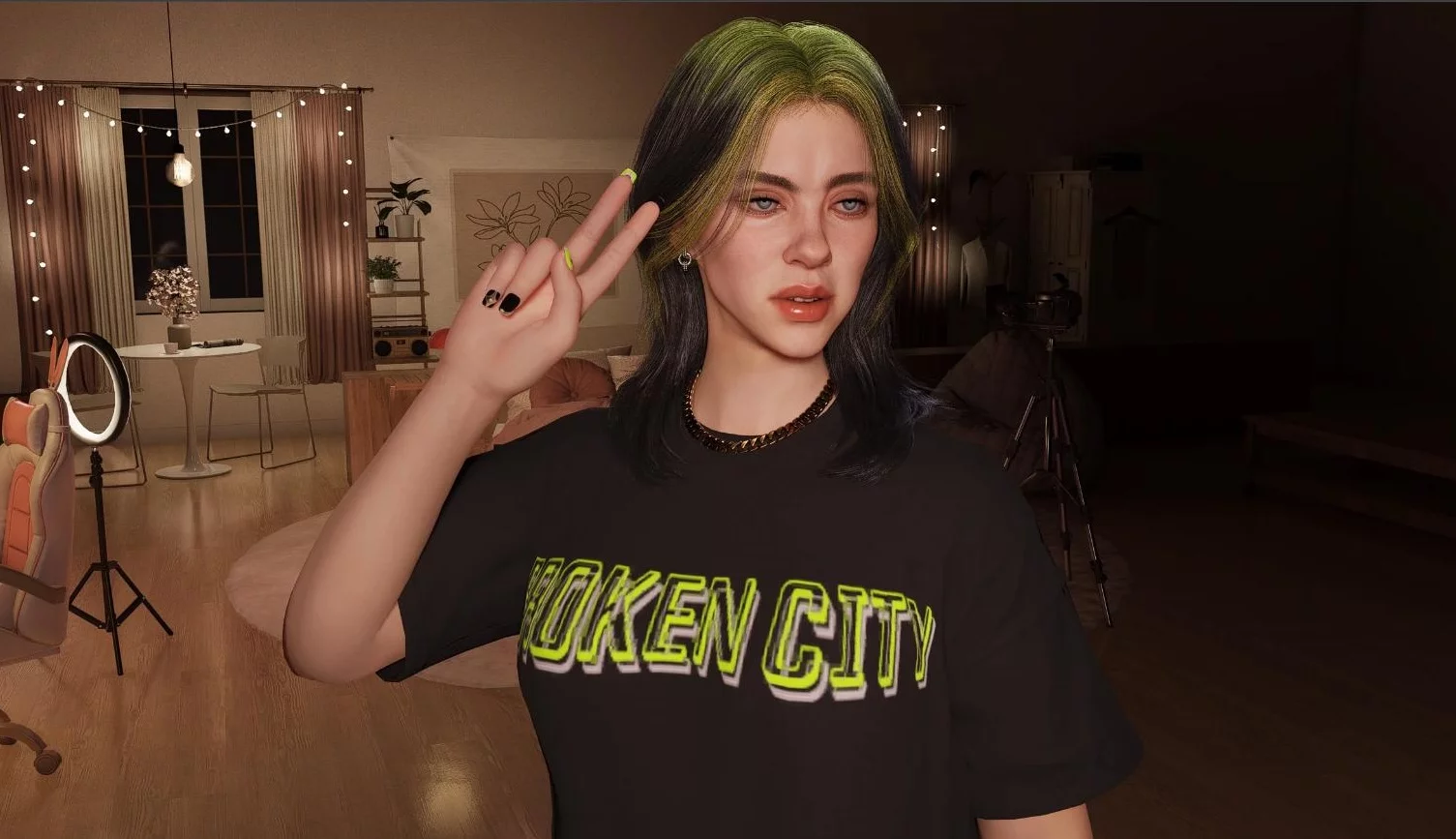
A simple way to improve game performance without compromising graphics. In most cases, the modification really increases the number of frames per second (FPS) and removes lags. But if problems arise after installing it, simply delete the mod.
Have you checked out inZOI yet?
Remove Shower Blur — remove blurry image while taking a shower
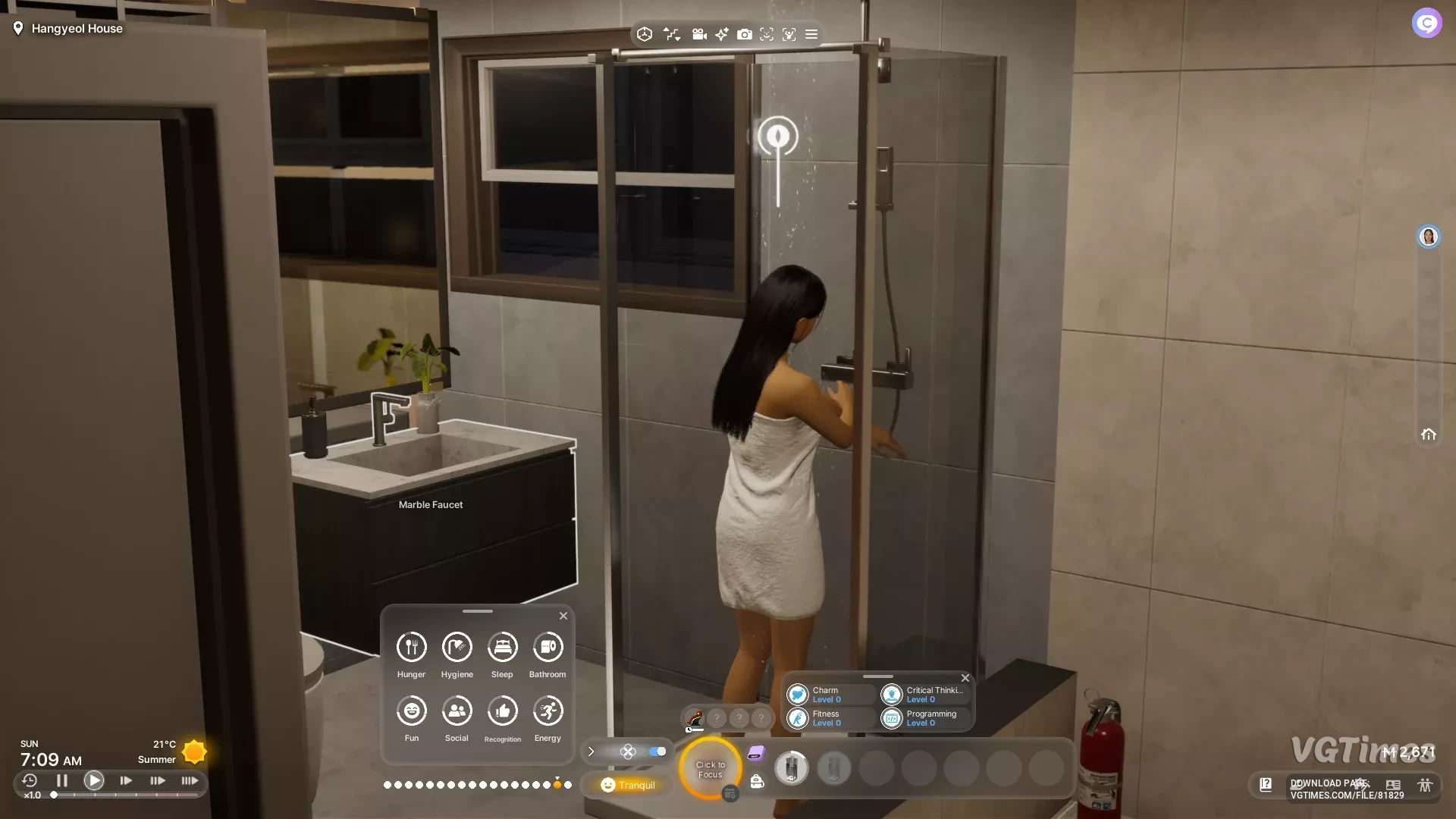
After installing this mod, you will be able to see how your charges wash in the shower. We recommend combining the modification with improved graphics using ReShade technology.
Dog or Cat or BOTH — pets
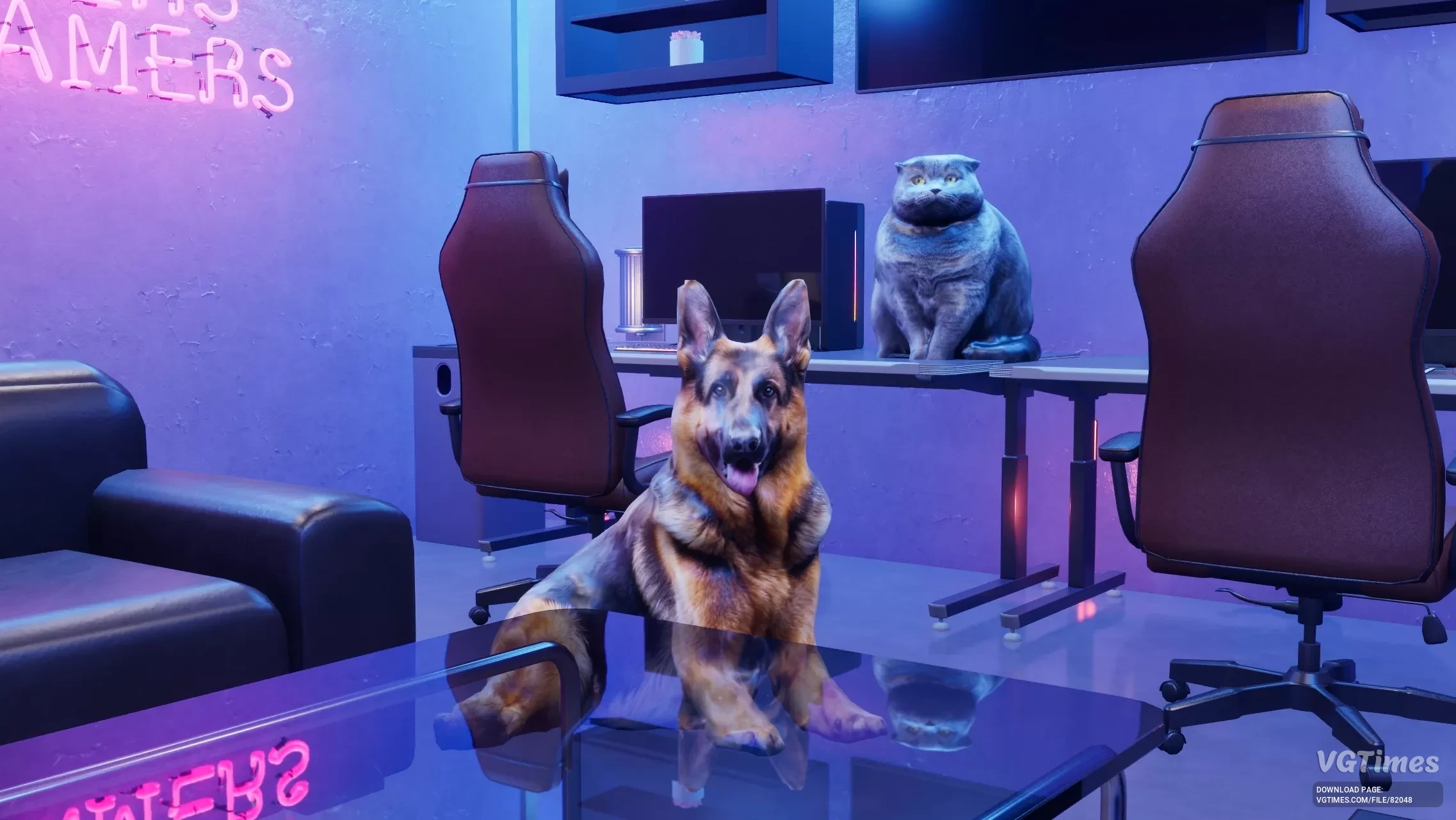
Allows you to have a cat or a dog as a pet. If you wish, you can settle both animals in the house.
Modify RebelCore — control of in-game time and age of characters
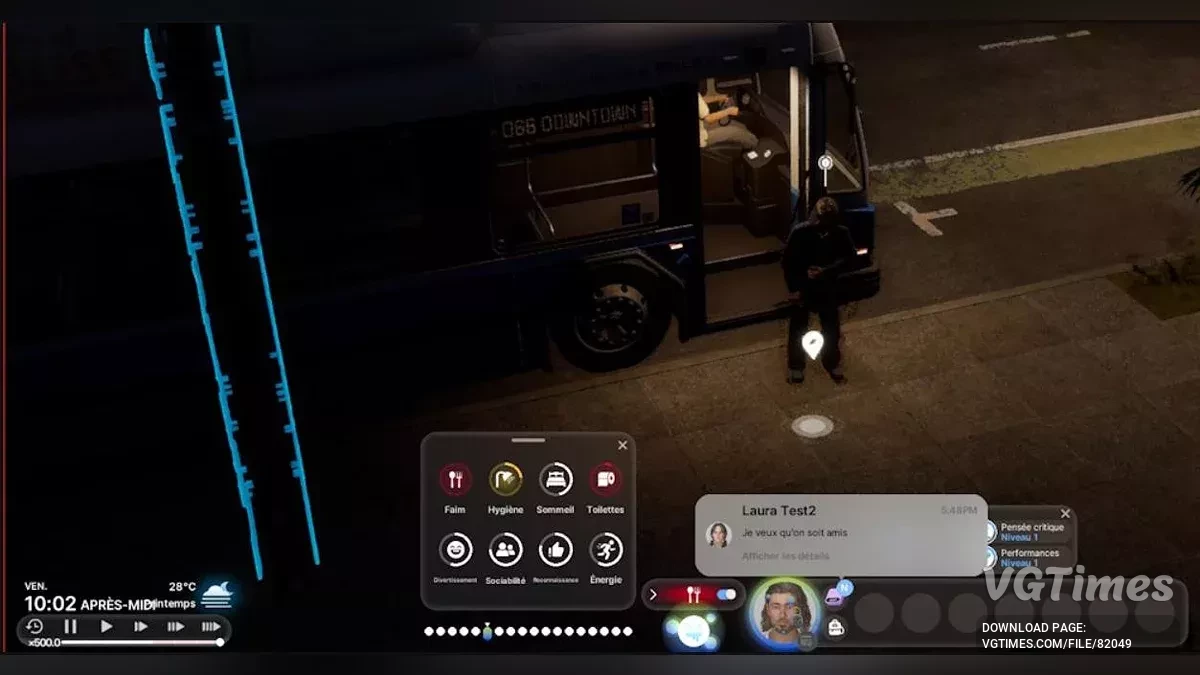
This mod allows you to set the maximum age of your wards, as well as speed up the flow of time. This way you will get all the necessary skills faster, and due to their longevity, characters will not be able to die.
Installation order:
- Download the archive with the mod and unpack it.
- Copy the contents to the folder \steamapps\common\inZOI\BlueClient\Binaries\Win64\ue4ss\Mods\RebelCore-AgenSpeed\scripts\.
- Open the config.lua file.
- Configure all the necessary parameters.
Camera Control using WASD Or Arrow Keys — control the camera using the W, A, S and D buttons
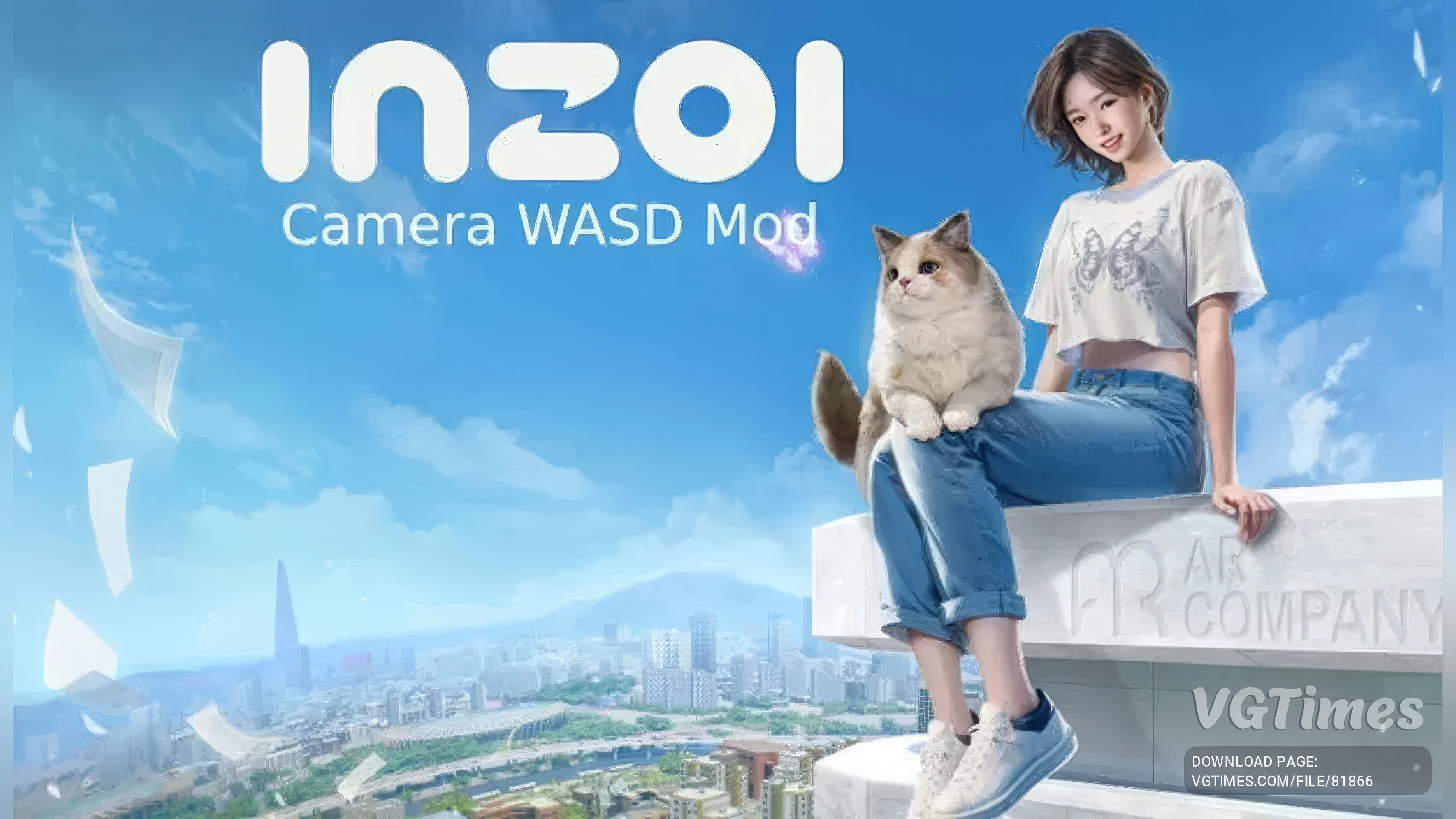
A simple but useful mod that allows you to move the camera using the W, A, S and D keys, like in all modern games.
Installation procedure:
- Download AutoHotkey from the official website.
- Download the mod.
- Run the EdgeScroll.ahk file. Do not close it, otherwise the mod will stop working.
- Run the game. The symbol in the viwhere the letters H are.
- To disable the mod, press the F2 key.
Car mods
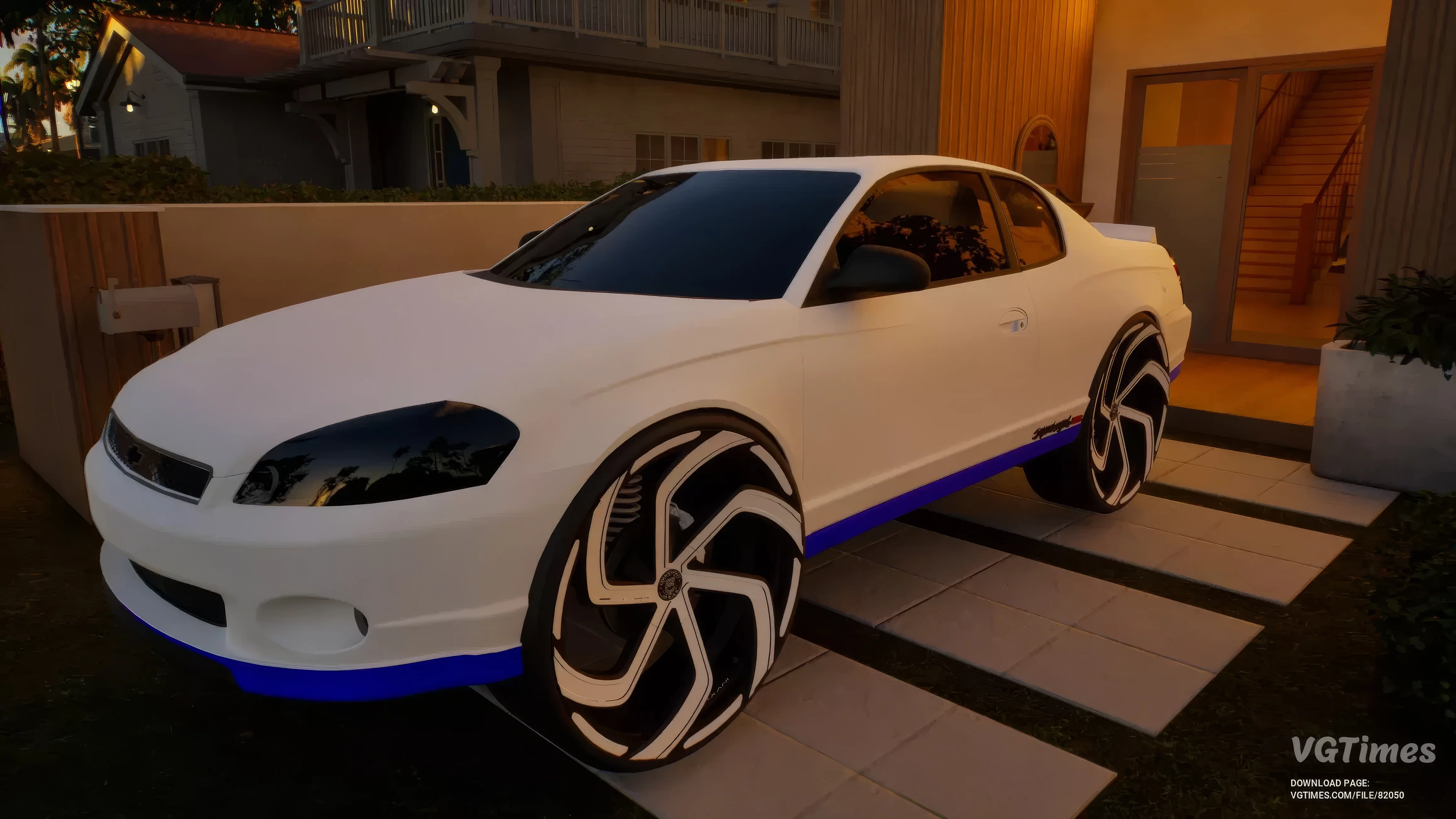
If you want, you can add a lot of new cars to the game, both modern and classic.
Clothing mods

You can add new clothing sets that are drawn by enthusiasts.
***
Are you going to install mods on inZOI? Or are you waiting for the full version of the game? Share your opinions in the comments!
Will you install mods on inZOI?

-
 How to Create Yourself in inZOI: Face Scan & Full Character Customization Guide
 -
 First Hotfix for inZOI Released — Controversial Option Removed from the Game
 -
 Best Mods for Clair Obscur: Expedition 33
 -
 The Sims Lives On: A Preview of the Korean Life Simulator inZOI
 -
 Top 10 Beautiful Girl Presets in inZOI: Best Character Models