Cooperative online chorror, in which physics plays a key role. Up to six people can go to abandoned gloomy locations to extract valuable items with the help of... Read more
Anticipation Rating:
Steam:
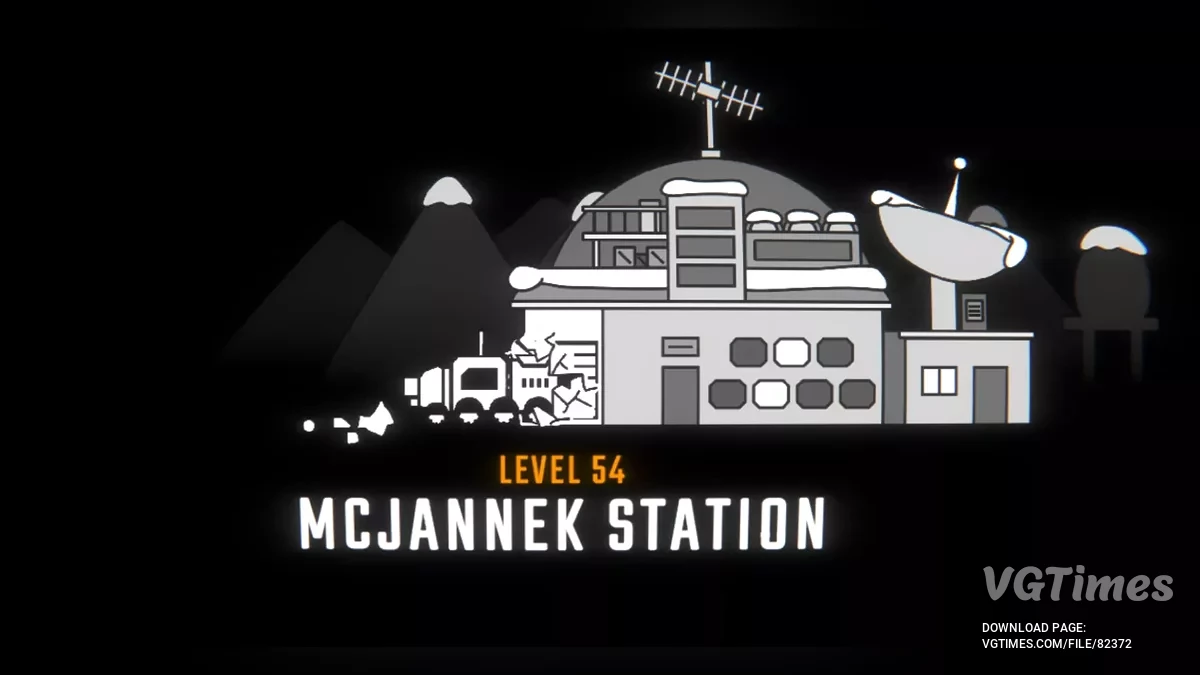
Level 54
Author:
iAmFrosty
Uploaded by:

Size:
65.56 kB
Date:
April 13, 2025, 05:44 AM
Downloads:
1385


-
Download (65.56 kB)April 13, 2025, 05:44 AMuroven-54_1744512278_807889.zip
You need to have at least a level 1 save file. Then simply replace that save folder with this one.
How to launch:
- Download the file;
- Go to this path: C:\Users\Your Name\AppData\LocalLow\semiwork\Repo\saves (click view -> check mark hidden items -> then you can see the appdata profile);
- Place the downloaded folder in your saves folder. If that doesn't work because your own save folder is there too, then make a backup of your original save file by copying REPO_SAVE_[DATE] and placing it somewhere else;
- Delete the level 1 file.
Useful links: