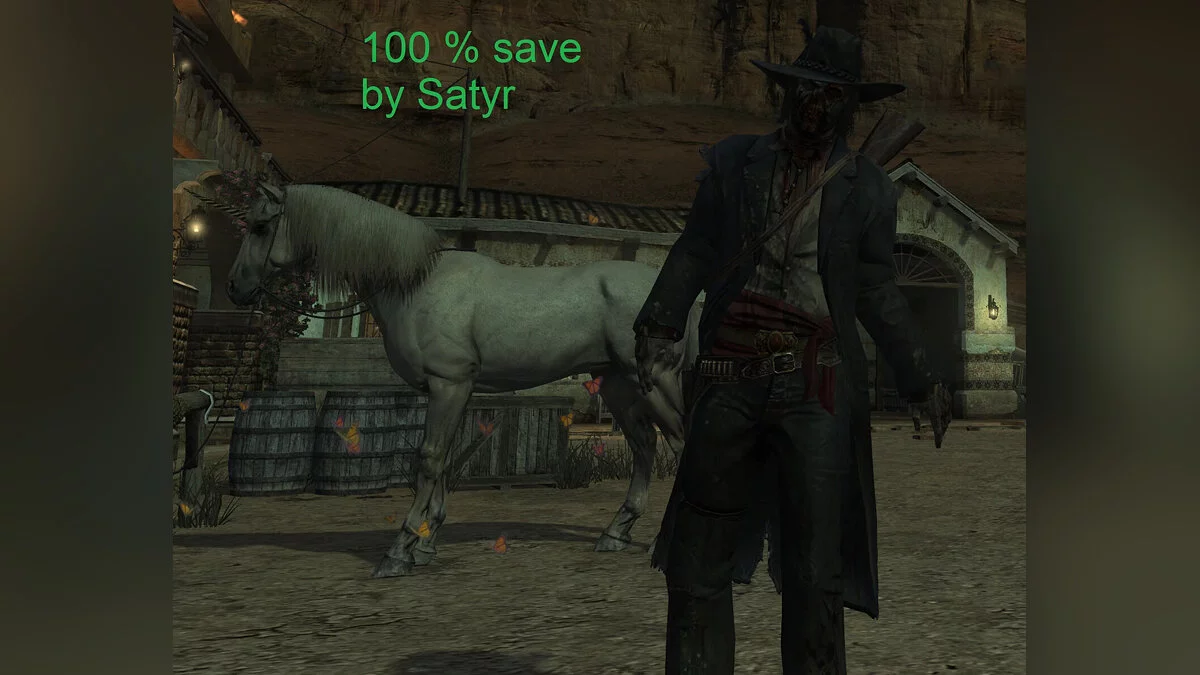
The events of the game take place in America in 1911, in which the Wild West, as such, had almost collapsed, and technologies like cars and machine guns had already... Read more
Particle Scaling to 4K

-
Download (3.77 MB)October 30, 2024, 05:00 AMОсновной файлmasshtabirovanie-chastic-do-4k_1730253652_518909.rar
-
Download (3.81 MB)November 1, 2024, 07:31 AMФикс для дождяmasshtabirovanie-chastic-do-4k_1730435497_959311.rar
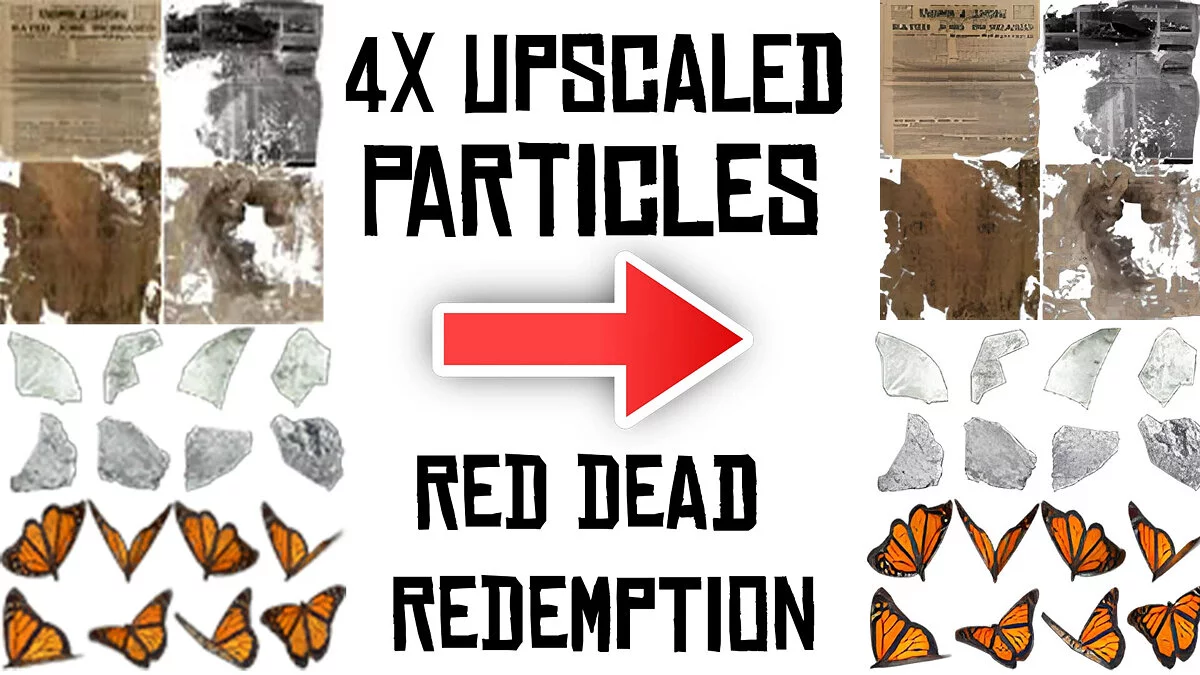
This mod increases all textures in the vfx.rpf file to 4 times the original resolution. Sharper and more detailed particle effects, including smoke, sparks, and others, create a more immersive atmosphere in the game. Changes rain, dust, blood, smoke, blinding particles, insects, water splashes, controller buttons, leaves, sun rays, and so on, too many to list here.
Updates:
- fixes rain. Returns to original resolution as it scales poorly at 4x.
How to launch:
- go to the RDR directory;
- go to the game directory and create a backup folder;
- copy the vfx.rpf file from the game directory and paste it into the backup folder;
- download and replace the enlarged file in the game directory.
Этот мод увеличивает все текстуры в файле vfx.rpf до 4-кратного исходного разрешения. Более четкие и детализированные эффекты частиц, включая дым, искры и другие, для создания более захватывающей атмосферы в игре. Изменяет дождь, пыль, кровь, дым, слепящие частицы, насекомых, брызги воды, кнопки контроллера, листья, солнечные лучи и так далее, их слишком много, чтобы написать здесь.
Обновления:
- исправляет дождь. Возвращает исходное разрешение, так как при 4x оно плохо масштабируется.
Как запустить:
- перейти в каталог RDR;
- перейти в каталог game и создать папку backup;
- скопировать файл vfx.rpf из каталога game и вставить его в папку backup;
- загрузить и заменить увеличенный файл в каталоге game.
Useful links:
![Red Dead Redemption — Cheat Engine Table [UPD: 30.10.2024]](https://files.vgtimes.com/download/posts/2024-10/thumbs/tablica-dlja-cheat-engine-upd-30-10-2024_1730366079_396647.webp)
![Red Dead Redemption — Cheat Engine Table [1.0.40.57107]](https://files.vgtimes.com/download/posts/2024-11/thumbs/tablica-dlja-cheat-engine-1-0-40-57107_1731233332_694889.webp)
![Red Dead Redemption — Story Completed, Bad Honor [For PC and Ryujinx/Yuzu Emulator]](https://files.vgtimes.com/download/posts/2024-10/thumbs/sjuzhet-projjden-plokhaja-chest-dlja-pk_1730367622_667463.webp)
![Red Dead Redemption — Game completed 100% [For PC and Ryujinx/Yuzu emulator]](https://files.vgtimes.com/download/posts/2024-11/thumbs/igra-projjdena-na-100-dlja-pk-i_1730452361_180130.webp)
![Red Dead Redemption — Trainer (+4) [1.0]](https://files.vgtimes.com/download/posts/2024-10/thumbs/trejjner-4-1-0_1730365040_713744.webp)
![Red Dead Redemption — Trainer (+11) [1.0]](https://files.vgtimes.com/download/posts/2024-10/thumbs/trejjner-11-1-0_1730364794_578936.webp)
![Red Dead Redemption — Game completed 100% [PC]](https://files.vgtimes.com/download/posts/2025-08/thumbs/igra-projjdena-na-100-pk_1756114095_129131.webp)