
A full-fledged sequel to the cult horror series Silent Hill. The action takes place in the 1960s in the Japanese town of Ebisugaoka. The story tells of a schoolgirl... Read more
VGTimes:
Players:
Metacritic:

Files for Silent Hill f / Optimization
Discover the best mods and skins to optimize your gaming experience. Download the latest files to enhance Silent Hill f performance.
This category offers a selection of optimization files that improve gameplay and enrich the user experience. Users can rate and comment on each file, helping the community identify the best available options.
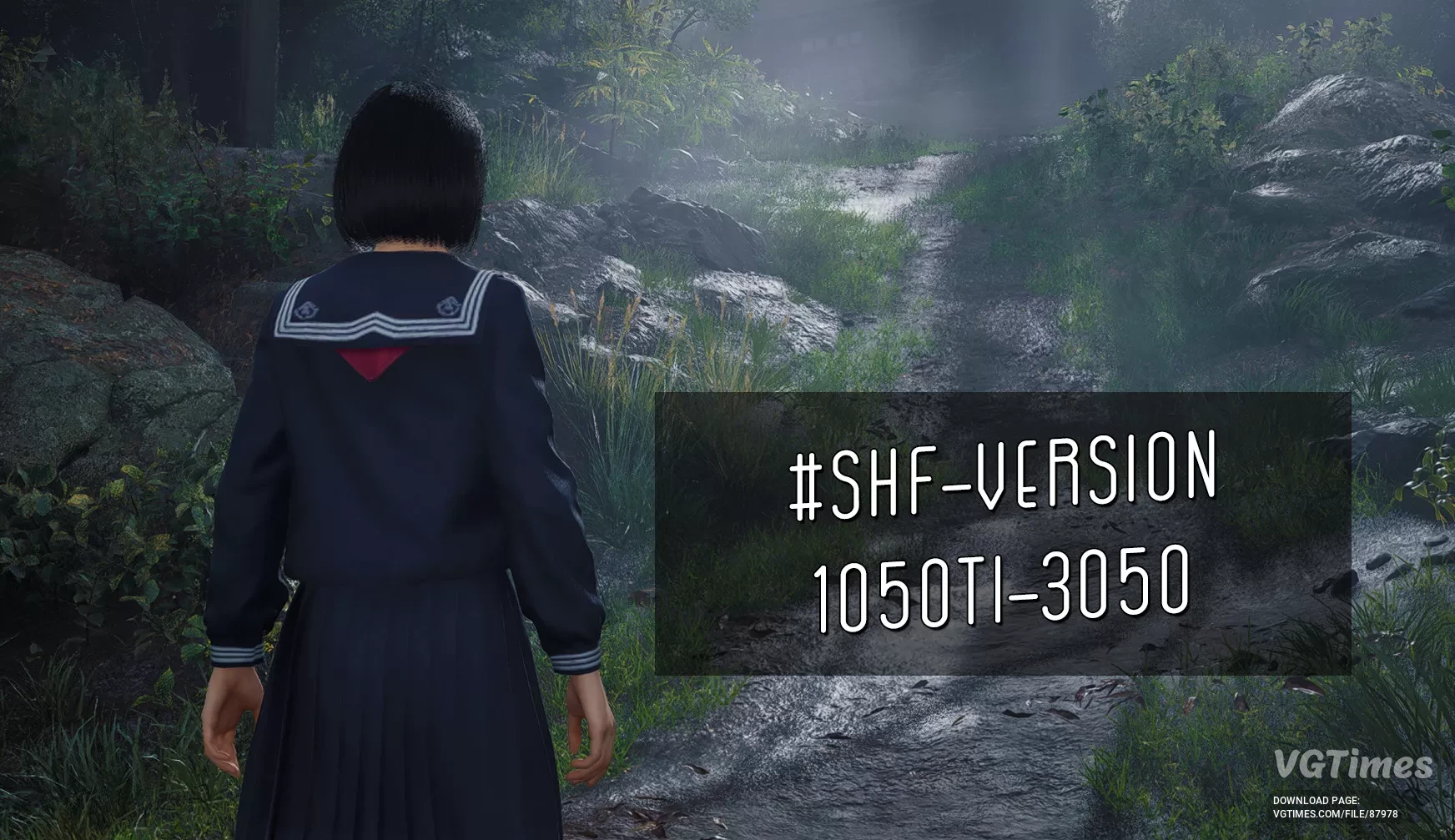
Optimization #SHf-version

Download
A modification for optimizing the UE5 game engine for low-end systems. It does not visibly reduce image quality and is intended for medium game settings. Suitable for graphics cards ranging from the 1050ti to the 3050 4GB. Installation instructions: ...
Performance (stutter FPS latency fix)

Download
Improves framerate, reduces stutter and hitching, speeds up loading times, lowers input latency, and denoises Unreal Engine effects. INI file locations: Steam & Epic: %LocalAppData%\SHf\Saved\Config\Windows; SteamOS: /home/.steam/steam/steamapps ...
Optimization 6GB VRAM

Download
This is a custom configuration optimized for the RTX 4050 Mobile 6GB. During testing, there was a consistent improvement in CPU usage, shadow quality, and no stuttering. The in-game settings are included in the GameUserSettings.ini file. Expected re ...
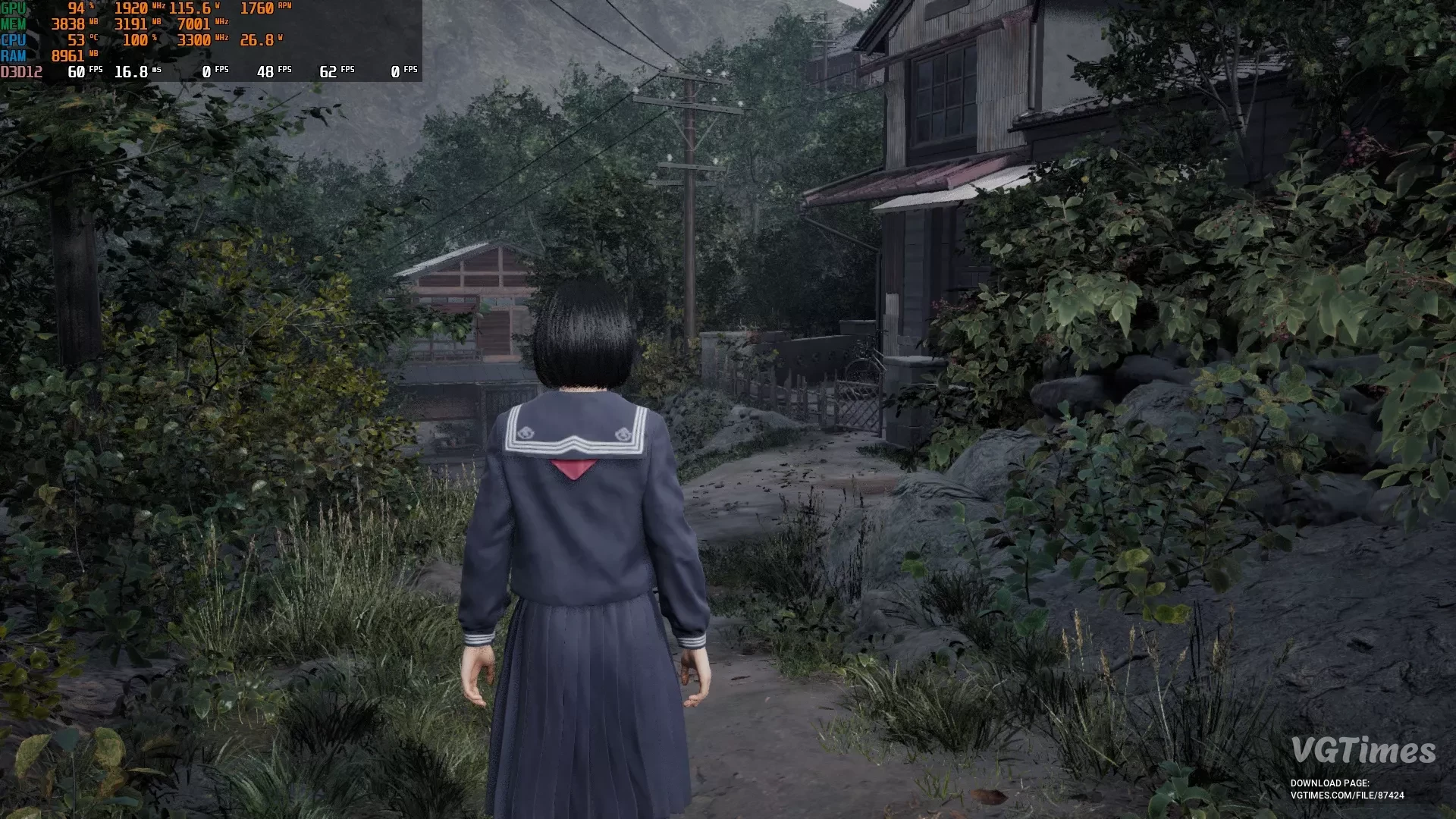
FPS booster
Download
This mod will give you 40+ stable FPS for video cards with 4GB VRAM, such as GTX 1650 and others. How to launch: Open File Explorer, then in the "View" tab enable or check "Hidden items"; Press Windows + R on your keyboard t ...
Reduces stuttering freezing lagging

Download
This mod changes many CVAR parameters to make the game run smoother and look sharper. It can be used together with any other settings in the Engine.ini file—Engine.ini will always take priority. How to launch: Extract the archive and place the PAK ...
High priority in CPU

Download
This registry change will give the game priority over any other processes for the CPU, disk, network, and pagefile to prevent stuttering and freezing. How to launch: Extract the archive and run the file.
Performance mod

Download
Performance tweak settings. How to launch: Place the file at: AppData\Local\SHf\Saved\Config\Windows.
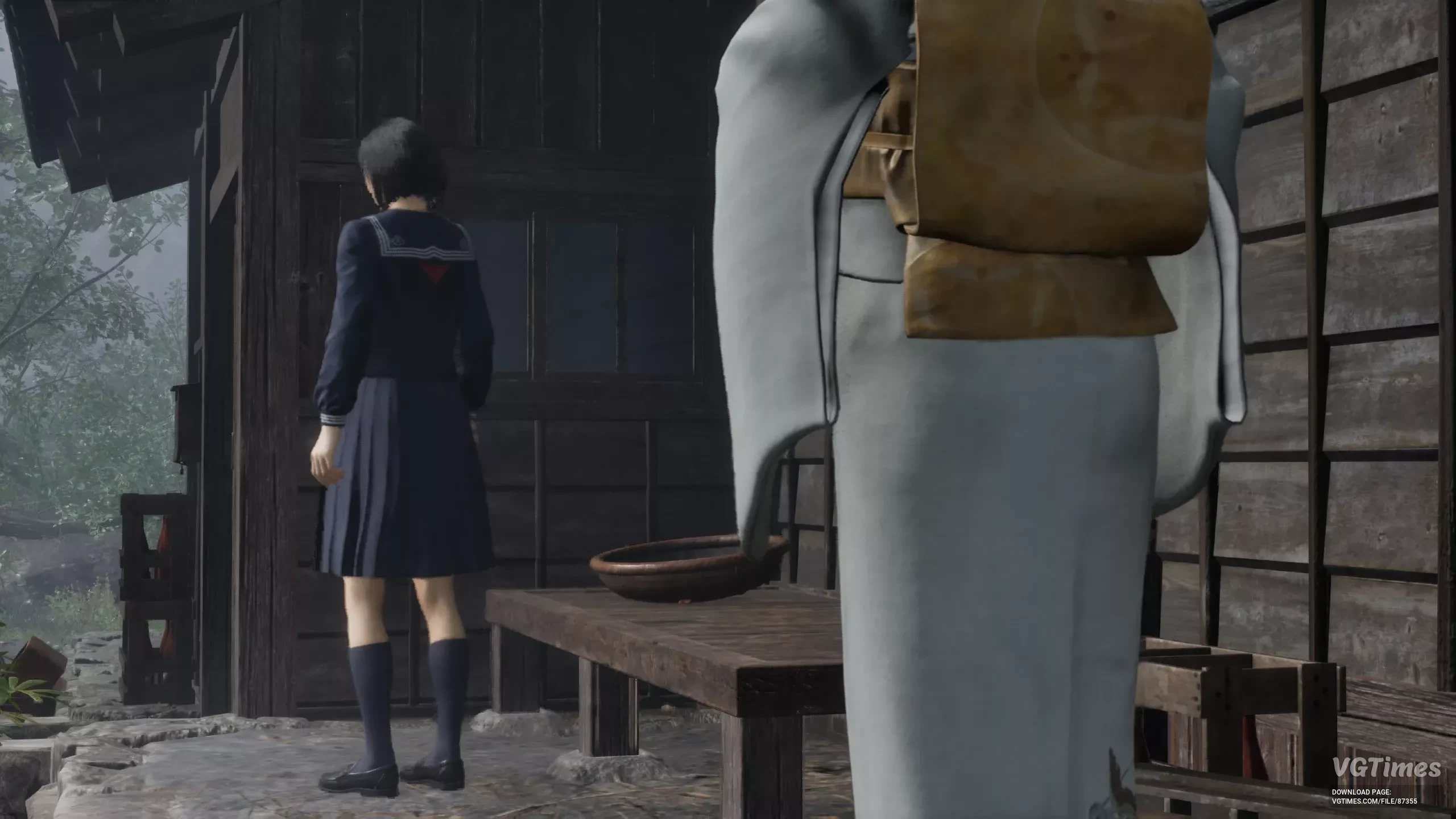
Optimization for Steam Deck and low-end PCs
Download
A custom engine.ini that helps the game run better on Steam Deck. It disables some heavy post-processing, tweaks LODs and shadows, and enables multithreaded rendering — all backend optimizations for smoother performance without a big hit to visual qu ...
Enabling FSR on older graphics cards
Download
The game has no official support for Frame Generation, crashes and errors may occur. Higher FPS – smoother gameplay even in the most demanding scenes; Better performance on older graphics cards – Frame Generation improves fluidity even on RTX 300 ...
Performance boost

Download
The definitive solution for low performance and stuttering: improved upscaling, binaural audio, lower latency, and bug fixes for the vanilla game—all while maintaining visual quality and offering additional enhancements. Faster loading times; Opt ...
Performance Boost (Potato Mode)
Download
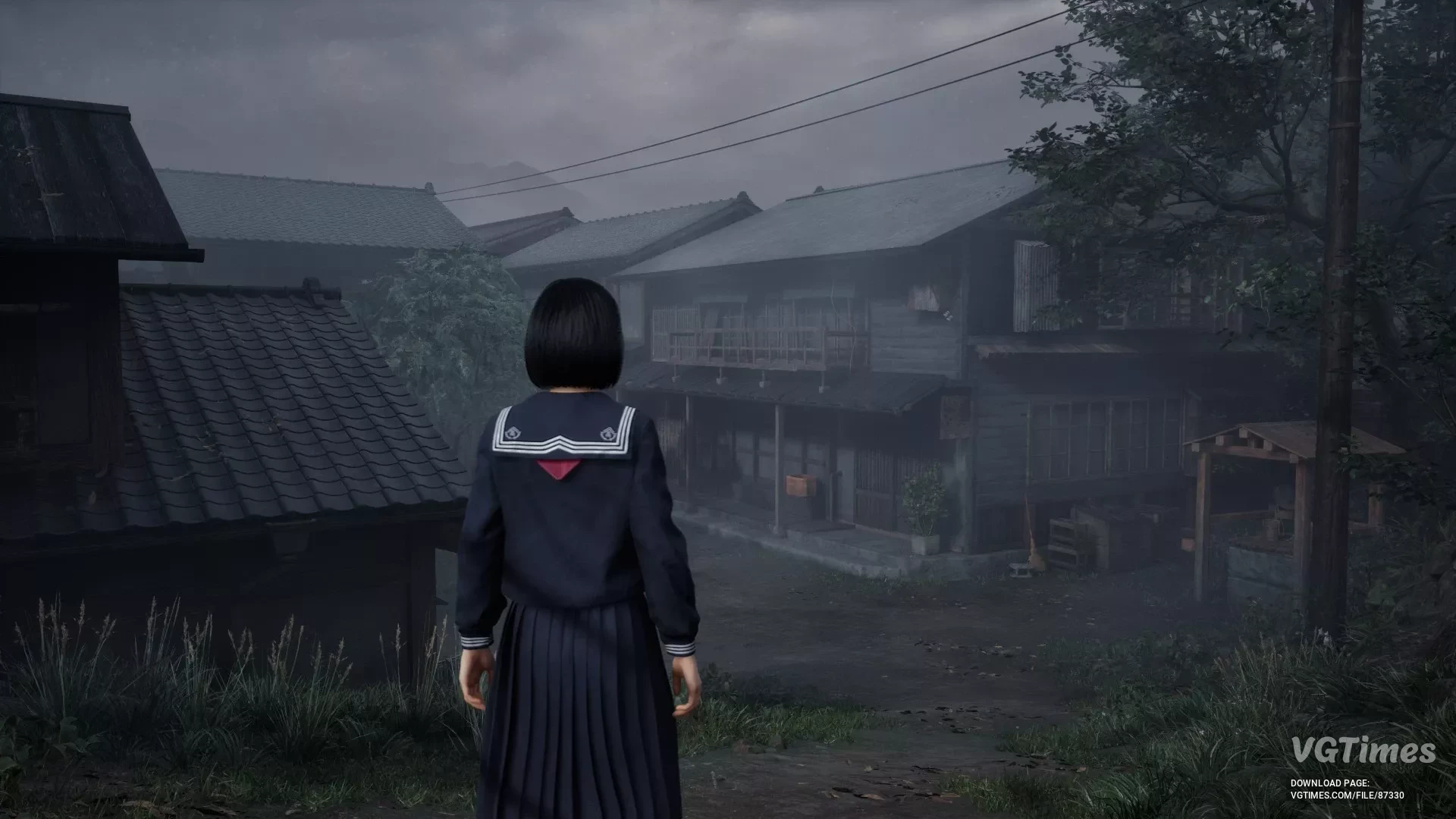
An Engine.ini tweak for UE5 that boosts FPS How to install: Extract Engine.ini to: %LOCALAPPDATA%\SHf\Saved\Config\Windows\...here...; Optionally, but recommended, also put a copy into: %LOCALAPPDATA%\SHf\Saved\Config\WindowsNoEditor\...here... ...
FPS boost

Download
This mod reduces performance drops caused by Lumen. It allows you to enable Lumen without FPS loss, so you can enjoy lighting effects smoothly. The mod slightly lowers shadow quality and draw distance, but this is barely noticeable thanks to the game ...
Optimization and frame generation

Download
This is a small but powerful set of Engine.ini tweaks designed to protect Unreal Engine 5 projects and mods from GPU instability issues on graphics cards with 4–8 GB of memory. By intelligently limiting texture streaming, disabling UE5’s most VRAM-hu ...
Enable FSR frame generation
Download
Enables FSR Frame Generation, which will drastically boost your FPS. How to install: Extract and copy the Engine.ini file from the rar archive to the folder C:\Users\YourUserName\AppData\Local\SHf\Saved\Config\Windows\.
Ultimate engine tweaks

Download
The goal of the mod is to include as many optimizations as possible (for CPU/GPU/RAM/SSD) to eliminate most stuttering, improve performance, reduce input latency, and enhance image clarity (for example, by optimizing film grain and removing chromatic ...