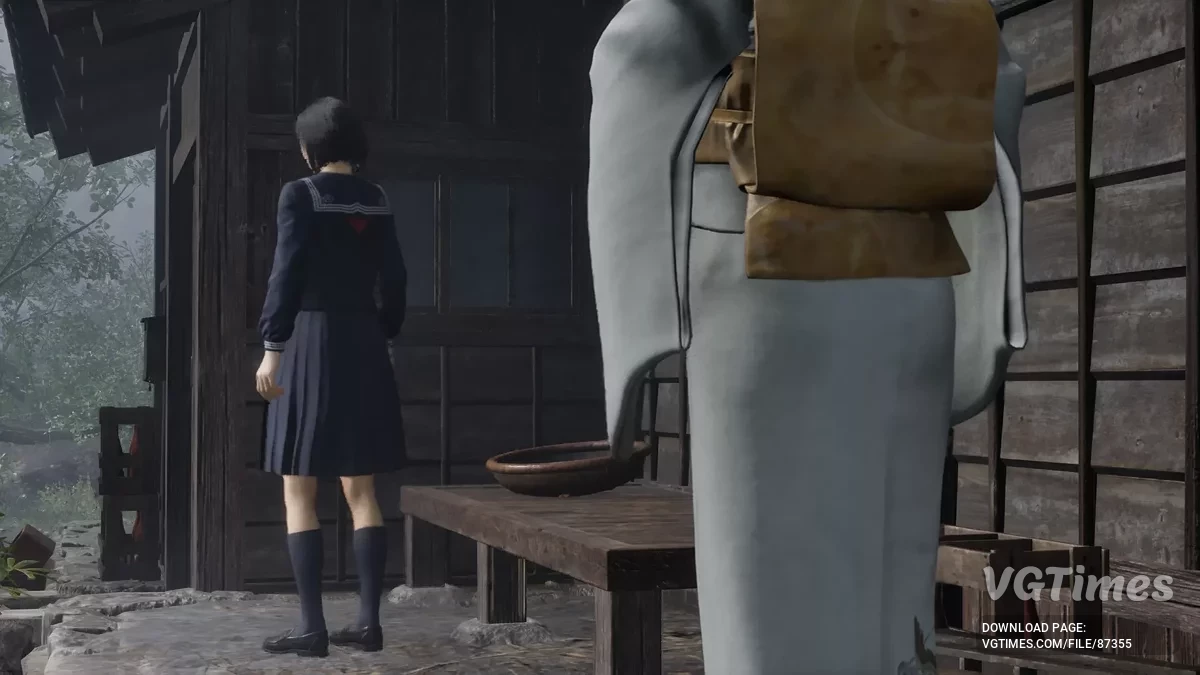
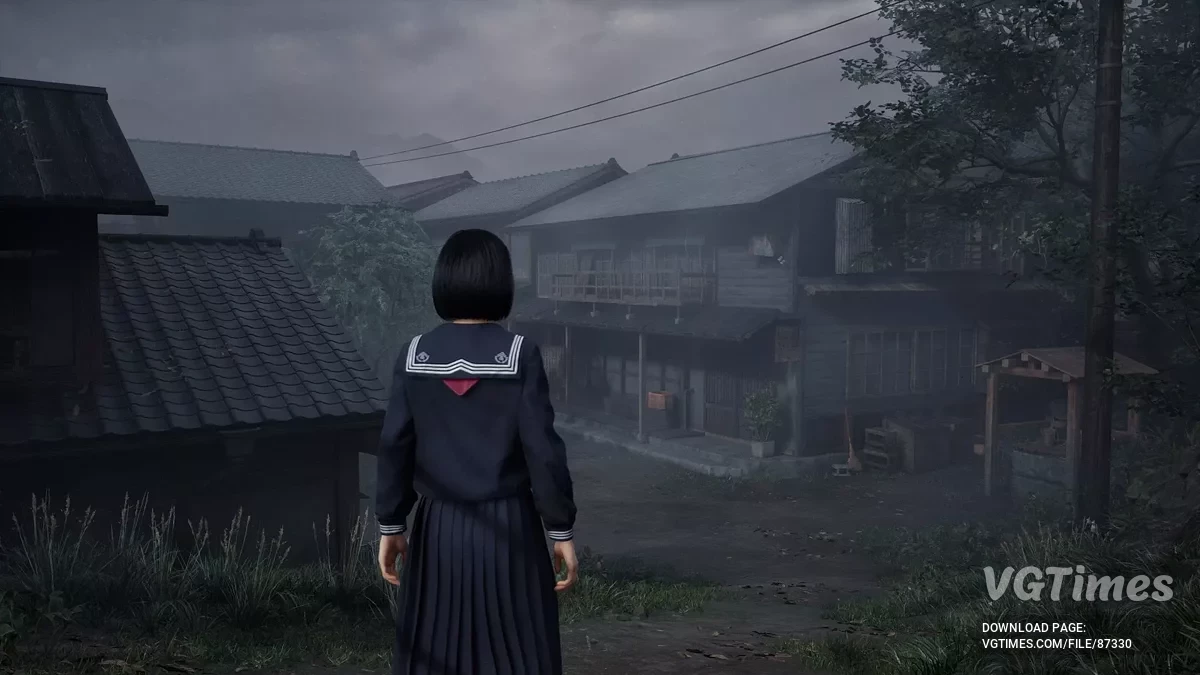
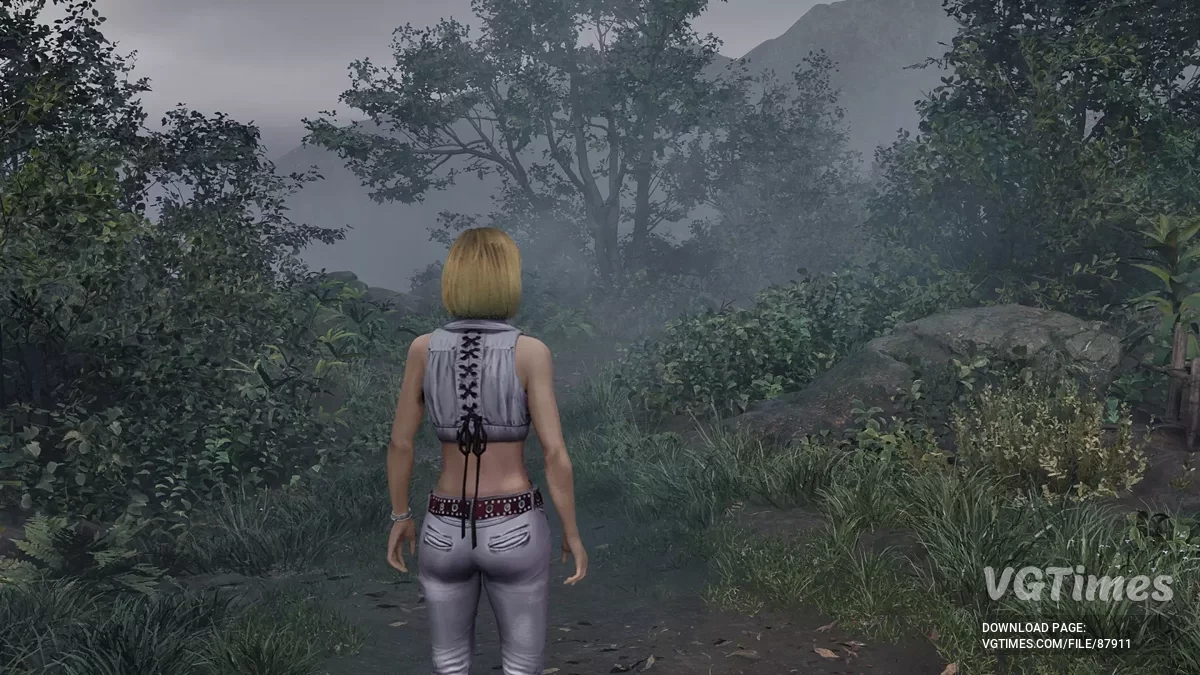
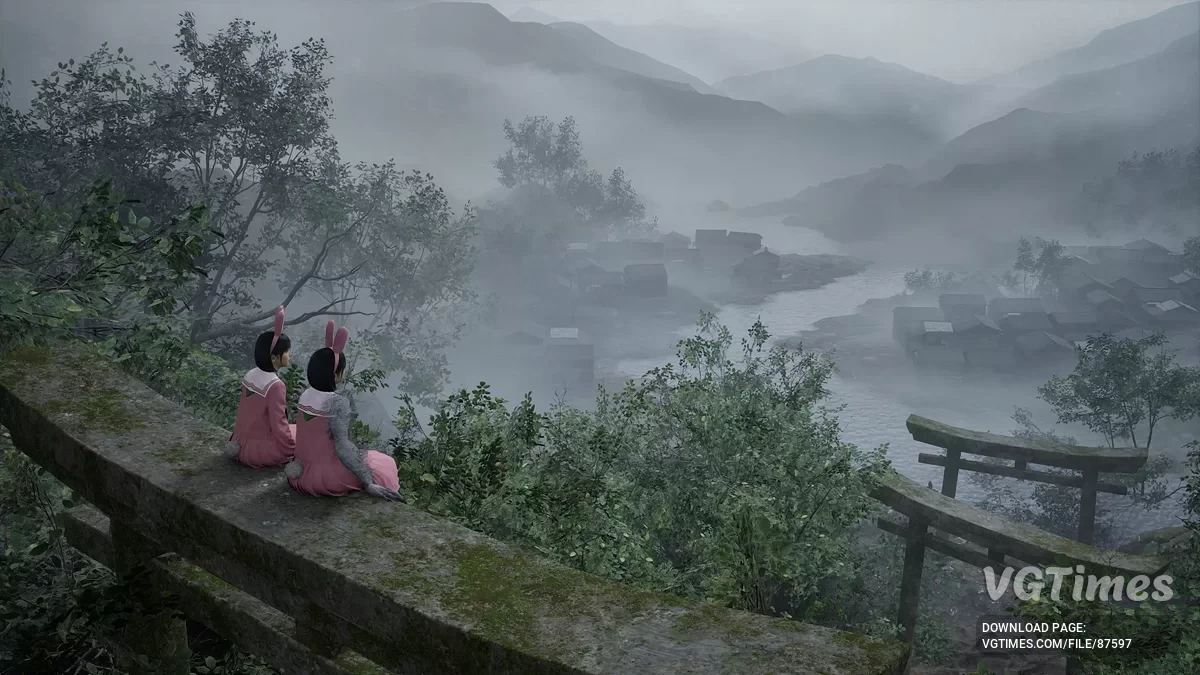
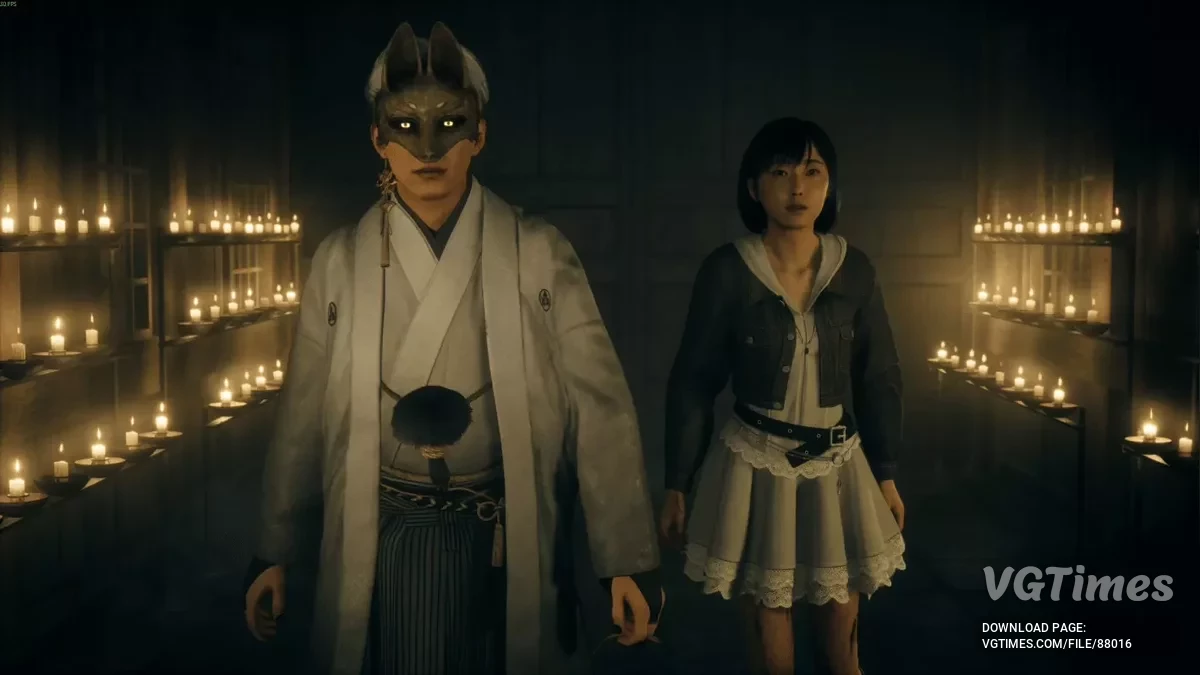
A full-fledged sequel to the cult horror series Silent Hill. The action takes place in the 1960s in the Japanese town of Ebisugaoka. The story tells... Read more
VGTimes:
Players:
Steam:
Metacritic:

Optimization 6GB VRAM
Author:
axbhub
Uploaded by:

Size:
3.28 kB
Date:
September 27, 2025, 05:56 AM
Downloads:
36
-
Download in TelegramNo waiting Download3.28 kBSeptember 27, 2025, 05:56 AMoptimizacija-dlja-videokart-s-6-gb_1758941775_276705.7z
This is a custom configuration optimized for the RTX 4050 Mobile 6GB. During testing, there was a consistent improvement in CPU usage, shadow quality, and no stuttering. The in-game settings are included in the GameUserSettings.ini file.
Expected results:
- 15-25% improvement in quality/performance;
- Shadow artifacts eliminated;
- Reduced stutters;
- Better visibility of enemies and environmental details;
- Stable framerates (FPS).
How to launch:
- Copy the provided ini settings into your game's config folder at %localappdata%\SHf\Saved\Config\Windows;
- Overwrite the file if prompted. Only one optimization file should be active at a time;
- Be sure to right-click the new file/Properties/Set "Read-Only"/Apply before launching the game;
- To uninstall, simply delete the Engine.ini file. The next time you launch the game, the settings will revert to default.
Useful links: