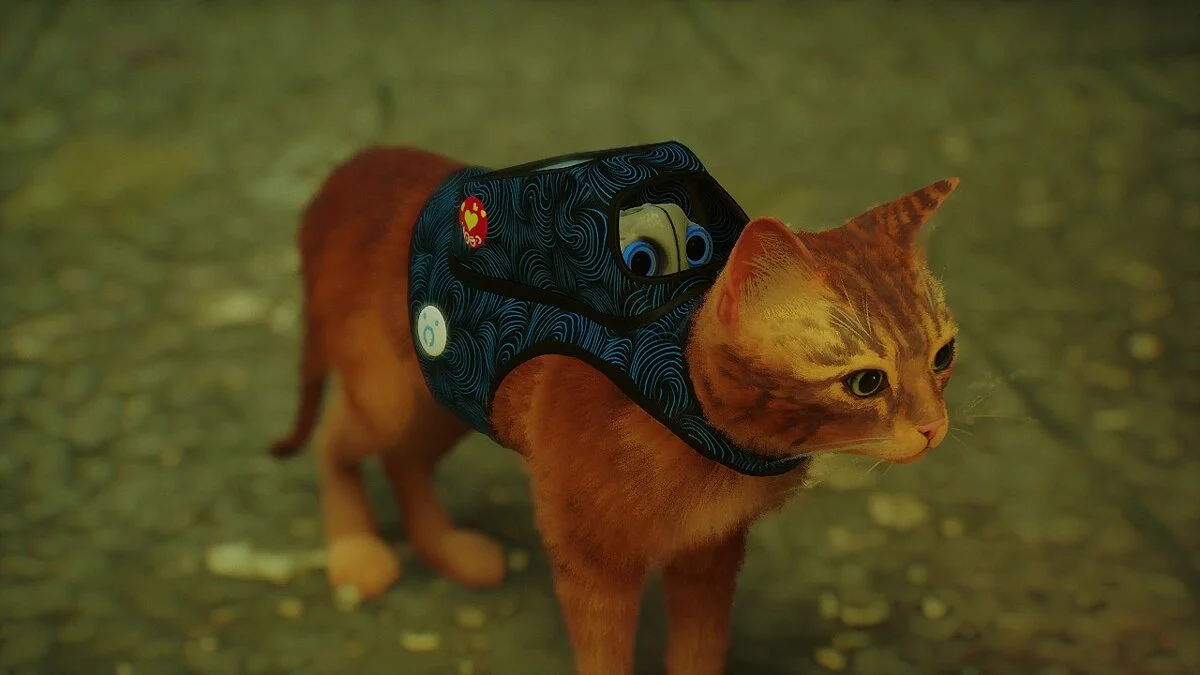
Post-apocalyptic cyberpunk of a distant future. A suffocating city with a stale atmosphere, inhabited by robots. A lost lonely cat that wants to return home. The... Read more
Realistic Cyberpunk Colors
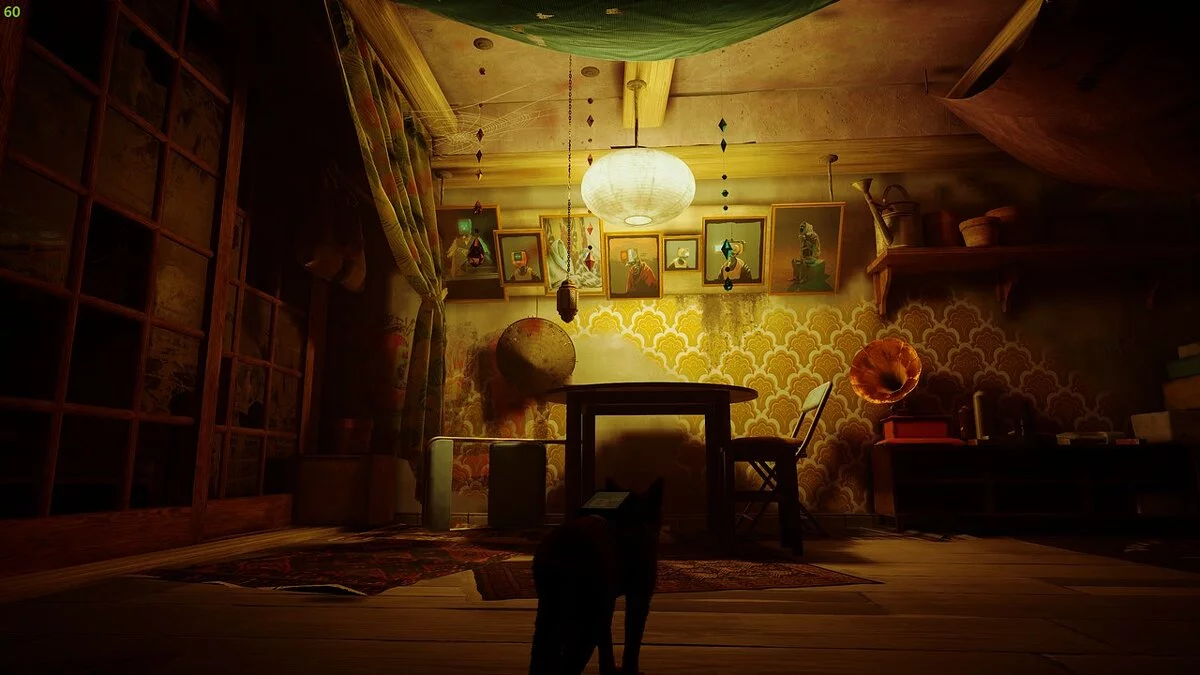
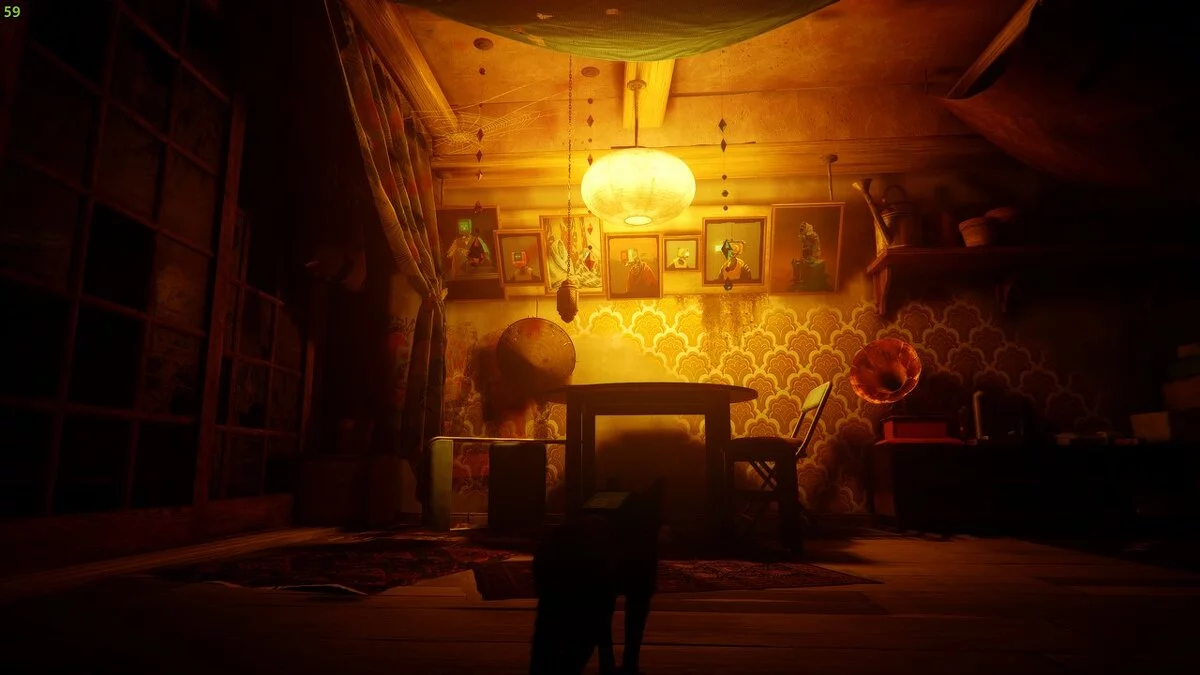
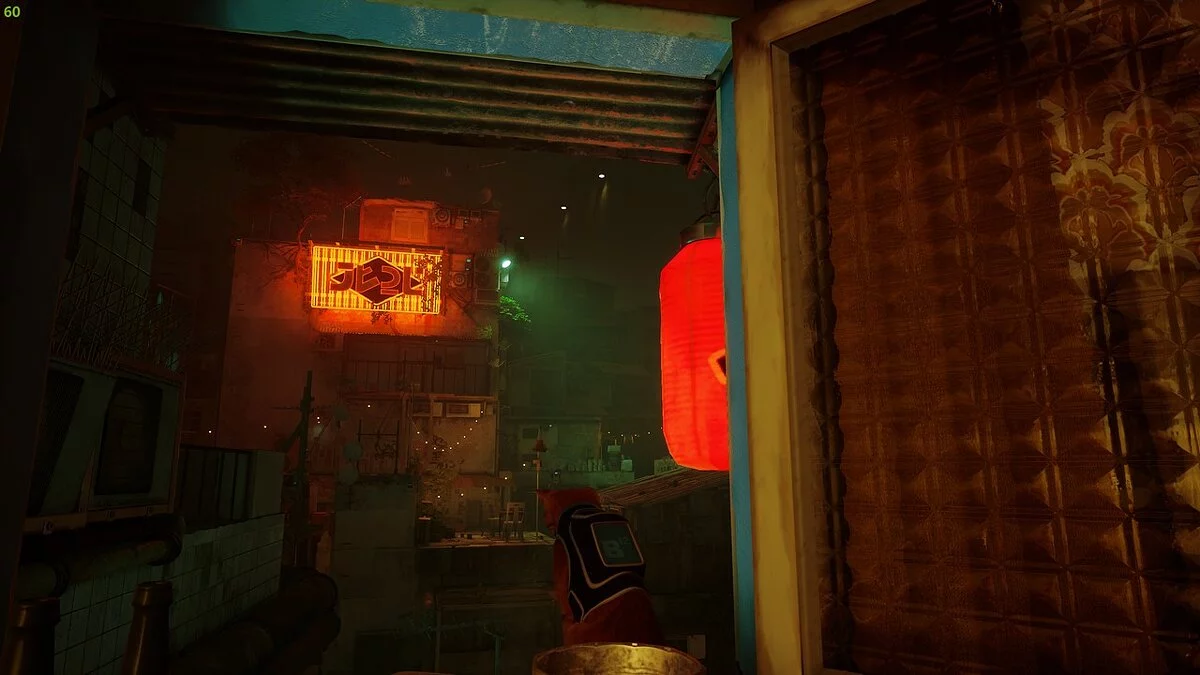
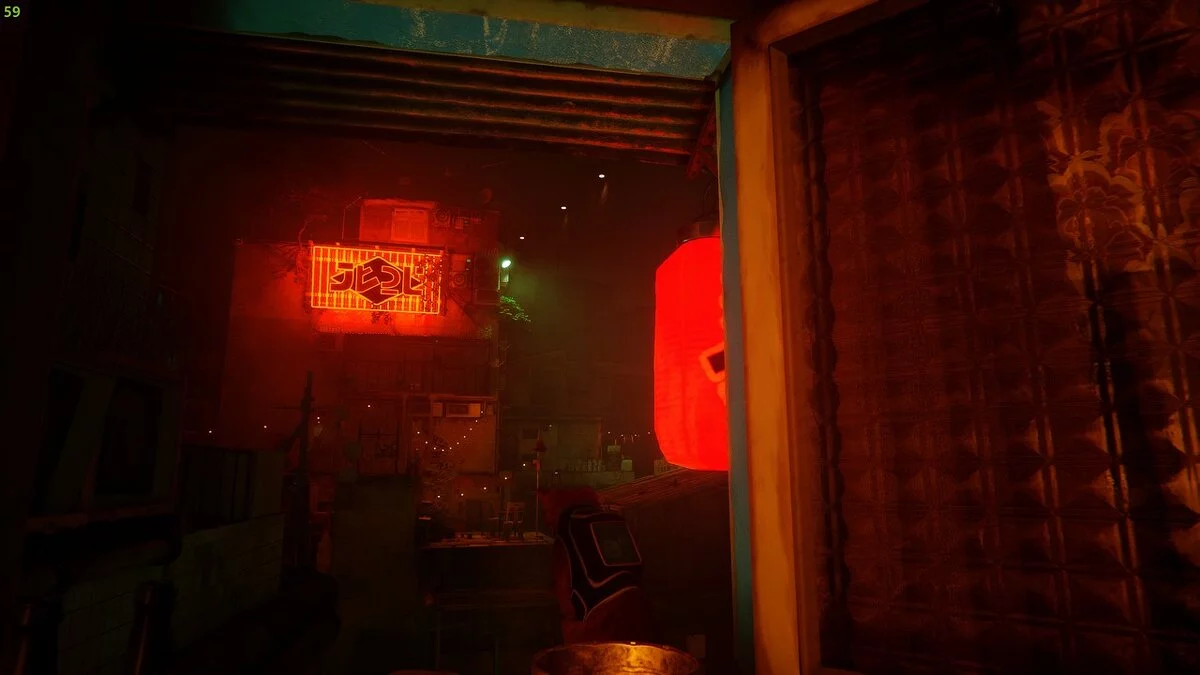

-
www.nexusmods.comDownload
Zurk RTGI.
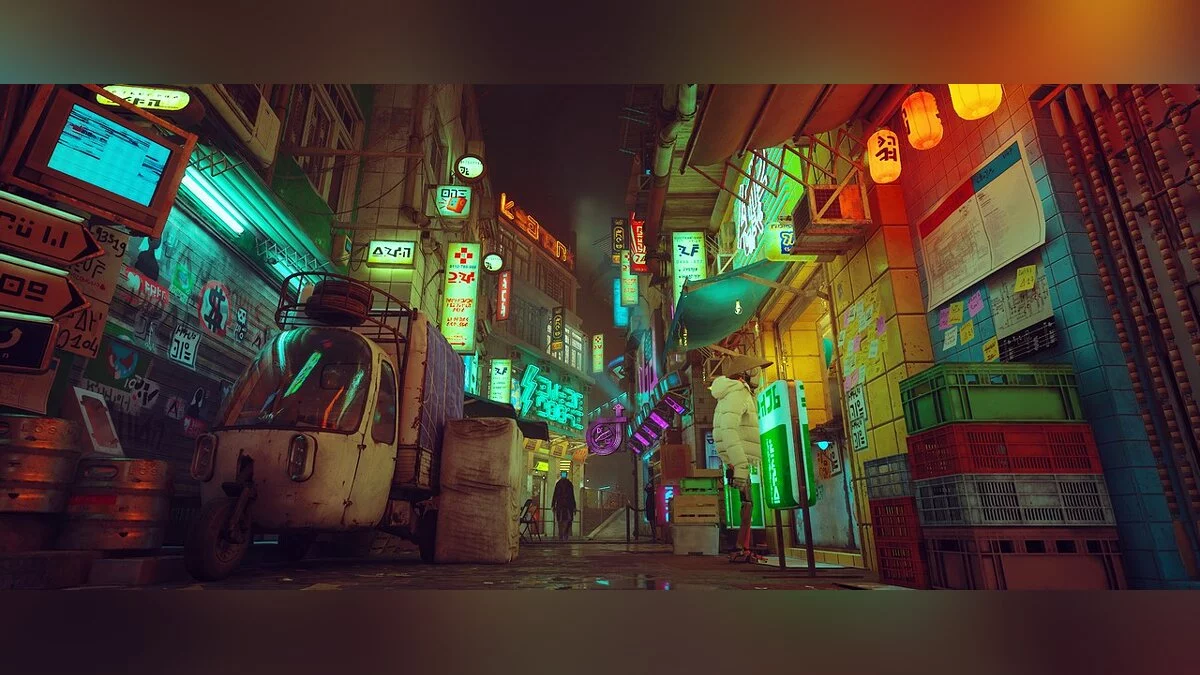
Attempt to use ReShade to achieve a more realistic, slightly harsher cyberpunk aesthetic.
How to install:
1) Use the ReShade installer to install ReShade into the executable found in the Steam installation directory under Stray/Hk_project/Binaries/Win64.
2) After that, copy the mod's ini file to the same location
3) If you have McFly's RTGI ReShade, install it now
4) Open the game and press the Home key on your keyboard. Select this mod ini from the dropdown menu
5) Enjoy!
Zurk RTGI.
Попытка использовать ReShade, чтобы получить более реалистичную, немного более жесткую эстетику киберпанка.
Как установить:
1) С помощью установщика ReShade установите ReShade в бродячий exe, который находится в каталоге установки Steam в каталоге Stray/Hk_project/Binaries/Win64.
2) После этого скопируйте ini-файл мода в то же место
3 ) Если у вас есть McFly's RTGI ReShade, установите его сейчас
4) Откройте игру и нажмите клавишу Home на клавиатуре. Выберите этот мод ini из выпадающего меню
5) Наслаждайтесь!
Useful links:

![Stray — Trainer (+8) [1.2 - 1.3]](https://files.vgtimes.com/download/posts/2022-07/thumbs/1658914730_wwt9blspxlpb0umlq_rkig.webp)
![Stray — Cheat Engine Table [12#211]](https://files.vgtimes.com/download/posts/2022-07/thumbs/1658568671_wmkfej45xluam9qxhk5epw-970-80.webp)
![Stray — Trainer (+5) [1.2]](https://files.vgtimes.com/download/posts/2022-07/thumbs/1658396689_kuvlx5d3jeqjy0xuyvyi1q.webp)